This gist shows how to create a GIF screencast using only free OS X tools: QuickTime, ffmpeg, and gifsicle.

To capture the video (filesize: 19MB), using the free "QuickTime Player" application:

| package wlhn | |
| import java.net.ServerSocket | |
| import scala.io.BufferedSource | |
| import java.io.PrintStream | |
| import java.net.Socket | |
| import java.net.InetAddress | |
| import scala.collection.mutable.ArrayBuffer | |
| /** |

| # Credits: http://qugstart.com/blog/git-and-svn/add-colored-git-branch-name-to-your-shell-prompt/ | |
| function parse_git_branch_and_add_brackets { | |
| git branch --no-color 2> /dev/null | sed -e '/^[^*]/d' -e 's/* \(.*\)/\ \[\1\]/' | |
| } | |
| PS1="\h:\W \u\[\033[0;32m\]\$(parse_git_branch_and_add_brackets) \[\033[0m\]\$ " |


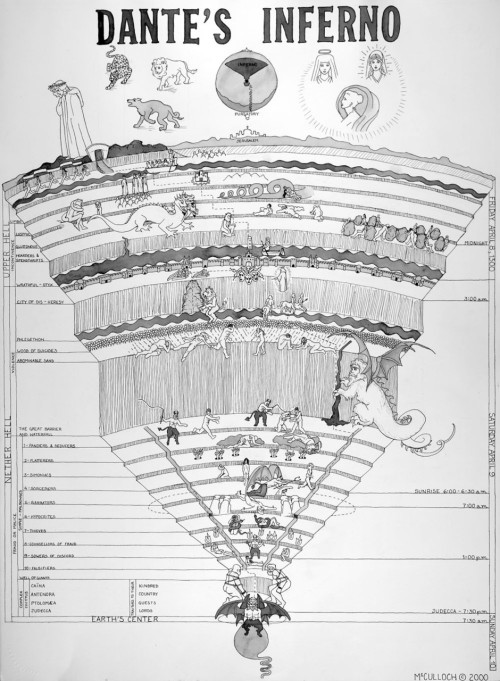
I am no Virgil, but having stumbled my way through Python packaging a few times already, I'm documenting the things I learn as I go here.
To help me learn, I took a survey of the top 15 Python packages on Github along with 12 other commonly referenced packages. I thought... if there are any best

Unfortunately, the Cisco AnyConnect client for Mac conflicts with Pow. And by "conflicts", I mean it causes a grey-screen-of-death kernel panic anytime you connect to the VPN and Pow is installed.
As an alternative, there is OpenConnect, a command-line client for Cisco's AnyConnect SSL VPN.
Here's how to get it set up on Mac OS X:
OpenConnect can be installed via homebrew:
brew update
brew install openconnect

| #!/bin/bash | |
| # Git post checkout hook. | |
| # Reminds you of South migration changes when switching branches. | |
| # Can be useful when you are when you are testing out a branch from | |
| # someone else that requires migrations. | |
| # Put the file in .git/hooks/post-checkout | |
| PREVIOUS_HEAD=$1 | |
| NEW_HEAD=$2 |
| organization := "net.seratch" | |
| name := "sandbox" | |
| version := "0.1" | |
| scalaVersion := "2.9.1" | |
| libraryDependencies ++= Seq( | |
| "junit" % "junit" % "4.9" withSources(), |

| #!/usr/bin/env ruby | |
| require 'rubygems' | |
| require 'mechanize' | |
| require 'optparse' | |
| options = {} | |
| op = OptionParser.new do |opts| | |
| opts.on('-f=FILE', '--file=FILE', "Write output to specified file.") do |f| | |
| options[:file] = f |