Using perf:
$ perf record -g binary
$ perf script | stackcollapse-perf.pl | rust-unmangle | flamegraph.pl > flame.svg
NOTE: See @GabrielMajeri's comments below about the
-goption.


Using perf:
$ perf record -g binary
$ perf script | stackcollapse-perf.pl | rust-unmangle | flamegraph.pl > flame.svg
NOTE: See @GabrielMajeri's comments below about the
-goption.

[ Update 2025-03-24: Commenting is disabled permanently. Previous comments are archived at web.archive.org. ]
Most of the terminal emulators auto-detect when a URL appears onscreen and allow to conveniently open them (e.g. via Ctrl+click or Cmd+click, or the right click menu).
It was, however, not possible until now for arbitrary text to point to URLs, just as on webpages.


FASTBuild is an open-source distributed build system, which could be a free alternative to Incredibuild. Unreal Engine 4 (UE4) does not support FASTBuild natively, however it's not hard to integrate it manually.
We assume you already have the full UE4 source code. First you'll need to grab the latest FASTBuild tools from here. We use v0.93 Windows x64 version in this tutorial. Download it and extract all the files. Here you have several choices:
PATH environment variable. To see where these folders are, run the PATH command in a command prompt window;Engine\Binaries\ThirdParty\FASTBuild folder of your engine. This is the recommended place;

Here are the mods I recommend. These are all compatible with the latest versions of SMAPI and Stardew Valley on Linux/macOS/Windows. See the player's guide to using mods if you're interested.
config.json files, for the many mods which support it.
Wave Function Collapse (WFC) by @exutumno is a new algorithm that can generate procedural patterns from a sample image. It's especially exciting for game designers, letting us draw our ideas instead of hand coding them. We'll take a look at the kinds of output WFC can produce and the meaning of the algorithm's parameters. Then we'll walk through setting up WFC in javascript and the Unity game engine.

The traditional approach to this sort of output is to hand code algorithms that generate features, and combine them to alter your game map. For example you could sprinkle some trees at random coordinates, draw roads with a brownian motion, and add rooms with a Binary Space Partition. This is powerful but time consuming, and your original vision can someti

| using System.Collections; | |
| using System.Collections.Generic; | |
| using UnityEngine; | |
| public class logoAssembler : MonoBehaviour { | |
| [SerializeField] bool debugMe; | |
| [SerializeField] bool remakePixels; | |
| [SerializeField] bool autoPlay; | |
| [SerializeField][Range(0,10)] float autoDur = 10; |

WARNING: Article moved to separate repo to allow users contributions: https://github.com/raysan5/custom_game_engines
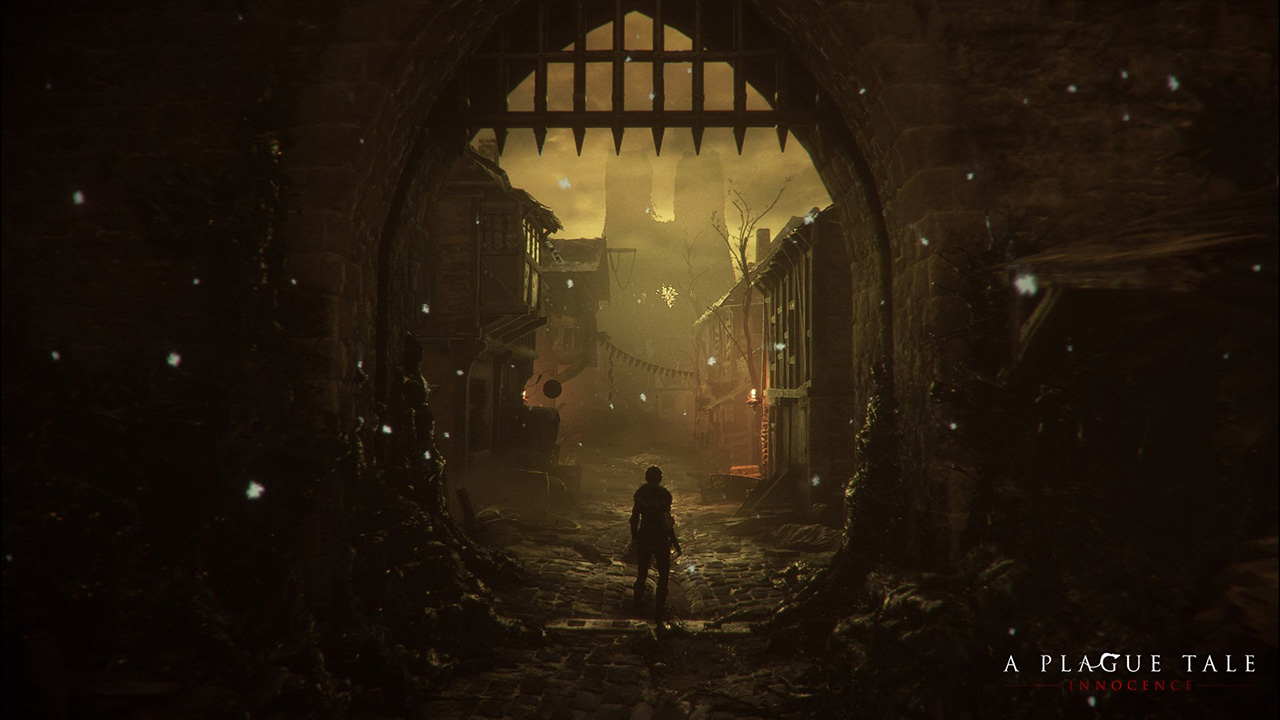
A couple of weeks ago I played (and finished) A Plague Tale, a game by Asobo Studio. I was really captivated by the game, not only by the beautiful graphics but also by the story and the locations in the game. I decided to investigate a bit about the game tech and I was surprised to see it was developed with a custom engine by a relatively small studio. I know there are some companies using custom engines but it's very difficult to find a detailed market study with that kind of information curated and updated. So this article.
Nowadays lots of companies choose engines like [Unreal](https:

Macro hygiene is the concept of macros that work in all contexts; they don't affect and aren't affected by anything around them. Ideally all macros would be fully hygienic, but there are lots of pitfalls and traps that make it all too easy to accidentally write unhygienic macros. This guide attempts to provide a comprehensive resource for writing the most hygienic macros.
First, a little aside on the details of Rust's module system, and specifically paths; it is