Skip to content

Instantly share code, notes, and snippets.

View prodeveloper's full-sized avatar

Jacob Chencha prodeveloper

View GitHub Profile
@prodeveloper
prodeveloper / sem_1_review.md
Created April 21, 2017 09:46
Review of semester 1

Through semester 1. We learnt all about the basics of Python.

In this lesson we shall go through some of the major areas we covered.

  1. Indentation: Python codeblocks are is organized using indentations. Examples of codeblocks include conditionals, loops, methods and classes.

  2. Conditionals: Inadvertently you will need to take a different execution path in your code due to a factor. Python allows you to do this by use of if, elif and else constructs. See https://gist.github.com/prodeveloper/a822dea2ad427dd502553d120b2e06f2

  3. Loops: What makes computers so powerful is their ability to do a task many times. Loop constructs such as while and for help us in this respect. See https://gist.github.com/prodeveloper/59c239c7885ef01c2788afd2d64ceb54

@prodeveloper
prodeveloper / introduction_classes.md
Last active May 16, 2017 06:37
Introduction to classes in Python

Python provides a rich set of data types and constructs to help you organize your code.

Of all of them, classes are one of the most potent.

Classes allow you to organize your code by packing related functionality and restricting operations that are possible on your data. This allows for great legibility to your code.

Let us start by looking at an example where we could write our code without using classes.

##Step 1

@prodeveloper
prodeveloper / installing_django.md
Last active September 13, 2018 20:54
Installing Django on Cloud 9

In today's lesson we are going to look at installing django to cloud9.

Django is a web framework that will enable us to quickly write and deploy our web apps.

It's homepage defines it as:

    Django is a high-level Python Web framework that encourages rapid development and clean, pragmatic design. Built by experienced developers, it takes care of much of the hassle of Web development, so you can focus on writing your app without needing to reinvent the wheel.

Typically installations can be a bit painful involving setting up django and python involves a series of steps. Specifically

@prodeveloper
prodeveloper / django_models.md
Last active October 12, 2025 13:44
Working with Django models

In this class, we shall be interacting with Django's models. We shall see how we can create a data structure that then we can modify data in by using the built in admin panel

##Step 1

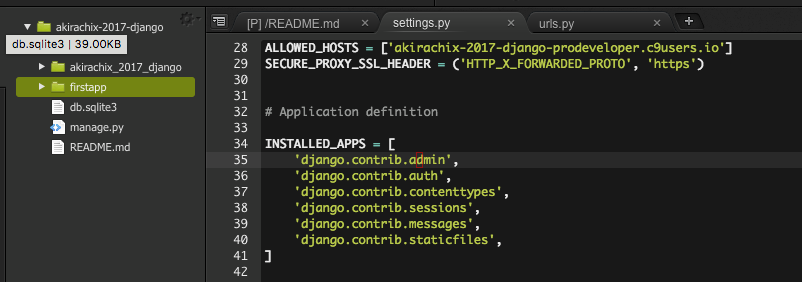
To start with we need to give our app firstapp a more meaningful name. Let’s say “akirachix”.

Update your settings file to reflect the new app.

@prodeveloper
prodeveloper / more_on_models.md
Last active May 30, 2017 07:30
Expounding on Models

In the previous class we had a cursory introduction to models. We were able to create a Student model and register it.

There is a lot that we skipped in that process. In this class, we shall be looking at how we can better use models in our admin panel.

##Step 1

You may have noticed from last time that our model had a rather weird name on the django admin panel.

@prodeveloper
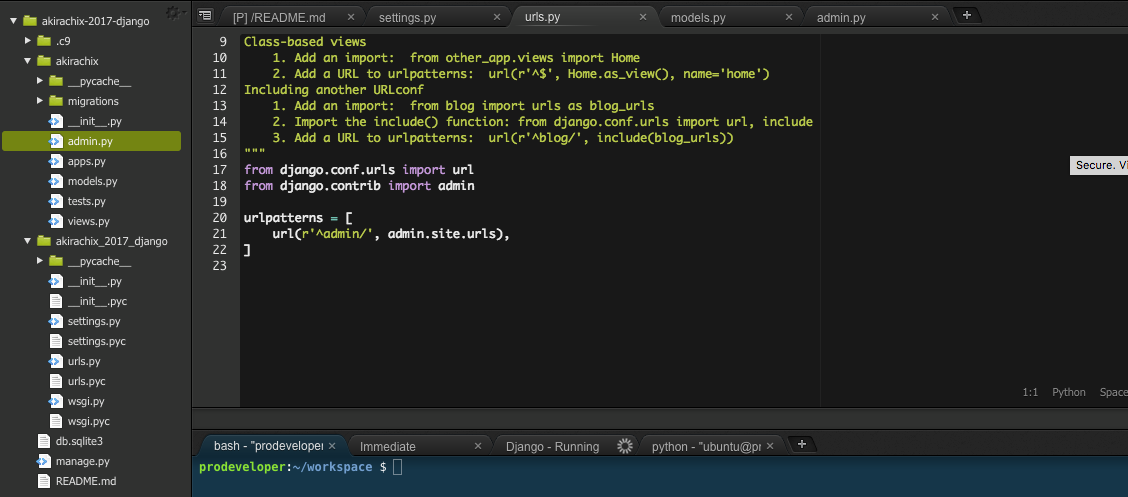
prodeveloper / django_urls.md
Created June 7, 2017 12:27
Introduction to URL Patterns in Django

##Introduction to URL patterns

Django has 6 major pieces

Url patterns are the first point of contact when a request comes in. The module evaluates the request and determines the appropriate view to handle it.

The view is in charge of handling the request and giving an output. For now our view is empty since we are not showing anything yet.

@prodeveloper
prodeveloper / showing_html.md
Created June 7, 2017 13:41
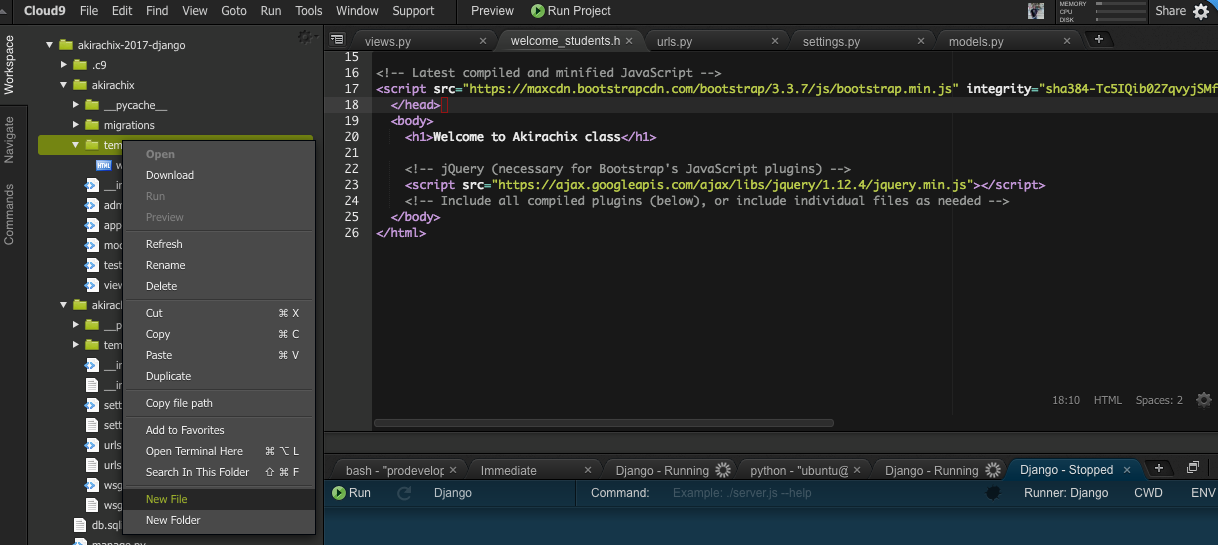
Rendering basic html using Django

In the last class, we were able to successfully show some text on the homepage.

This was just a simple text “Welcome to Akirachix”

In this class, we will look at how to show not just a simple text but a html page. By the end of the class, you should be able to integrate elements from your frontend class directly into django.

Django refers to your html files as templates.

##Step 1

@prodeveloper
prodeveloper / challenge_django_templates.md
Created June 7, 2017 13:59
Challenge: Working with Django templates

In this challenge, you will be expected to roll up an entirely new workspace, install django and render a friendly welcome page.

Your homepage should render exactly like the getting started template provided by bootstrap.

http://getbootstrap.com/examples/starter-template/#

In addition your new application must have an active super user and at least one normal user.

@prodeveloper
prodeveloper / basic_queries.md
Last active June 25, 2017 12:20
Introduction to queries with Django models

Now that we have a solid understanding of what it takes to work with templates, lets dive back to our models and tie them to our views.

Step 1

Ensure that you have imported the Student model into your view file.

Let us now start by querying all students. Type the following command into your view file

@prodeveloper
prodeveloper / passing_data_template.md
Last active July 11, 2017 05:35
Passing data to the template

##Displaying data in the template

Today, we will be looking at how to display model data on your template. While previously we could show only Student Object in this lesson we will unpack that.

Step 1

Let us start by creating the template that will show the data. We can call it listing_data.html