Skip to content

Instantly share code, notes, and snippets.

View rootfs's full-sized avatar
🎯
Focusing

Huamin Chen rootfs

🎯
Focusing
View GitHub Profile

Power Estimate

System

Complete System Power Estimation using Processor Performance Events https://lca.ece.utexas.edu/pubs/bircher-TC2012.pdf

CPU

Power estimate wiki (before 2012) https://en.wikipedia.org/wiki/Run-time_estimation_of_system_and_sub-system_level_power_consumption

We have presented a systematic study on the use of performance counters to estimate power online. We found a subset of counters (# Fetched instructions, L1 hit and Dispatch Stalls) that are suitable for estimating power across multiple architecture types within an error of 5%. This was illustrated using an OOO high performance (HPerf) and an in-order low power (LP) core. At 5% average error, the proposed estimator improves upon prior estimators with error of 9% [3] and 11.5% [4].

Environment

Jetpack 4.6, Jetson Xavier, Ubuntu 18.04

prepare

apt install -y curl jq runc iptables conntrack nvidia-container-runtime nvidia-container-toolkit

crio

Install crio

systemctl stop microshift
crictl stop $(crictl ps -q) -t 1
mount |grep overlay |awk '{print $3}' |xargs umount
mount |grep kubelet |awk '{print $3}' |xargs umount
rm /var/lib/etcd -rf
rm /var/lib/kubelet -rf
mkdir -p /var/lib/kubelet
rm /var/lib/rook -rf
rm -rf /var/lib/microshift

Microshift

Storage provisioner

cat << EOF | kubectl apply -f -
apiVersion: v1
kind: PersistentVolume
metadata:
  name: hostpath-provisioner

Background

Using podman to start containerized microshift can ensure timely image update to pick up the latest Microshift release. Additionally, using crio service on host allows workload continunity during Microshift upgrade.

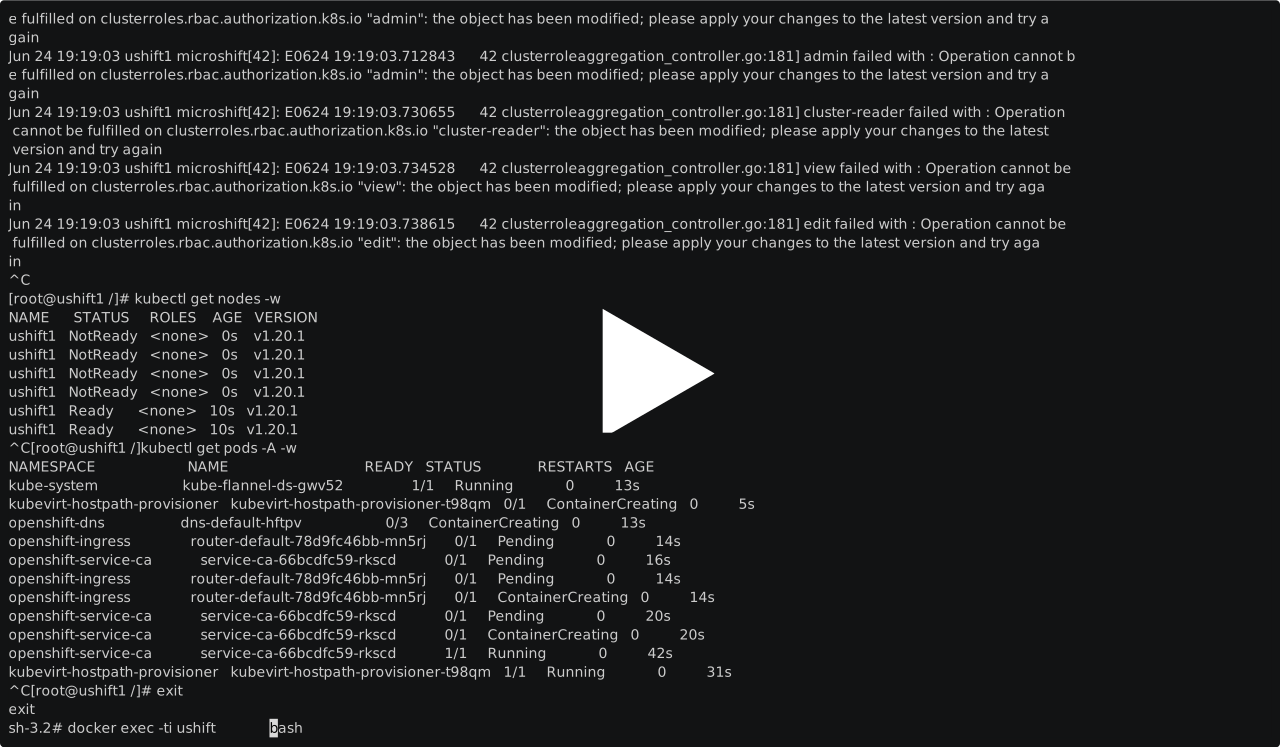
image

Start containerized microshift

podman run --privileged --ipc=host --network=host  \

Environment

RHEL 8.4 4.18.0-305.19.1.el8_4.x86_64

Verify setup

lspci -nnv |grep -i nvidia

e.g.

Containerized

On MacBook

Single Containerized microshift cluster on MacBook

asciicast

Two clusters on a MacBook

asciicast

On Windows 10

@rootfs
rootfs / Windows-qemu-KVM.10.xml
Created January 31, 2021 22:04
Windows 10 qemu/kvm optimizations CPU usage #virt-manager
<domain type="kvm">
<!-- https://www.reddit.com/r/VFIO/comments/80p1q7/high_kvmqemu_cpu_utilization_when_windows_10/ -->
<!-- https://github.com/duncanthrax/scream -->
<!-- https://gitlab.com/YuriAlek/vfio -->
<!-- https://github.com/PiMaker/Win10-VFIO -->
<!-- https://gitlab.com/YuriAlek/vfio -->
<!-- https://github.com/sk1080/nvidia-kvm-patcher -->
<!-- https://github.com/T-vK/MobilePassThrough -->
#!/usr/bin/env bash
set -e
CONFIG=${CONFIG:-cluster_config.sh}
if [ ! -r "$CONFIG" ]; then
echo "Could not find cluster configuration file."
echo "Make sure $CONFIG file exists in the shiftstack-ci directory and that it is readable"
exit 1
fi
@rootfs
rootfs / kubernetes_add_service_account_kubeconfig.sh
Created October 2, 2019 23:26 — forked from innovia/kubernetes_add_service_account_kubeconfig.sh
Create a service account and generate a kubeconfig file for it - this will also set the default namespace for the user
#!/bin/bash
set -e
set -o pipefail
# Add user to k8s using service account, no RBAC (must create RBAC after this script)
if [[ -z "$1" ]] || [[ -z "$2" ]]; then
echo "usage: $0 <service_account_name> <namespace>"
exit 1
fi