
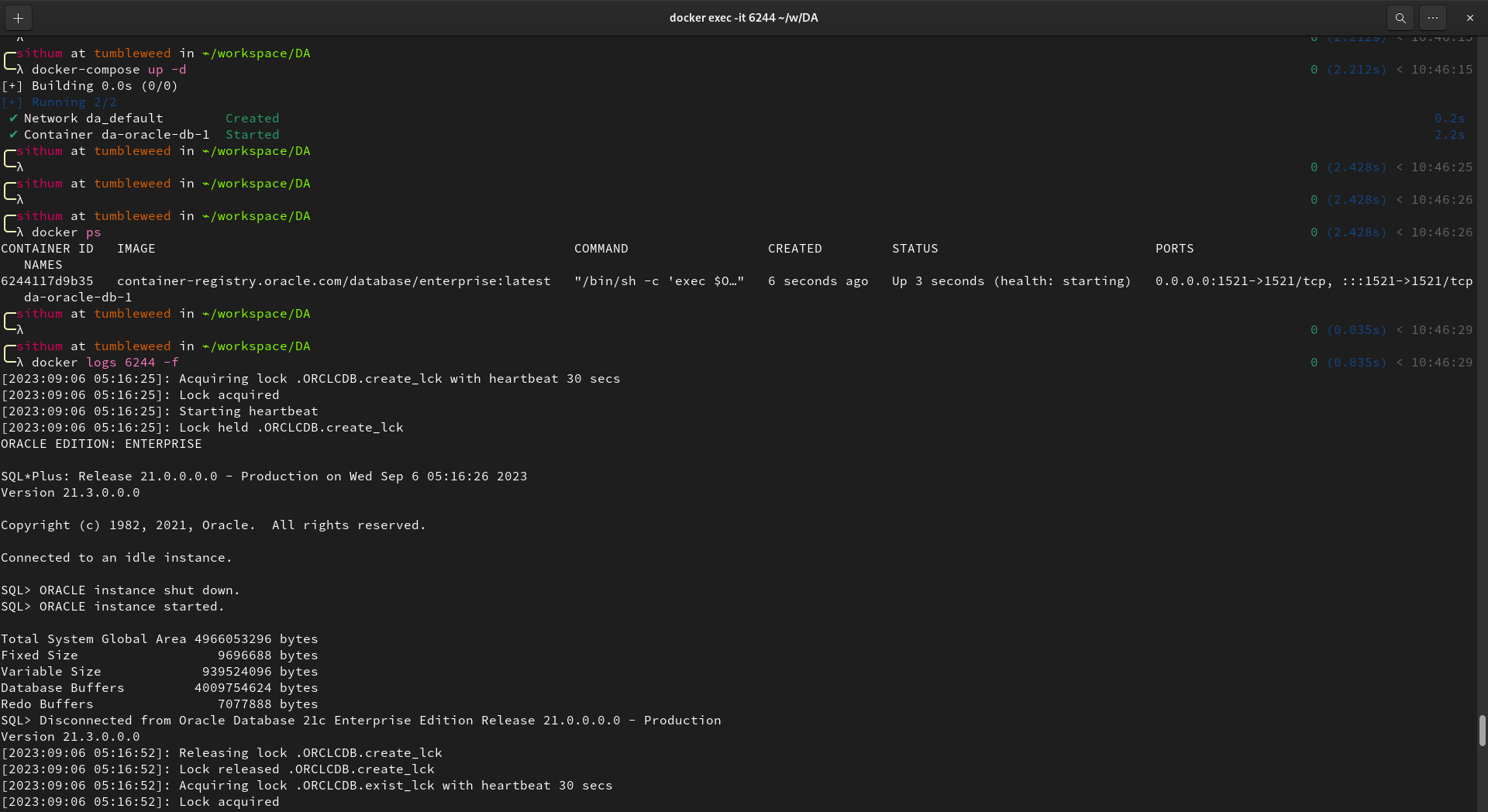
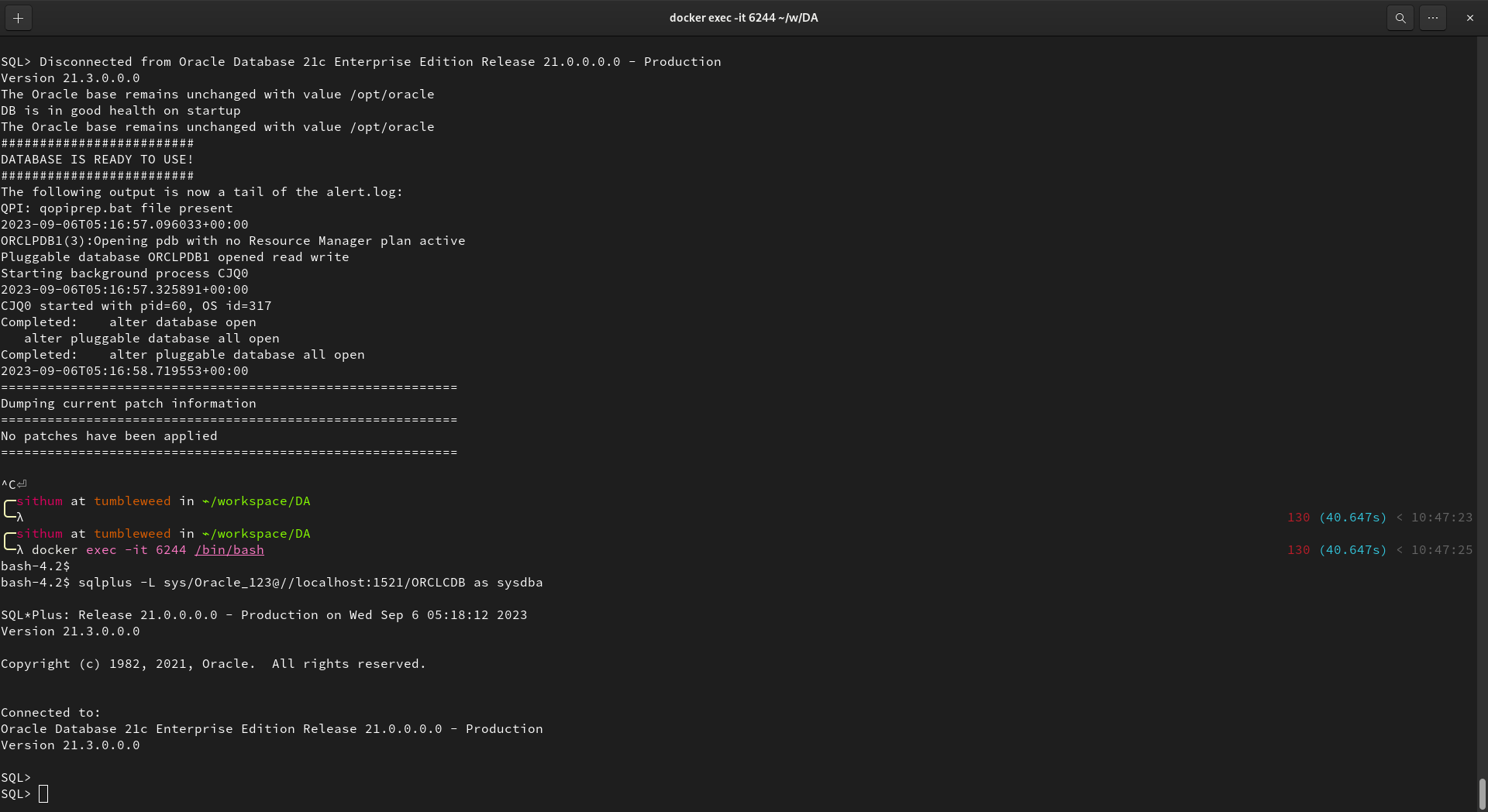
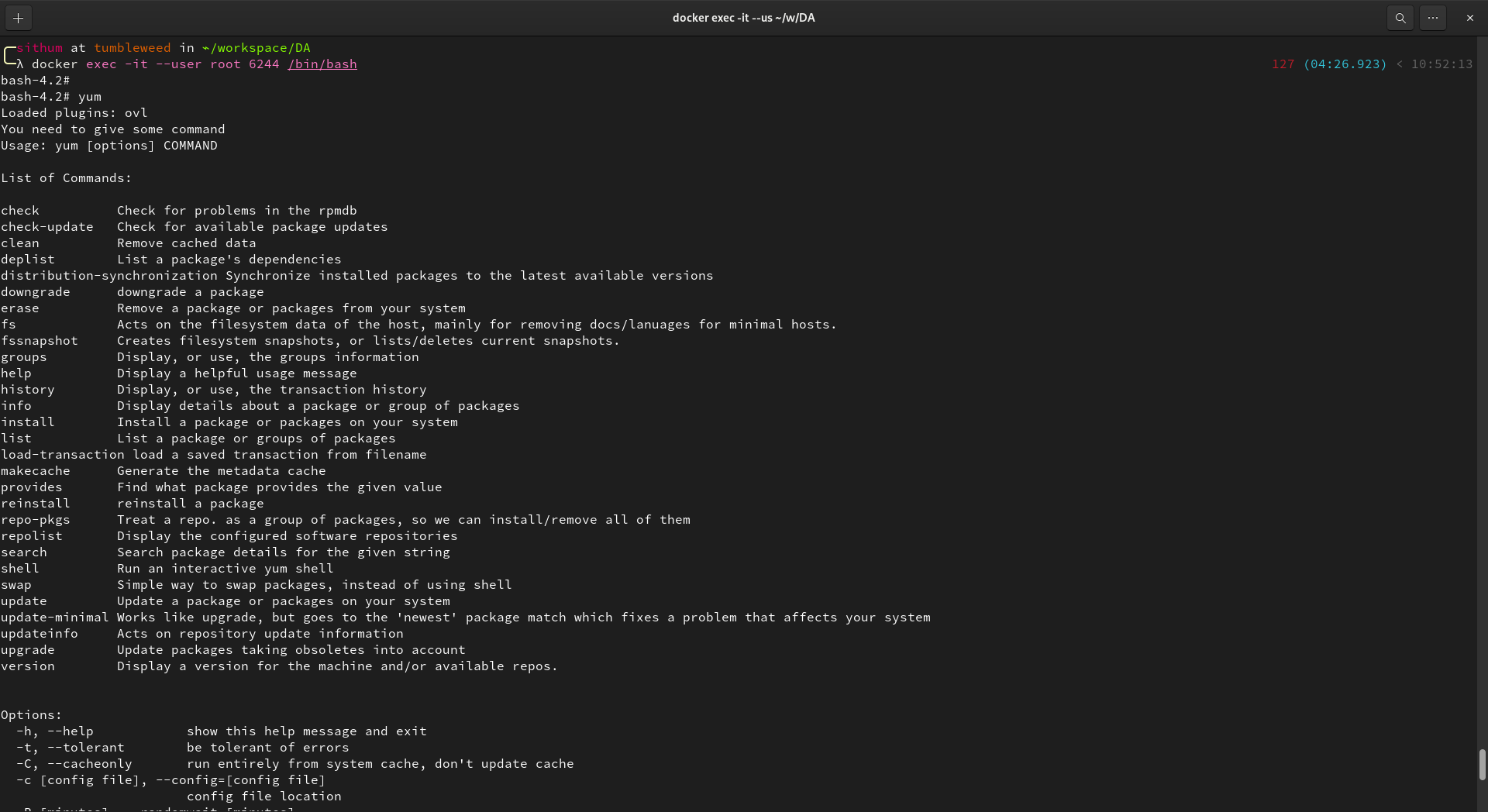
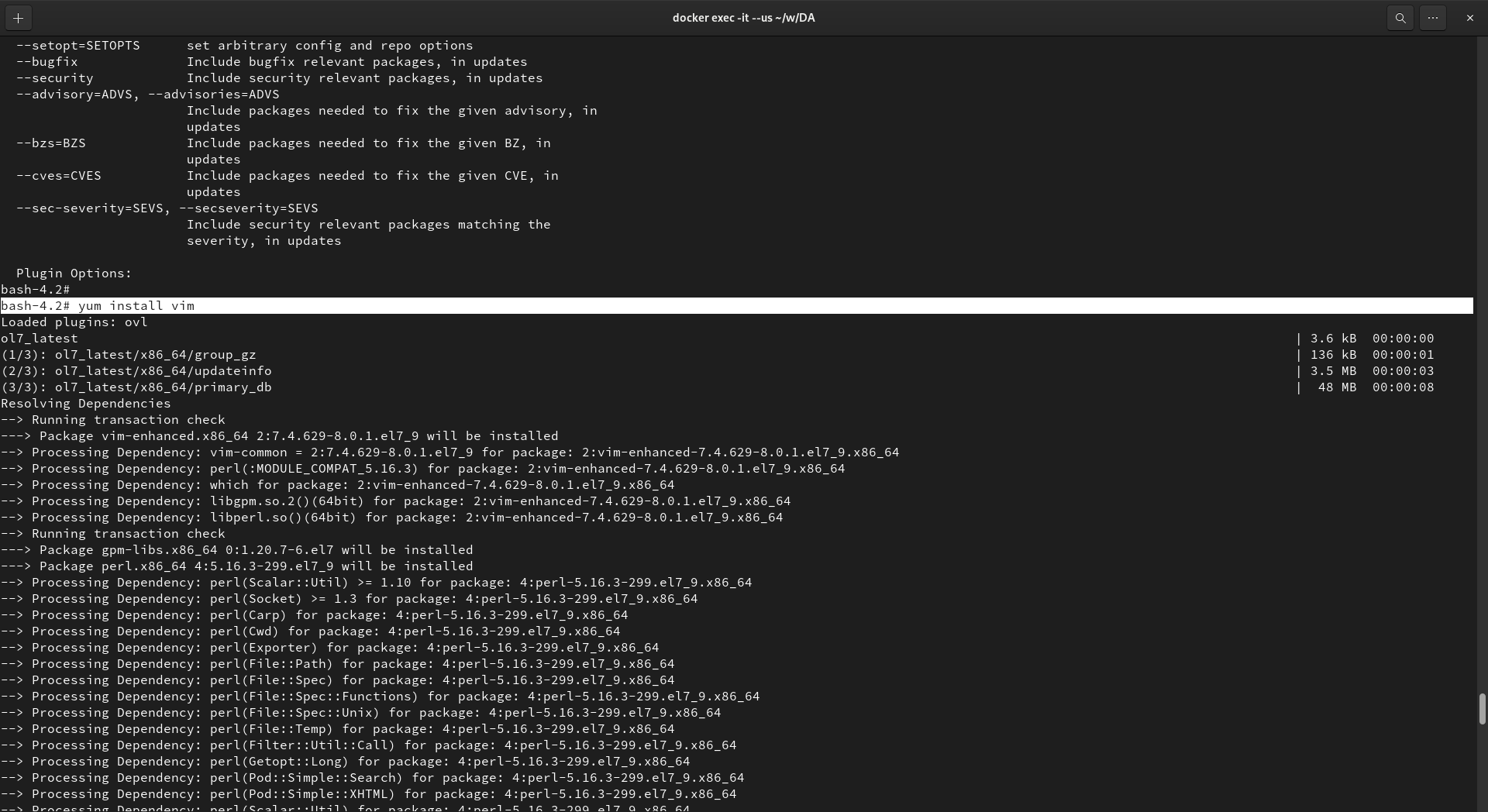
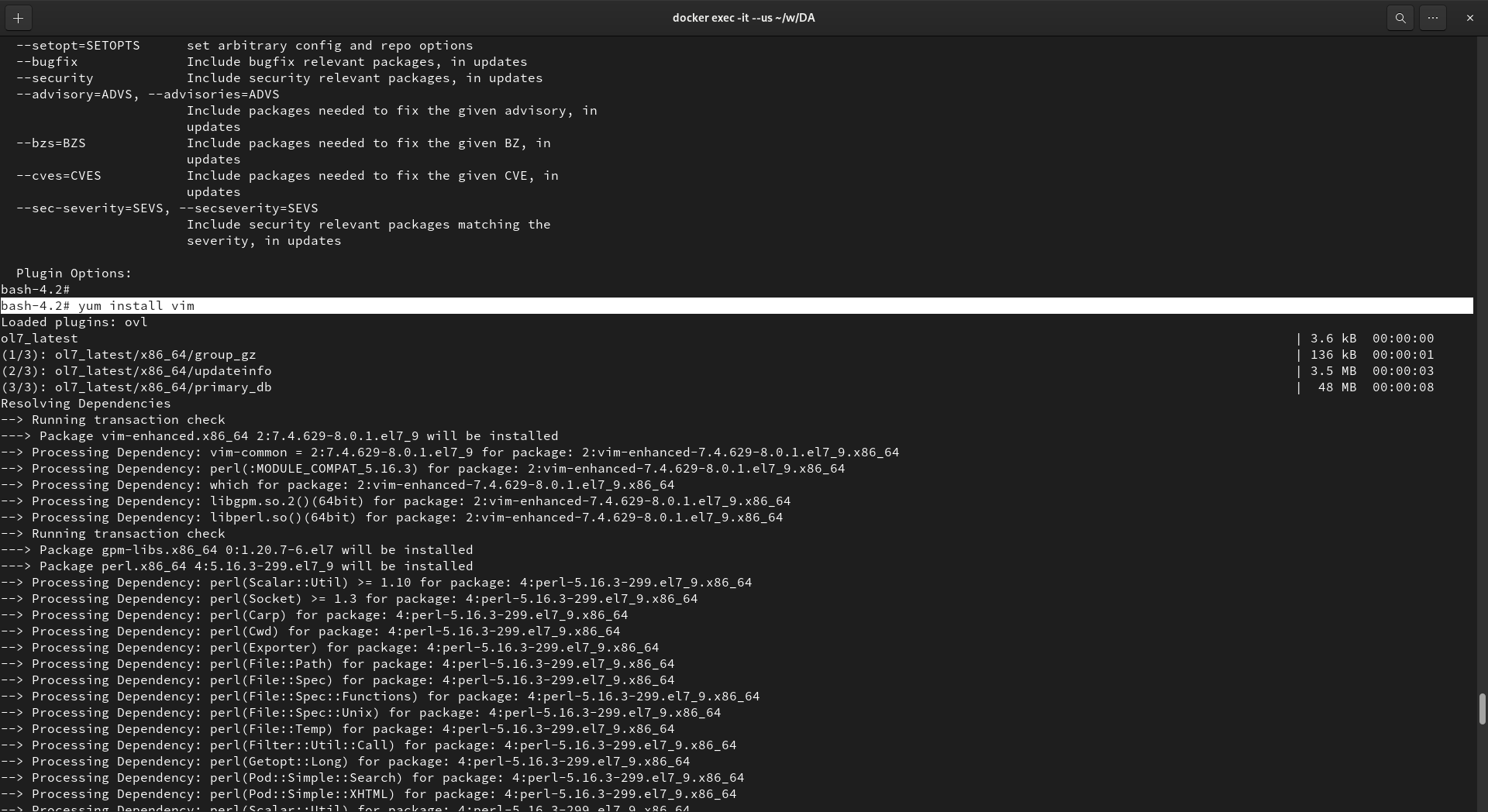
Install the latest Oracle database version (19.Xc or 21.X c) on the UNIX platform. Preferably on Linux. [30 marks]
version: '3.1'
services:
  oracle-db:
    image: container-registry.oracle.com/database/enterprise:latest
    environment:
      - ORACLE_SID=ORCLCDB
      - ORACLE_PDB=ORCLPDB1
      - ORACLE_PWD=Oracle_123
      - DISPLAY=${DISPLAY}
    ports:
      - 1521:1521
    volumes:
      - oracle-data:/opt/oracle/oradata
      - oracle-backup:/opt/oracle/backup
    healthcheck:
      test:
        [
          "CMD",
          "sqlplus",
          "-L",
          "sys/Oracle_123@//localhost:1521/ORCLCDB as sysdba",
          "@healthcheck.sql"
        ]
      interval: 30s
      timeout: 10s
      retries: 5
    network_mode: host

volumes:
  oracle-data:
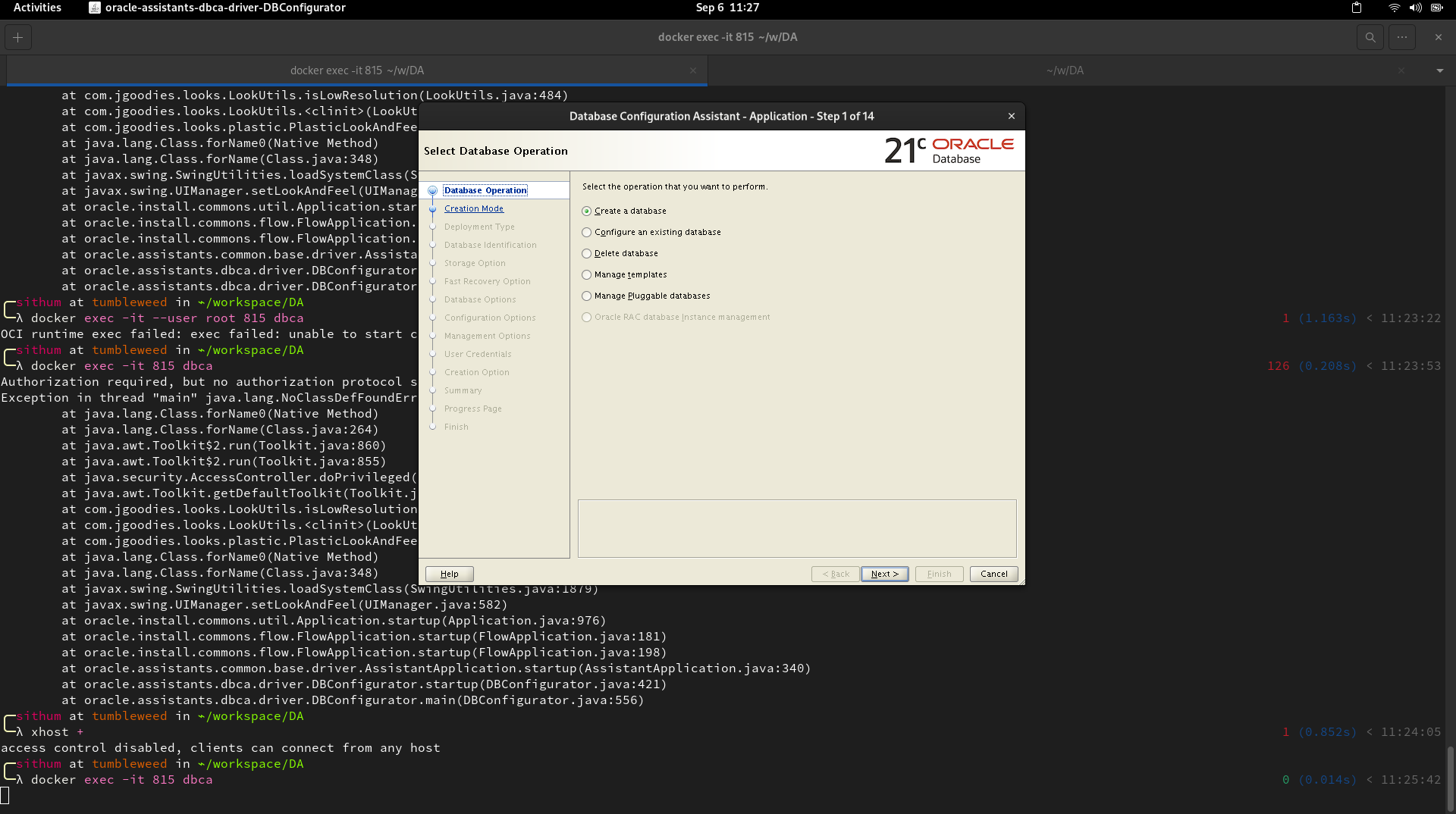
oracle-backup:Create CDB in non-archive log mode named <your name> using DBCA and create a PDB called PDBDA.
[5 marks]
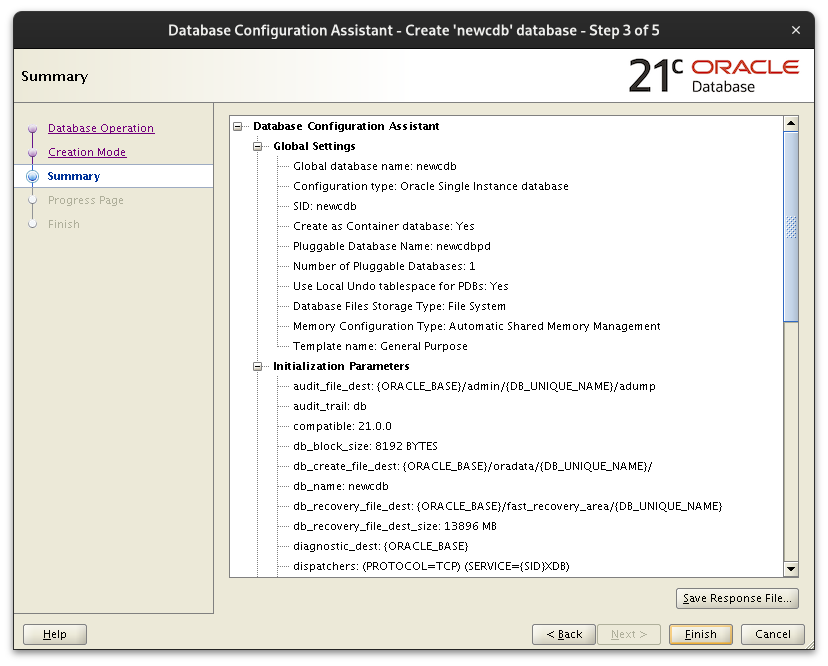
CREATE DATABASE newcdb
USER SYS IDENTIFIED BY sys_password
USER SYSTEM IDENTIFIED BY system_password
EXTENT MANAGEMENT LOCAL
DEFAULT TABLESPACE users
DEFAULT TEMPORARY TABLESPACE temp
UNDO TABLESPACE undotbs1
ENABLE PLUGGABLE DATABASE
   SEED
   SYSTEM DATAFILES SIZE 125M AUTOEXTEND ON NEXT 10M MAXSIZE UNLIMITED
SYSAUX DATAFILES SIZE 100M;Create a new tablespace size of 10MB with two data files and named it ‘USER2’. [10 marks]
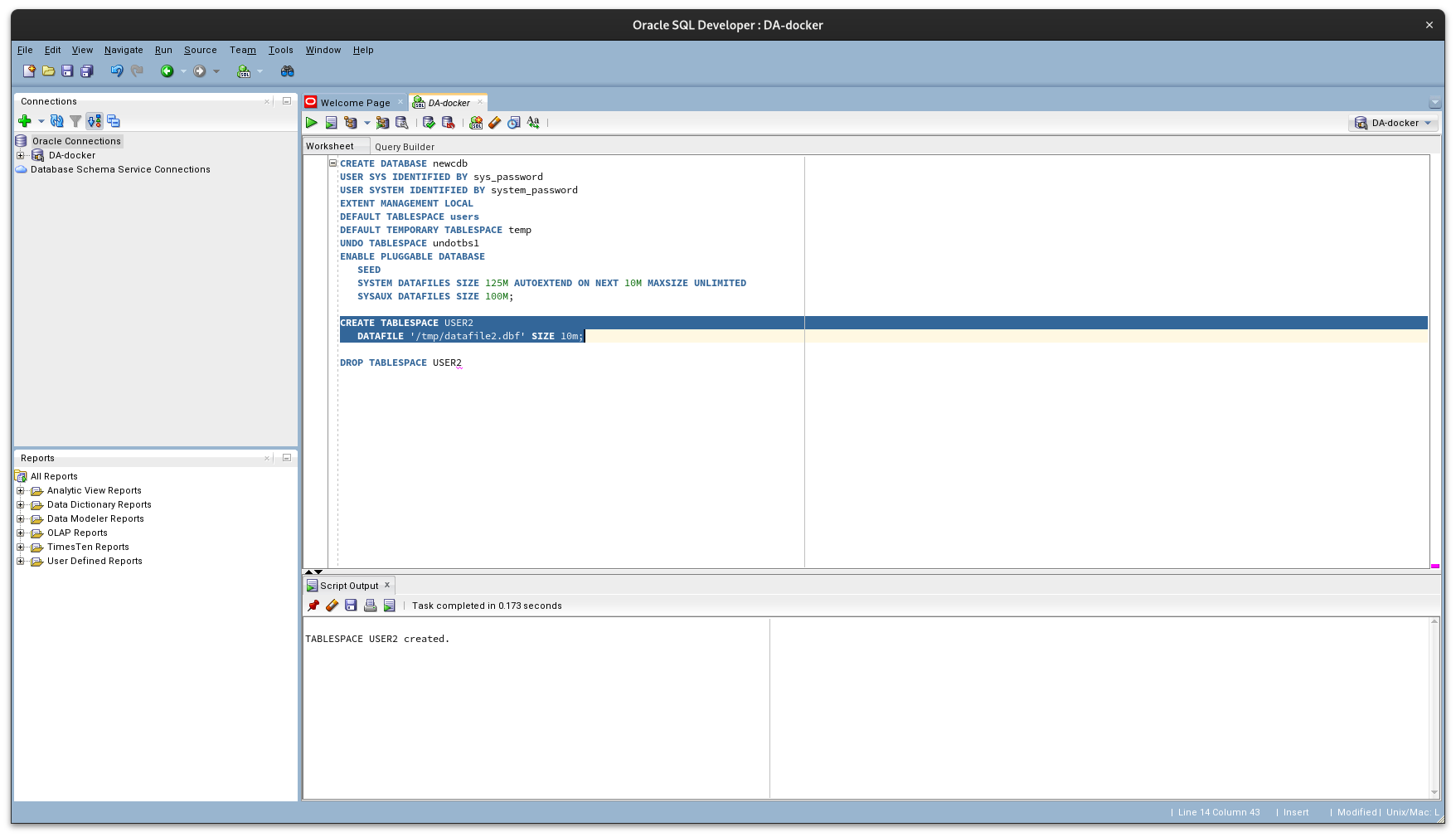
CREATE TABLESPACE USER2
   DATAFILE 'tbs1_data.dbf'
   SIZE 1m,
   DATAFILE 'tbs2_data.dbf'
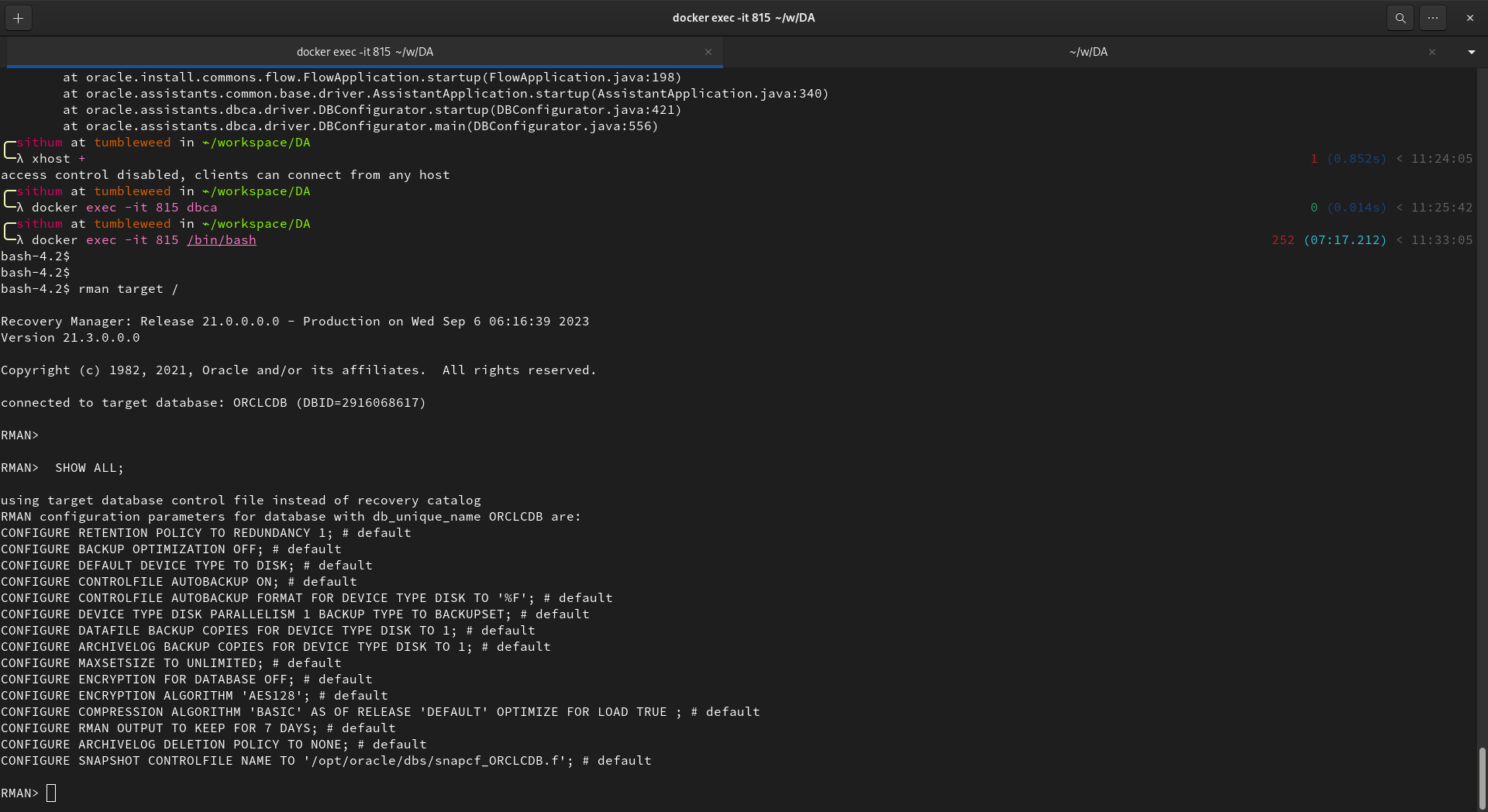
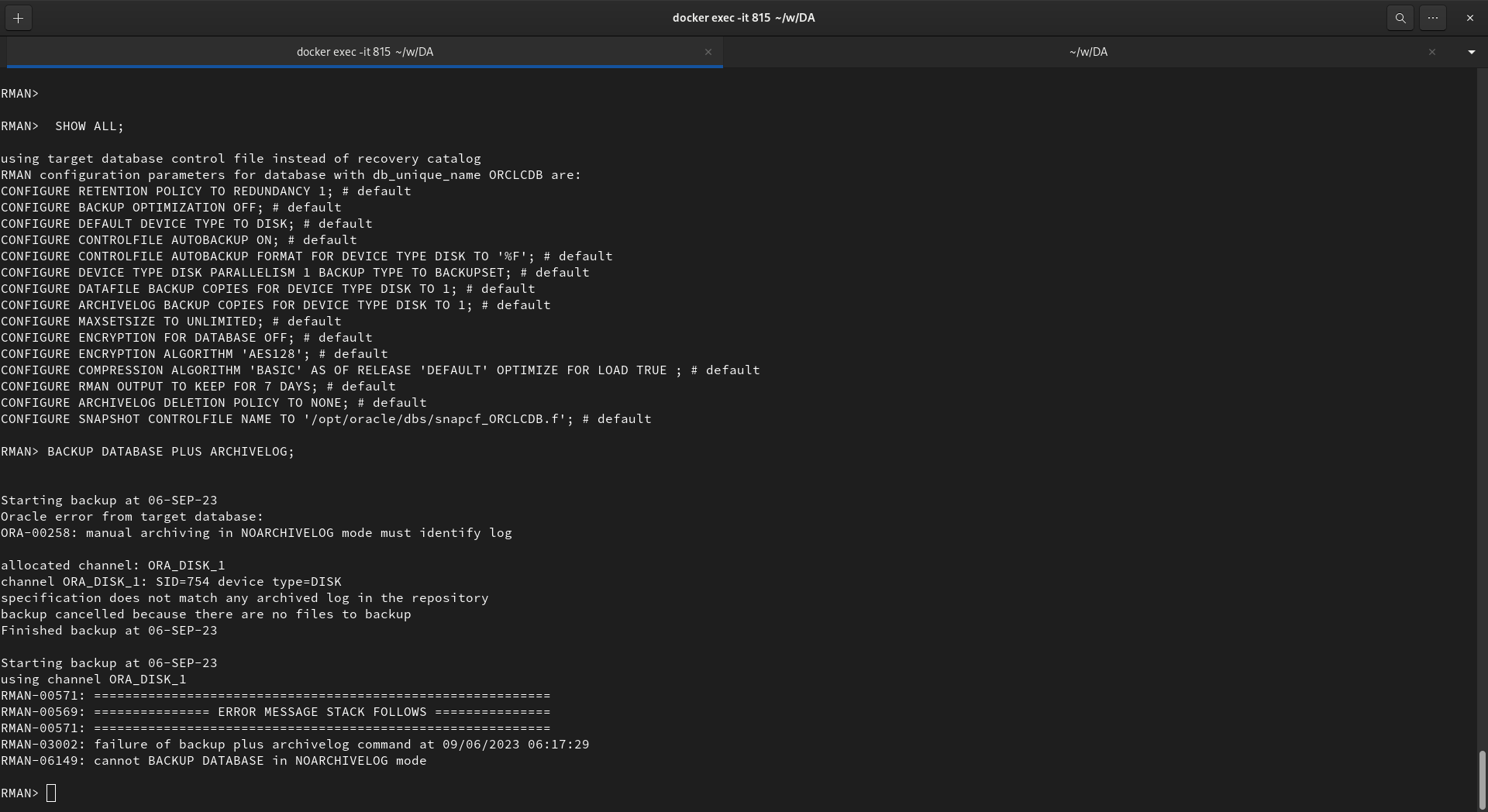
SIZE 1m;Take a full backup of the database using RMAN. [10 marks]
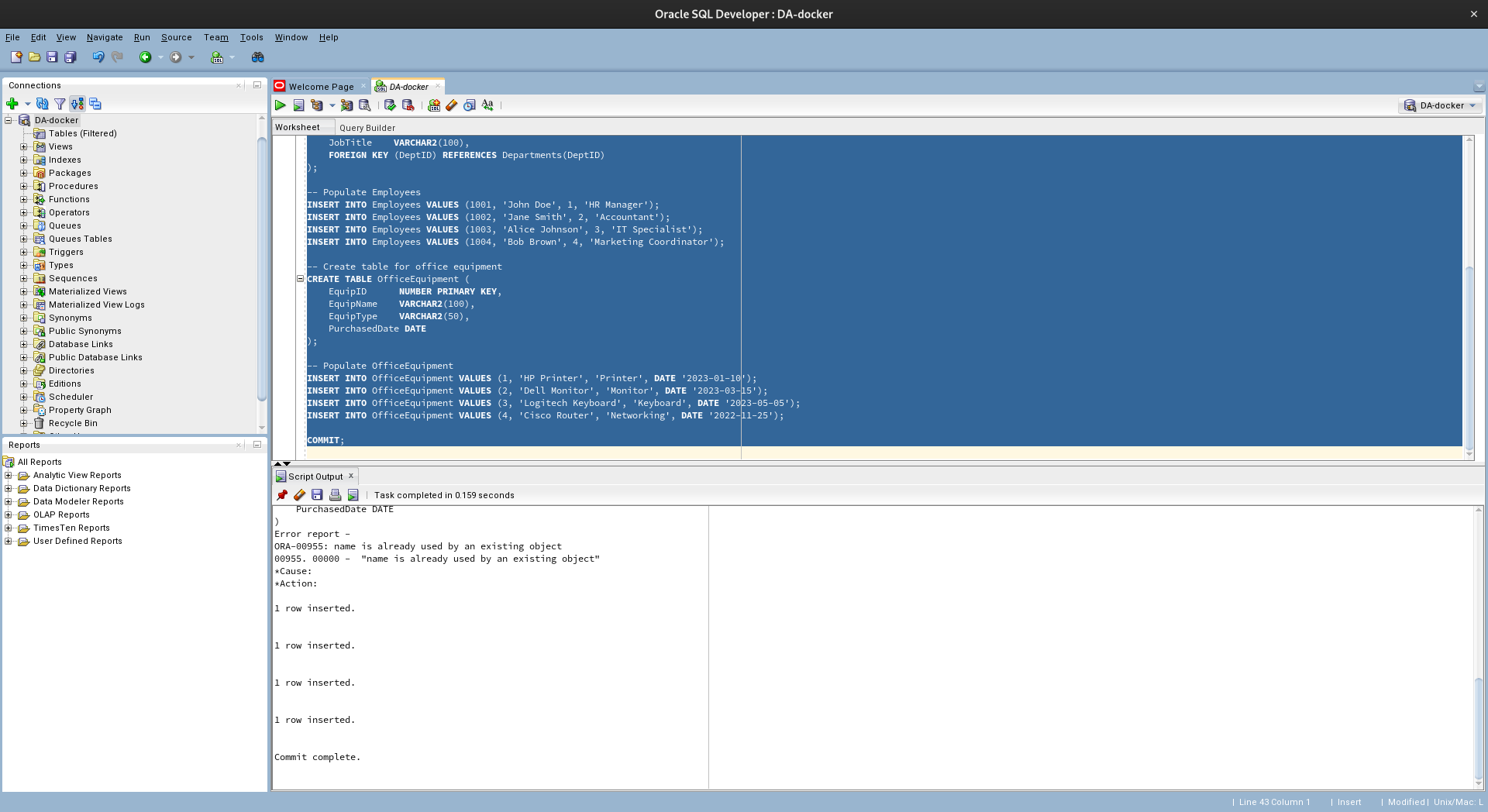
-- Create table for departments
CREATE TABLE Departments (
    DeptID       NUMBER PRIMARY KEY,
    DeptName     VARCHAR2(100)
);

-- Populate Departments
INSERT INTO Departments VALUES (1, 'HR');
INSERT INTO Departments VALUES (2, 'Finance');
INSERT INTO Departments VALUES (3, 'IT');
INSERT INTO Departments VALUES (4, 'Marketing');

-- Create table for employees
CREATE TABLE Employees (
    EmpID       NUMBER PRIMARY KEY,
    EmpName     VARCHAR2(100),
    DeptID      NUMBER,
    JobTitle    VARCHAR2(100),
    FOREIGN KEY (DeptID) REFERENCES Departments(DeptID)
);

-- Populate Employees
INSERT INTO Employees VALUES (1001, 'John Doe', 1, 'HR Manager');
INSERT INTO Employees VALUES (1002, 'Jane Smith', 2, 'Accountant');
INSERT INTO Employees VALUES (1003, 'Alice Johnson', 3, 'IT Specialist');
INSERT INTO Employees VALUES (1004, 'Bob Brown', 4, 'Marketing Coordinator');

-- Create table for office equipment
CREATE TABLE OfficeEquipment (
    EquipID      NUMBER PRIMARY KEY,
    EquipName    VARCHAR2(100),
    EquipType    VARCHAR2(50),
    PurchasedDate DATE
);

-- Populate OfficeEquipment
INSERT INTO OfficeEquipment VALUES (1, 'HP Printer', 'Printer', DATE '2023-01-10');
INSERT INTO OfficeEquipment VALUES (2, 'Dell Monitor', 'Monitor', DATE '2023-03-15');
INSERT INTO OfficeEquipment VALUES (3, 'Logitech Keyboard', 'Keyboard', DATE '2023-05-05');
INSERT INTO OfficeEquipment VALUES (4, 'Cisco Router', 'Networking', DATE '2022-11-25');

COMMIT;
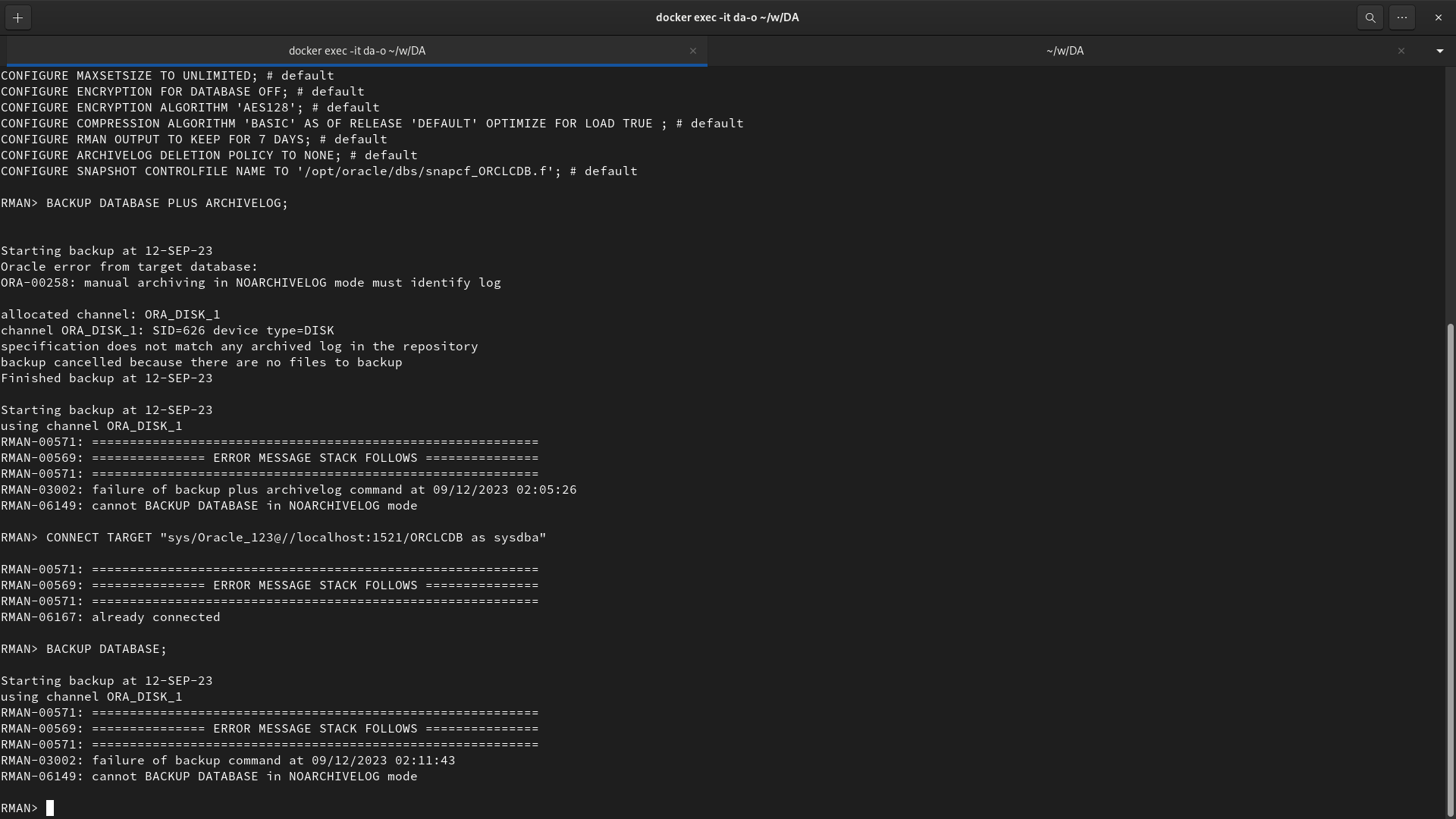
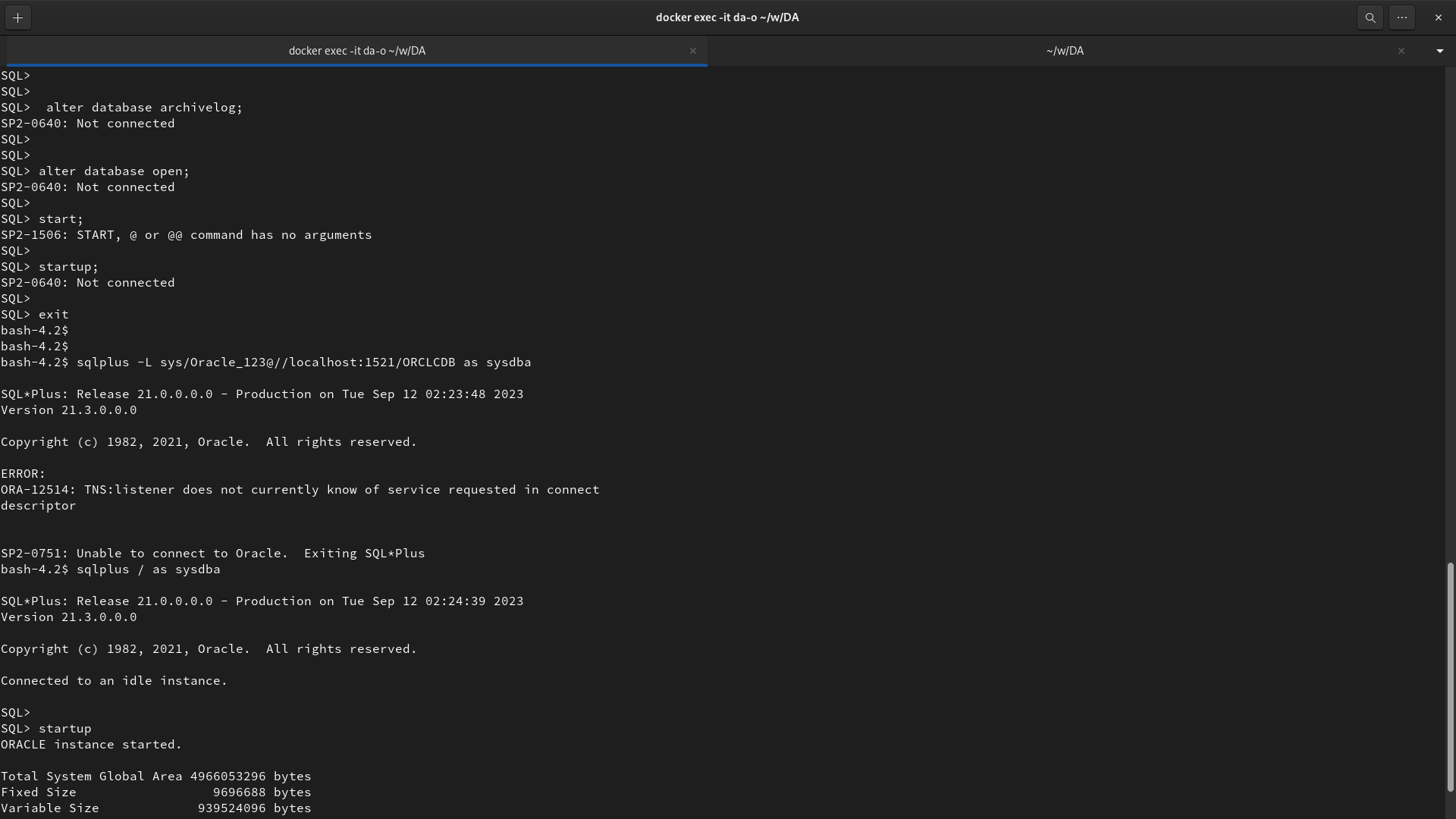
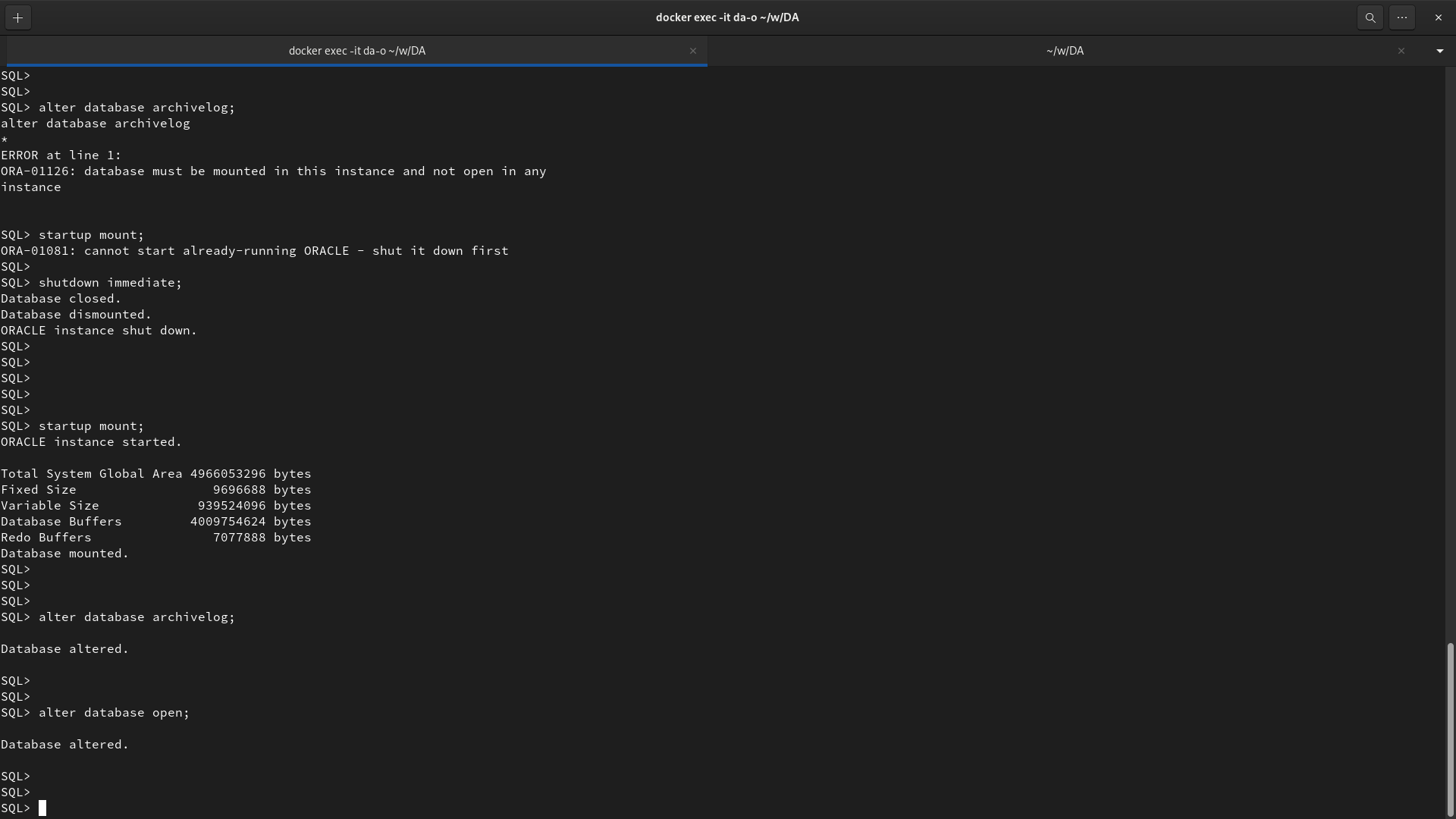
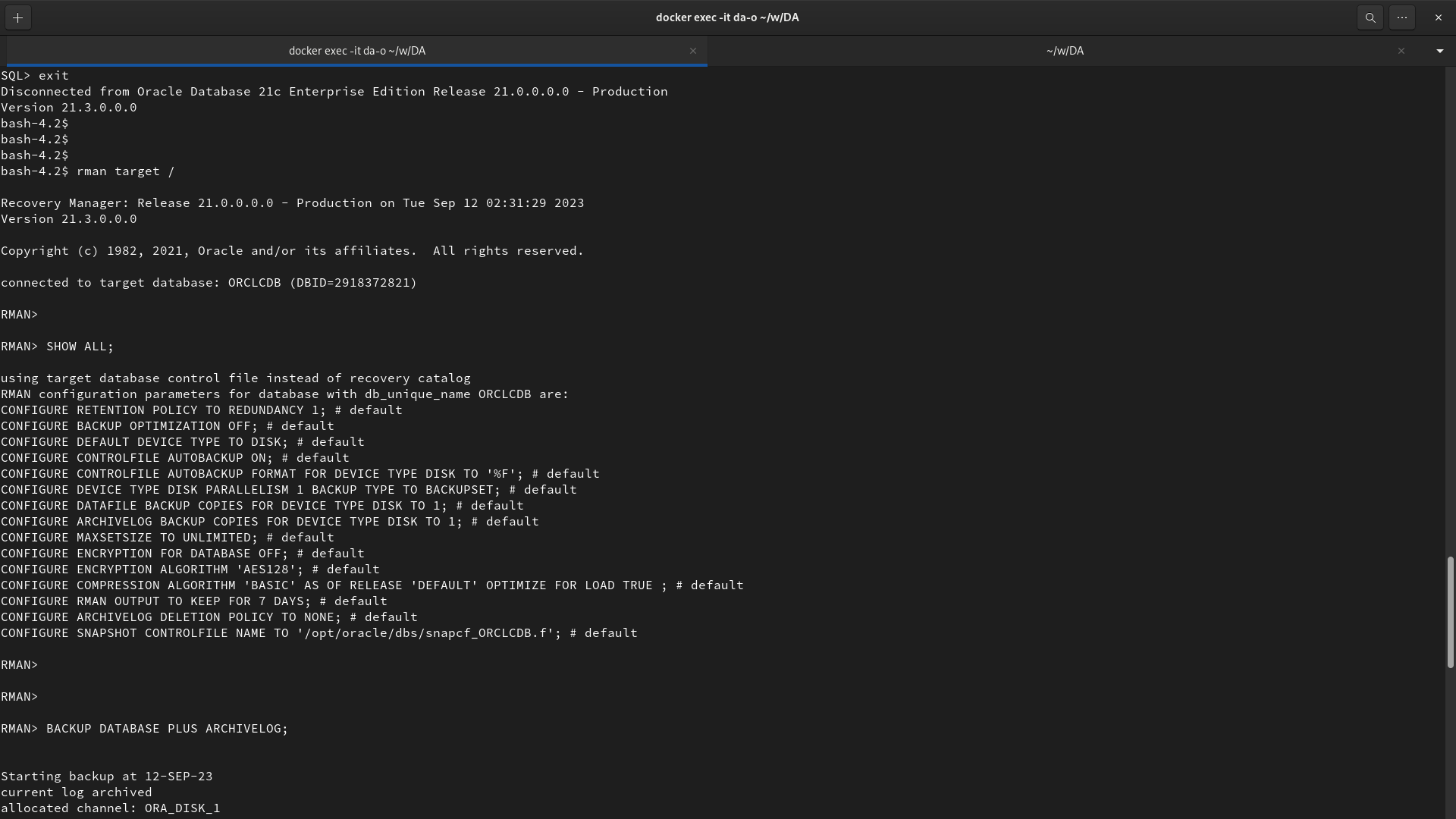
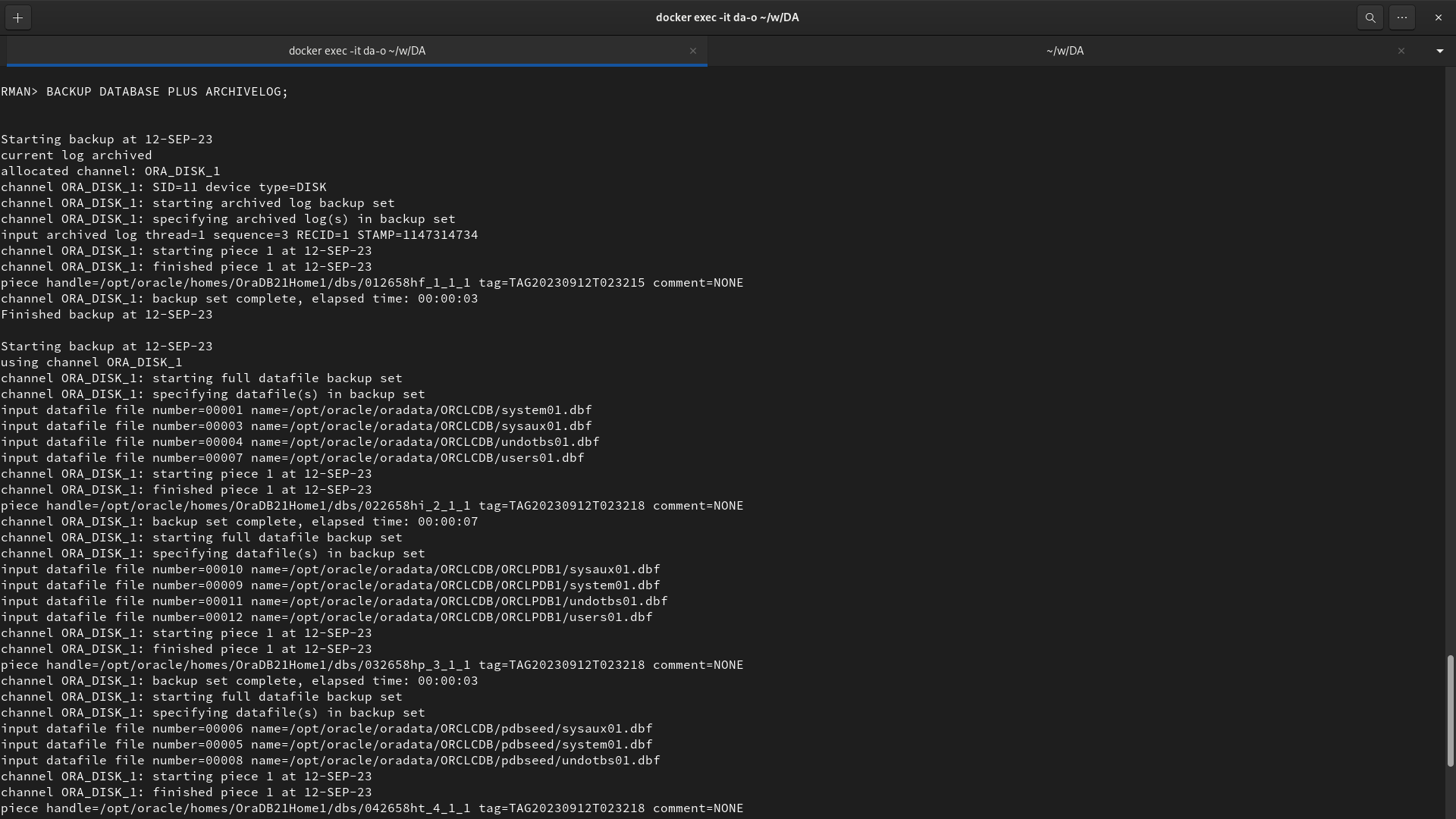
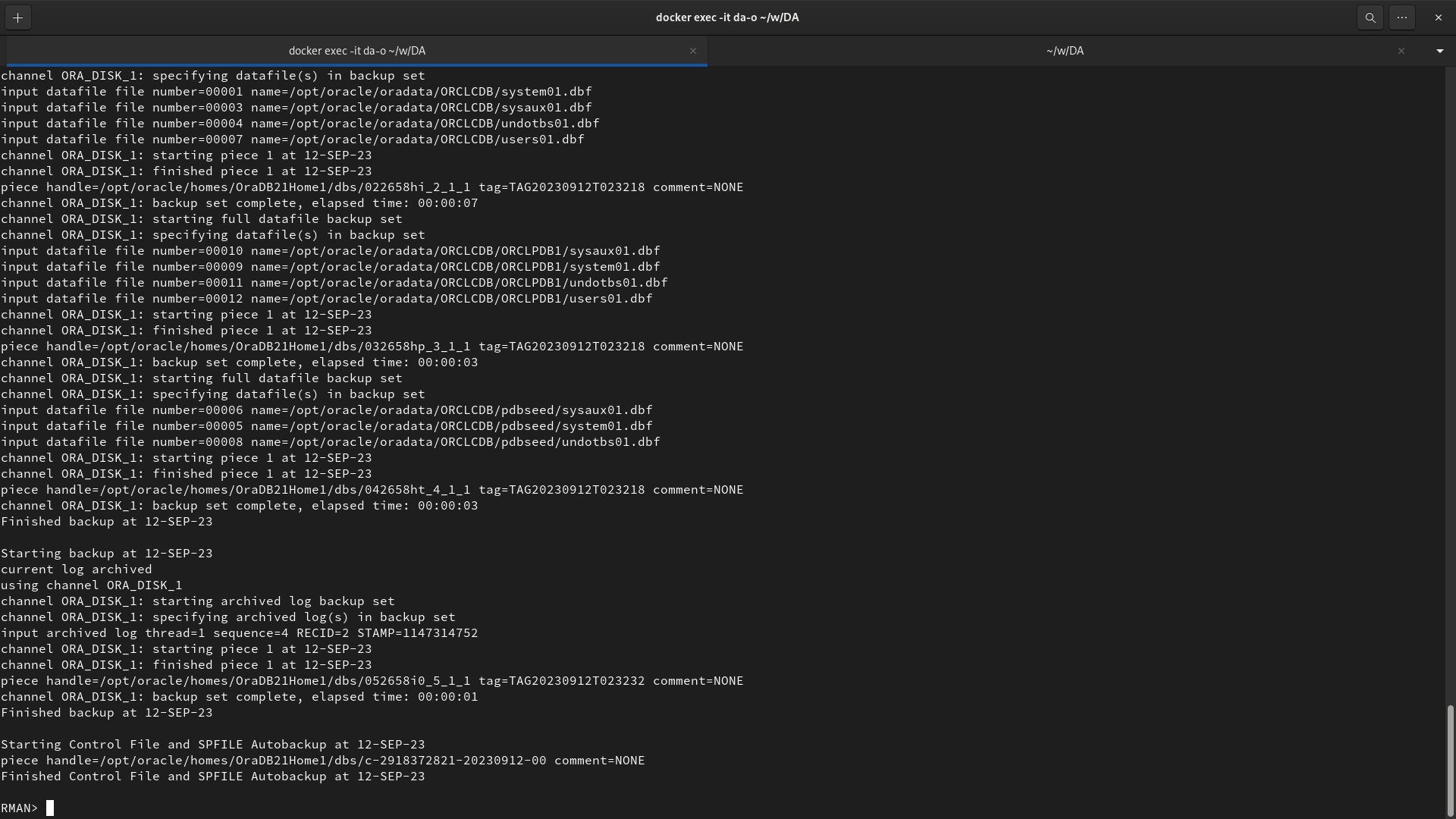
rman target /
RMAN> SHOW ALL;
RMAN> BACKUP DATABASE PLUS ARCHIVELOG;Assume one data file belonging to USER2 tablespace is corrupted. Explain how will you restore the data if:
RMAN> RECOVER DATABASE;
RMAN> ALTER DATABASE OPEN RESETLOGS;
RMAN> RESTORE TABLESPACE dev1;-
If USER2 tablespace consists only of tables:
SQL> alter tablespace users offline;
rman target /
RMAN> restore tablespace users;
RMAN> recover tablespace users;
RMAN> alter tablespace users online;
-
If USER2 tablespace consists only of indexes:
RMAN> RUN {
   ALLOCATE CHANNEL dev1 DEVICE TYPE DISK;
   RECOVER TABLESPACE index_tablespace UNTIL SEQUENCE 100 THREAD 1;
}
Add a new control file to the database you created in FRA. [10 marks]
SHUTDOWN IMMEDIATE;
ALTER DATABASE BACKUP CONTROLFILE TO '/path_to_backup/control.bkp';
cp /path_to_existing_control_file/control01.ctl /path_to_new_control_file/control02.ctl
CONTROL_FILES = (/path_to_existing_control_file/control01.ctl, /path_to_new_control_file/control02.ctl)
STARTUP;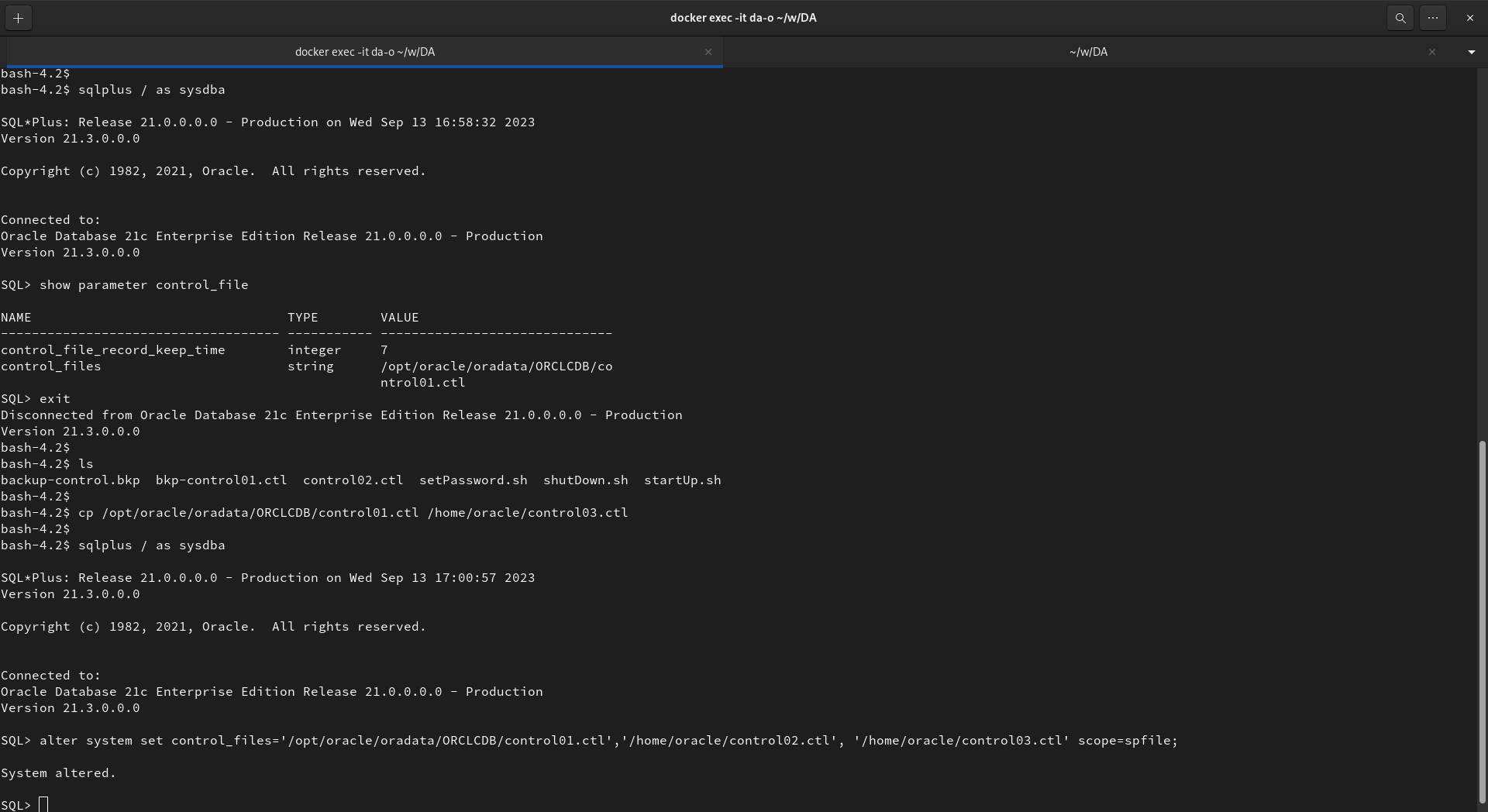
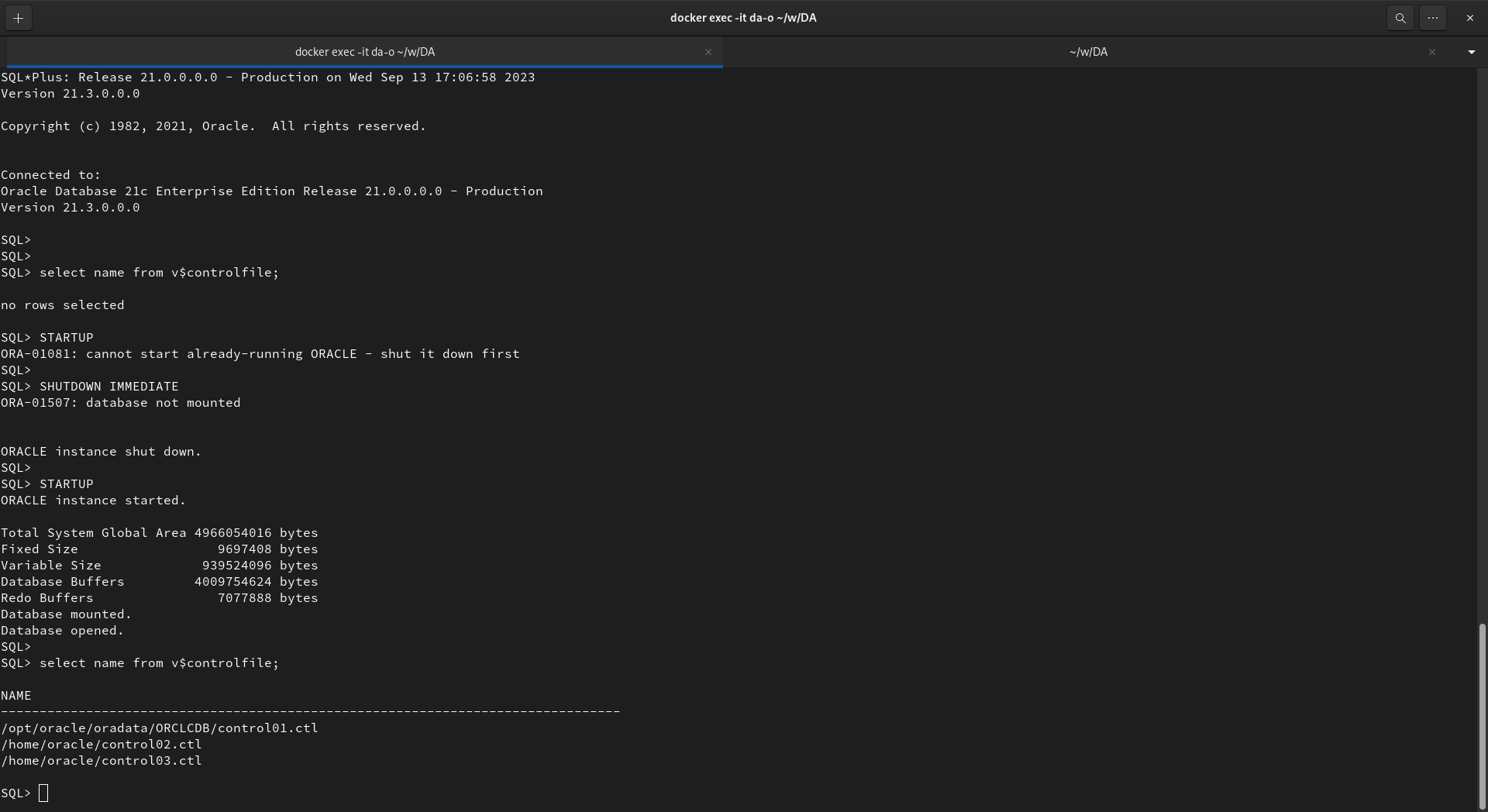
sqlplus / as sysdba
SQL> show parameter control_file
cp /opt/oracle/oradata/ORCLCDB/control01.ctl /home/oracle/control03.ctl

sqlplus / as sysdba
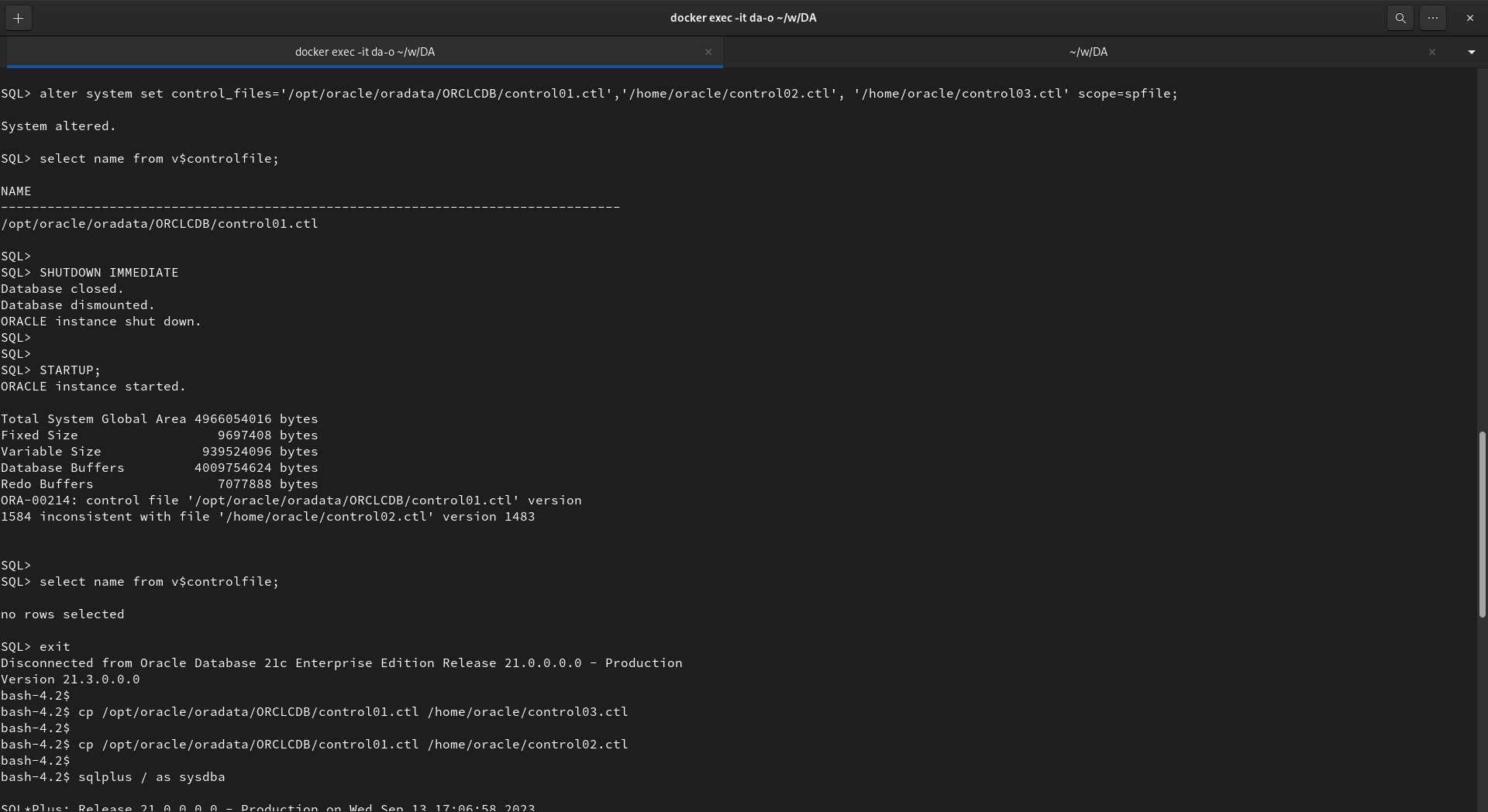
SQL> alter system set control_files='/opt/oracle/oradata/ORCLCDB/control01.ctl','/home/oracle/control02.ctl', '/home/oracle/control03.ctl' scope=spfile;

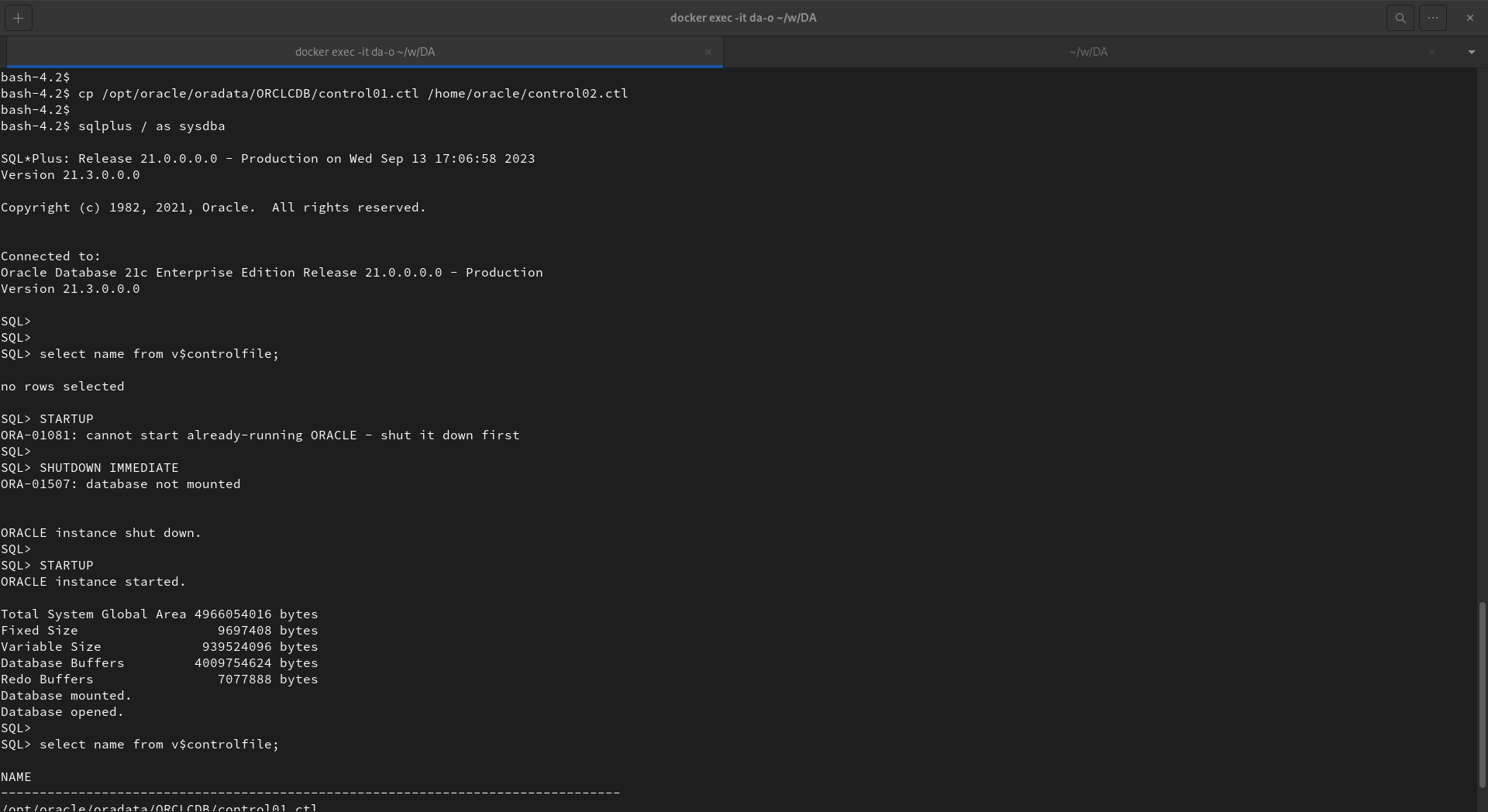
SQL> select name from v$controlfile;
SQL> SHUTDOWN IMMEDIATE
SQL> STARTUP;
SQL> select name from v$controlfile;
https://oracle-base.com/articles/misc/renaming-or-moving-oracle-files
Add a new redo log group with two redo log files. Write any assumptions made. [10 marks]
SELECT group#, members, sequence#, bytes/1024/1024, status FROM v$log;
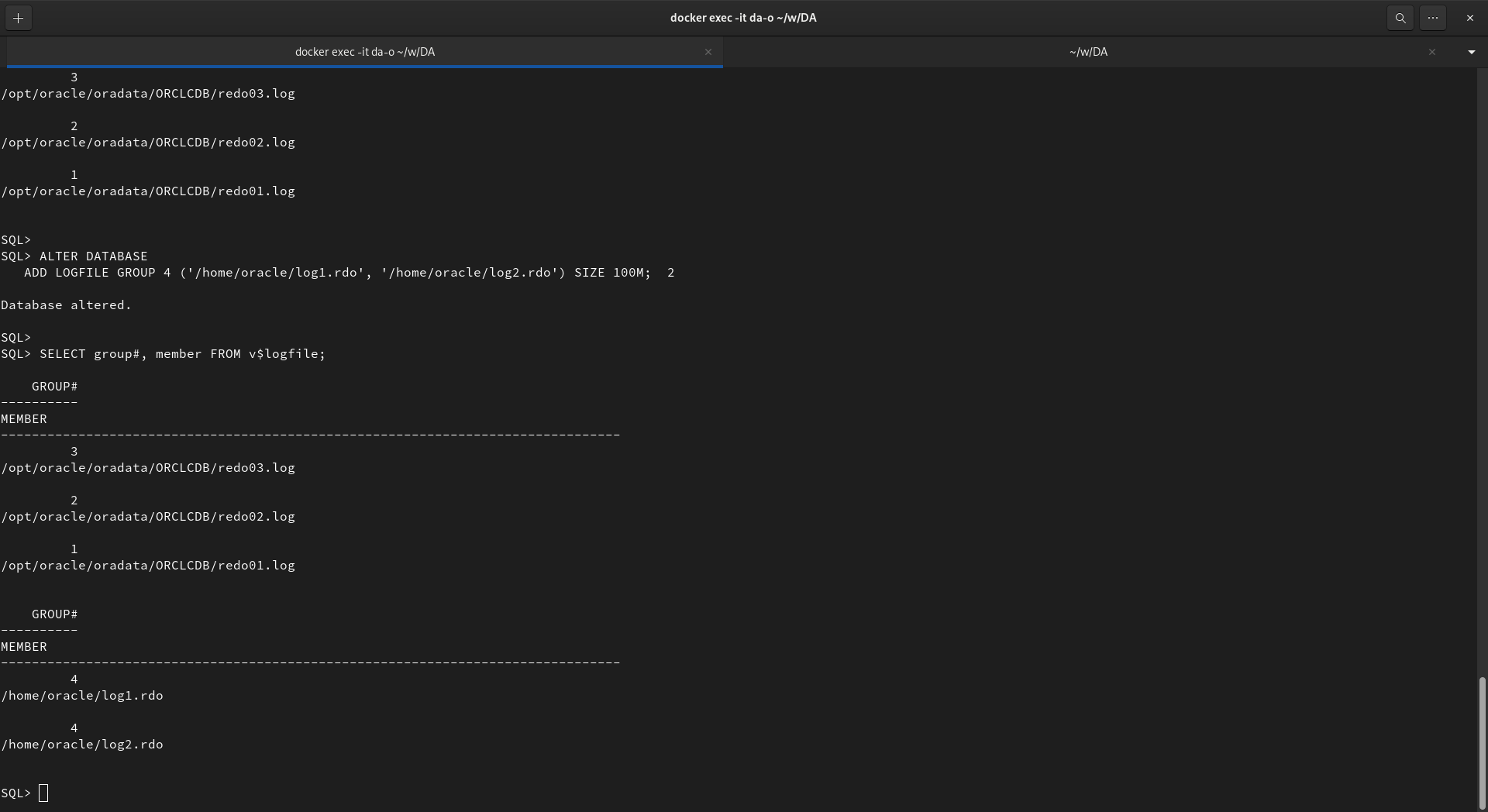
SELECT group#, member FROM v$logfile;

ALTER DATABASE
   ADD LOGFILE GROUP 4 ('/path/to/log1.rdo', '/path/to/log2.rdo') SIZE 100M;

ALTER DATABASE
   ADD LOGFILE ('/oracle/dbs/log1c.rdo', '/oracle/dbs/log2c.rdo') SIZE 100M;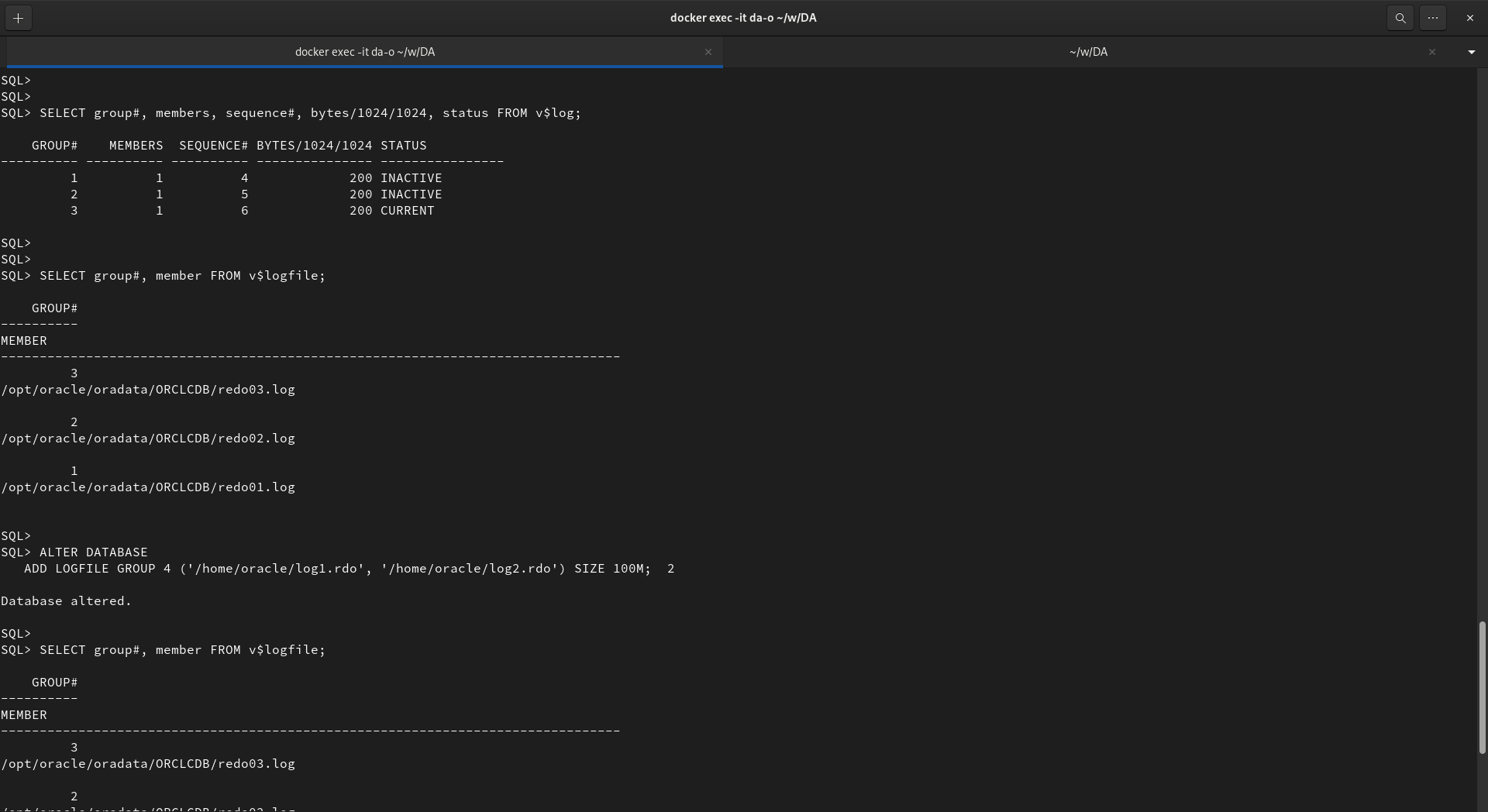
-
https://www.oracletutorial.com/oracle-administration/oracle-create-tablespace/
-
https://www.datavail.com/blog/restore-a-single-tablespace-using-rman/