
Created
May 25, 2022 06:49
-
-
Save Juadul-Ahmed/4952c53b9aff20041391b00acde0b871 to your computer and use it in GitHub Desktop.
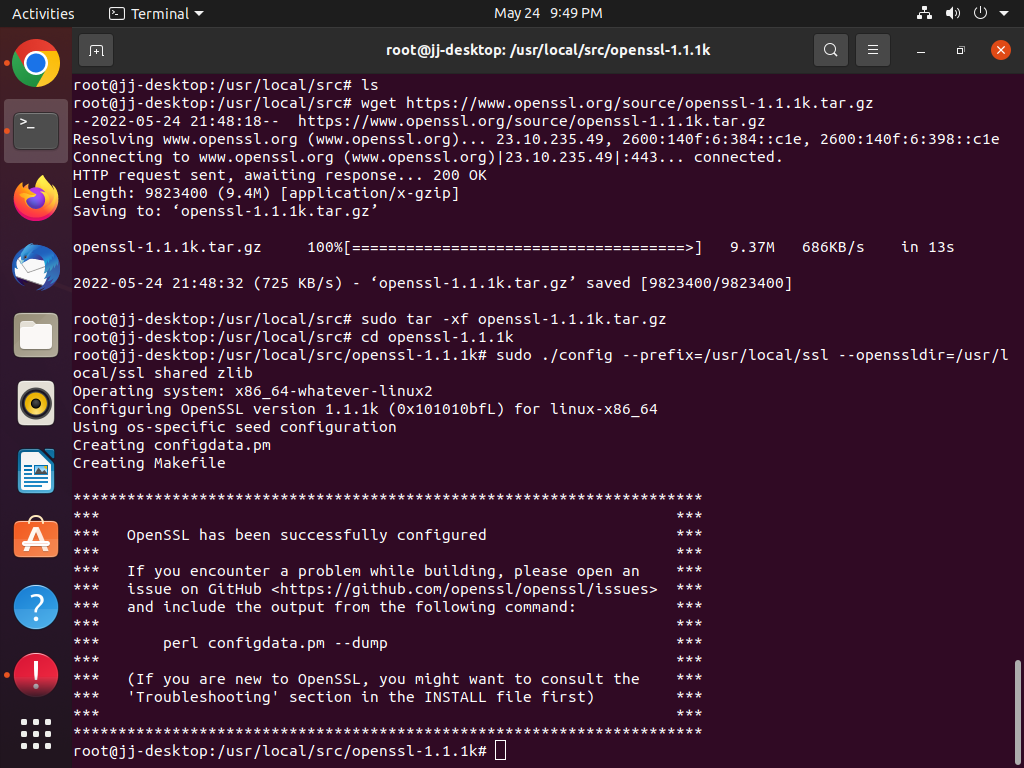
OpenSSL Installlation
This file contains hidden or bidirectional Unicode text that may be interpreted or compiled differently than what appears below. To review, open the file in an editor that reveals hidden Unicode characters.
Learn more about bidirectional Unicode characters
| ##Once OpenSSL is installed, it is prudent to link the shared libraries for it so that they load at runtime: | |
| cd /etc/ld.so.conf.d/ | |
| sudo nano openssl-1.1.1k.conf | |
| ##Paste the OpenSSL library path directory: | |
| /usr/local/ssl/lib | |
| save and exit | |
| sudo ldconfig -v | |
| ##Configuring the OpenSSL binary. Now edit the /etc/environment file using nano editor: | |
| sudo nano /etc/environment | |
| ##Add the following line: | |
| PATH="/usr/local/sbin:/usr/local/bin:/usr/sbin:/usr/bin:/sbin:/bin:/usr/games:/usr/local/games:/usr/local/ssl/bin" | |
| source /etc/environment | |
| echo $PATH | |
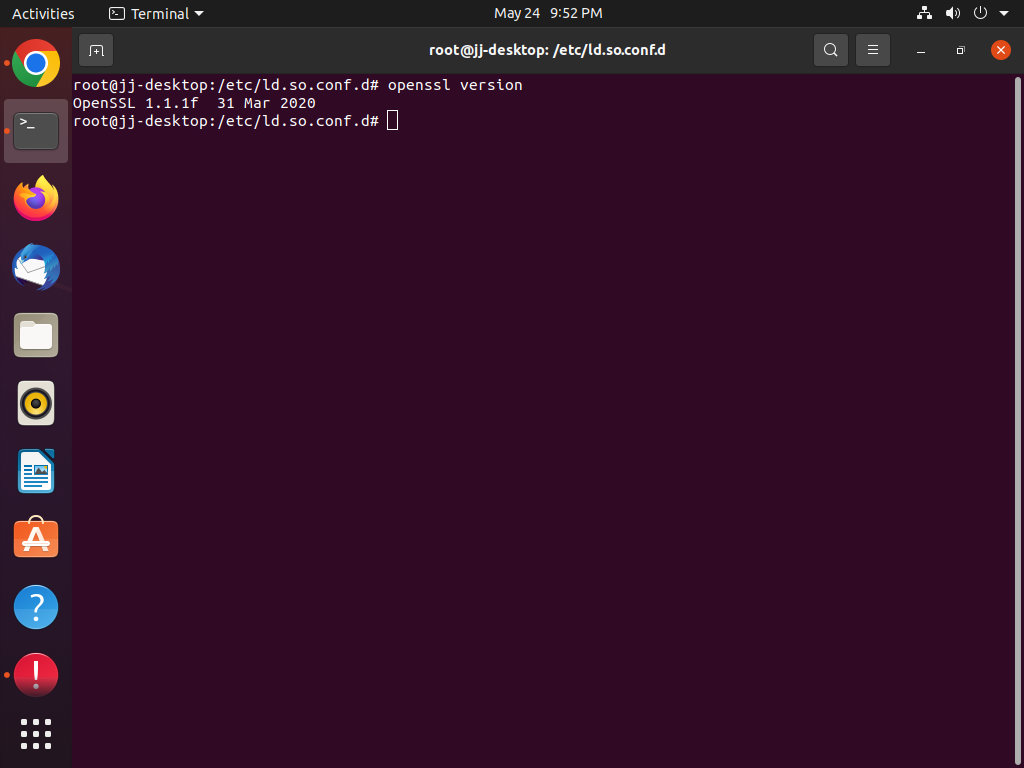
| openssl version -a | |
| @parallaxhub |

Juadul-Ahmed
commented
May 25, 2022
Author
Sign up for free
to join this conversation on GitHub.
Already have an account?
Sign in to comment