
Created
May 16, 2022 06:40
-
-
Save Juadul-Ahmed/c4a17946d9f178576c97bb52b9c122ff to your computer and use it in GitHub Desktop.
SonarQube Install Ubuntu
This file contains hidden or bidirectional Unicode text that may be interpreted or compiled differently than what appears below. To review, open the file in an editor that reveals hidden Unicode characters.
Learn more about bidirectional Unicode characters
| sudo nano /etc/systemd/system/sonar.service | |
| # Paste the following lines to the file. | |
| [Unit] | |
| Description=SonarQube service | |
| After=syslog.target network.target | |
| [Service] | |
| Type=forking | |
| ExecStart=/opt/sonarqube/bin/linux-x86-64/sonar.sh start | |
| ExecStop=/opt/sonarqube/bin/linux-x86-64/sonar.sh stop | |
| User=sonar | |
| Group=sonar | |
| Restart=always | |
| LimitNOFILE=65536 | |
| LimitNPROC=4096 | |
| [Install] | |
| WantedBy=multi-user.target | |
| # save and exit | |
| sudo nano /etc/sysctl.conf | |
| # Add | |
| vm.max_map_count=262144 | |
| fs.file-max=65536 | |
| ulimit -n 65536 | |
| ulimit -u 4096 | |
| # SAVE AND EXIT | |
| sudo systemctl enable sonar | |
| sudo systemctl start sonar | |
| sudo systemctl restart sonar | |
| sudo systemctl status sonar | |
| reboot | |
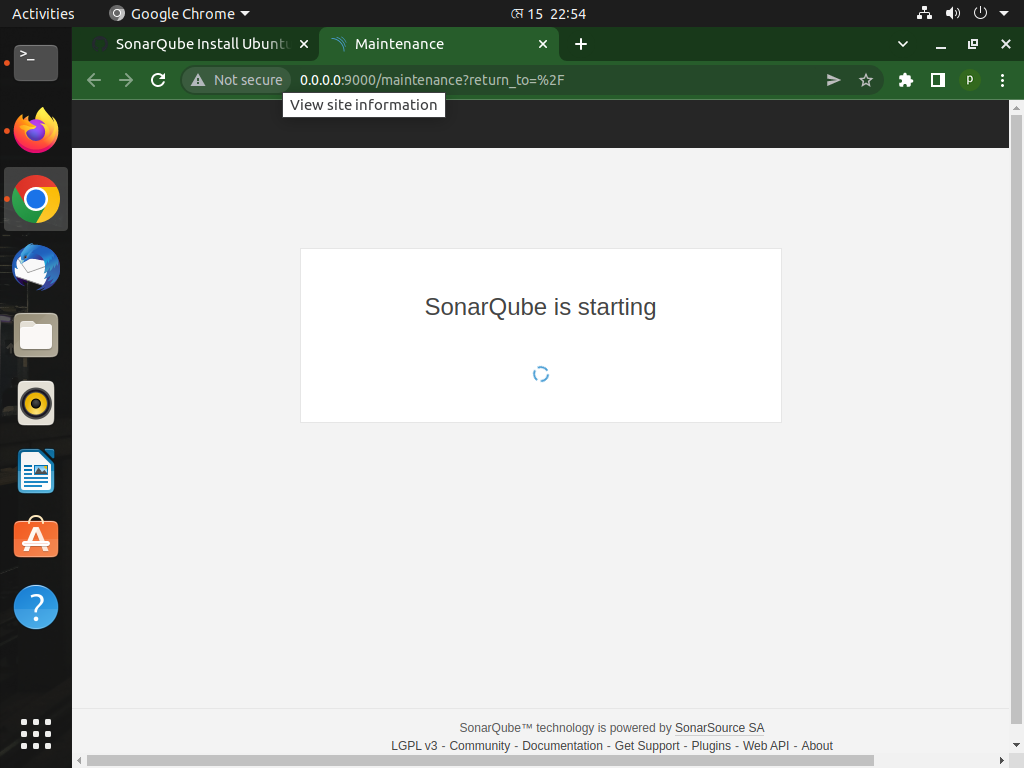
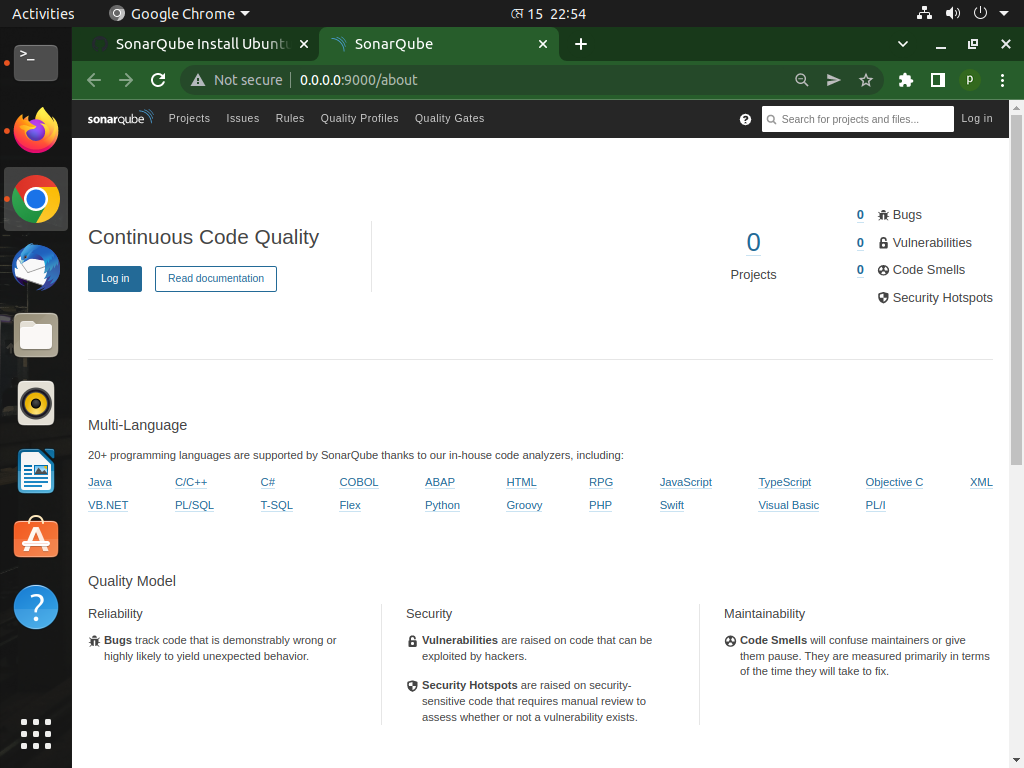
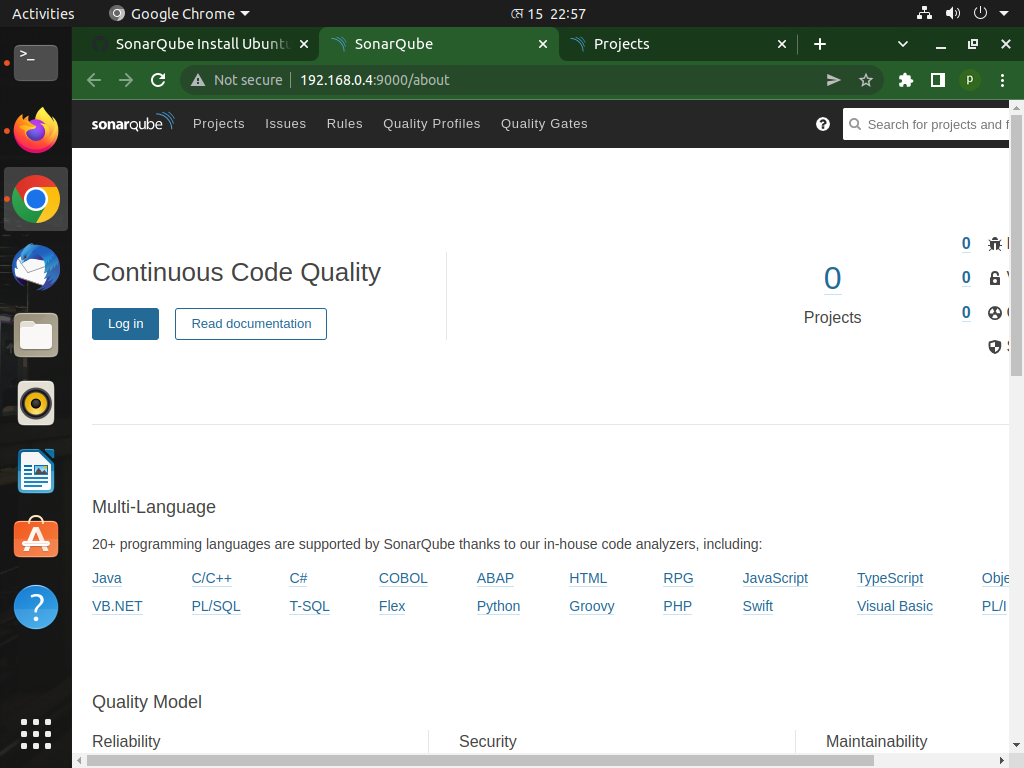
| http://192.0.2.123:9000 | |
| http://0.0.0.0:9000 | |
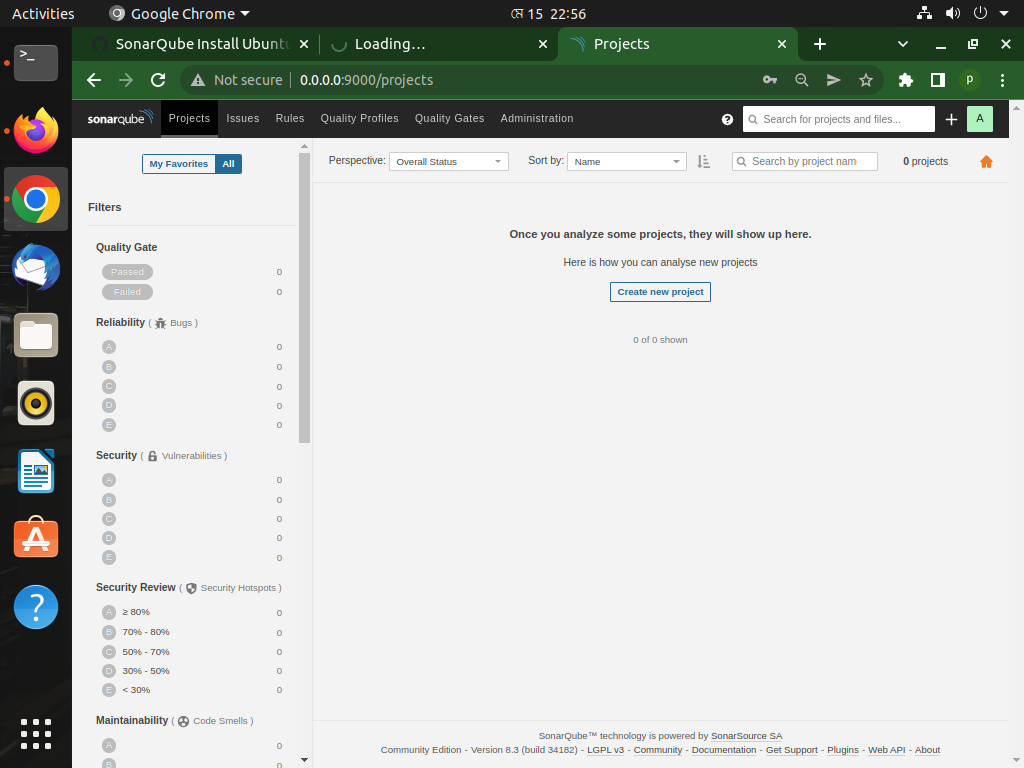
| Log in with username admin and password admin. SonarQube will prompt you to change your password. |

Juadul-Ahmed
commented
May 16, 2022
Author

Sign up for free
to join this conversation on GitHub.
Already have an account?
Sign in to comment