
Last active
March 21, 2021 08:30
-
-
Save LinauxTerminology/1c57a90e61e1d1d64e0aa0d0c5ededf4 to your computer and use it in GitHub Desktop.
Hashtopolis Install Ubuntu Linux
This file contains hidden or bidirectional Unicode text that may be interpreted or compiled differently than what appears below. To review, open the file in an editor that reveals hidden Unicode characters.
Learn more about bidirectional Unicode characters
| If you need Hashtopolis Install Setup contact with me: | |
| Email: urmirohman218@gmail.com | |
| Skype: https://join.skype.com/VOgbAxZNCAFi | |
| Telegram: https://t.me/LinauxTerminology | |
| WhatsApp: +8801408694088 | |
| Imo: +8801408694088 | |
| twiteer:https://twitter.com/LinauxTerminoal | |
| facebook:https://www.facebook.com/LinauxTerminology | |
| bip:01314582960 | |
| instagram:urmirohman218@gmail.com | |
| sudo apt update | |
| sudo apt upgrade | |
| sudo apt install apache2 | |
| apache2 -v | |
| sudo systemctl enable apache2 | |
| sudo service apache2 restart | |
| sudo service apache2 status | |
| apt install mysql-server | |
| sudo mysql_secure_installation | |
| mysql --version | |
| /etc/init.d/mysql start | |
| /etc/init.d/mysql restart | |
| sudo service mysql enable | |
| sudo service mysql restart | |
| sudo service mysql status | |
| sudo nano /etc/mysql/mysql.conf.d/mysqld.cnf | |
| #And then change the bind-address line to 0.0.0.0 | |
| # Save and exit | |
| sudo ufw allow from any to any port 3306 proto tcp | |
| sudo systemctl restart mysql | |
| sudo systemctl enable mysql | |
| sudo mysql |

LinauxTerminology
commented
Mar 21, 2021
Author
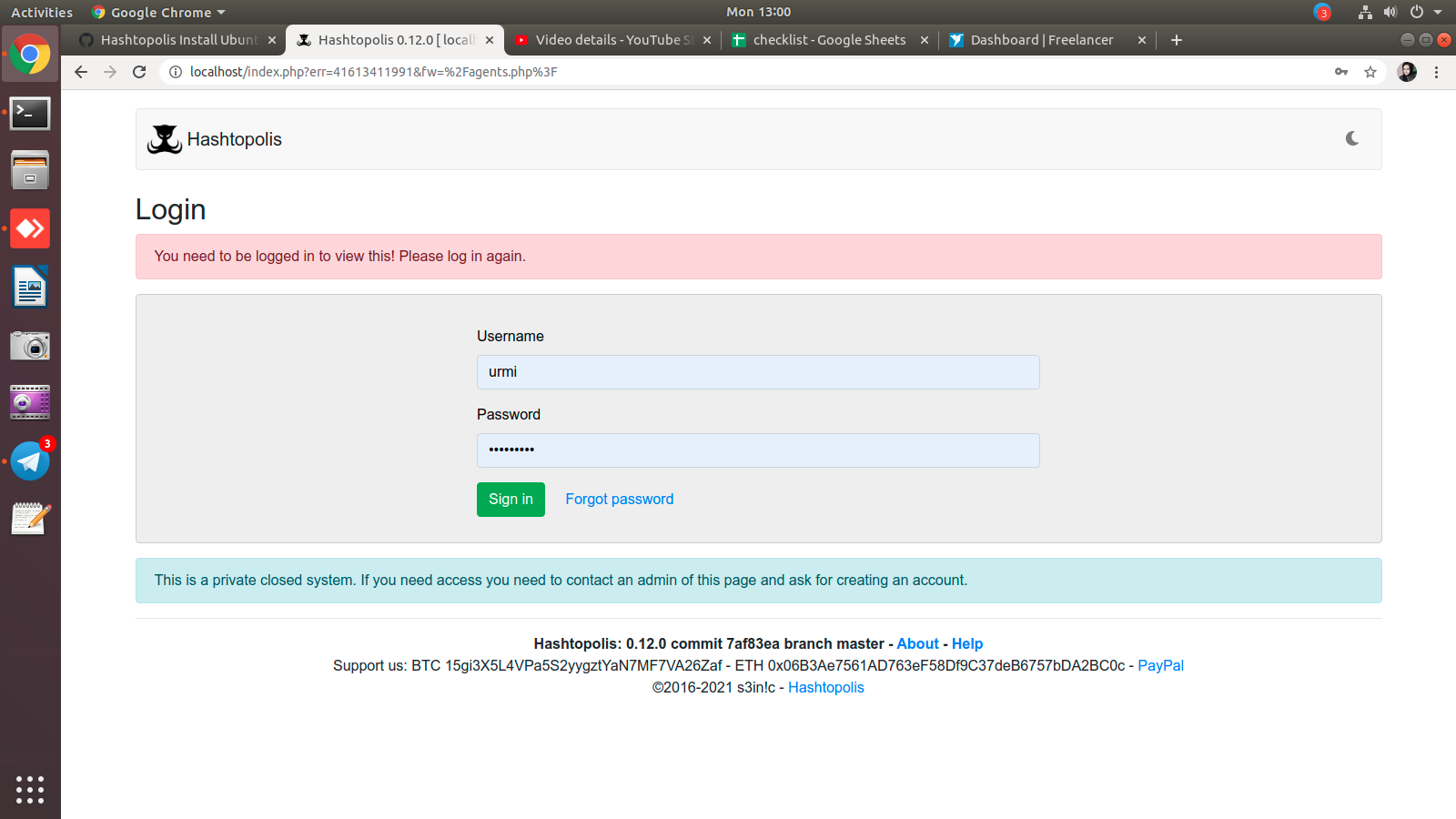
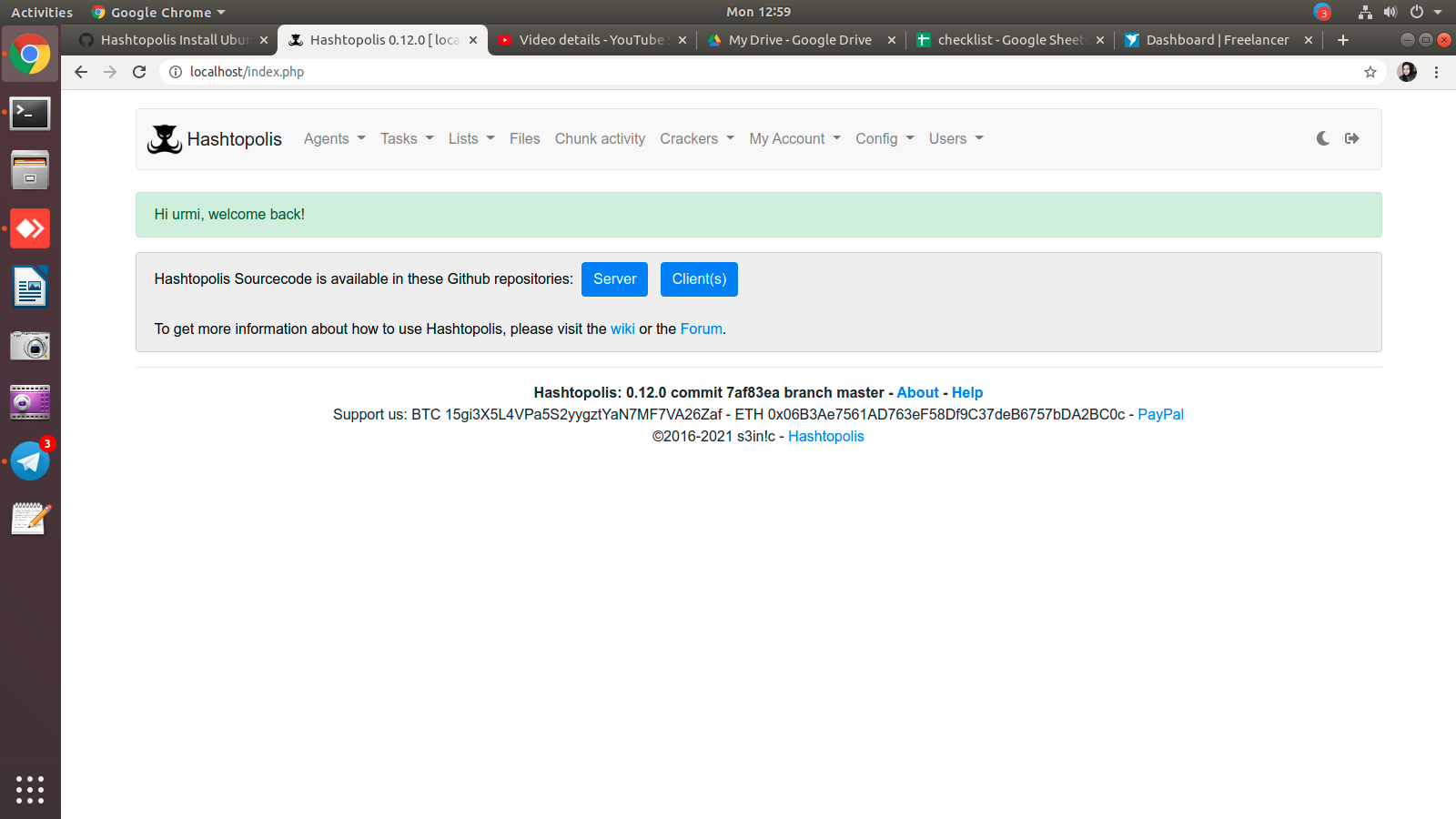
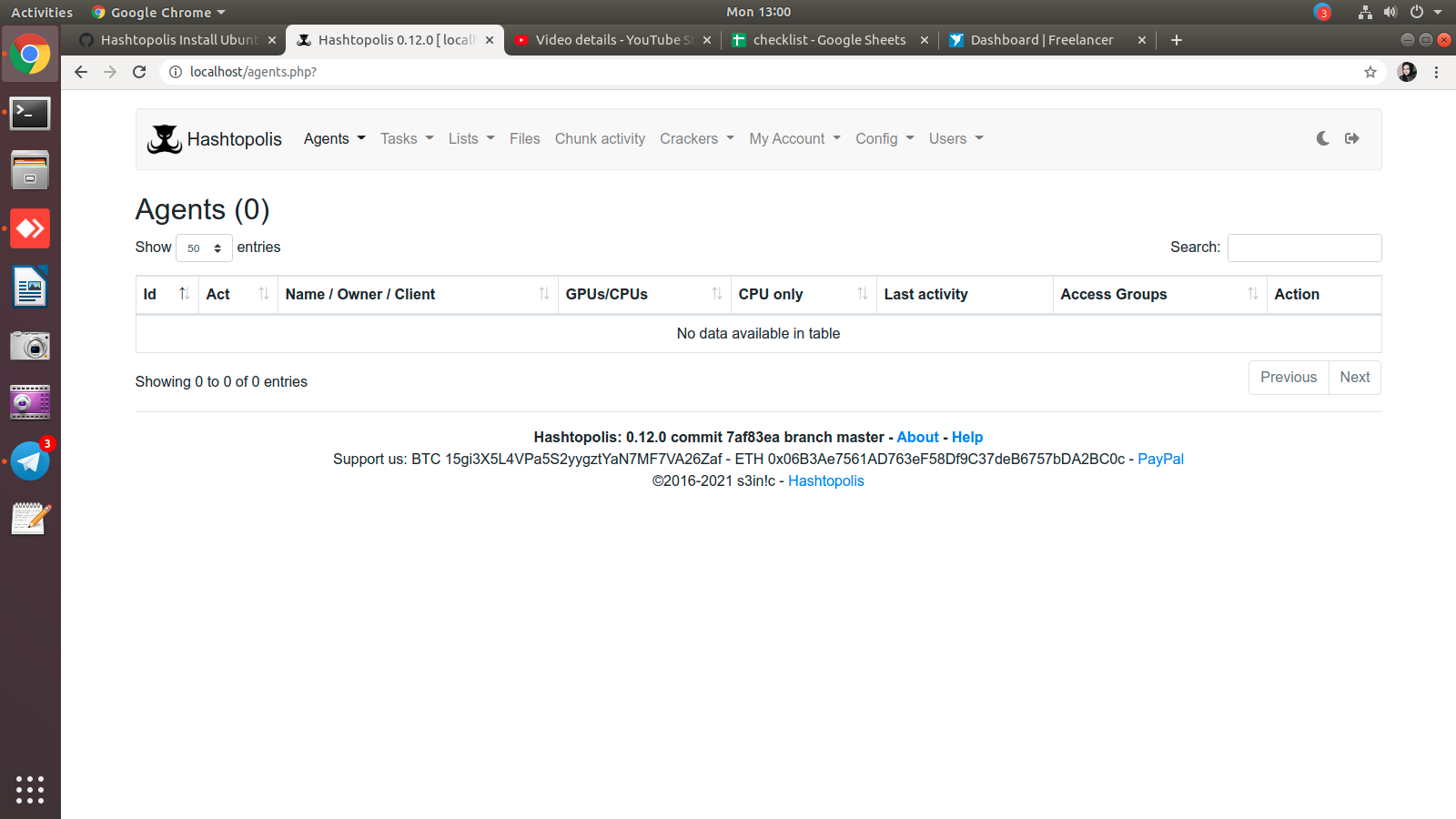
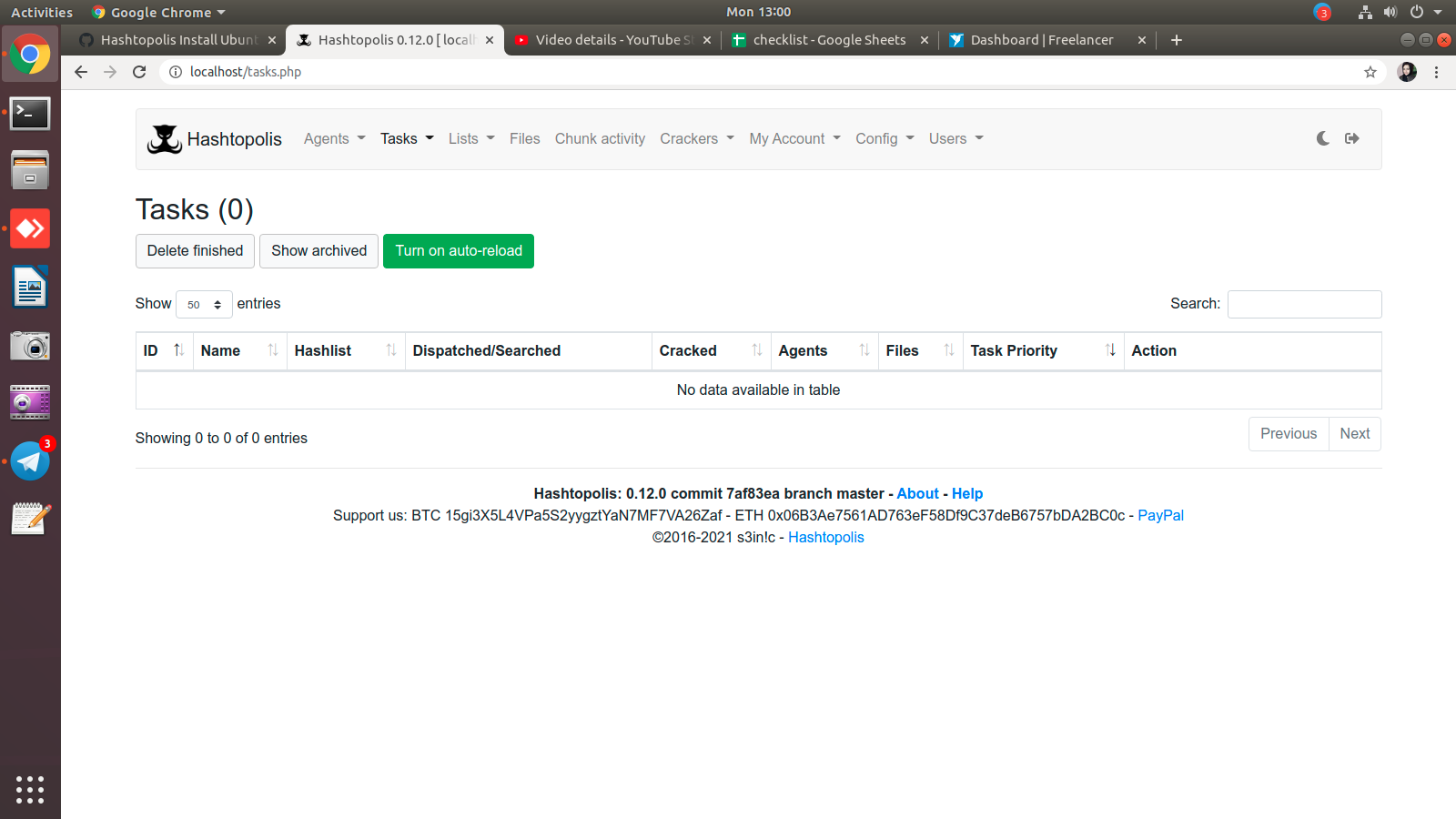
Sign up for free
to join this conversation on GitHub.
Already have an account?
Sign in to comment