
Last active
March 7, 2021 17:00
-
-
Save LinauxTerminology/b4f255614b8c27e90d1f177e9f42cb10 to your computer and use it in GitHub Desktop.
I Will Do Lemp Stack Setup Ubuntu 18.04
This file contains hidden or bidirectional Unicode text that may be interpreted or compiled differently than what appears below. To review, open the file in an editor that reveals hidden Unicode characters.
Learn more about bidirectional Unicode characters
| If you need LEMP Setup contact with me: | |
| Email: urmirohman218@gmail.com | |
| Skype: https://join.skype.com/ | |
| Telegram: https://t.me/LinauxTerminology | |
| WhatsApp: +8801408694088 | |
| Imo: +8801408694088 | |
| twiteer:https://twitter.com/LinauxTerminoal | |
| facebook:https://www.facebook.com/LinauxTerminology | |
| bip:01314582960 | |
| instagram:urmirohman218@gmail.com | |
| ##Step 1 - Install Nginx | |
| sudo apt update | |
| sudo apt install nginx | |
| sudo service nginx status | |
| sudo ufw allow OpenSSH | |
| sudo ufw allow 'Nginx HTTP' | |
| sudo ufw enable | |
| sudo ufw status | |
| ip a | grep -Eo 'inet (addr:)?([0-9]*\.){3}[0-9]*' | grep -Eo '([0-9]*\.){3}[0-9]*' | grep -v '127.0.0.1' | |
| sudo nano /var/www/html/index.nginx-debian.html | |
| To save and close nano, press CTRL + X and then press y and ENTER to save changes. | |
| Step 2 — Installing MySQL | |
| sudo apt install mysql-server | |
| sudo service mysql status | |
| sudo mysql_secure_installation | |
| sudo mysqladmin -p -u root version | |
| CREATE DATABASE school; | |
| CREATE USER 'trainee'@'localhost' IDENTIFIED WITH mysql_native_password BY 'D@y-7869'; | |
| GRANT CREATE, ALTER, DROP, INSERT, UPDATE, DELETE, SELECT on *.* TO 'trainee'@'localhost' WITH GRANT OPTION; | |
| use school; | |
| FLUSH PRIVILEGES; | |
| exit |

LinauxTerminology
commented
Feb 21, 2021
Author
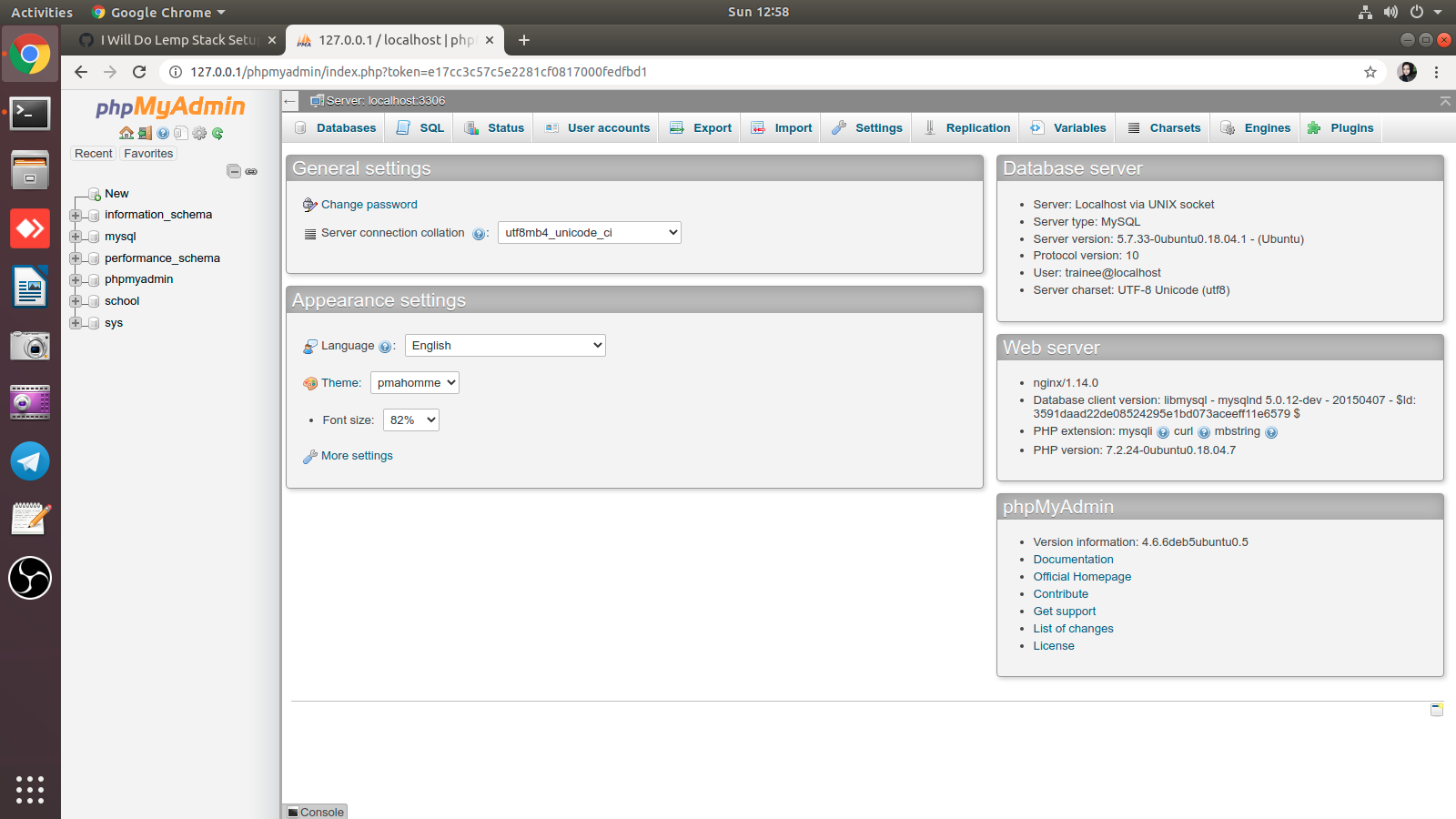
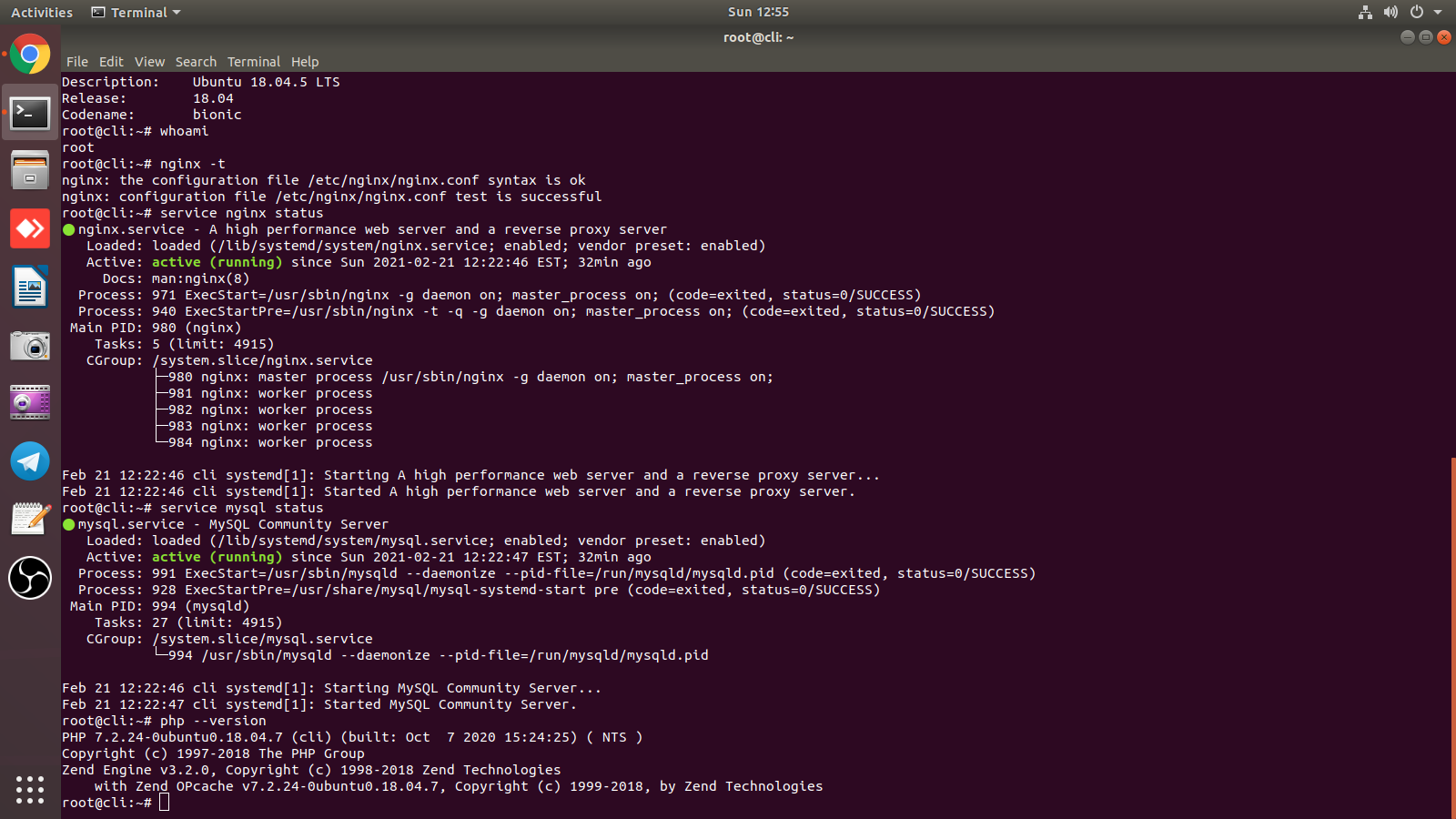
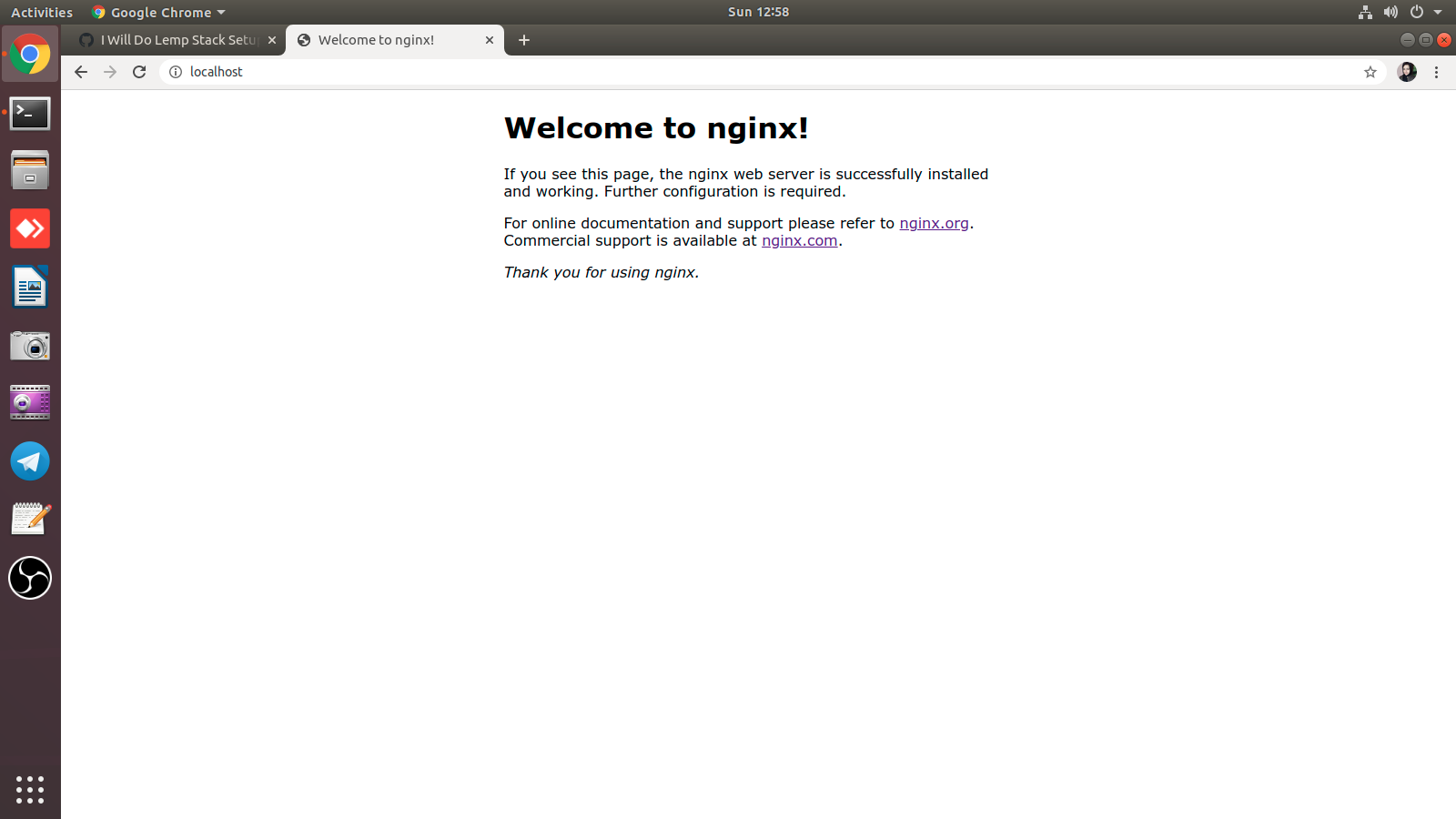
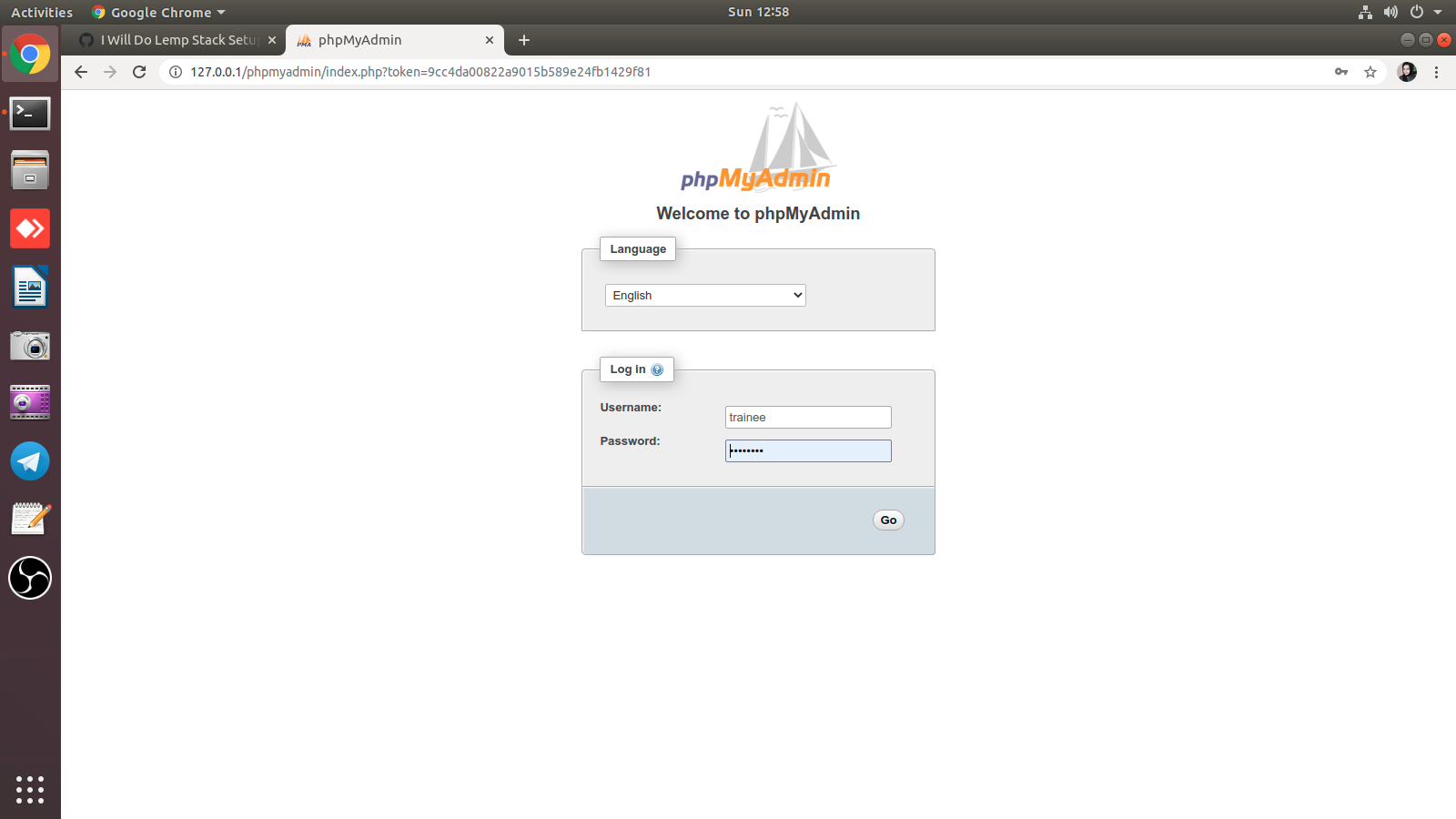
Sign up for free
to join this conversation on GitHub.
Already have an account?
Sign in to comment