
Created
November 18, 2021 21:46
-
-
Save LinauxTerminology/f7417a0e2455ab4227a6b83c2ac81f15 to your computer and use it in GitHub Desktop.
I Will Do Install Akaunting On Ubuntu 20.04
This file contains hidden or bidirectional Unicode text that may be interpreted or compiled differently than what appears below. To review, open the file in an editor that reveals hidden Unicode characters.
Learn more about bidirectional Unicode characters
| If you need Akaunting Setup contact with me: | |
| Email: urmirohman218@gmail.com | |
| Skype: https://join.skype.com/ | |
| Telegram:https://t.me/LinauxTerminology | |
| WhatsApp: +8801408694088 | |
| Imo: +8801408694088 | |
| sudo apt-get update -y | |
| sudo apt-get upgrade -y | |
| sudo apt-get install apache2 mariadb-server php7.4 libapache2-mod-php7.4 php7.4-common php7.4-imap php7.4-mbstring php7.4-xmlrpc php7.4-soap php7.4-gd php7.4-xml php7.4-intl php7.4-mysql php7.4-cli php7.4-ldap php7.4-zip php7.4-curl unzip -y | |
| sudo nano /etc/php/7.4/apache2/php.ini | |
| file_uploads = On | |
| allow_url_fopen = On | |
| memory_limit = 256M | |
| upload_max_filesize = 30M | |
| post_max_size = 40M | |
| max_execution_time = 60 | |
| zend.assertions = 0 | |
| display_errors = Off | |
| max_input_vars = 1500 | |
| date.timezone = Asia/Dhaka | |
| sudo systemctl start apache2 | |
| sudo systemctl enable apache2 | |
| sudo systemctl start mariadb | |
| sudo systemctl enable mariadb |

LinauxTerminology
commented
Nov 18, 2021
Author

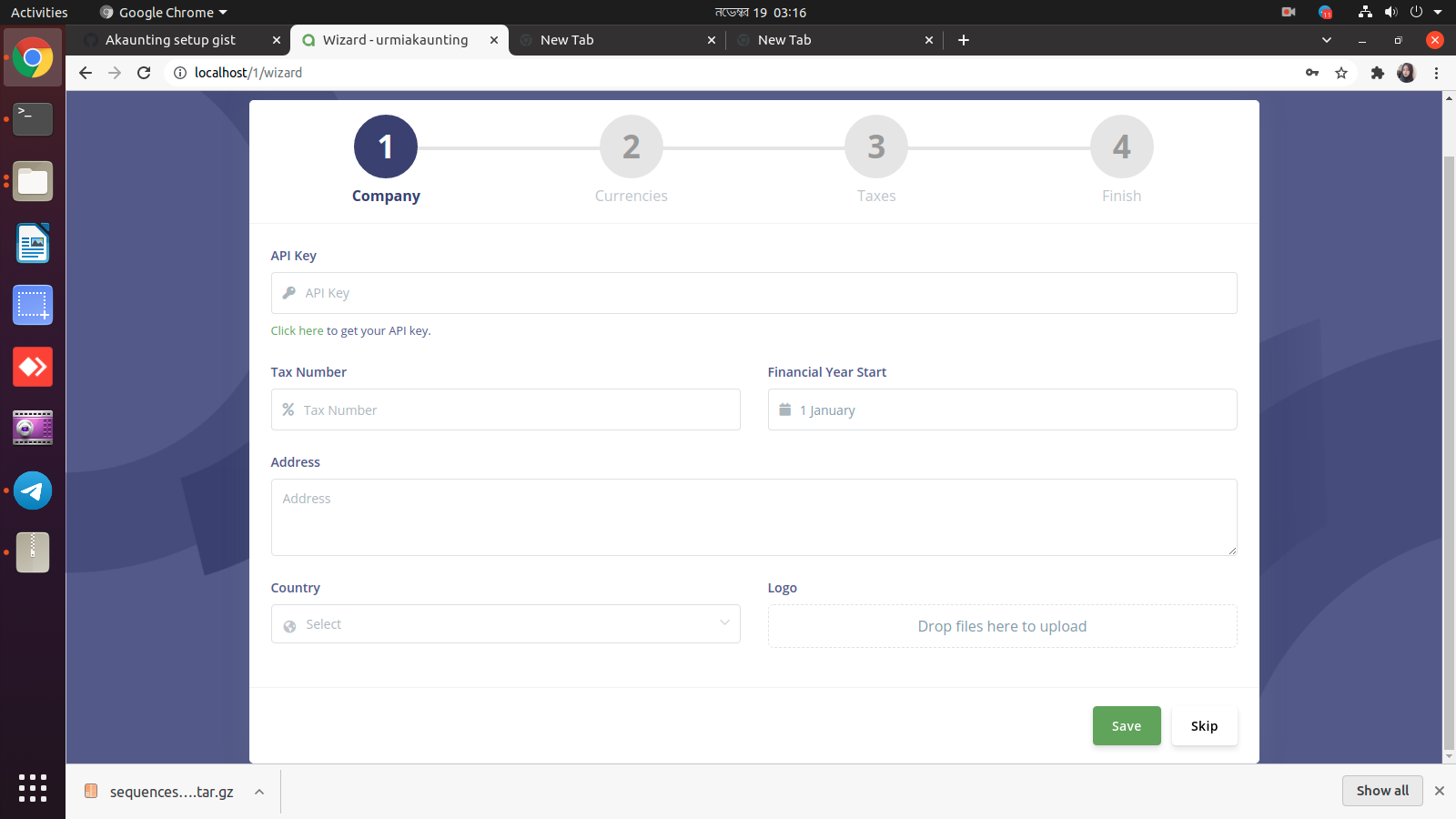
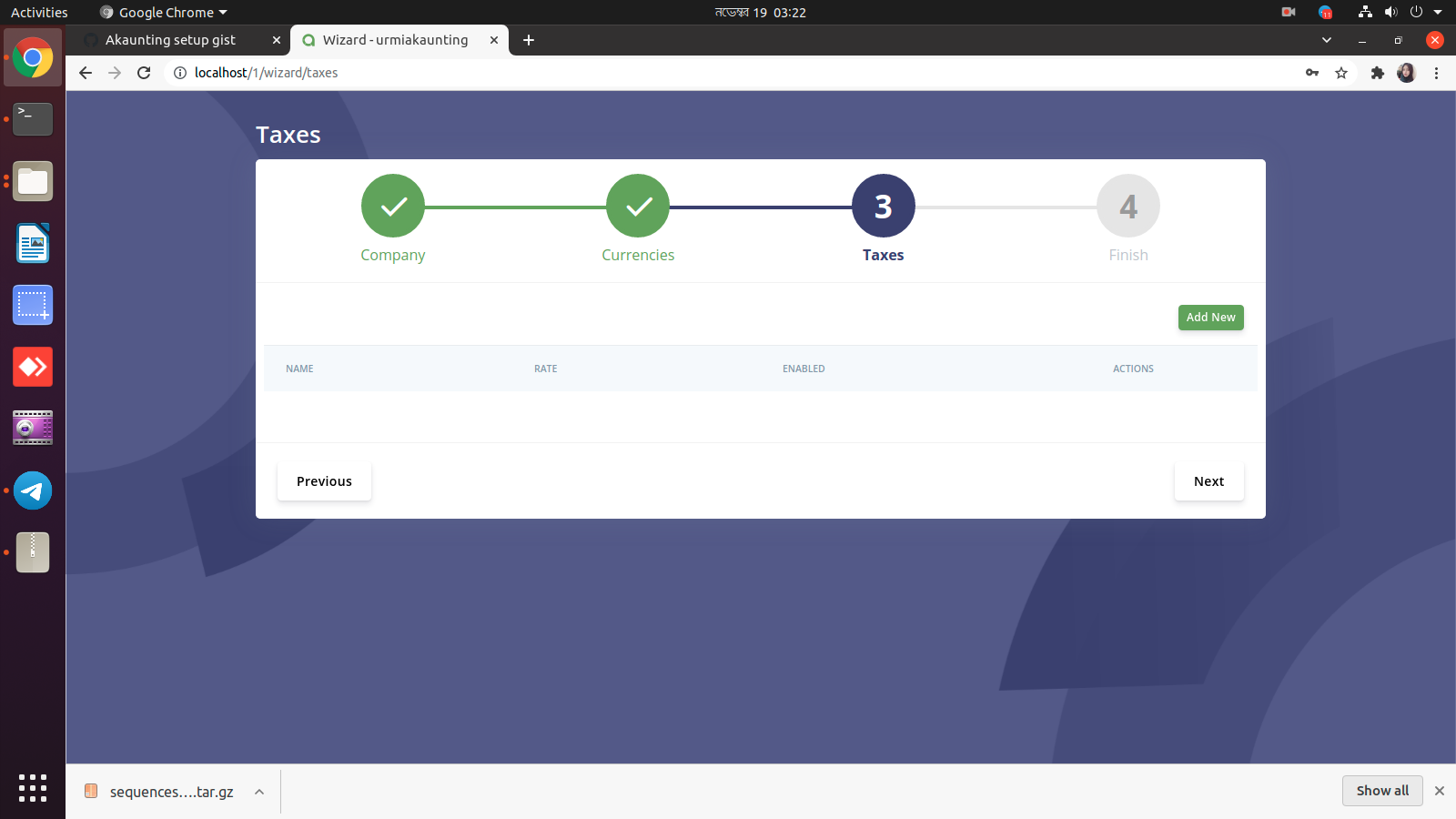
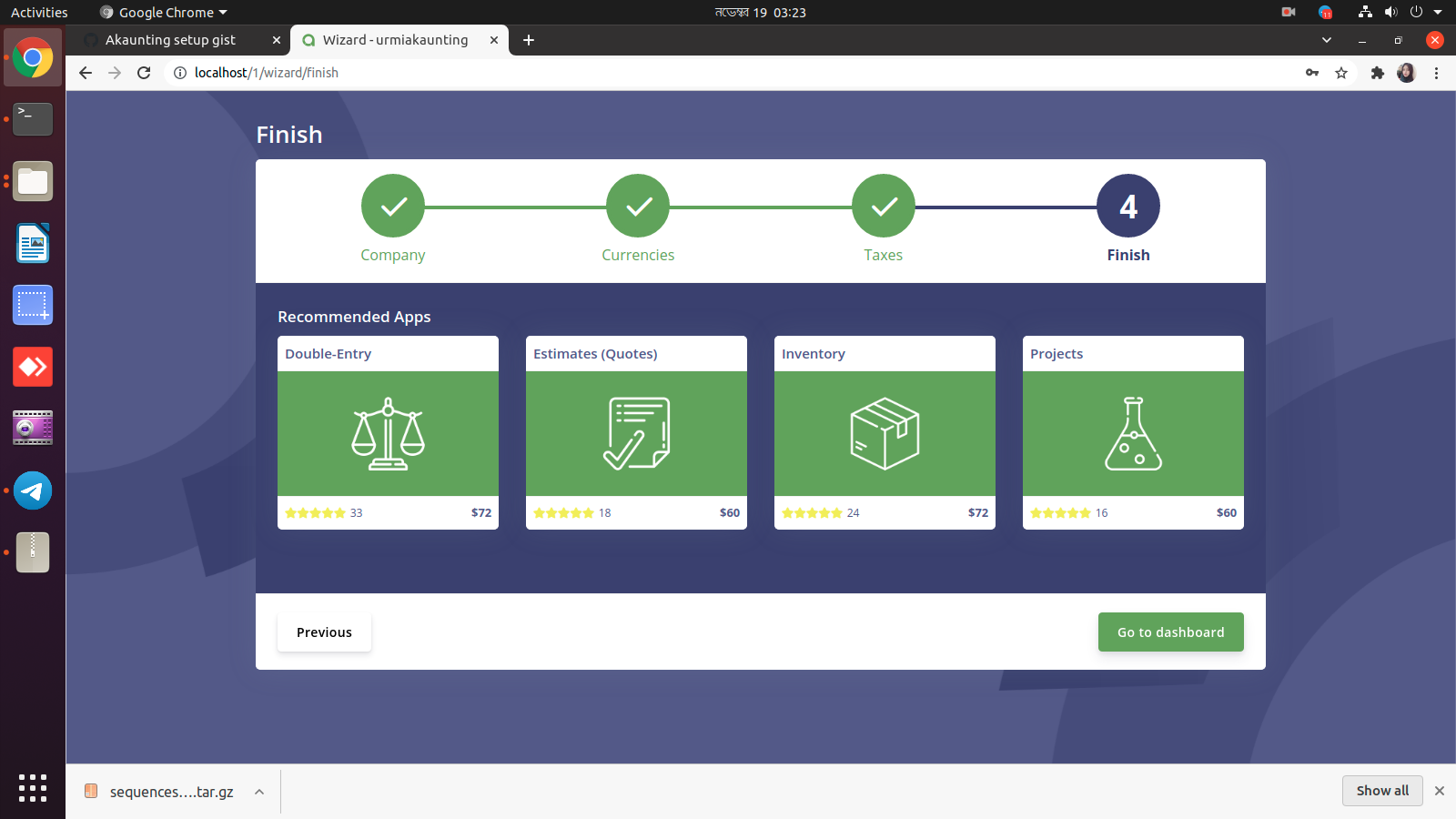
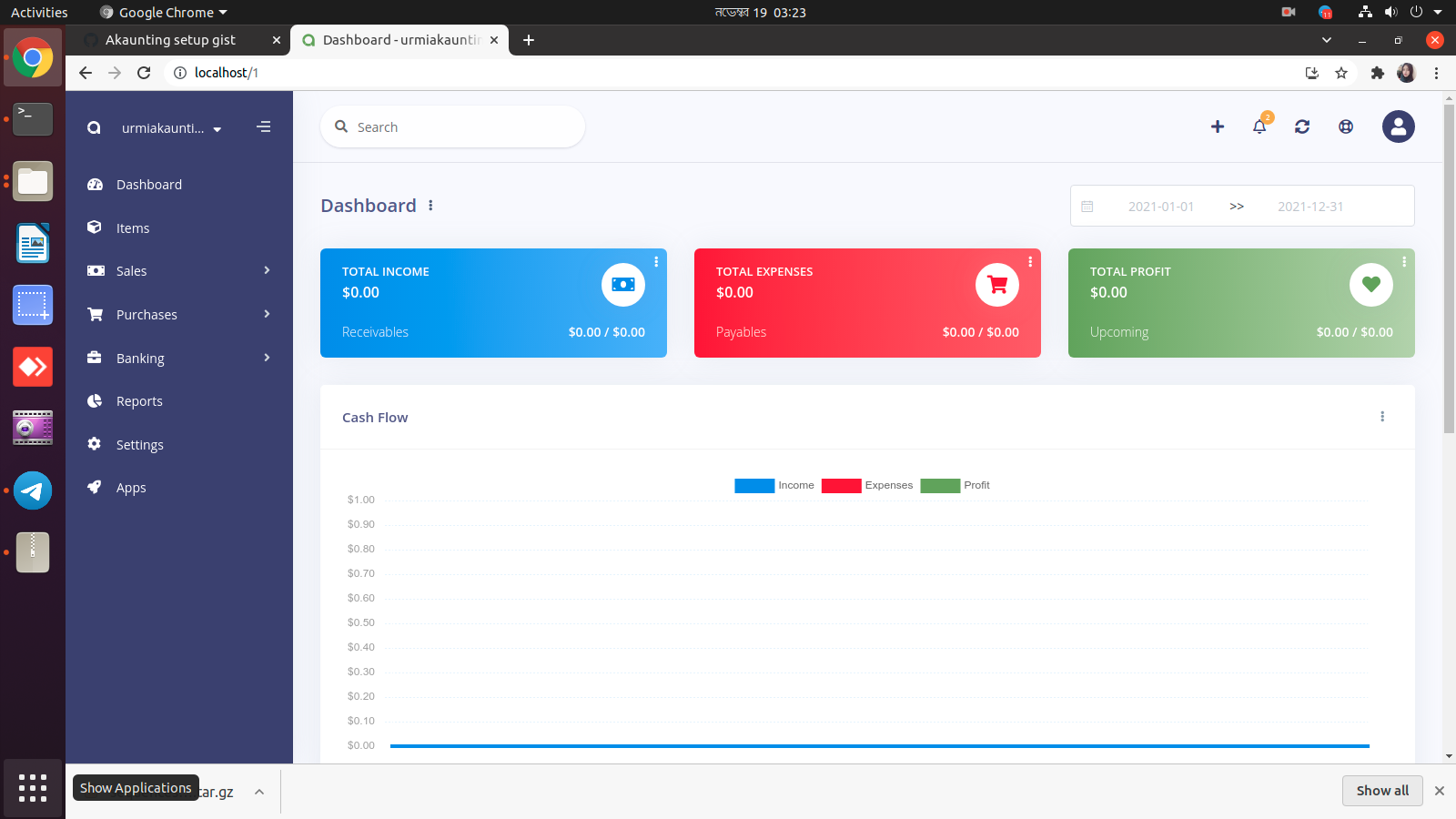
Sign up for free
to join this conversation on GitHub.
Already have an account?
Sign in to comment