
-
-
Save Musinux/8e6c4752ed3c143d49764311a504c1e9 to your computer and use it in GitHub Desktop.
| #!/bin/bash | |
| # WARNING ! THIS WAS WRITTEN A LONG TIME AGO (2018), IT MAY NOT BE RELEVANT ANYMORE | |
| sudo apt-get install vnc4server ubuntu-desktop | |
| sudo apt-get install gnome-panel gnome-settings-daemon metacity nautilus gnome-terminal |
| #!/bin/sh | |
| # WARNING ! THIS WAS WRITTEN A LONG TIME AGO (2018), IT MAY NOT BE RELEVANT ANYMORE | |
| # Uncomment the following two lines for normal desktop: | |
| # unset SESSION_MANAGER | |
| # exec /etc/X11/xinit/xinitrc | |
| #[ -x /etc/vnc/xstartup ] && exec /etc/vnc/xstartup | |
| #[ -r $HOME/.Xresources ] && xrdb $HOME/.Xresources | |
| #xsetroot -solid grey | |
| #vncconfig -iconic & | |
| #x-terminal-emulator -geometry 80x24+10+10 -ls -title "$VNCDESKTOP Desktop" & | |
| #x-window-manager & | |
| export XKL_XMODMAP_DISABLE=1 | |
| unset SESSION_MANAGER | |
| unset DBUS_SESSION_BUS_ADDRESS | |
| [ -x /etc/vnc/xstartup ] && exec /etc/vnc/xstartup | |
| [ -r $HOME/.Xresources ] && xrdb $HOME/.Xresources | |
| xsetroot -solid grey | |
| vncconfig -iconic & | |
| gnome-session & | |
| gnome-panel & | |
| gnome-settings-daemon & | |
| metacity & | |
| nautilus & | |
| gnome-terminal & |


This will start gnome desktop. Where is unity?

Unity not showing up.

Should be like this:

Unity plugin enabled in CCSM. Any Ideas?

yeah exactly that's not the correct unity

Folks sorry for the silly question
Where to put the xstartup file ?

xstartup is at ~/.vnc/xstartup

Hi, I only get a file explorer window, nothing else. Any ideas? Thanks!
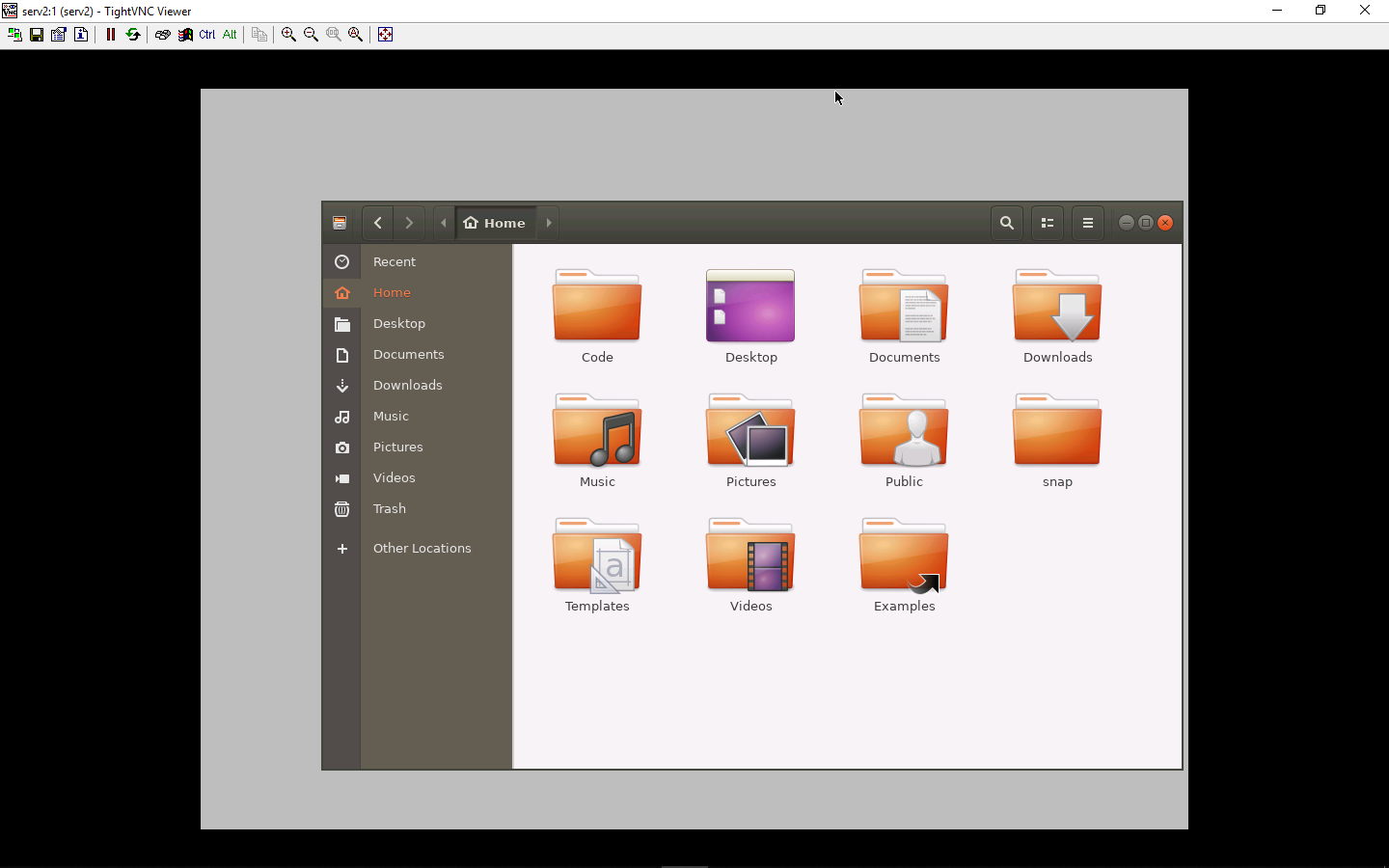

Hi, I only get a file explorer window, nothing else. Any ideas? Thanks!
Verify you installed all listed packages .

@NorseGopher, I got the same problem, too. It doesn't present the correct Unity desktop environment session...

Hi, I only get a file explorer window, nothing else. Any ideas? Thanks!
same problem with installed packages...

this config wont start the unity it starts gnome environment and some ui dependent apps wont work properly or simply will crash!
Thanks! I fixed an error.