Skip to content

Instantly share code, notes, and snippets.

@SuicSoft
Last active July 29, 2026 11:10
Show Gist options
  • Select an option

  • Save SuicSoft/450d74e283710567eafffbbd125d2409 to your computer and use it in GitHub Desktop.

Select an option

Save SuicSoft/450d74e283710567eafffbbd125d2409 to your computer and use it in GitHub Desktop.
How to install Remix OS on UEFI with secure boot

How to install Remix OS using secure boot on UEFI

  1. Download Remix OS (http://www.jide.com/remixos) and Ubuntu (http://www.ubuntu.com/) (if you do not have it installed)

  2. Using Rufus (https://rufus.akeo.ie/) copy Ubuntu to a USB stick and boot from it. Click Try Ubuntu after it boots.
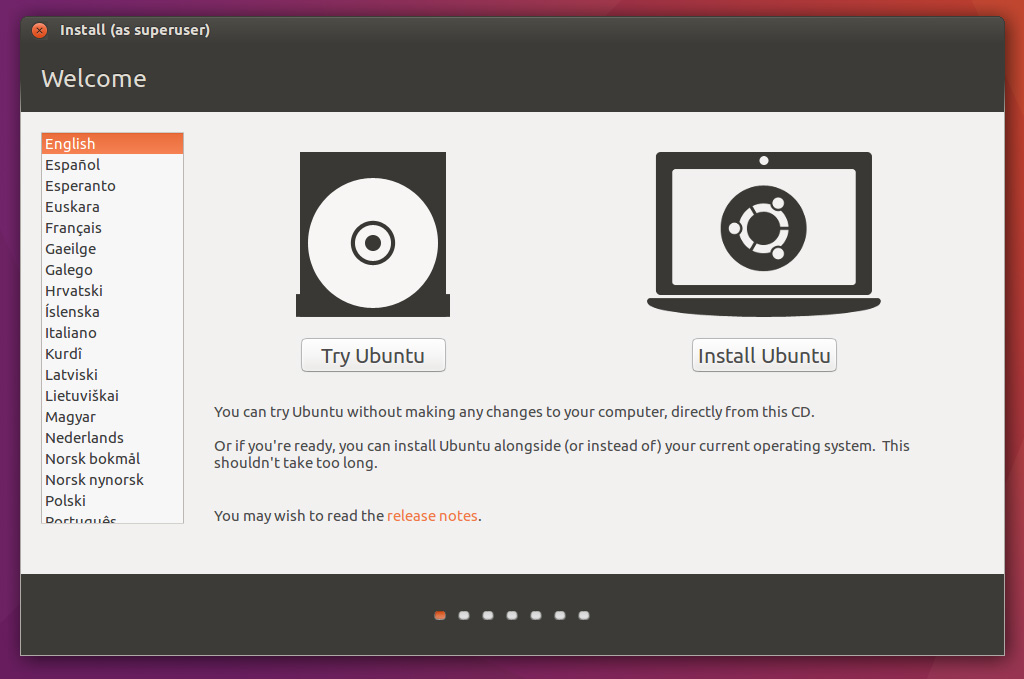
Ubuntu

Ubuntu has correctly booted in this picutre

  1. Open the files application and go to the directory that Remix OS is located and copy the path.

  2. Open a terminal and run the following commands

mkdir ~/RemixISO
mkdir ~/Remix 
@MichaleGeek

Copy link
Copy Markdown

Sorry, but this method doesn't work for me, here I've found a guide to install Remix OS on UEFI Secure boot, hope it will also work for other users.

@judgdredd

judgdredd commented Apr 2, 2018

Copy link
Copy Markdown

this is an incomplete guide if i've ever seen one

@giroudoliver997-oss

Copy link
Copy Markdown

Make every outfit stand out with Gianni Bini ankle boots, created for women who never compromise on style or comfort. Pair them with elegant dresses and fashionable accessories for a polished look from day to night.

Sign up for free to join this conversation on GitHub. Already have an account? Sign in to comment