
jQuery is a fast, concise, JavaScript Library that simplifies how you traverse HTML documents, handle events, perform animations, and add Ajax interactions to your web pages. jQuery is designed to change the way that you write JavaScript.
In other words it makes everything really simple. For this example you will need this file.
First step is creating a database. Name it "mysimplechat" or something like that. Then create a table named "chat", it should have 2 fields, Id and Text.
CREATE TABLE IF NOT EXISTS `chat` (
  `Id` int(11) NOT NULL auto_increment,
  `Text` text NOT NULL,
  PRIMARY KEY  (`Id`)
) ENGINE=MyISAM DEFAULT CHARSET=latin1;Make a new file and name it server.php.
This is full code, I will explain it part by part below.
<?
$dbhost = 'localhost';
$dbuser = 'root';
$dbpass = 'your password';

$conn = mysql_connect($dbhost, $dbuser, $dbpass)
or die ('Error connecting to mysql');

$dbname = 'chat_database';

mysql_select_db($dbname);

$message = $_POST['message'];

if($message != "")
{
 $sql = "INSERT INTO `chat` VALUES('','$message')";
 mysql_query($sql);
}

$sql = "SELECT `Text` FROM `chat` ORDER BY `Id` DESC";
$result = mysql_query($sql);

while($row = mysql_fetch_array($result))
 echo $row['Text']."\n";


?>
Ok this script is very simple.
First it connects to database. Don't forget to set your own database information (host,username,password and database name).
<?php
$dbhost = 'localhost';
$dbuser = 'root';
$dbpass = 'your password';

$conn = mysql_connect($dbhost, $dbuser, $dbpass)
or die ('Error connecting to mysql');

$dbname = 'chat_database';

mysql_select_db($dbname);
?>
Then receives $message variable with POST method.
$message = $_POST['message'];If received message wasn't blank, add it to database.
if($message != "")
{
 $sql = "INSERT INTO `chat` VALUES('','$message')";
 mysql_query($sql);
}
Then show all rows from table "chat".
$sql = "SELECT `Text` FROM `chat` ORDER BY `Id` DESC";
$result = mysql_query($sql);

while($row = mysql_fetch_array($result))
echo $row['Text']."\n";And that's it! So let's jump to jQuery part. Make a new file and name it anything you want. I used index.php, but It can also be regular HTML file.
<html>
<head>
<script type="text/javascript" src="jquery-1.2.6.pack.js"></script>
<script type="text/javascript">

function update()
{
    $.post("server.php", {}, function(data){ $("#screen").val(data);});

    setTimeout('update()', 1000);
}

$(document).ready(

function()
    {
     update();

     $("#button").click(
      function()
      {
       $.post("server.php",
    { message: $("#message").val()},
    function(data){
    $("#screen").val(data);
    $("#message").val("");
    }
    );
      }
     );
    });


</script>
</head>
<body>

<textarea id="screen" cols="40" rows="40"> <//textarea> <br>
<input id="message" size="40">
<button id="button"> Send </button>

</body>
</html>
This can seem a little confusing at start but it is pretty simple.
First it includes jQuery script
<script type="text/javascript" src="jquery-1.2.6.pack.js"></script>Then we define a new function. It's used to open server.php (the PHP script I described just above) and copy all content from it to a textbox with id = screen. And as you can see above content of server.php will be list of all messages.
  function update()
    {
     $.post("server.php", {}, function(data){ $("#screen").val(data);});

     setTimeout('update()', 1000);
    }
In this part we use $.post method, which is described well here. But I will try to explain it myself anyway.
- Make a POST request
$.post - Target server.php script
"server.php", - Here is the list of all variables we want to send, (in this case none)
{},
If everything goes well execute this function Content from targeted script (server.php) is stored inside variable "data". Set the value of textarea with id = screen to data.
function(data)
{
$("#screen").val(data)
;}
We want our script to check server for new messages every second. We will make an recursive function, each time it runs it will call itself but after 1 second, so it will execute itself every second.
setTimeout('update()', 1000);
So we are done with update() function.
Now we check if page is fully loaded before doing anything.
$(document).ready(function()
Then we call update() function once and it will keep calling itself.
update();
Now when element with id = button is clicked, we must send new message to server and update our "screen" (a textbox with id = screen).
This part is very similar to update() function except, in this case we send one variable with POST method, and it is content of new message which is inside the input box with id = message.
$("#button").click(
 function()
 {
  $.post("server.php",
  {message: $("#message").val()},
  function(data){
   $("#screen").val(data);
   $("#message").val("");
   }
  );
 }
);
And that's it! Now just add textarea, input box and a button with right id-s!
 <textarea id="screen" cols="40" rows="40"> <//textarea> <br>
 <input id="message" size="40">
 <button id="button"> Send </button>


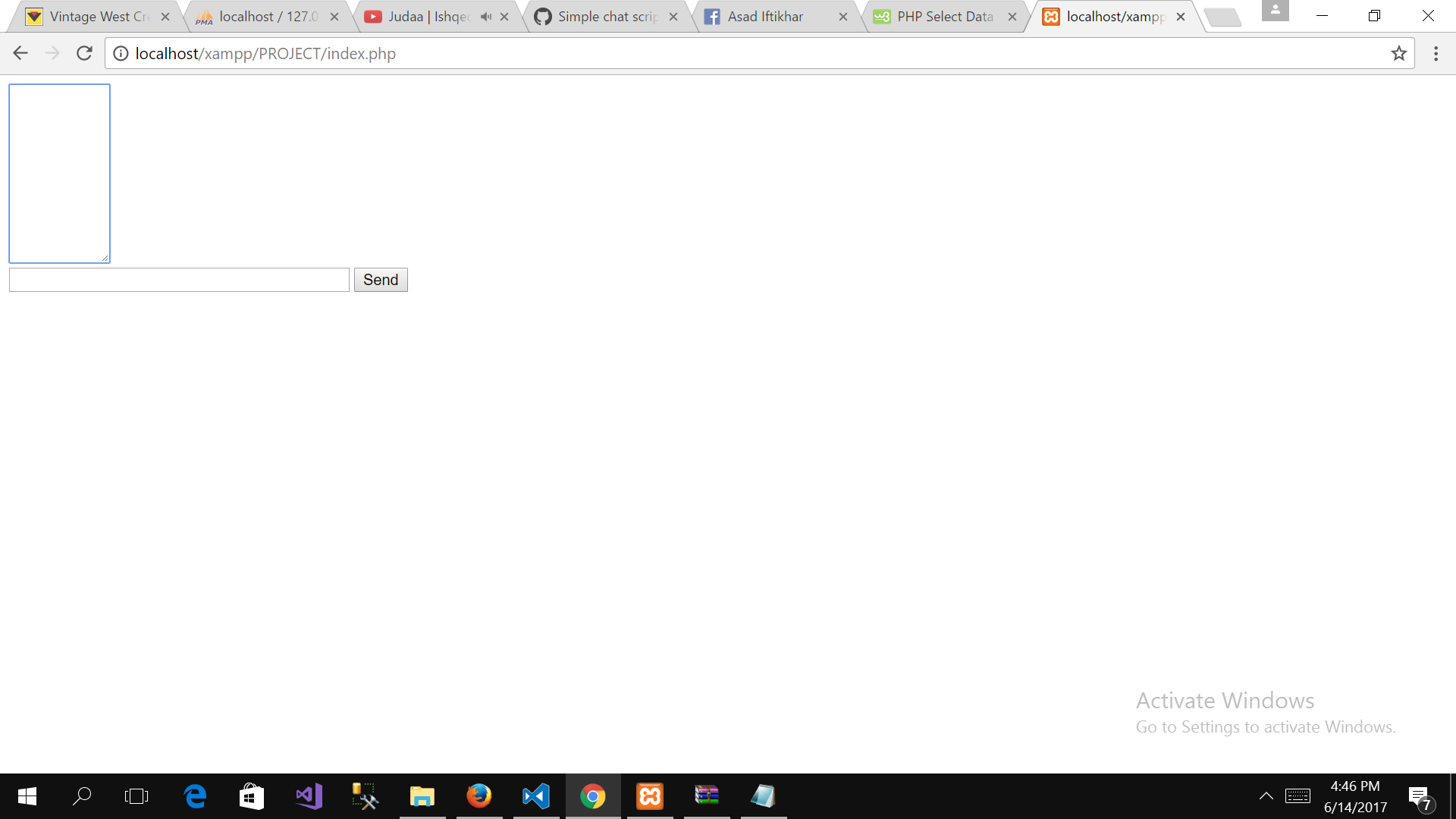


ugly.