#linux #bash #cli #filesystem
See this post on GitHub for context.
We can use the du command to determine disk usage. We need to combine it with the find command to check only file sizes and exclude directory sizes.
Manual pages:
List directories, current level only (depth 1), in human readable format, then sort in reverse order in human format. Human sorting takes into account, e.g., order of SI prefixes such as K, MB, GB, etc:
du -h -d 1 | sort -hror
du --human-readable --max-depth=1 | sort --human-numeric-sort --reverseSame as above, but include --all files as well:
du -ahd 1 | sort -hror
du --all --human-readable --max-depth=1 | sort --human-numeric-sort --reverseTop 20 biggest directories:
du -ah | sort -hr | head -n 20or
du --all --human-readable | sort --human-numeric-sort --reverse | head --lines=20Find only files (-type f) and execute du (du -ah {} +) on them. Use human numbers (SI prefixes) for the size values, human sort them, and return just the top 50 results:
find . -type f -exec du -ah {} + | sort -hr | head -n 50Exclude the .git directory:
find . -not -path "./.git/*" -type f -exec du -ah {} + | sort -hrWe can output the results to bat to make them easier to browse (bat is non standard and needs to be installed; if you can’t install it, try less or nano instead).
find . -not -path "./.git/*" -type f -exec du -ah {} + | sort -hr | batWe could also use the fd command, which is a more modern version of the old GNU find utility, is easier to use, and is faster.
fd . --hidden --type=file --exclude='.git' -x du --all --human-readable | sort -hr | bator
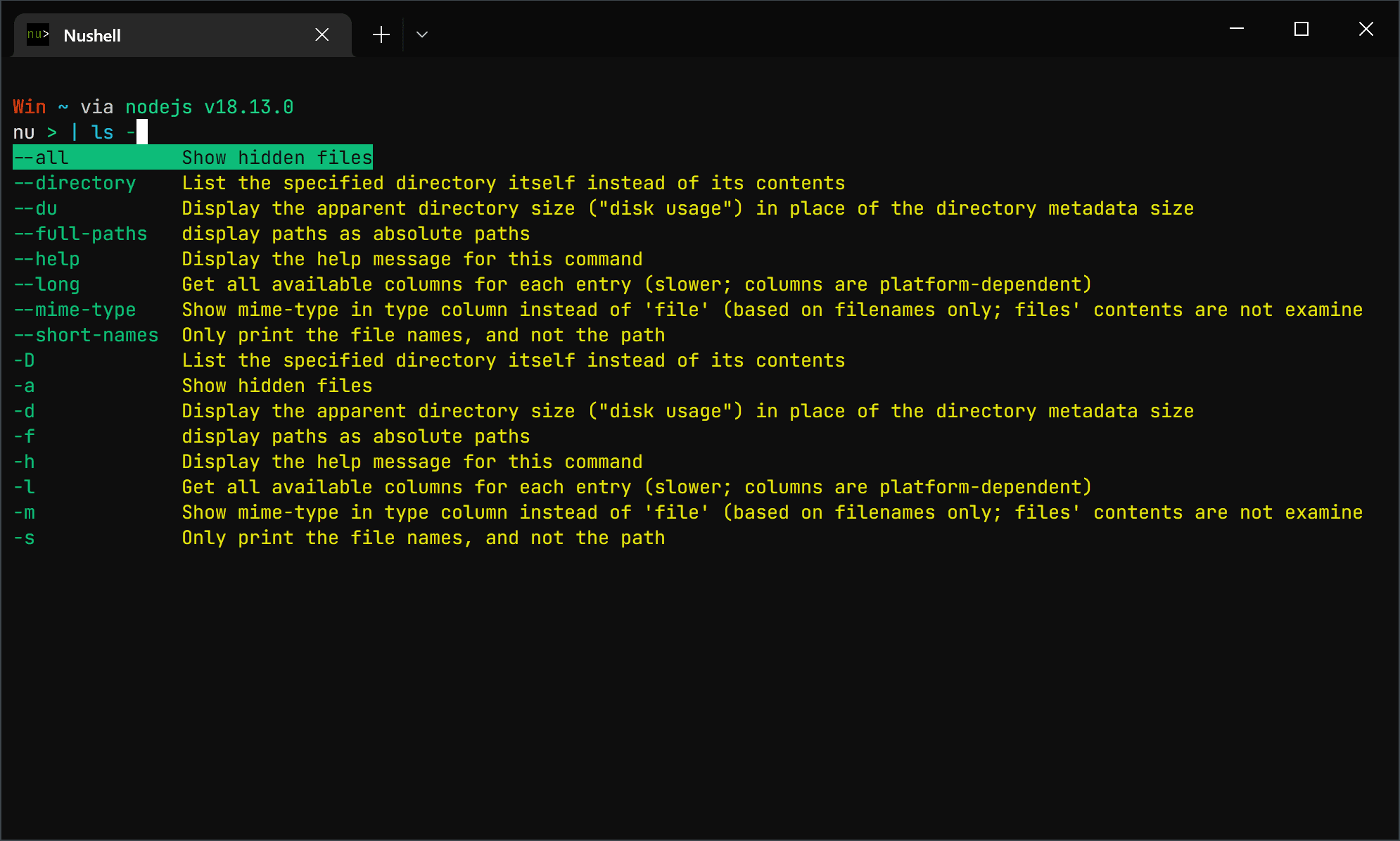
fd . -H -tf -E '.git' -x du -ah | sort -hr | batWe can also do the same in Nushell. It’s a touch more verbose, but is very readable and easy to understand at a glance. In this case we’re
- Using Nushell’s own
lscommand to find everything in current directory and under (using the glob pattern**/*) - Excluding everything with
.gitornode_modulesin the name using a regex pattern - Excluding all directories (so we’re returning files only),
- Sorting intelligently by size in reverse order (largest first),
- Selecting only the
sizeand thenamecolumns - Converting to
tsvformat - Copy the result to the clipboard ready for easy pasting into a spreadsheet.
ls -a **/* | where name !~ '\.git\\|node_modules' and type != dir | sort-by size -r | select size name | to tsv | clipThe command is longer than the typical Linux command, but it’s much easier to read at a glance and remember how to write, especially as Nushell comes with excellent command completion support.