Adminer is in the repos, so install it with:
apt install adminerCopy the configuration to your available configs folder and enable it.
cp /etc/adminer/apache.conf /etc/apache2/conf-available/adminer.conf

| gitlab: | |
| image: 'gitlab/gitlab-ee:latest' | |
| restart: always | |
| hostname: 'gitlab.mycompany.tld' | |
| environment: | |
| GITLAB_OMNIBUS_CONFIG: | | |
| external_url 'https://gitlab.mycompany.tld' | |
| # https://docs.gitlab.com/omnibus/settings/ssl.html | |
| letsencrypt['enable'] = true | |
| letsencrypt['auto_renew'] = true |
| #!/bin/bash | |
| # | |
| # Highligh Nginx config file in Vim | |
| # Download syntax highlight | |
| mkdir -p ~/.vim/syntax/ | |
| wget http://www.vim.org/scripts/download_script.php?src_id=19394 -O ~/.vim/syntax/nginx.vim | |
| # Set location of Nginx config file | |
| cat > ~/.vim/filetype.vim <<EOF |
Adminer is in the repos, so install it with:
apt install adminerCopy the configuration to your available configs folder and enable it.
cp /etc/adminer/apache.conf /etc/apache2/conf-available/adminer.conf
| function get_os { | |
| base=`uname` | |
| if [ $base == 'Darwin' ]; then | |
| brew install zsh zsh-completions; | |
| elif [ $base == 'Linux' ]; then | |
| os=`lsb_release -i | cut -f 2-` | |
| if [ $os == 'Ubuntu' ]; then | |
| sudo apt install zsh -y; | |
| elif [ $os == 'Fedora' ]; then | |
| sudo dnf install zsh -y; |
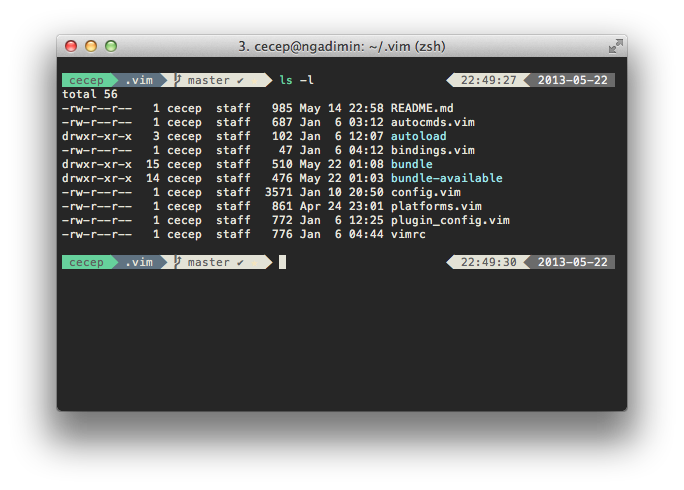
| # FreeAgent puts the powerline style in zsh ! | |
| if [ "$POWERLINE_DATE_FORMAT" = "" ]; then | |
| POWERLINE_DATE_FORMAT=%D{%Y-%m-%d} | |
| fi | |
| if [ "$POWERLINE_RIGHT_B" = "" ]; then | |
| POWERLINE_RIGHT_B=%D{%H:%M:%S} | |
| elif [ "$POWERLINE_RIGHT_B" = "none" ]; then | |
| POWERLINE_RIGHT_B="" |
| ZSH=$HOME/.oh-my-zsh | |
| plugins=(git ruby rails sublime web-search) | |
| ZSH=$HOME/.oh-my-zsh | |
| source $ZSH/oh-my-zsh.sh | |
| # Customize to your needs... |
| #Dig HowTo [https://www.madboa.com/geek/dig/] | |
| # get the address(es) for yahoo.com | |
| dig yahoo.com A +noall +answer | |
| # get a list of yahoo's mail servers | |
| dig yahoo.com MX +noall +answer | |
| # get a list of DNS servers authoritative for yahoo.com | |
| dig yahoo.com NS +noall +answer |
Here are the simple steps needed to create a deployment from your local GIT repository to a server based on this in-depth tutorial.
You are developing in a working-copy on your local machine, lets say on the master branch. Most of the time, people would push code to a remote server like github.com or gitlab.com and pull or export it to a production server. Or you use a service like deepl.io to act upon a Web-Hook that's triggered that service.
Reference: https://docs.docker.com/compose/compose-file/#compose-file-structure-and-examples
Collection of a few docker-compose examples which I use regularly
# docker-compsoe version to be used must be mentioned at the top
version: '3'
services: