
Created
June 15, 2022 16:30
-
-
Save cloudybdone/1db4a93327a4fcd3f39e91a9c450b2ab to your computer and use it in GitHub Desktop.
Install TheHarvester On Ubuntu 20.04 LTS
This file contains hidden or bidirectional Unicode text that may be interpreted or compiled differently than what appears below. To review, open the file in an editor that reveals hidden Unicode characters.
Learn more about bidirectional Unicode characters
| sudo -i | |
| apt update | |
| apt install build-essential zlib1g-dev libncurses5-dev libgdbm-dev libnss3-dev | |
| apt-get install build-essential checkinstall | |
| apt-get install libreadline-gplv2-dev libncursesw5-dev libssl-dev | |
| cd /opt | |
| wget https://www.python.org/ftp/python/.... | |
| tar xzf Python-3.8.6.tgz | |
| ls -la | |
| rm -f Python-3.8.6.tgz | |
| ./configure --enable-optimizations | |
| apt-get install python3-pip | |
| # Add into the bottom | |
| alias python=python3 | |
| source ~/.bashrc | |
| apt update | |
| apt upgrade -y | |
| python3 --version | |
| python --version | |
| # Installing The Harvester from Sourcce # | |
| git clone https://github.com/laramies/theHarvester | |
| ls | |
| # Check the all files | |
| # If developing do: | |
| python3 -m pip install -r requirements/dev.txt | |
| # Else: | |
| python3 -m pip install -r requirements/base.txt | |
| # Now for checking the theharvester work run the below example command: | |
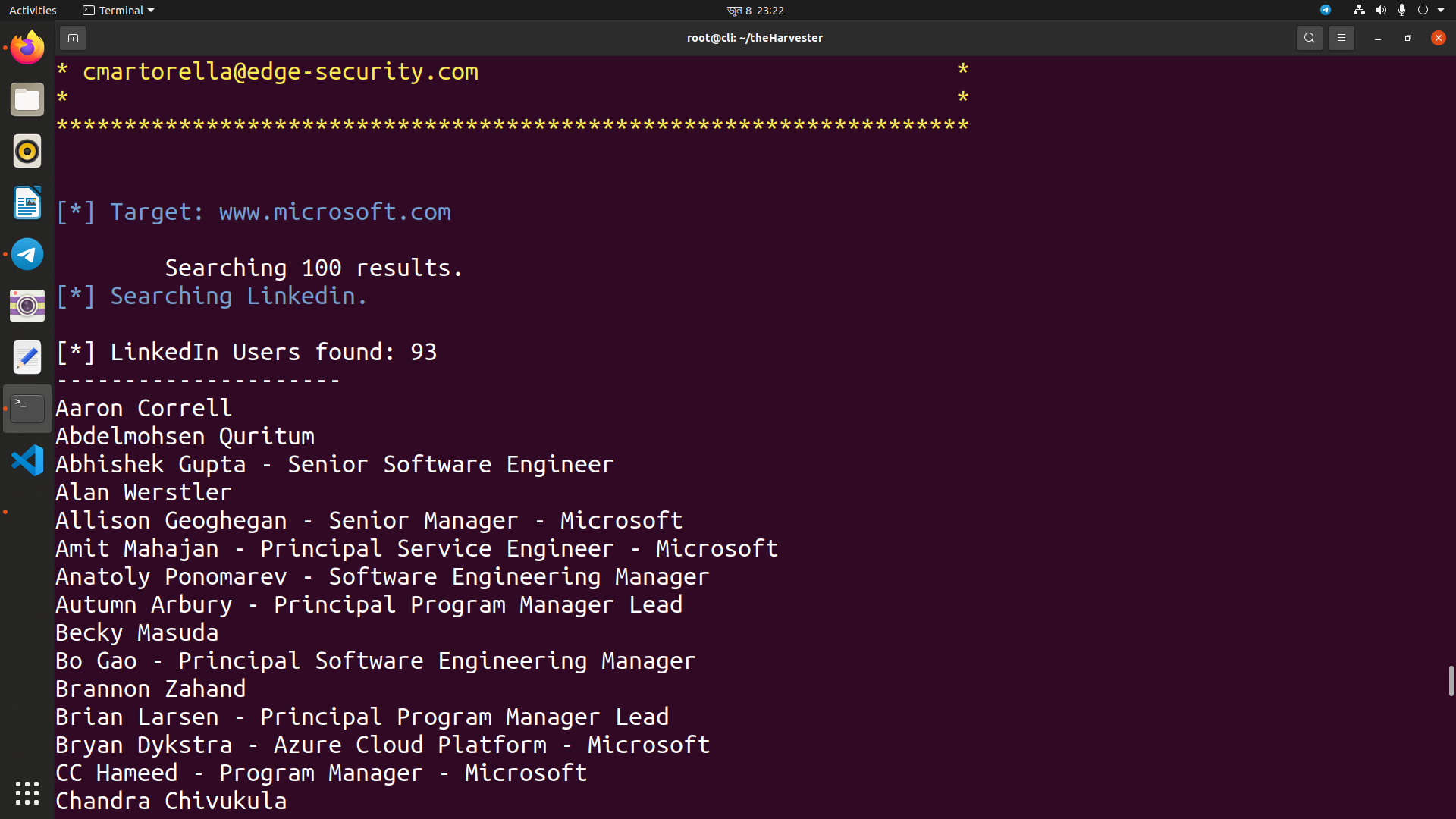
| ./theHarvester.py -d www.microsoft.com -l 100 -b linkedin |

cloudybdone
commented
Jun 15, 2022
Author
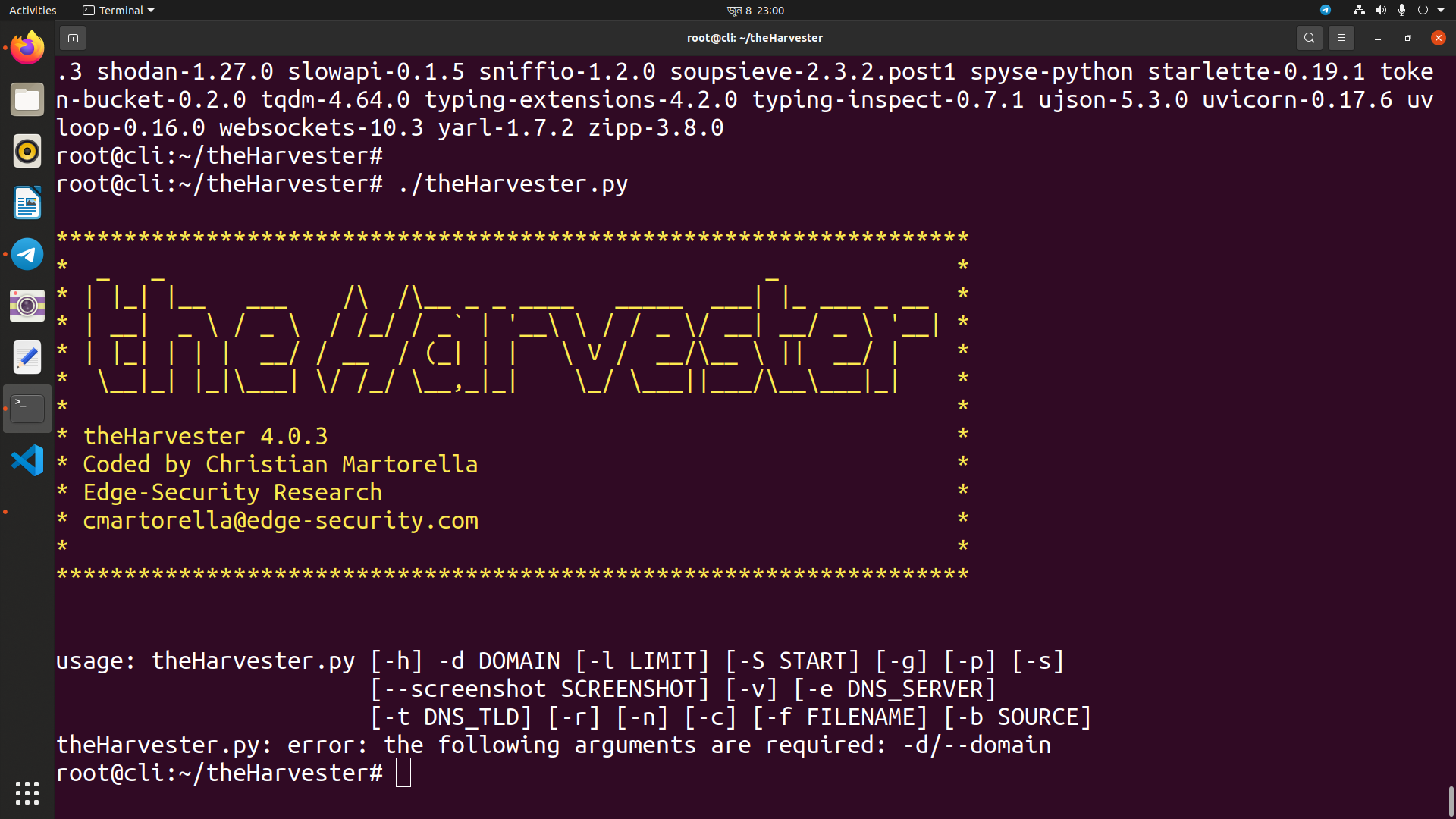
Author
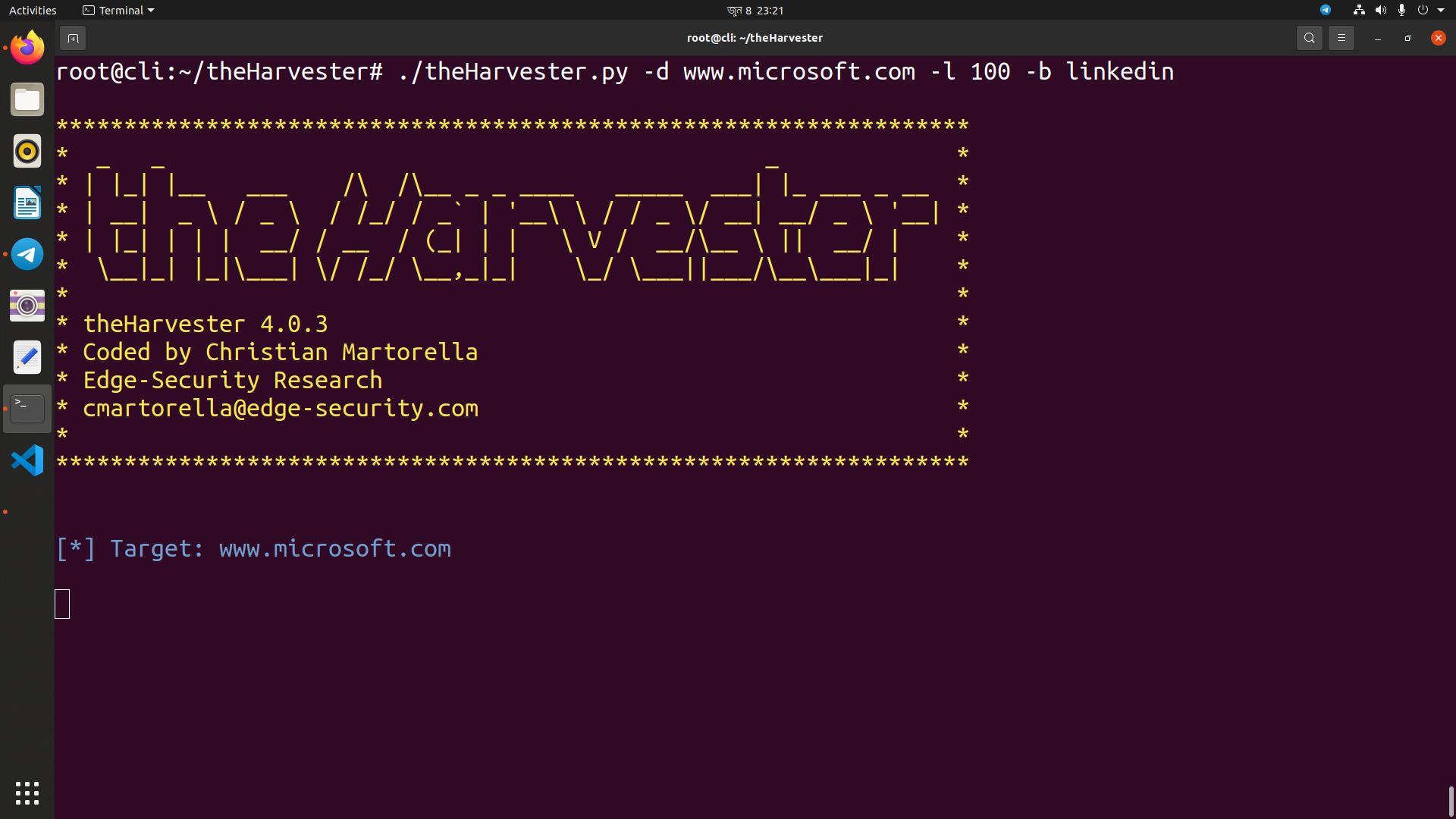
Author
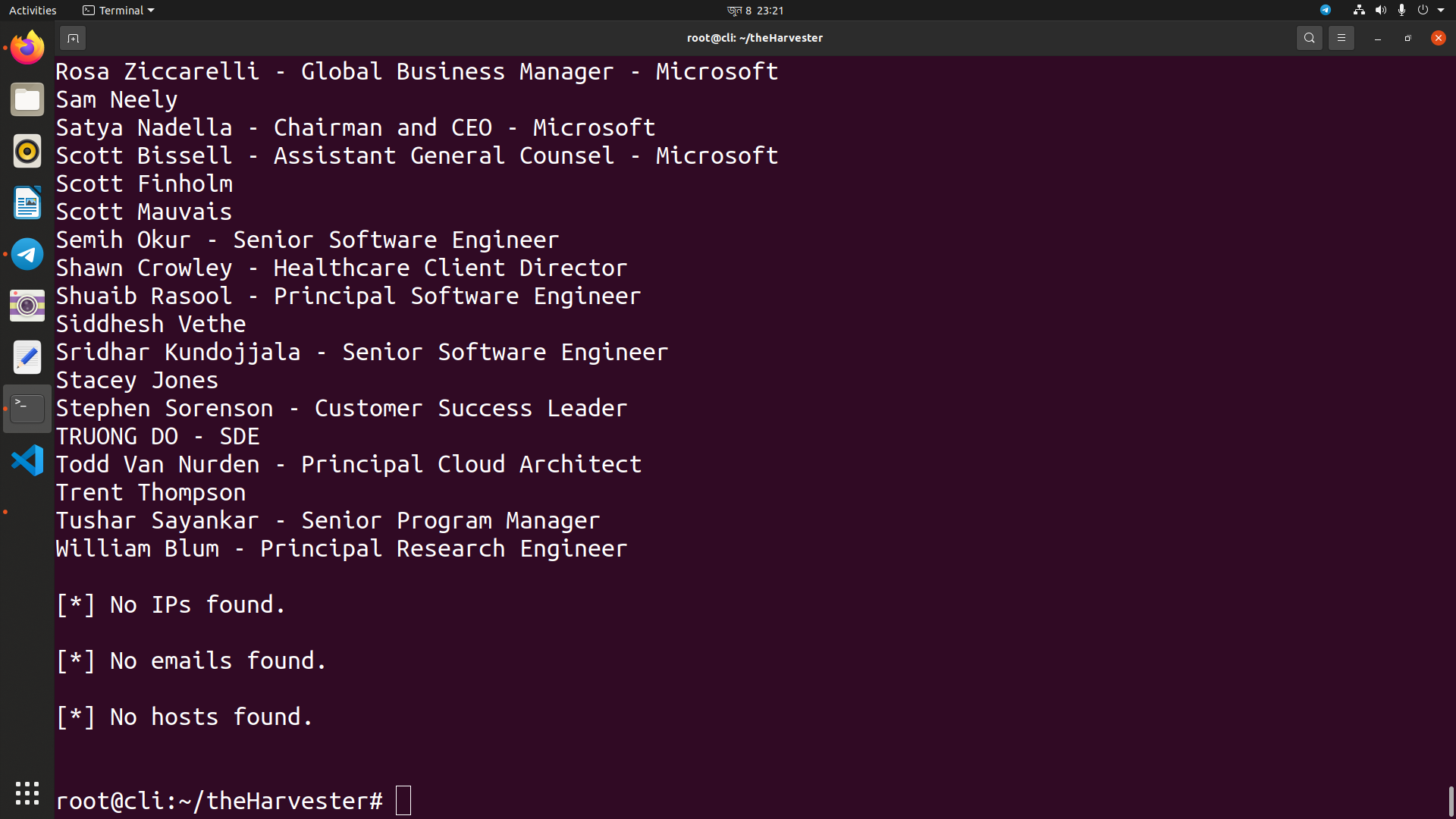
Author
Sign up for free
to join this conversation on GitHub.
Already have an account?
Sign in to comment