
Last active
February 8, 2022 16:40
-
-
Save cloudybdone/50c5e9b34853fc59a6bbd509acd3f617 to your computer and use it in GitHub Desktop.
Attendize Deployment on Ubuntu LTS 20.04
This file contains hidden or bidirectional Unicode text that may be interpreted or compiled differently than what appears below. To review, open the file in an editor that reveals hidden Unicode characters.
Learn more about bidirectional Unicode characters
| If you need any help related to Attendize installation service on Ubuntu contact with me: | |
| Telegram: https://t.me/Cloudybdone | |
| WhatsApp: https://wa.link/3j794g | |
| Skype: https://join.skype.com/invite/vLFaKHxboQrc | |
| Email: cloudybdone@gmail.com | |
| Linkedin: https://www.linkedin.com/in/cloudybdone/ | |
| Facebook: https://www.facebook.com/cloudybdone/ | |
| About Me: https://about.me/cloudybdone | |
| YouTube PlayList: https://www.youtube.com/watch?v=lcxlaEhOrQw&list=PLiveDaEySXe_fm-RryoL9V2KDDdSIMRVt | |
| ### https://github.com/Attendize/Attendize | |
| ### Dependencies Management ### | |
| sudo -i | |
| apt update && apt-get upgrade... | |
| apt install ubuntu-.... | |
| apt install software-.... | |
| add-apt-repository ppa: | |
| apt update | |
| apt install launchpad... | |
| launchpad-getkeys | |
| add-apt-repository.. | |
| git config --global user.name "mukul" | |
| git config --global user.email cloudybdone@gmail.com | |
| apt -f install | |
| apt -y clean | |
| apt update | |
| reboot | |
| ### Install PHP and Extensions ### | |
| apt install unzip php php-fpm php-mysql php-pdo php-cli php-fpm | |
| apt upgrade -y | |
| #### Install MariaDB database server #### | |
| apt install mariadb.... | |
| mysql_secure_installation | |
| nano /usr/lib/systemd/.... | |
| LimitNOFILE= | |
| systemctl daemon-reload | |
| systemctl status mariadb | |
| mysql | |
| create database attendize; | |
| grant all privileges on attendize.* TO.... | |
| grant all privileges on attendize.* TO... | |
| FLUSH PRIVILEGES; | |
| exit | |
| systemctl restart mariadb | |
| #### Install NGINX #### | |
| apt install nginx | |
| systemctl restart nginx | |
| systemctl status nginx | |
| systemctl is-enabled nginx | |
| nginx -t | |
| #### Install and configure Attendize #### | |
| cd /var/www/ | |
| git clone https://github.com/.... | |
| cd html | |
| git checkout master | |
| git add . | |
| git config pull.rebase false | |
| mv .env | |
| nano .env | |
| DB_TYPE= | |
| DB_HOST=localhost | |
| DB_PORT=330 | |
| DB_DATABASE= | |
| DB_USERNAME=netadmin | |
| #### Install composer #### | |
| php -r "copy('https://getcomposer.org... | |
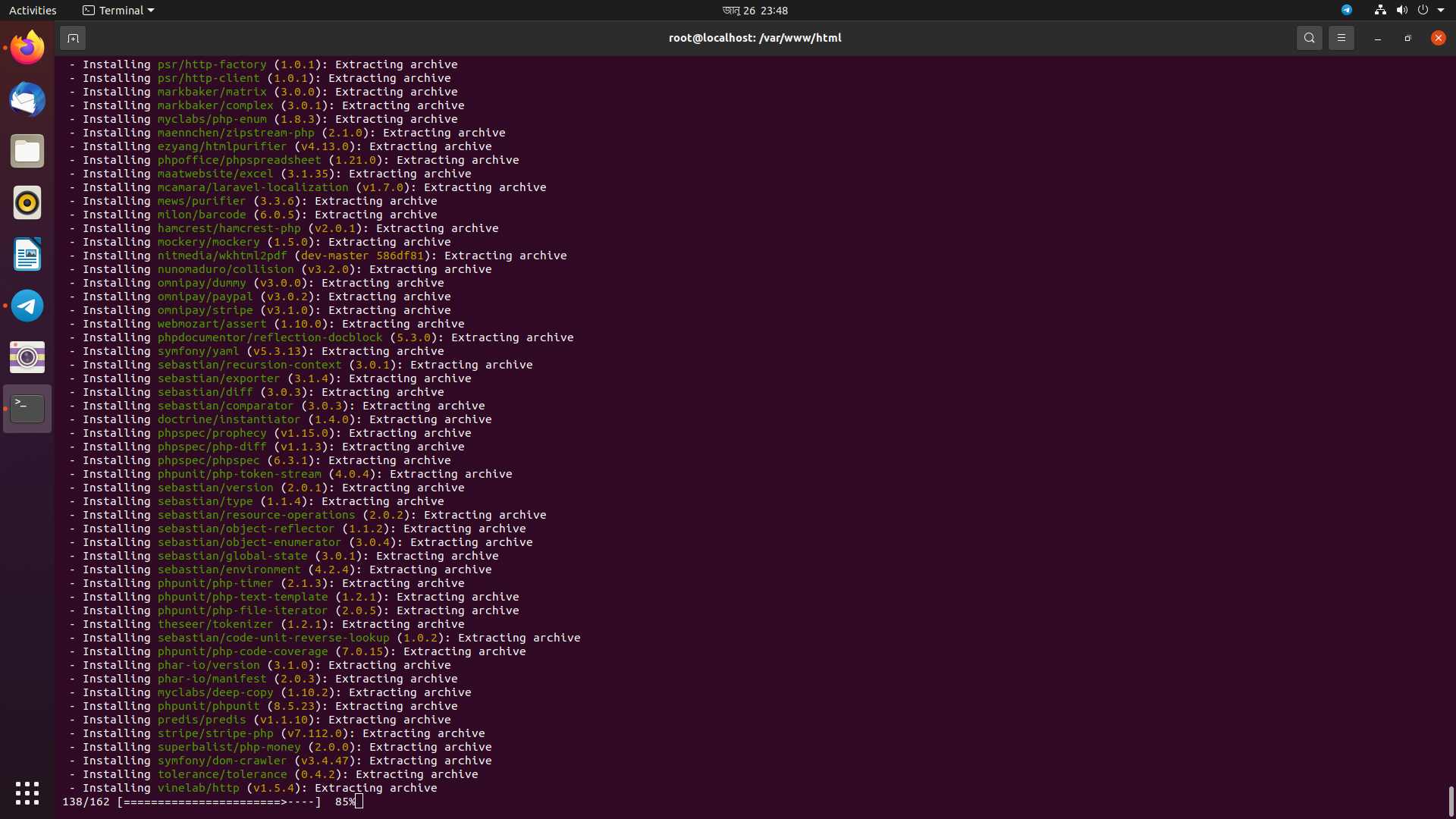
| php composer.phar update | |
| php composer.phar | |
| php composer.phar | |
| php composer.pha.. | |
| php composer.phar depends | |
| php artisan attendize... | |
| php artisan config:clear | |
| php artisan config:cache | |
| #### Set directory permissions #### | |
| chmod +x /var/www/html.. | |
| chown -R www-data storage/app | |
| chown -R www-data storage... | |
| chown -R www-data storage | |
| chmod -R a+w storage/app | |
| chmod -R a+w storage/cache | |
| chmod -R a+w storage/{app,framework,logs,cache}.. | |
| #### Install and configure Web Sever #### | |
| nano /etc/nginx/sites-available/default | |
| server { | |
| listen 80; | |
| root /var/www/html; | |
| index index.php; | |
| location / { | |
| try_files $uri $uri/ / | |
| } | |
| location ~ \.php$ { | |
| try_files $uri =404; | |
| fastcgi_param SCRIPT_FILENAME root$fastcgi_script_name; | |
| include fastcgi_params; | |
| } | |
| } | |
| nginx -t | |
| systemctl restart nginx |

cloudybdone
commented
Jan 27, 2022
Author
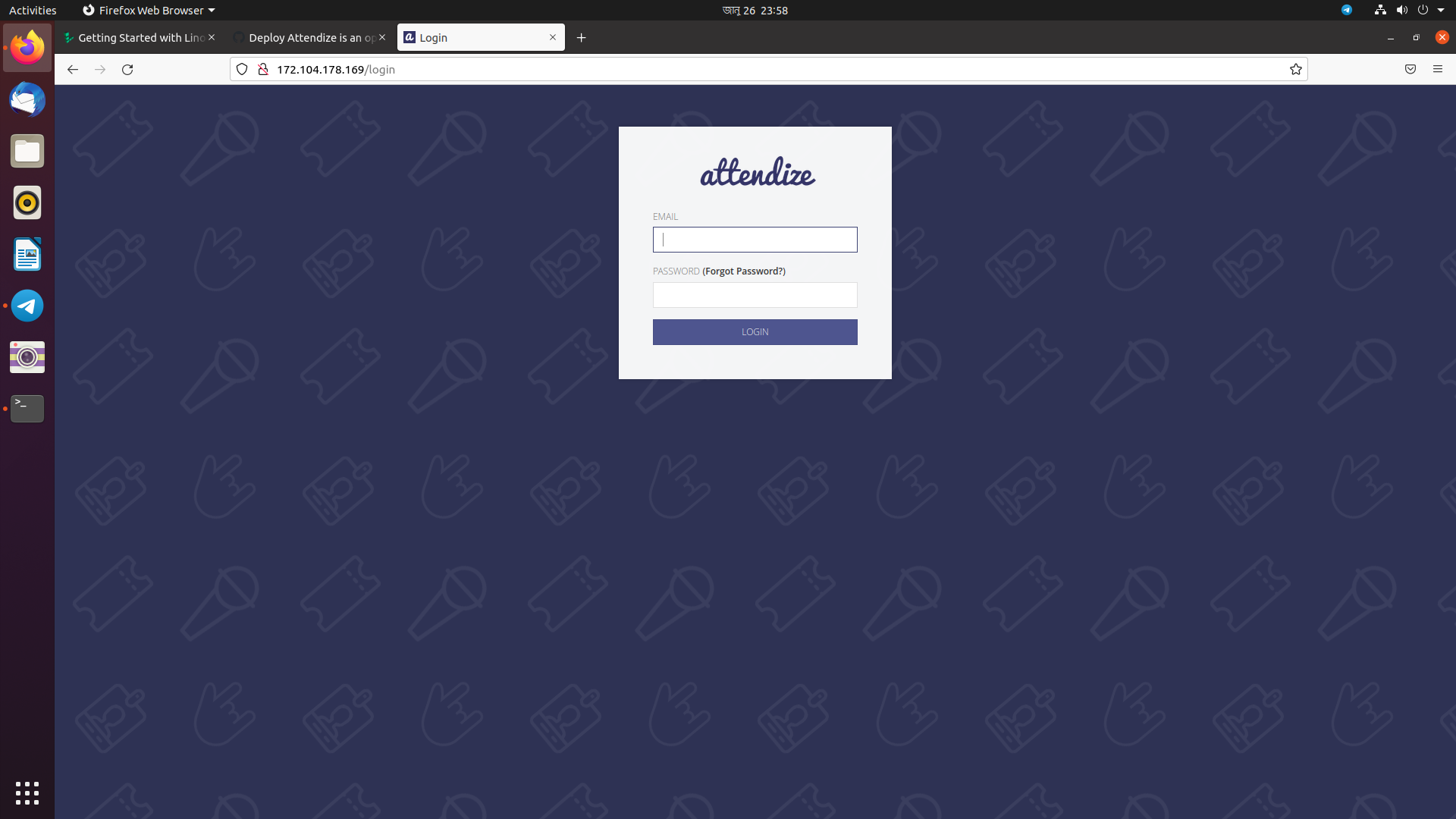
Author
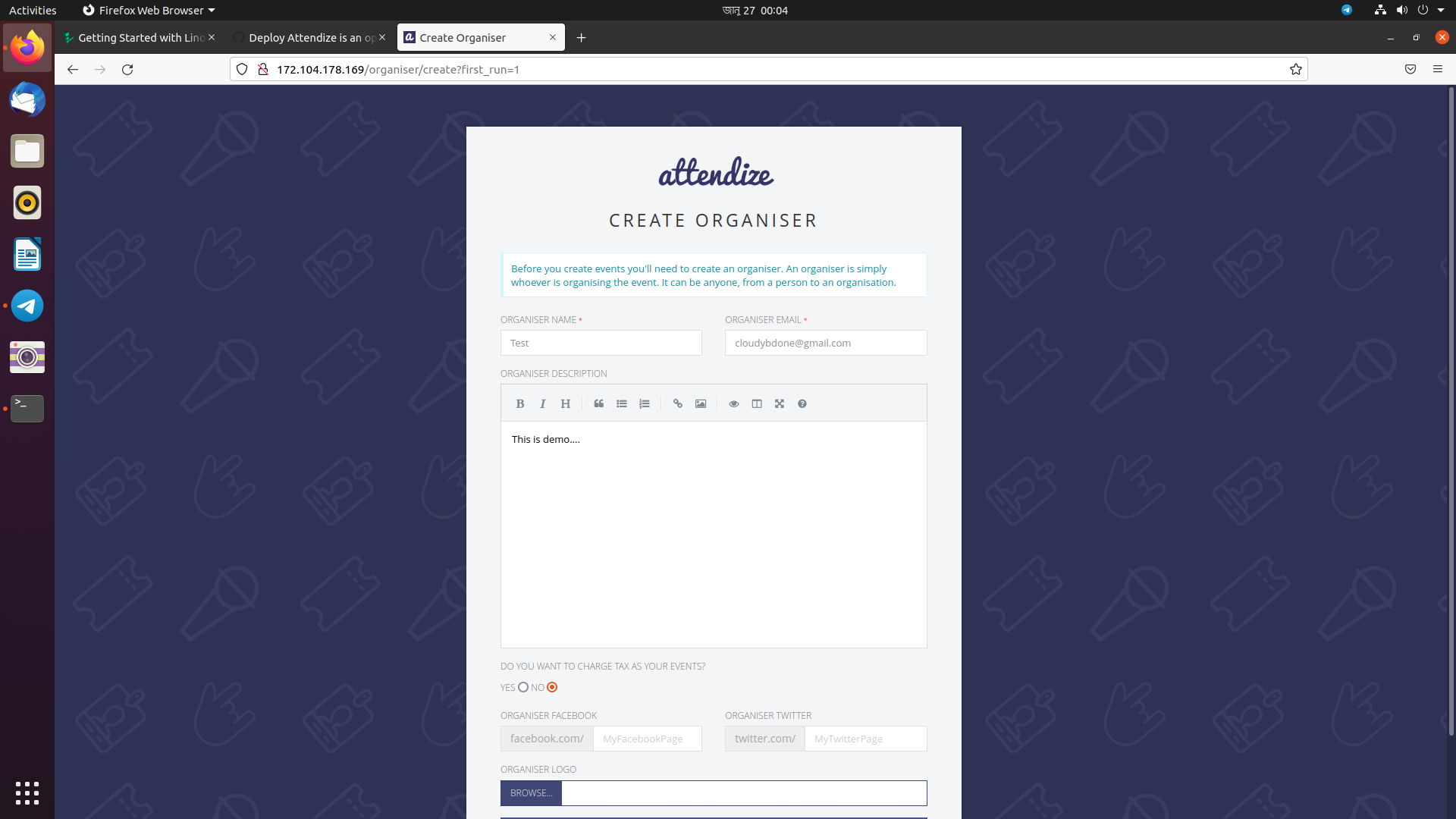
Author
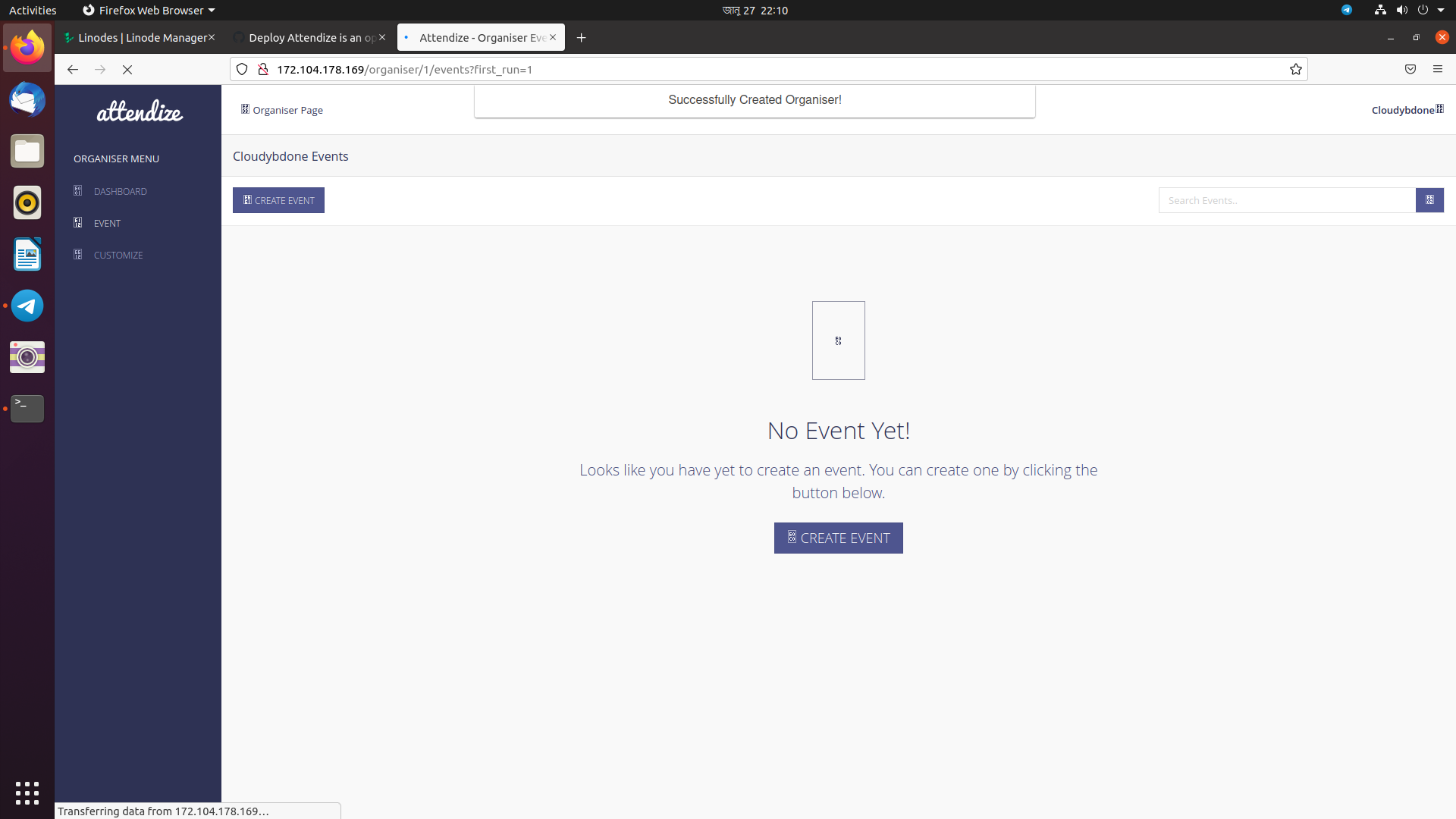
Author
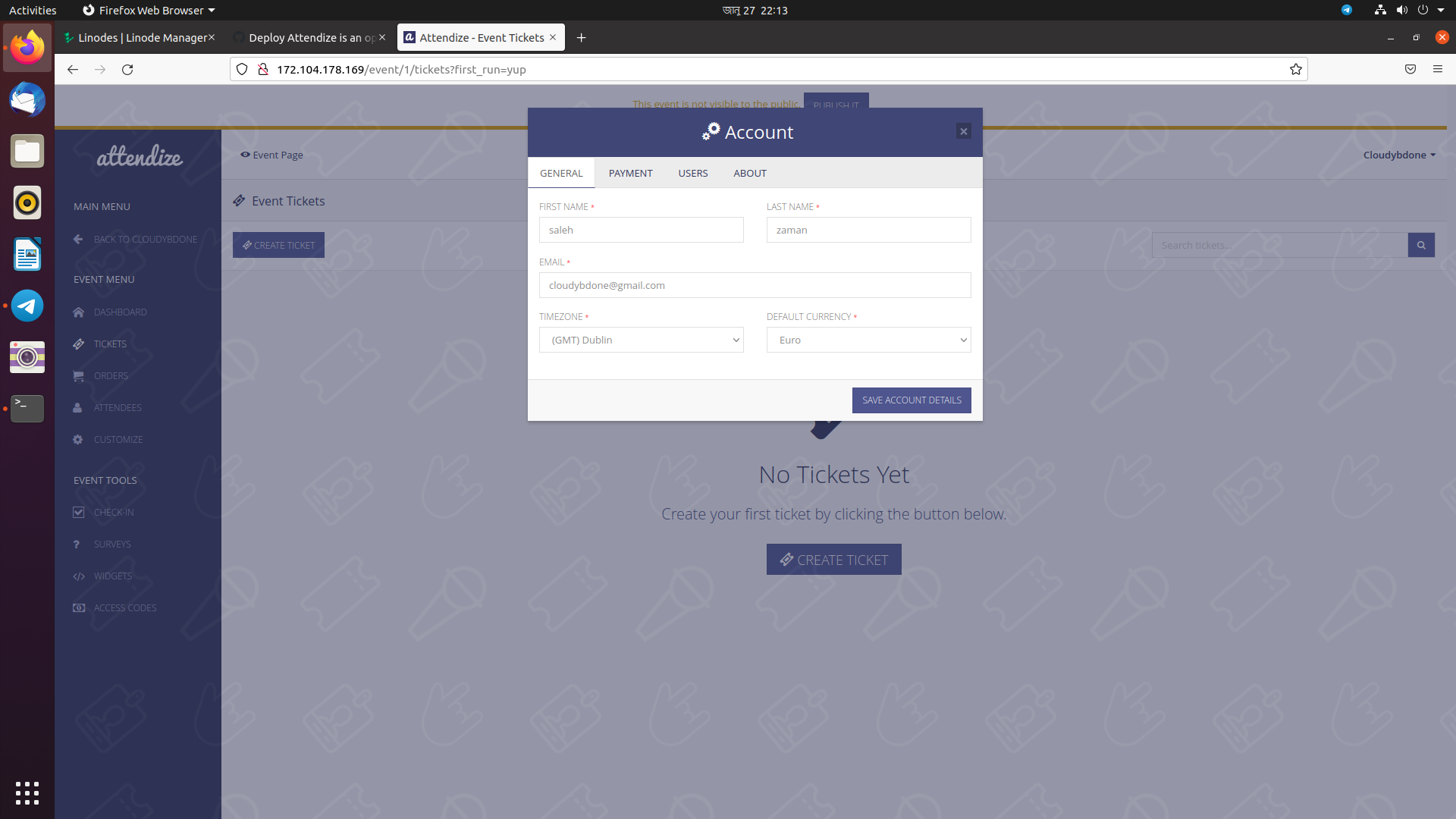
Author
Sign up for free
to join this conversation on GitHub.
Already have an account?
Sign in to comment