
Last active
March 13, 2022 17:04
-
-
Save cloudybdone/58b4a35f50c1bf0674dfd7172079a7aa to your computer and use it in GitHub Desktop.
Install Ruby On Rails into Ubuntu Linux Server
This file contains hidden or bidirectional Unicode text that may be interpreted or compiled differently than what appears below. To review, open the file in an editor that reveals hidden Unicode characters.
Learn more about bidirectional Unicode characters
| If you need any help related to Ruby On Rails Installation & Configuration Service on Ubuntu Linux contact with me: | |
| Telegram: https://t.me/Cloudybdone | |
| WhatsApp: https://wa.link/3j794g | |
| Skype: https://join.skype.com/invite/vLFaKHx... | |
| Email: cloudybdone@gmail.com | |
| Linkedin: https://www.linkedin.com/in/cloudybdone/ | |
| Facebook: https://www.facebook.com/cloudybdone/ | |
| About Me: https://about.me/cloudybdone | |
| YouTube PlayList: https://www.youtube.com/watch?v=hdDc0aoKU30&list=PLiveDaEySXe8ZG_1j31i_YZGMi2_yWYuQ | |
| apt update -y && apt-get upgrade -y | |
| apt update -y | |
| apt install ubuntu-restricted-extras | |
| apt install apt-show-versions | |
| apt-show-versions | grep upgradeable | |
| add-apt-repository ppa:git | |
| apt install git | |
| git config --global user.name "mukul" | |
| ssh-keygen -t rsa -b 4096 -C "cloudybdone@gmail.com" | |
| cat /root/.ssh/id_rsa.pub | |
| apt upgrade -y && apt update | |
| nano /etc/ssh/sshd_config | |
| PermitRootLogin yes | |
| PasswordAuthentication yes | |
| apt upgrade -y && apt update | |
| apt -f install && apt autoremove | |
| apt upgrade -y && apt update | |
| reboot | |
| Install RVM Ruby Version Manager>> | |
| Import GPG keys of the RVM using the gpg command: | |
| gpg --keyserver hkp://keys.gnupg.net --recv-keys 409B6B1796C275462A1703113804BB82D39DC0E3.. | |
| Download the RVM installer script and install the RVM: | |
| curl -sSL https://get.rvm.io | bash -s... | |
| load the RVM to the system: | |
| source /usr/local/rvm/... | |
| update the RVM to the latest stable version and add the root user to the rvm group: | |
| rvm get stable --aut... | |
| usermod -a -G rvm root | |
| rvm version | |
| Install and Configure Ruby>> | |
| Install Ruby 2.7.1 using the rvm command: | |
| install ruby-2.7.1 | |
| make the Ruby 2.7.1 as the default Ruby version on your system: | |
| rvm -default use ruby.. | |
| ruby --version | |
| Install Nodejs and Yarn>> | |
| install some packages dependencies: | |
| sudo apt install gcc... | |
| add the Nodejs Nodesource repository: | |
| curl -sL https://deb.nodesource.com... | |
| add the GPG key and repository of the Yarn package manager: | |
| curl -sL https://dl.yarnpkg.com/debian/pubkey.gpg... | |
| echo "deb https://dl.yarnpkg.com/debian/ stable main".... | |
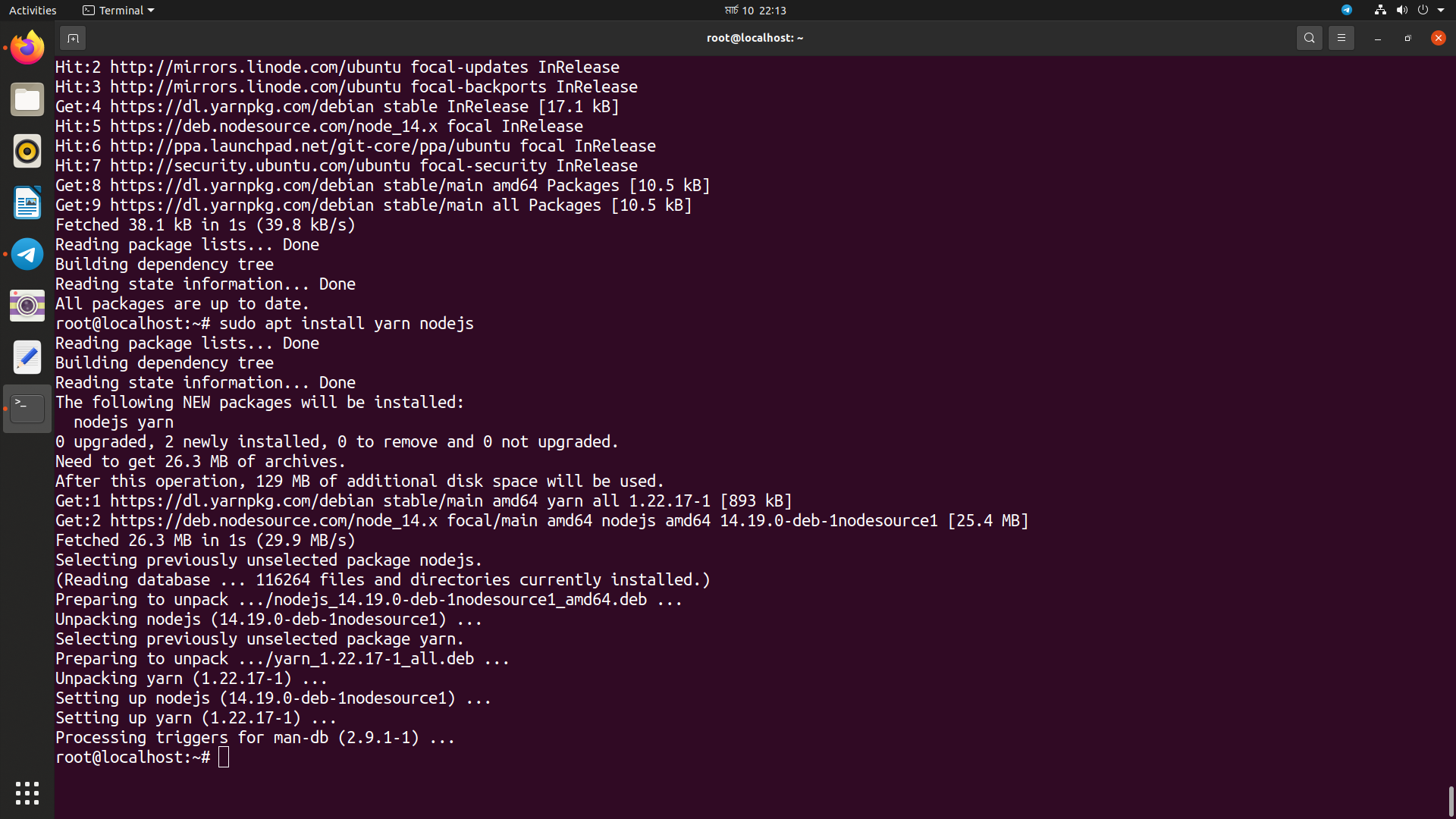
| update all available repositories on your system and install the Nodejs and Yarn package manager using the apt command: | |
| sudo apt update | |
| sudo apt install nodejs | |
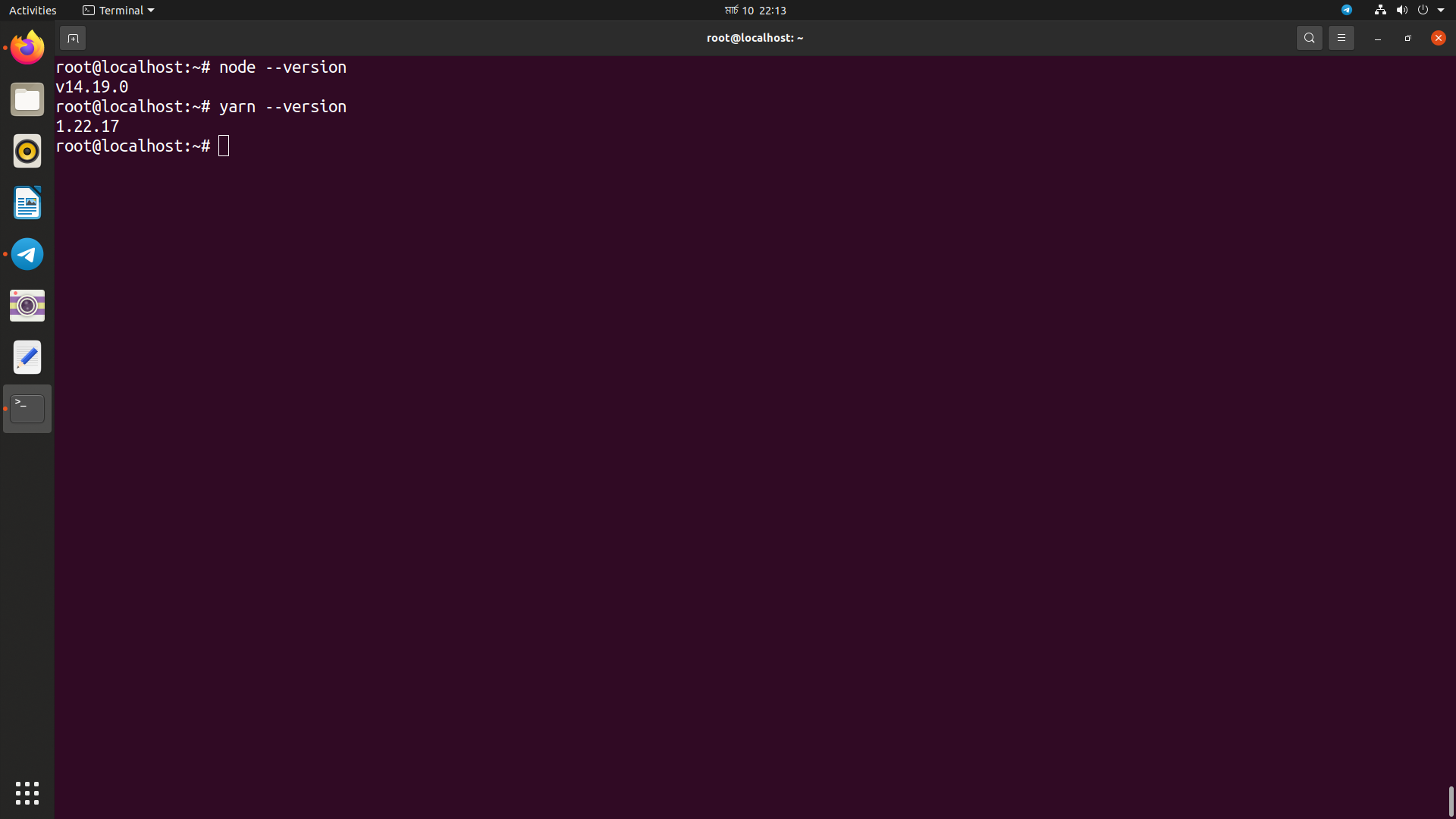
| node --version | |
| yarn --version | |
| Update RubyGem Package Manager>> | |
| gem update --system | |
| create a new configuration for the RubyGem '~/.gemrc' and disable the installation of package documentation: | |
| echo "gem: -no-document" >> ~gemrc | |
| gem -v | |
| Install Ruby on Rails>> | |
| gem install rails | |
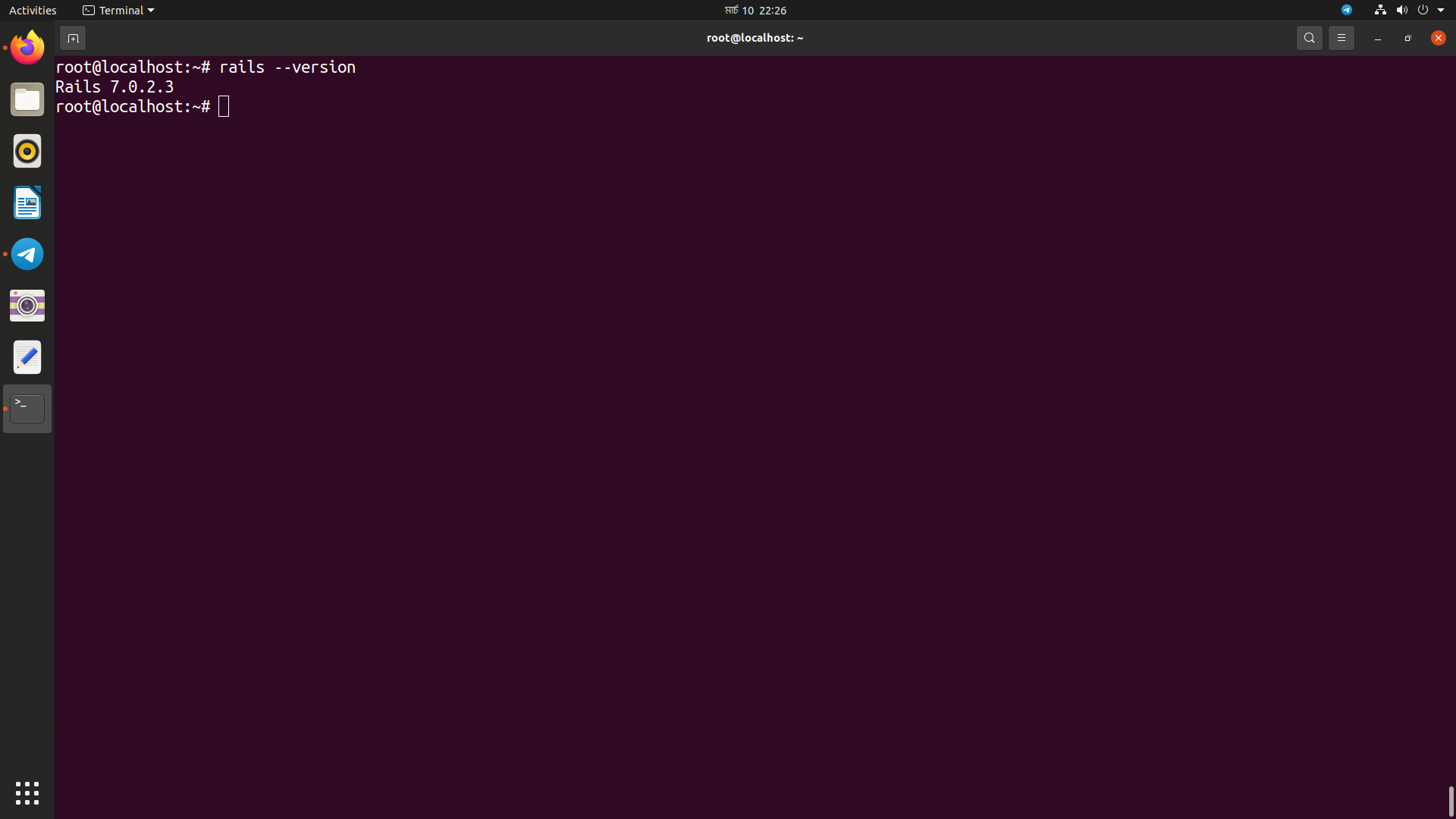
| rails --version | |
| Install and Configure PostgreSQL>> | |
| Install the PostgreSQL database server to the Ubuntu 20.04: | |
| sudo apt install postgresql postgresql-contrib... | |
| systemctl start postgresql | |
| log in to the PostgreSQL shell and create a new role 'hakase_dev' with the password 'password' and the privileges 'createdb' and 'login': | |
| sudo -i -u postgres psql | |
| create role hakase_dev with createdb login password 'password'; | |
| ist all available of users on the PostgreSQL using the following query: | |
| \du | |
| Start New Ruby on Rails Project with PostgreSQL Database: | |
| rails new hakaseapp postgresql | |
| cd hakaseapp/ | |
| nano config/database.yml | |
| On the development section, add the database configuration as below: | |
| host: localhost | |
| username: hakase_dev | |
| password: hakasepass | |
| Go to the testing section and add the PostgreSQL database configuration as below: | |
| host: localhost | |
| username: hakase_dev | |
| password: hakasepass | |
| run the rails command below to generate and migrate the database for our Rails project, and make sure there is no error: | |
| rails db:setup | |
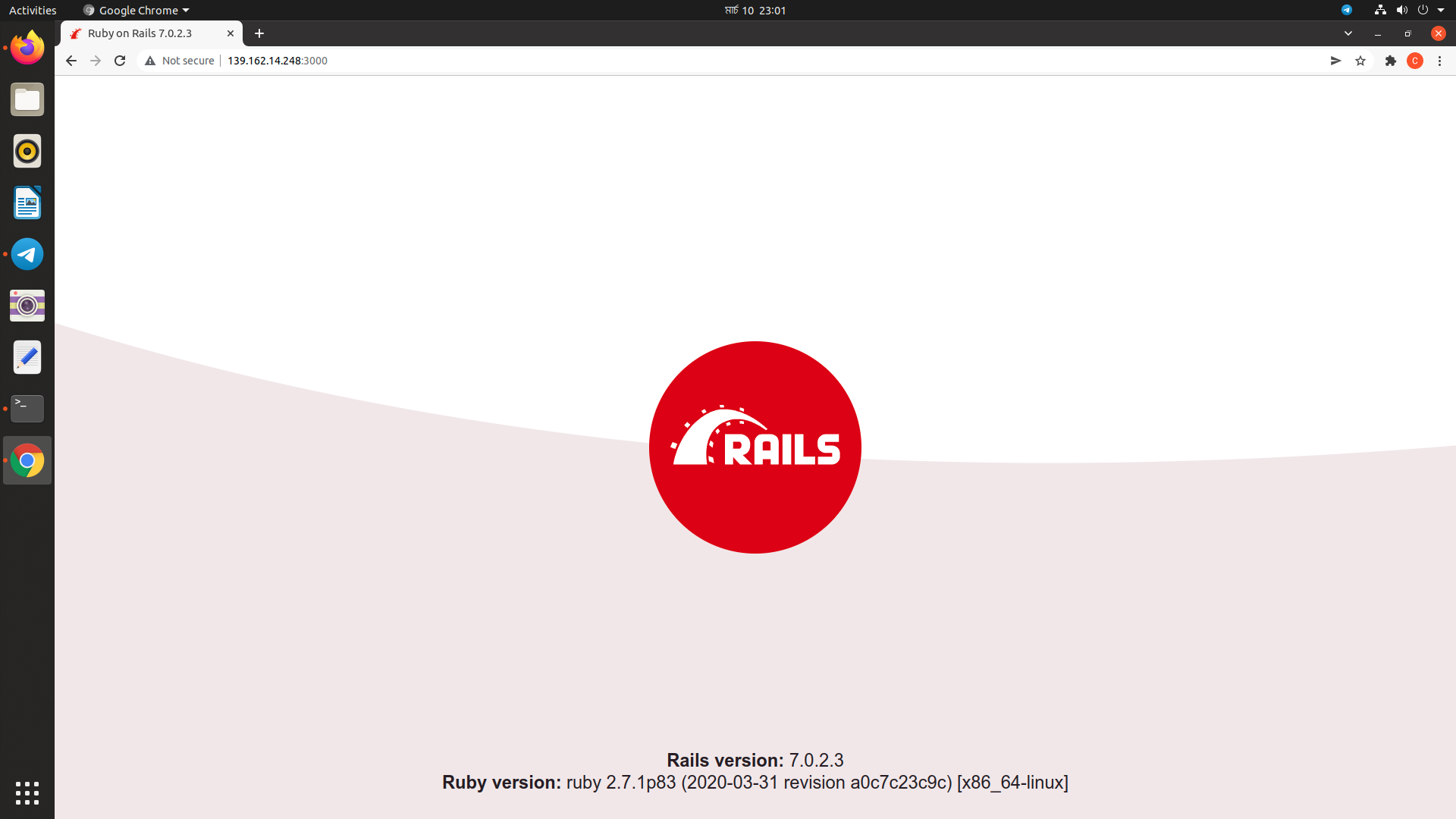
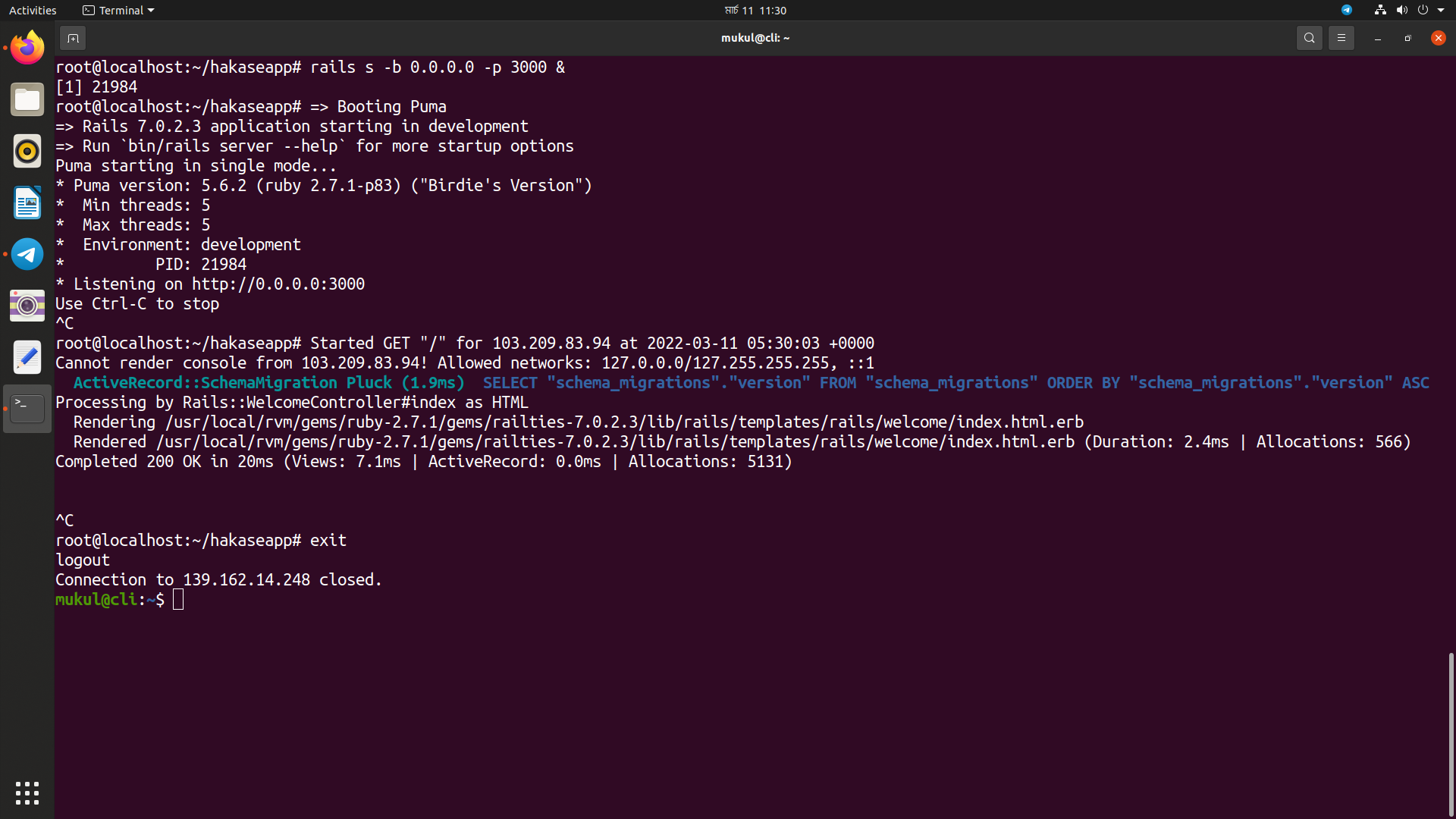
| start the default puma rails web server using the command below: | |
| rails s -b 0.0.0.0 -p 3000 |

cloudybdone
commented
Mar 11, 2022
Author
Author
Author
Author
Author
Sign up for free
to join this conversation on GitHub.
Already have an account?
Sign in to comment