
Last active
June 1, 2022 17:38
-
-
Save cloudybdone/687b32ad4199fd7378b2e2080e7dbd2b to your computer and use it in GitHub Desktop.
Install Netdata On Ubuntu 20.04 LTS
This file contains hidden or bidirectional Unicode text that may be interpreted or compiled differently than what appears below. To review, open the file in an editor that reveals hidden Unicode characters.
Learn more about bidirectional Unicode characters
| If you need any help related to Netdata Setup Service on Ubuntu Linux contact with me: | |
| Telegram: https://t.me/Cloudybdone | |
| WhatsApp: https://wa.link/3j794g | |
| Skype: https://join.skype.com/invite/vLFaKHx... | |
| Email: cloudybdone@gmail.com | |
| Linkedin: https://www.linkedin.com/in/cloudybdone/ | |
| Facebook: https://www.facebook.com/cloudybdone/ | |
| About Me: https://about.me/cloudybdone | |
| YouTube Playlist: https://youtu.be/h0RX4UK_MRk | |
| sudo apt-get update | |
| sudo apt-get upgrade | |
| bash <(curl -Ss https://my-netdata.....) | |
| # Confirm Netdata is running | |
| sudo netstat -pnltu |.. | |
| sudo systemctl status netdata | |
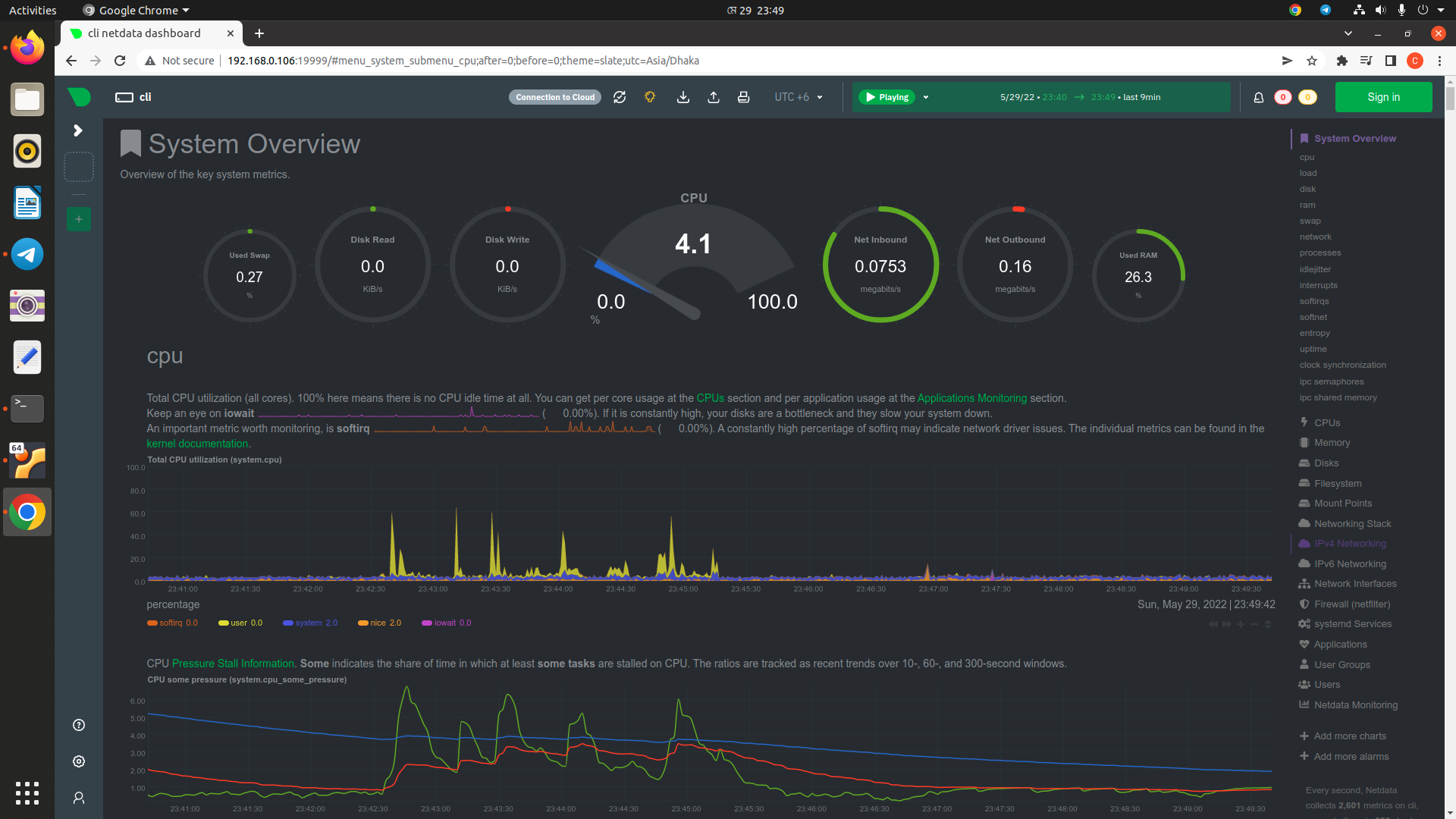
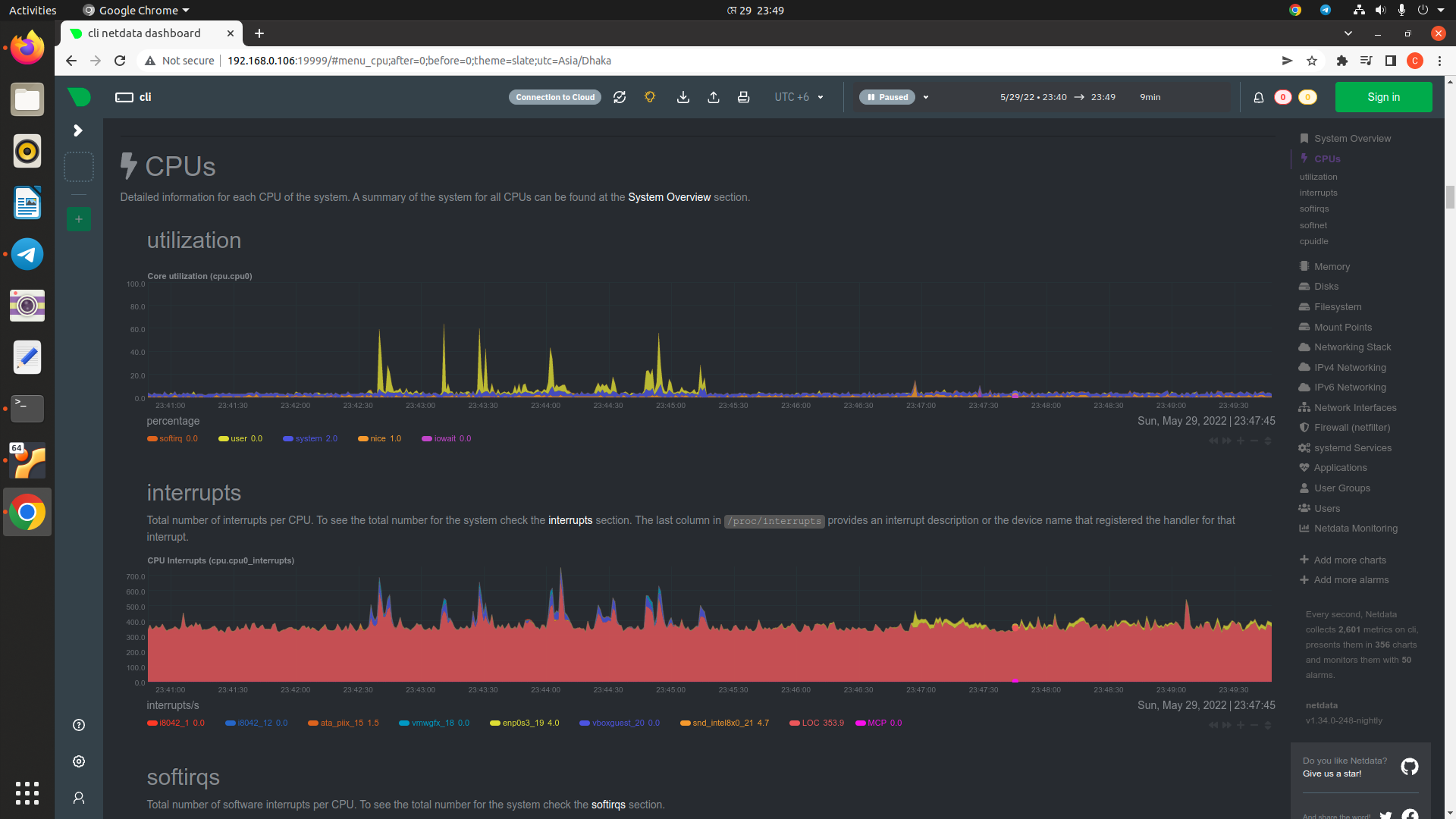
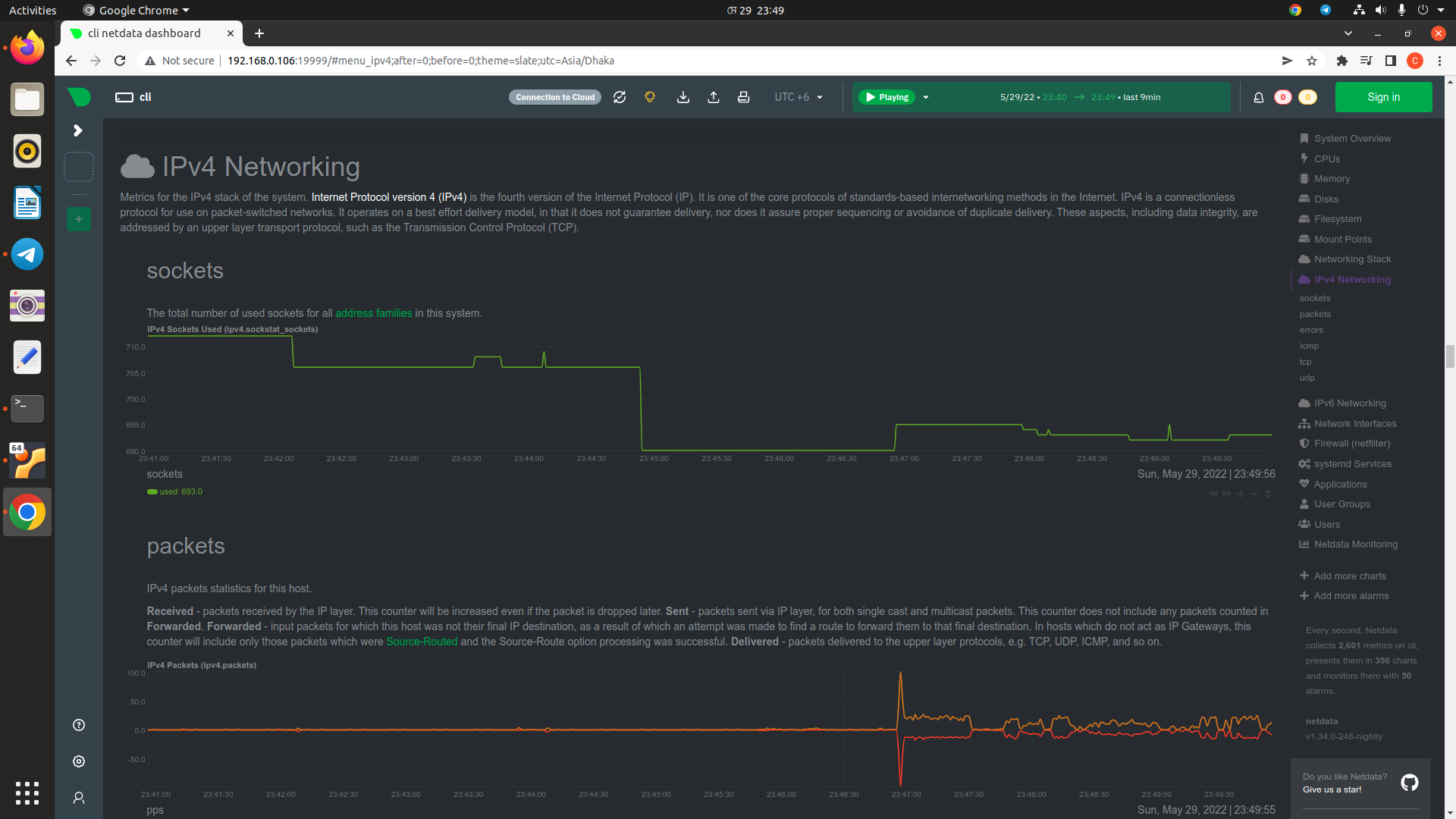
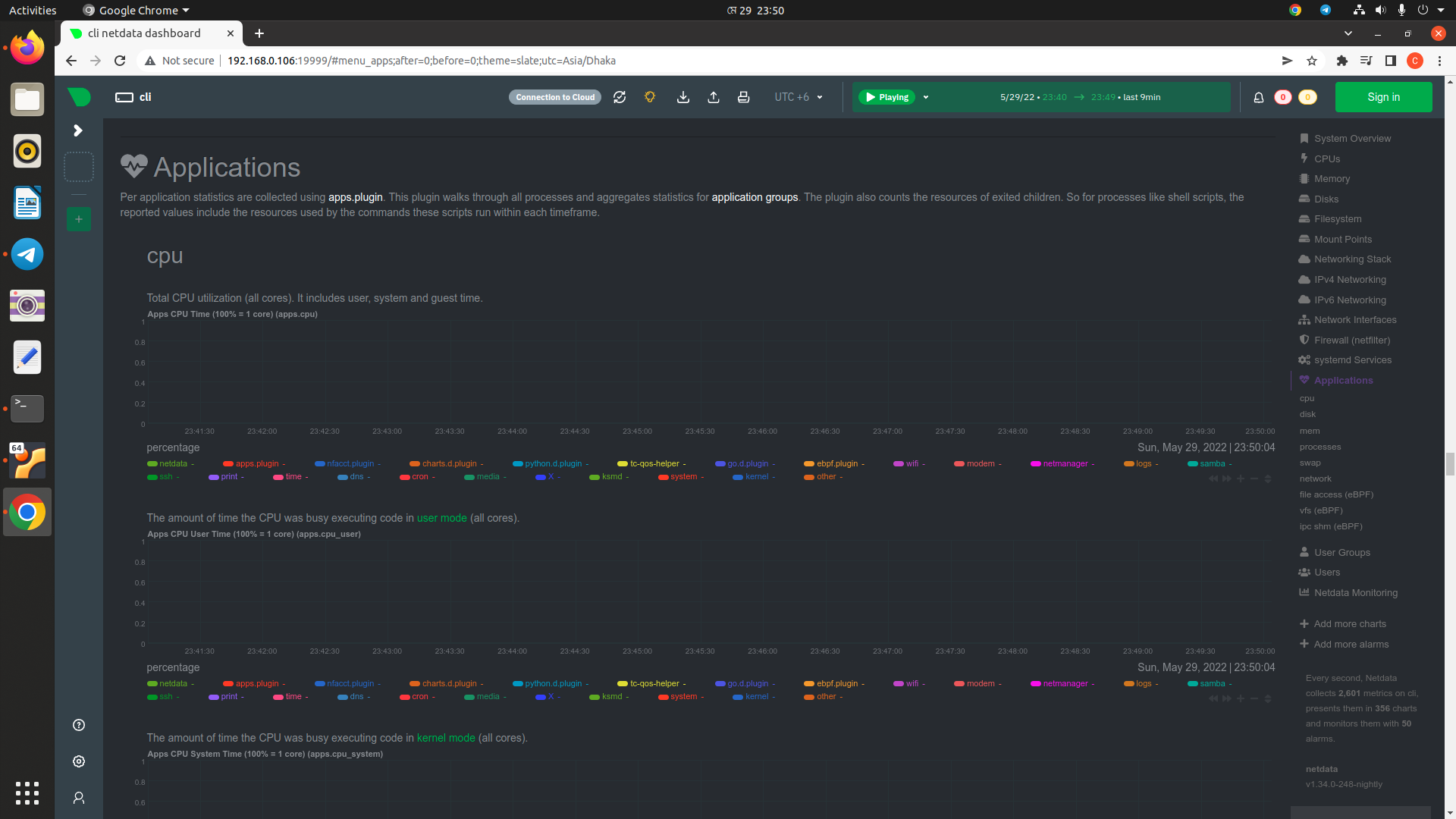
| # Access Netdata dashboard | |
| http://host-ip:19999 |

cloudybdone
commented
May 31, 2022
Author
Author
Author
Author
Sign up for free
to join this conversation on GitHub.
Already have an account?
Sign in to comment