
Last active
April 25, 2022 18:51
-
-
Save cloudybdone/6ddddf9d8db187a62ec09bc71d51a3d3 to your computer and use it in GitHub Desktop.
How to Install Flectra CRM on Ubuntu 20.04 LTS
This file contains hidden or bidirectional Unicode text that may be interpreted or compiled differently than what appears below. To review, open the file in an editor that reveals hidden Unicode characters.
Learn more about bidirectional Unicode characters
| If you need any help related to Flectra CRM Setup Service on Ubuntu Linux contact with me: | |
| Telegram: https://t.me/Cloudybdone | |
| WhatsApp: https://wa.link/3j794g | |
| Skype: https://join.skype.com/invite/vLFaKHx... | |
| Email: cloudybdone@gmail.com | |
| Linkedin: https://www.linkedin.com/in/cloudybdone/ | |
| Facebook: https://www.facebook.com/cloudybdone/ | |
| About Me: https://about.me/cloudybdone | |
| https://www.youtube.com/watch?v=fKpADbzbbW4&list=PLiveDaEySXe_u8v1mXwcOz5OIKXEkqCUt | |
| #Install require dependencies | |
| sudo apt update | |
| sudo apt install gcc python3-venv build-essential python3-pillow python3-wheel ..... | |
| #Install PostgreSQL | |
| sudo apt install postgresql... | |
| #Set password for Linux user (postgres) | |
| sudo passwd postgres | |
| su - "createuser -s flectra"... | |
| #Install Flectra: | |
| sudo useradd -m -U -r -d /opt/flectra -s.... | |
| sudo passwd .... | |
| su - flectra | |
| git clone --depth=1 --branch=2.0 https://gitlab.com/flectra..... | |
| #Once the packages are download, run the commands below to create a python virtual environment. | |
| python3 -m venv flectra-venv | |
| source flectra-venv/.... | |
| #nano flectra/requirements... | |
| psycopg2==2.8.5; sys_platform == 'win32' | |
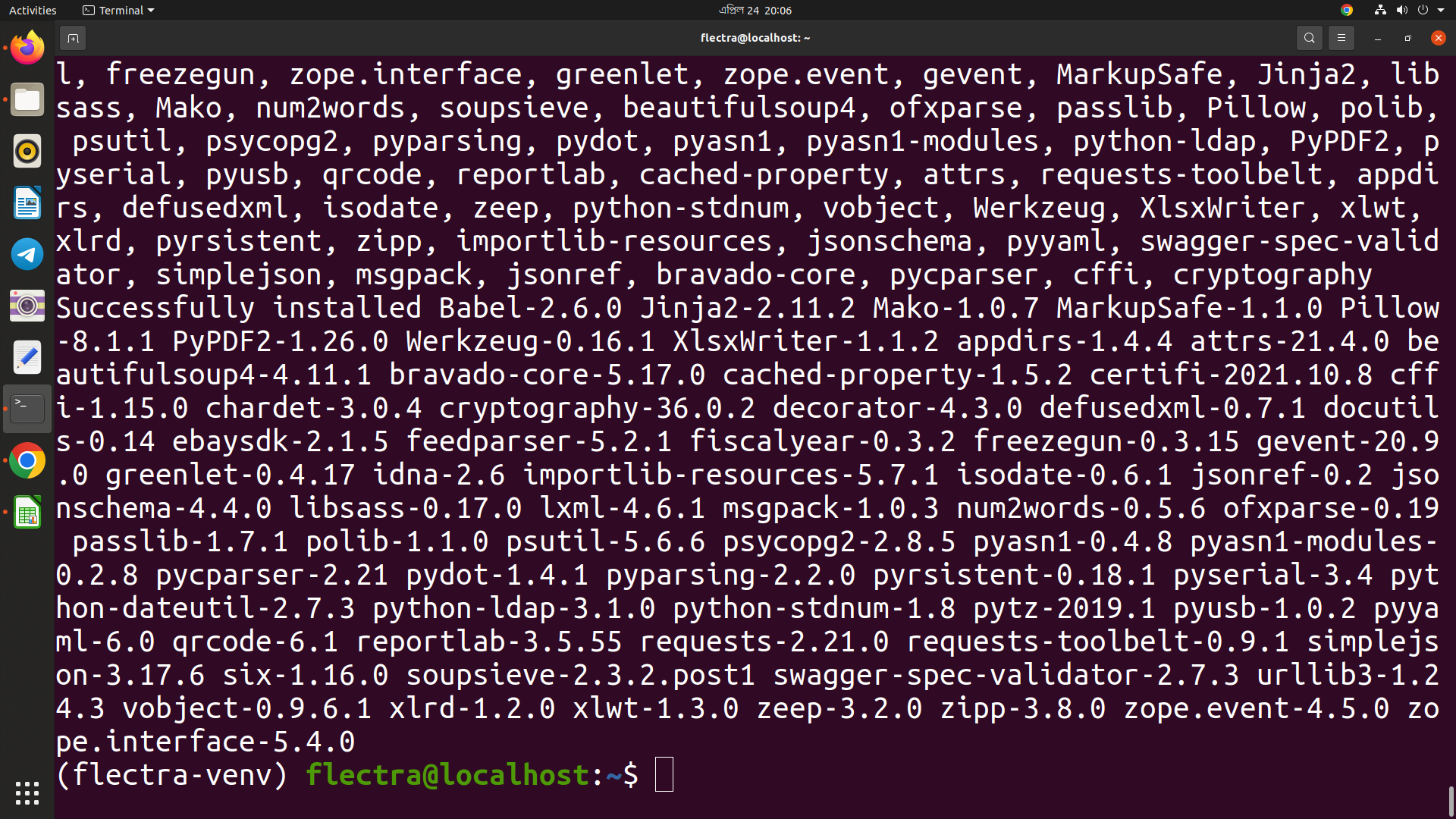
| pip3 install wheel | |
| pip3 install -r flectra/... | |
| deactivate | |
| exit | |
| #Configure Flectra | |
| sudo mkdir /opt/flectra/flectra.. | |
| sudo mkdir /var/log/.... | |
| sudo touch /var/log/flectra/flectra.log | |
| sudo chown -R flectra:flectra /opt/flectra.... | |
| sudo chown -R flectra:flectra /etc/flectra | |
| #After that, open Flectra configuration file | |
| sudo nano /etc/flectra/flectra.conf | |
| [options] | |
| db_host = False | |
| db_port = False | |
| db_password = False | |
| logfile = /var/log/flectra/... | |
| logrotate = True | |
| proxy_mode = True | |
| addons_path = /opt/flectra/flectra/addons.... | |
| sudo nano /etc/systemd/system/flectra.service | |
| [Unit] | |
| Description=flectra | |
| #Requires=postgresql-10.6.service | |
| [Service] | |
| Type=simple | |
| SyslogIdentifier=flectra | |
| StandardOutput=journal+console | |
| [Install] | |
| WantedBy=multi-user.target | |
| sudo systemctl daemon-reload | |
| sudo systemctl status flectra | |
| sudo apt install nginx | |
| #flectra server | |
| upstream flectra { | |
| server 127.0.0.1:7073; | |
| } | |
| proxy_read_timeout 720s; | |
| proxy_connect_timeout 720s; | |
| proxy_send_timeout 720s; | |
| # Add Headers for flectra proxy mode | |
| proxy_set_header X-Forwarded-Host $host; | |
| proxy_set_header X-Forwarded-Proto $scheme; | |
| # log | |
| error_log /var/log/nginx/flectra.error.log; | |
| # Redirect requests to flectra backend server | |
| location / { | |
| proxy_redirect off; | |
| } | |
| # common gzip | |
| gzip_types text/css text/less text/plain text/xml application/xml application/json application/javascript; | |
| gzip on; | |
| } | |
| sudo systemctl restart nginx | |
| certbot --nginx -d example.com | |
| #Now visit | |
| your ip or localhost:7073 |

cloudybdone
commented
Apr 24, 2022
Author
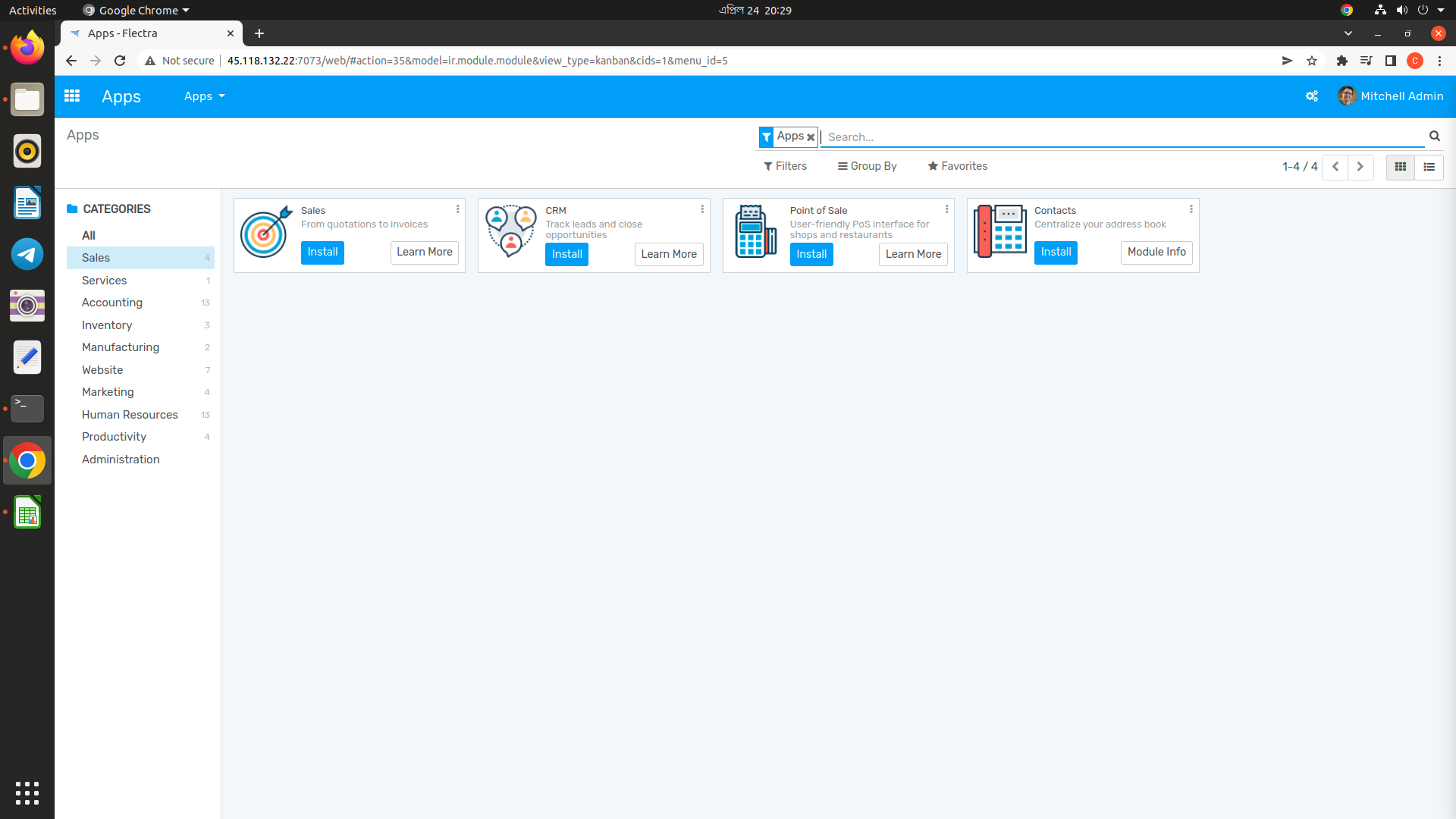
Author
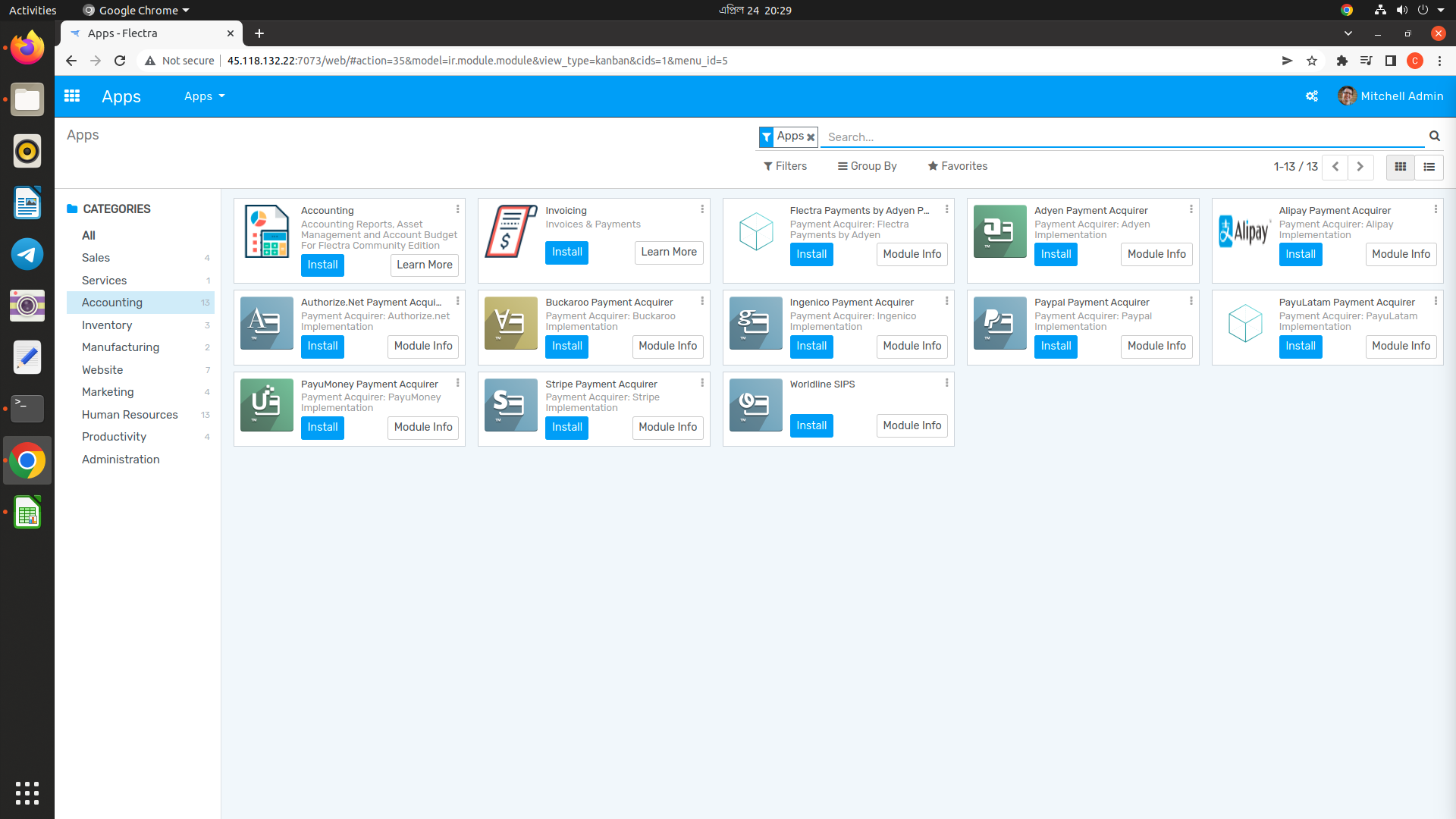
Author
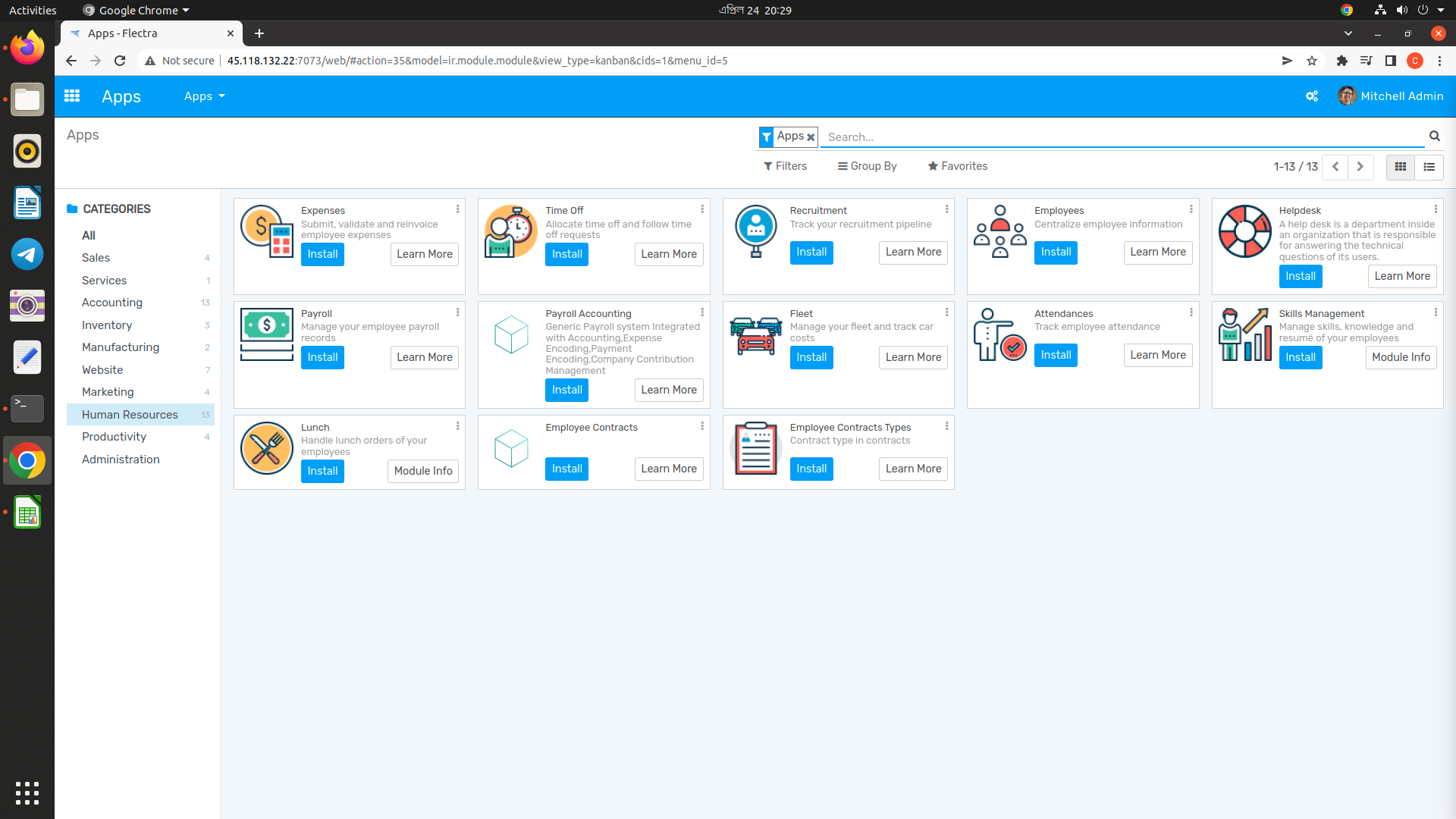
Author
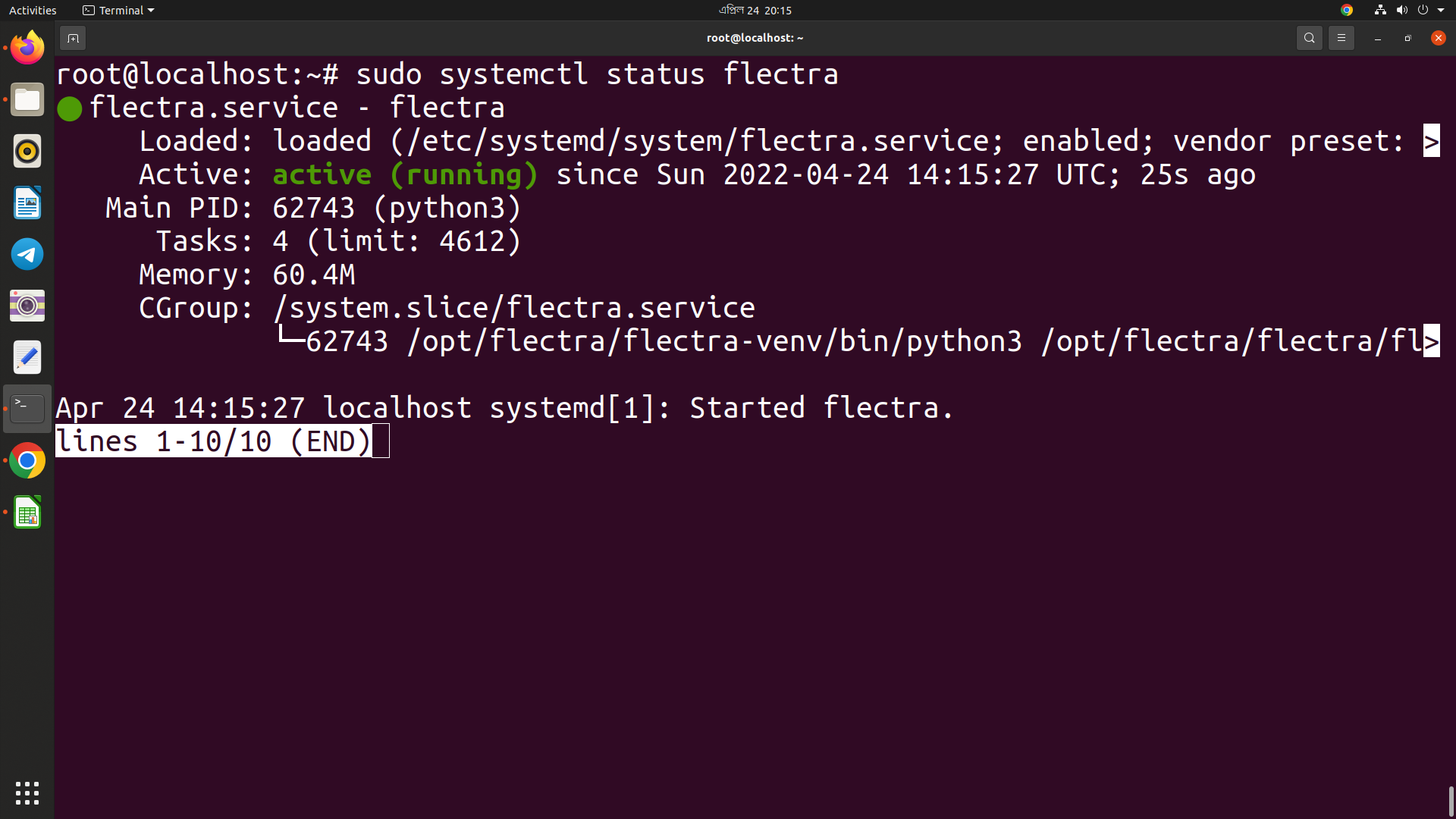
Author
Sign up for free
to join this conversation on GitHub.
Already have an account?
Sign in to comment