
Last active
November 26, 2022 15:26
-
-
Save cloudybdone/78dab92e661be26bd12ef0f5b3e1308f to your computer and use it in GitHub Desktop.
How To Install and Configure GitLab on Ubuntu 20.04
This file contains hidden or bidirectional Unicode text that may be interpreted or compiled differently than what appears below. To review, open the file in an editor that reveals hidden Unicode characters.
Learn more about bidirectional Unicode characters
| If you need any help related to GitLab Installation Service on Any Linux contact with me: | |
| Telegram: https://t.me/Cloudybdone | |
| WhatsApp: https://wa.link/3j794g | |
| Skype: https://join.skype.com/invite/vLFaKHx... | |
| Email: cloudybdone@gmail.com | |
| Linkedin: https://www.linkedin.com/in/cloudybdone/ | |
| Facebook: https://www.facebook.com/cloudybdone/ | |
| About Me: https://about.me/cloudybdone | |
| YouTube Playlist: https://youtu.be/fUu5_VOPfqA | |
| #!/bin/sh | |
| # Installing the Dependencies | |
| sudo apt update | |
| sudo apt install ca-certificates curl openssh-server postfix tzdata perl | |
| # Installing GitLab | |
| cd /tmp | |
| curl -LO https://packages.gitlab.com/install/repositories/gitlab/gitlab-ce/script.deb.sh | |
| less /tmp/script.deb.sh | |
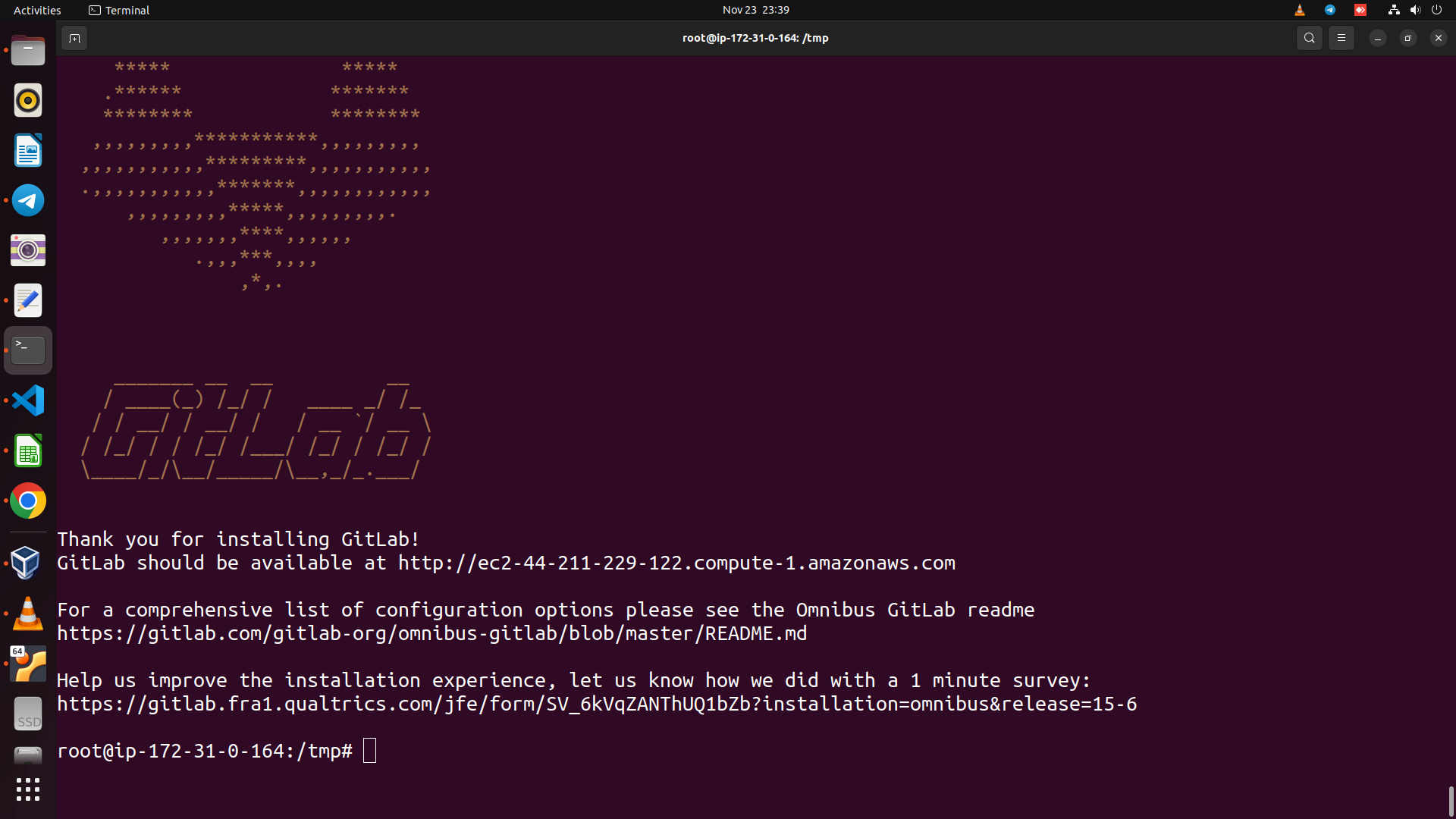
| sudo bash /tmp/script.deb.sh | |
| sudo apt install gitlab-ce | |
| # Adjusting the Firewall Rules | |
| sudo ufw status | |
| sudo ufw allow http | |
| sudo ufw allow https | |
| sudo ufw allow OpenSSH | |
| # Editing the GitLab Configuration File | |
| sudo nano /etc/gitlab | |
| sudo gitlab-ctl reconfigure | |
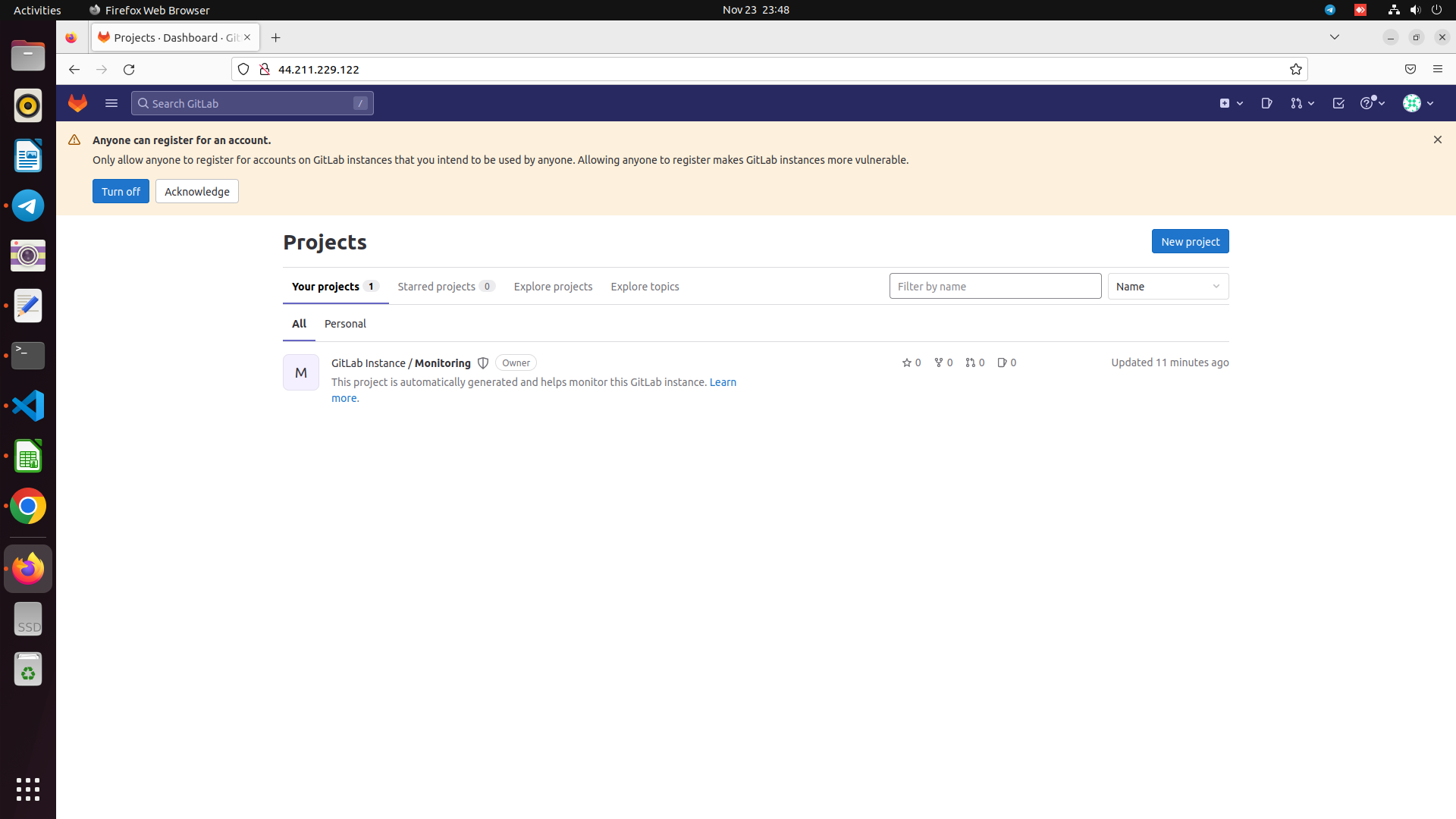
| # Performing Initial Configuration Through the Web Interface | |
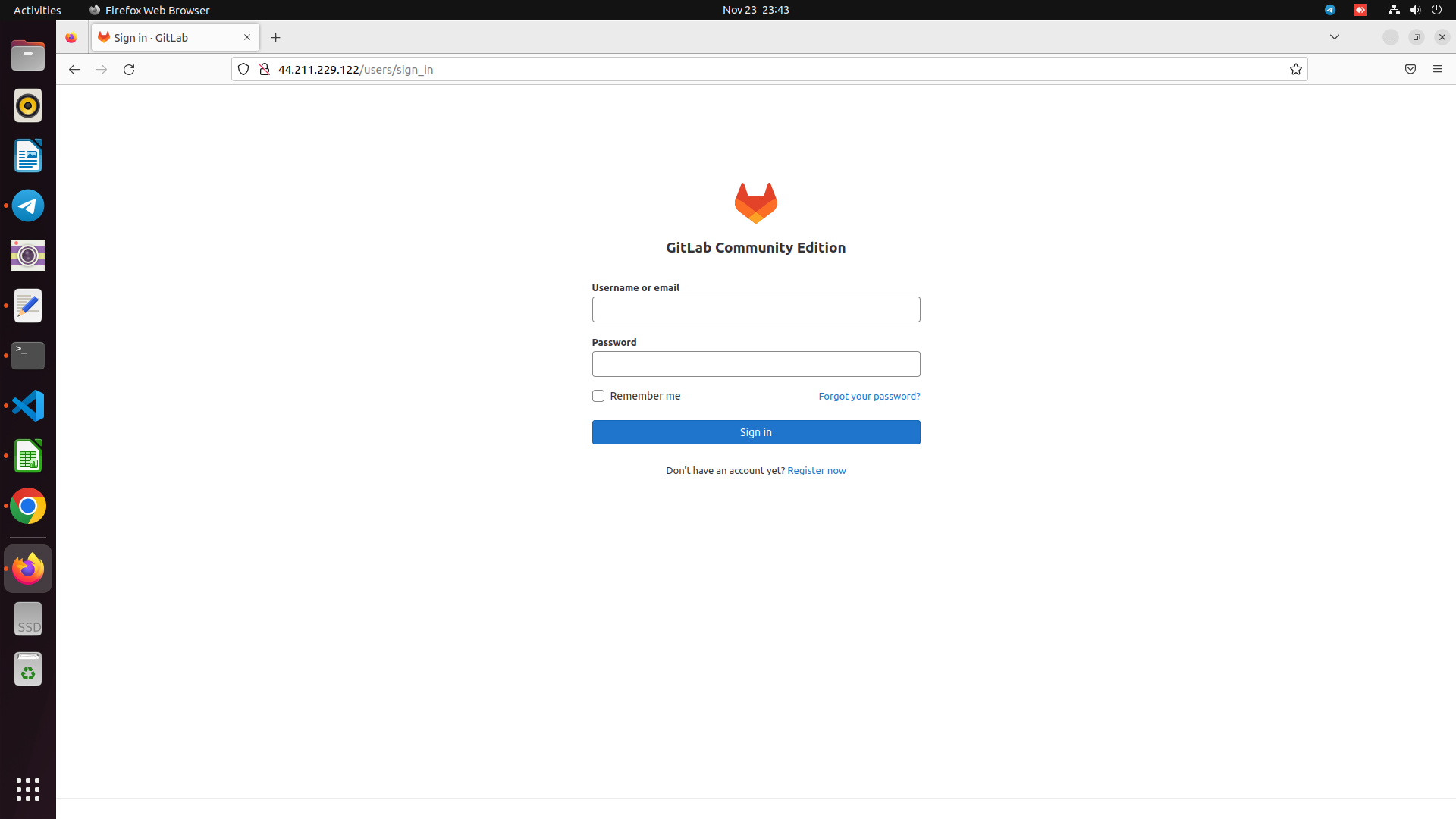
| https://your_domain | |
| # GitLab generates an initial secure password for you. It is stored in a folder that you can access as an administrative sudo user: |

cloudybdone
commented
Nov 24, 2022
Author
Author
Author
Sign up for free
to join this conversation on GitHub.
Already have an account?
Sign in to comment