
Created
October 28, 2022 18:22
-
-
Save cloudybdone/7a2ab6c2bb439f91d1f1be57a4426d2b to your computer and use it in GitHub Desktop.
How to Deploy Revive Adserver on Ubuntu 20.04 LTS
This file contains hidden or bidirectional Unicode text that may be interpreted or compiled differently than what appears below. To review, open the file in an editor that reveals hidden Unicode characters.
Learn more about bidirectional Unicode characters
| If you need any help related to Revive Adserver Installation Service on Any Linux contact with me: | |
| Telegram: https://t.me/Cloudybdone | |
| WhatsApp: https://wa.link/3j794g | |
| Skype: https://join.skype.com/invite/vLFaKHx... | |
| Email: cloudybdone@gmail.com | |
| Linkedin: https://www.linkedin.com/in/cloudybdone/ | |
| Facebook: https://www.facebook.com/cloudybdone/ | |
| About Me: https://about.me/cloudybdone | |
| YouTube Playlist: | |
| #!/bin/sh | |
| #Install Apache and PHP | |
| sudo apt install apache2 php php-common php-mysql php-xml php-xmlrpc php-curl php-gd php- | |
| #Install mariadb | |
| sudo apt install mariadb-server | |
| #Create Database | |
| sudo mysql -u root -p | |
| CREATE DATABASE revive_adserver DEFAULT CHARACTER SET utf8 COLLATE utf8_unicode_ci; | |
| FLUSH PRIVILEGES; | |
| EXIT; | |
| #Configure Apache | |
| sudo nano /etc/apache2/sites-available | |
| <VirtualHost *:80> | |
| ServerAdmin youremail@domain.com | |
| ServerName localhost | |
| <Directory /var/www/revive/> | |
| Options FollowSymlinks | |
| AllowOverride All | |
| Require all granted | |
| </Directory> | |
| </VirtualHost> | |
| #Now enable and reload apache | |
| sudo systemctl reload apache2 | |
| #Download revive-adserver | |
| cd /var/www/ | |
| wget https://download.revive-adserver.com/revive-adserver-5.3.1.zip | |
| sudo apt install zip unzip | |
| unzip revive-adserver-5.3.1.zip | |
| sudo mv revive-adserver-5.3.1 revive | |
| cd revive/ | |
| #Fix Permission | |
| sudo chown -R www-data: ./ | |
| sudo chmod -R 775 ./ | |
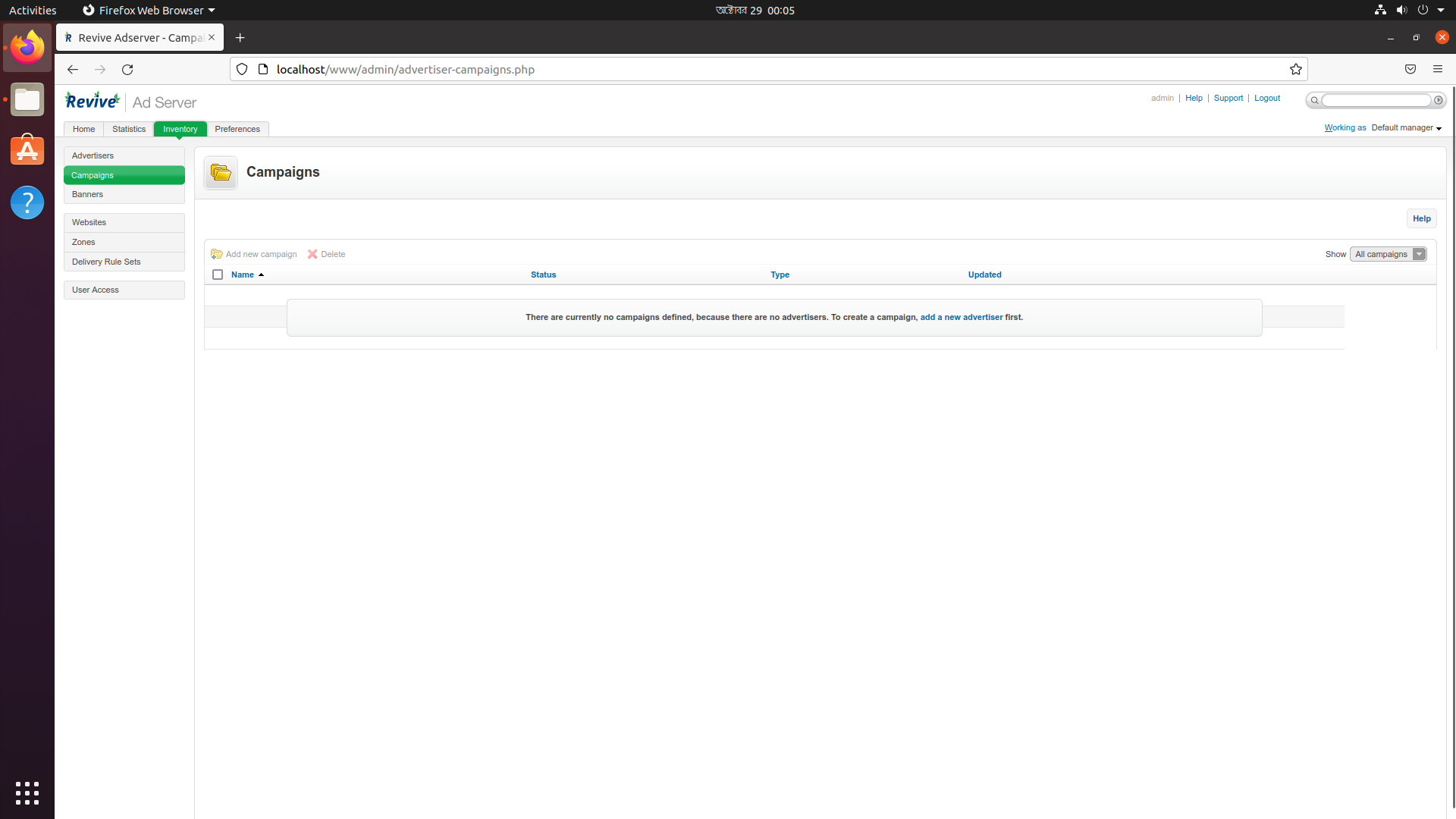
| #Install via browser : http://localhost/ |

cloudybdone
commented
Oct 28, 2022
Author

Hello, you need to precise that after sudo nano /etc/apache2/sites-available, give a name like revive.conf.
Then enable site with sudo a2ensite revive and disable the default one with a2dissite 000-default to finally do systemctl reload apache2
Sign up for free
to join this conversation on GitHub.
Already have an account?
Sign in to comment