
Last active
April 9, 2022 17:56
-
-
Save cloudybdone/9312e6162c3ef364ff83a15e5728cd76 to your computer and use it in GitHub Desktop.
How to install Asterisk PBX VoIP on Ubuntu Linux
This file contains hidden or bidirectional Unicode text that may be interpreted or compiled differently than what appears below. To review, open the file in an editor that reveals hidden Unicode characters.
Learn more about bidirectional Unicode characters
| If you need any help related to Asterisk PBX Setup Service on Ubuntu Linux contact with me: | |
| Telegram: https://t.me/Cloudybdone | |
| WhatsApp: https://wa.link/3j794g | |
| Skype: https://join.skype.com/invite/vLFaKHx... | |
| Email: cloudybdone@gmail.com | |
| Linkedin: https://www.linkedin.com/in/cloudybdone/ | |
| Facebook: https://www.facebook.com/cloudybdone/ | |
| About Me: https://about.me/cloudybdone | |
| YouTube PlayList: https://www.youtube.com/watch?v=yvckGac44HU&list=PLiveDaEySXe-axwirGRBdb3UTAPo0tYyO | |
| sudo apt update && sudo apt -y upgrade | |
| sudo apt-get install git curl wget \.... | |
| #Download the latest release of Asterisk 15 to your local system for installation. | |
| sudo su - | |
| cd /usr/src/ | |
| curl -O http://downloads.asterisk.org/pub/telephony/.... | |
| tar xvf asterisk-16-current.tar.. | |
| sudo contrib/scripts/... | |
| sudo contrib/scripts/.... | |
| ./configure | |
| make menuselect | |
| make | |
| make samples | |
| ...... | |
| #Create separate user and group to run asterisk services, and assign correct permissions: | |
| sudo groupadd asterisk | |
| sudo useradd -r -d /var/lib/.... | |
| sudo chown -R asterisk.asterisk /etc/asterisk | |
| sudo nano /etc/default/... | |
| AST_GROUP="asterisk" | |
| runuser = asterisk ; The user to run as. | |
| #Restart asterisk service after making the changes: | |
| sudo systemctl restart asterisk... | |
| #Install FreePBX 15 on Ubuntu | |
| #Or Install Apache, mariadb and php7.3 | |
| sudo apt install software-properties-common | |
| sudo add-apt-repository ppa... | |
| sudo cp /etc/apache2/apache2.conf /etc/apache2/.... | |
| sudo sed -i 's/\(^upload_max_filesize = \).*/\120M/' /etc/php/.... | |
| #Download and Install FreePBX | |
| cd /usr/src | |
| sudo wget http://mirror.freepbx.org/modules/... | |
| sudo tar xfz freepbx-15.0.. | |
| sudo ./start_asteris... | |
| sudo ./install -n | |
| cd /usr/src/freepbx/ | |
| fwconsole ma downloadinstall... | |
| sudo -u asterisk fwconsole reload --verbose | |
| amportal a ma download -f voicemail | |
| fwconsole reload --verbose | |
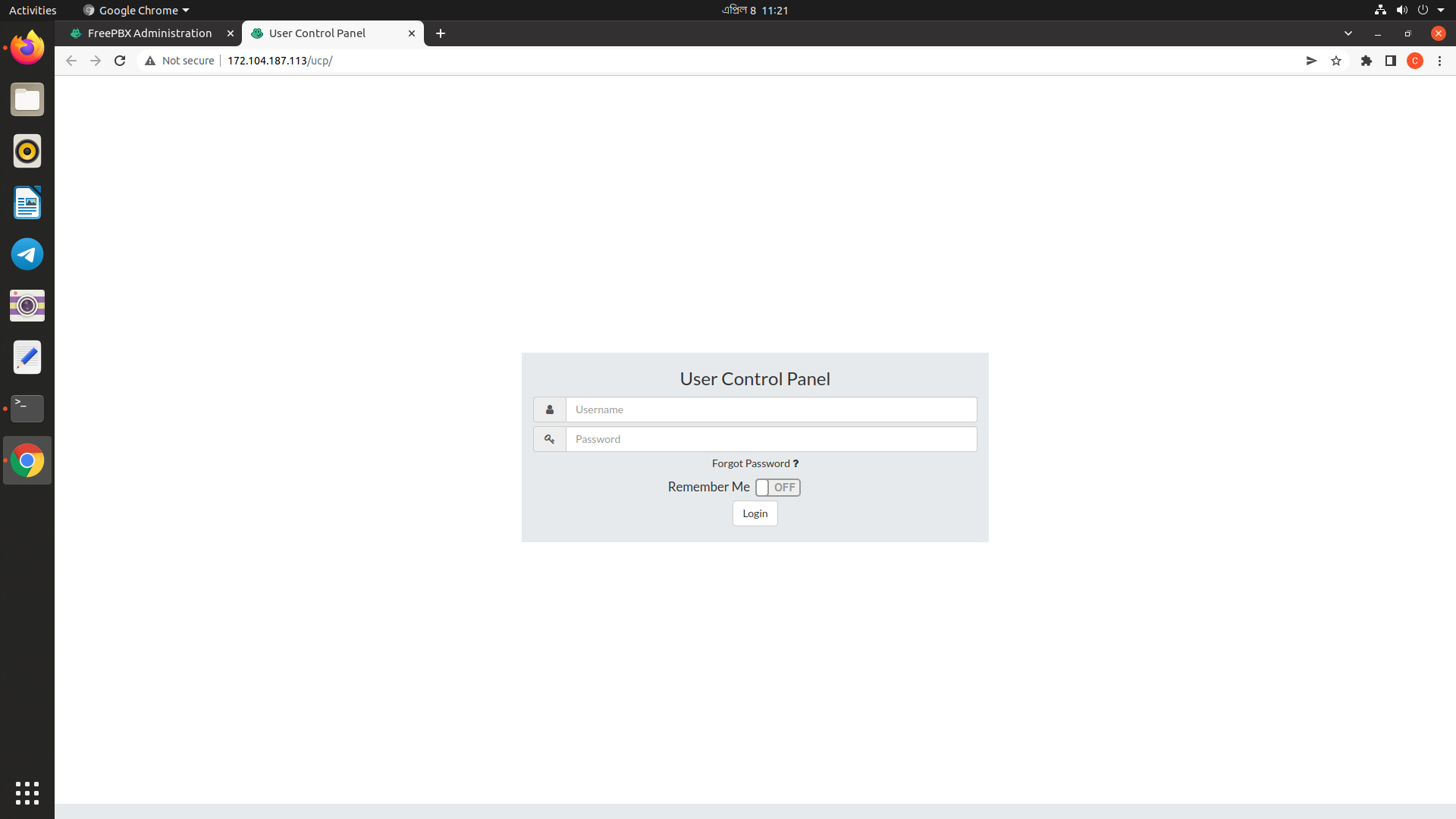
| #Install FreePBX User Control Panel | |
| fwconsole ma downloadinstall.... | |
| fwconsole start ucp | |
| sudo a2enmod rewrite | |
| sudo systemctl restart apache2 | |
| sudo ufw enable | |
| sudo ufw allow 5060 | |
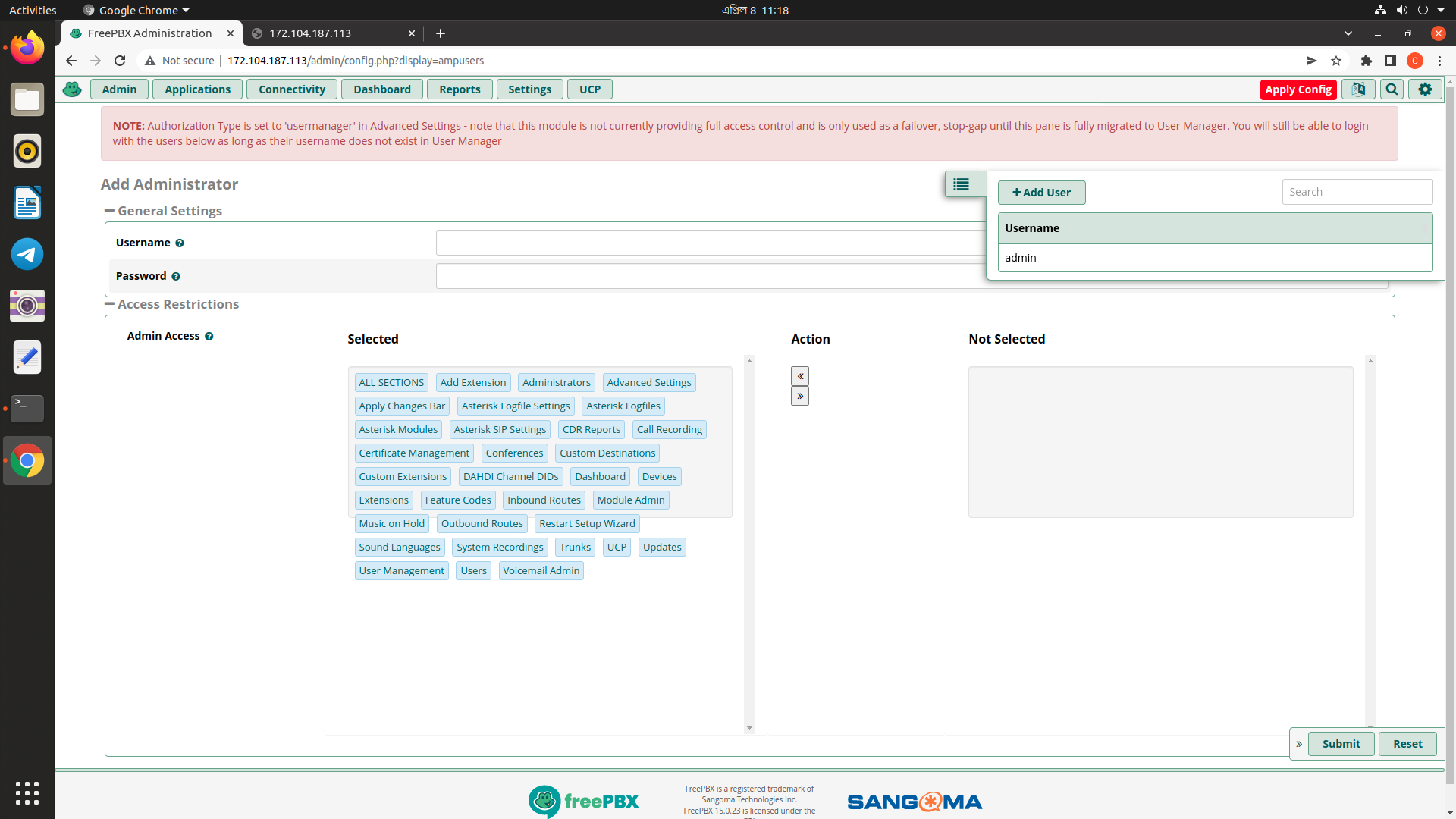
| Visit: http://ip_address_or_hostname/admin |

Sign up for free
to join this conversation on GitHub.
Already have an account?
Sign in to comment