
Created
November 18, 2022 18:09
-
-
Save cloudybdone/9aa4b2c7193de1688e7bc78690232944 to your computer and use it in GitHub Desktop.
How to Install OpenLiteSpeed Web Server with PHP on Ubuntu 20.04 LTS
This file contains hidden or bidirectional Unicode text that may be interpreted or compiled differently than what appears below. To review, open the file in an editor that reveals hidden Unicode characters.
Learn more about bidirectional Unicode characters
| If you need any help related to OpenLiteSpeed Installation Service on Any Linux contact with me: | |
| Telegram: https://t.me/Cloudybdone | |
| WhatsApp: https://wa.link/3j794g | |
| Skype: https://join.skype.com/invite/vLFaKHx... | |
| Email: cloudybdone@gmail.com | |
| Linkedin: https://www.linkedin.com/in/cloudybdone/ | |
| Facebook: https://www.facebook.com/cloudybdone/ | |
| About Me: https://about.me/cloudybdone | |
| YouTube Playlist: | |
| #!/bin/sh | |
| #Updating Server Package Repository | |
| sudo apt update -y | |
| #Run the following command to download the OpenLiteSpeed repository shell script | |
| wget http://rpms.litespeedtech.com/debian/enable_lst_debian_repo.sh | |
| sudo bash enable_lst_debian_repo.sh | |
| #Install OpenLiteSpeed | |
| sudo apt install openlitespeed -y | |
| sudo systemctl start lsws | |
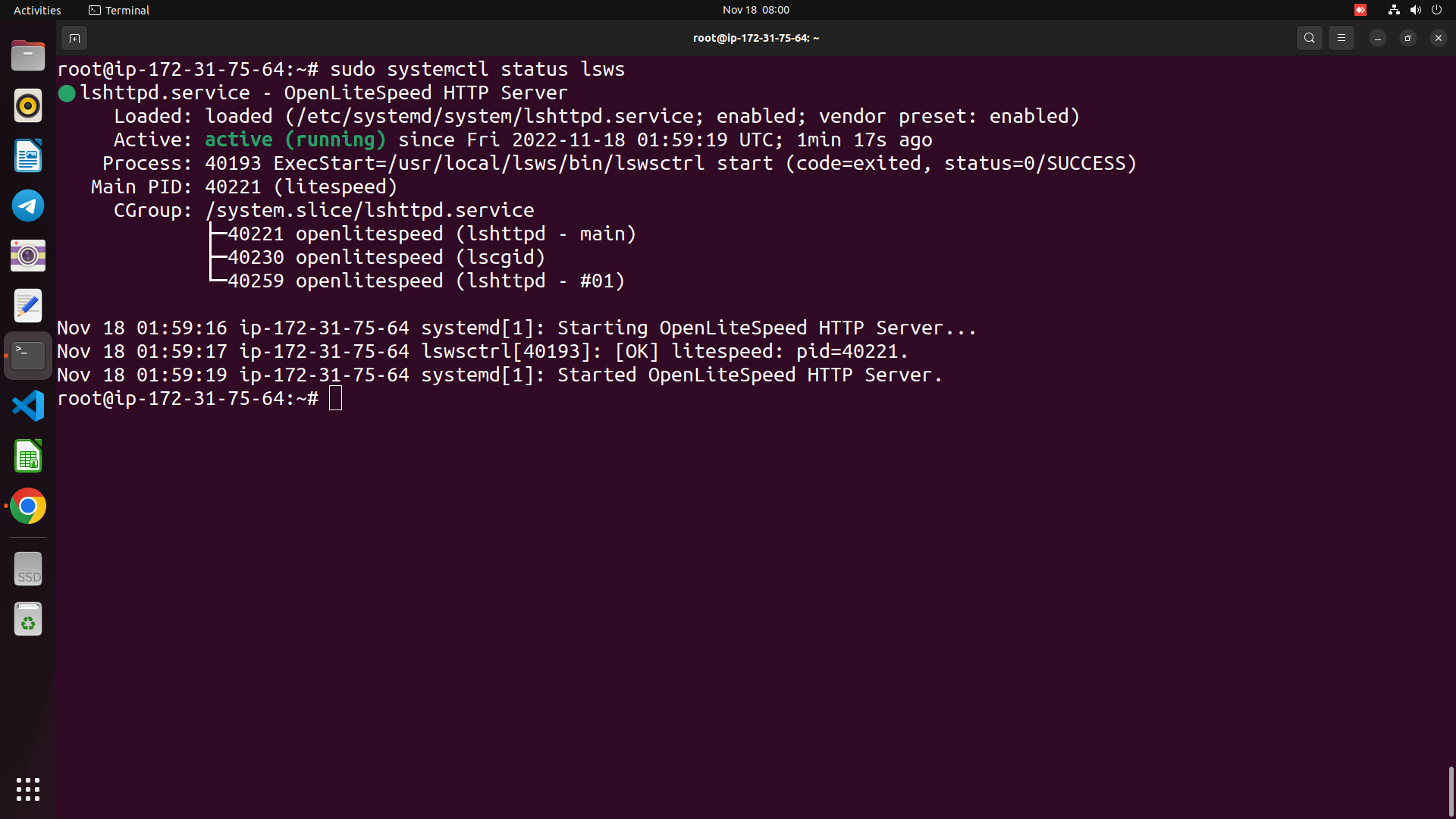
| systemctl status openlitespeed | |
| #Run the following command to set an administrator username and password. | |
| sudo bash /usr/local/lsws/admin/misc/admpass.sh | |
| netstat -plntu | |
| #Install PHP 7.4 OpenLiteSpeed Version | |
| sudo apt install lsphp74 lsphp74-common lsphp74-mysql | |
| #Install and Configure MySQL | |
| sudo apt install mariadb-client mariadb-server | |
| systemctl start mariadb | |
| systemctl enable mariadb | |
| mysql_secure_installation | |
| mysql -u root -p | |
| select User, Password, Host from mysql.user; | |
| #Configuring Your Firewall | |
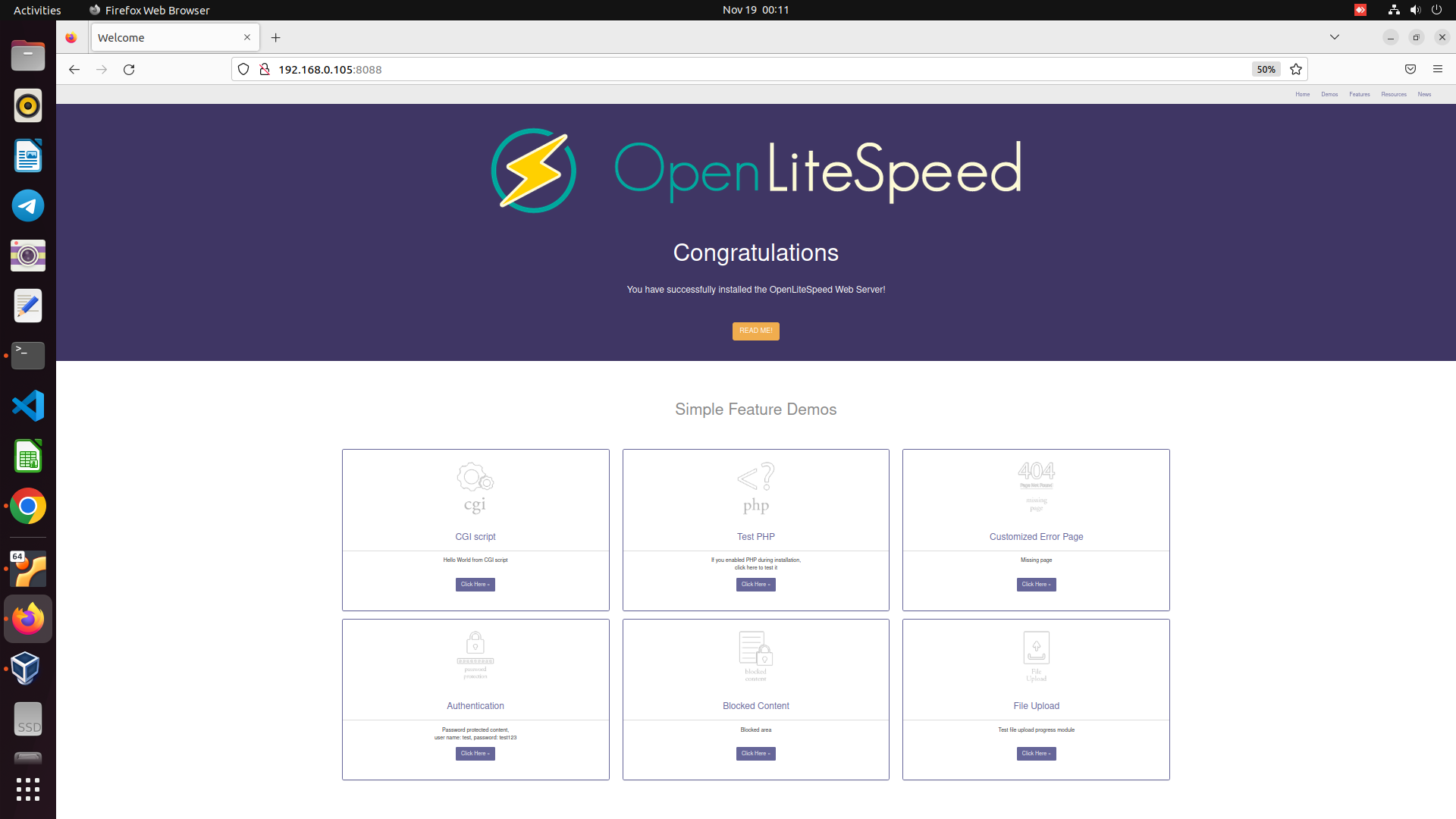
| sudo ufw allow 7080/tcp && sudo ufw allow 8088/tcp | |
| sudo ufw status verbose | |
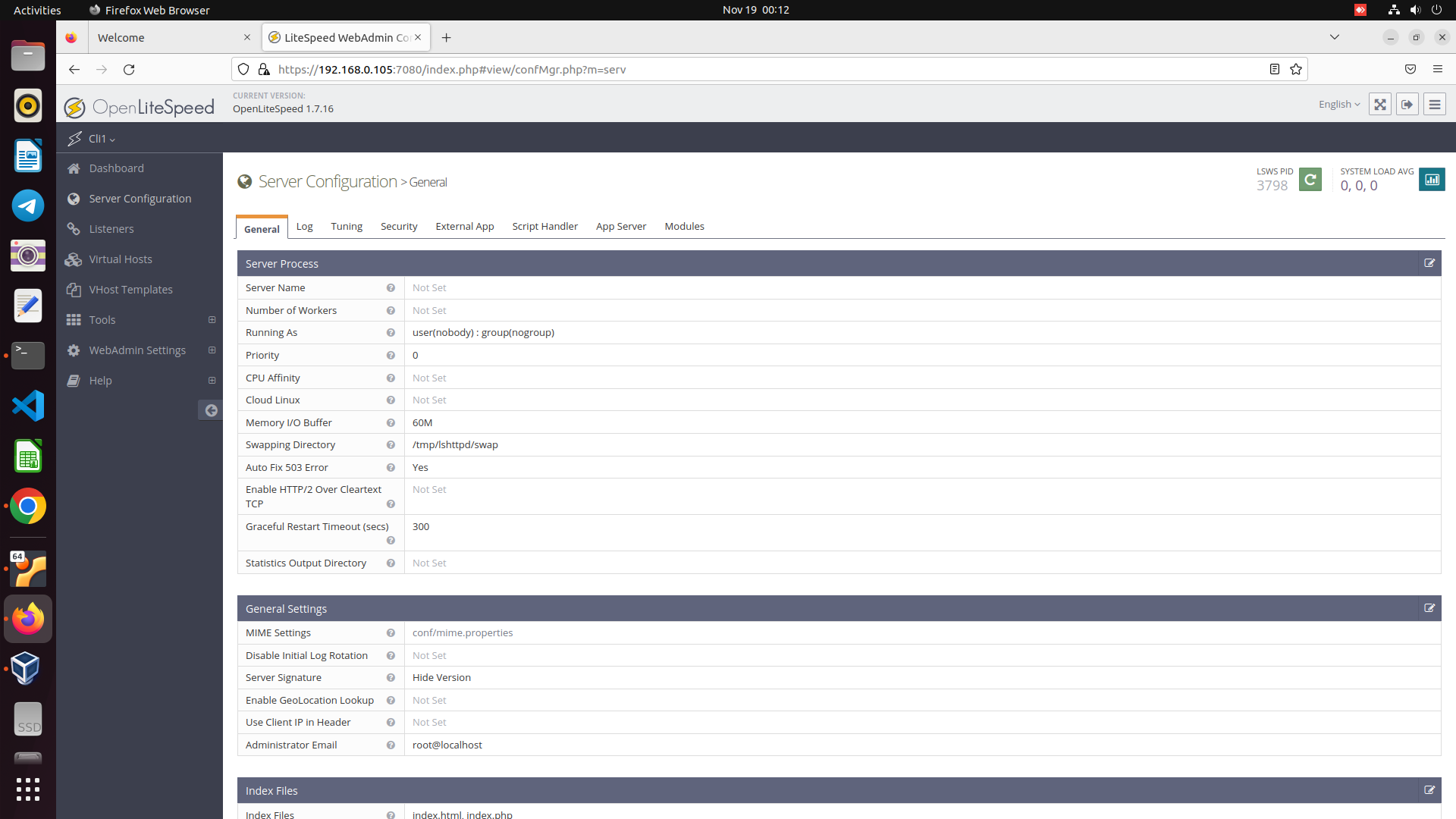
| #Setup OpenLiteSpeed Admin | |
| cd /usr/local/lsws/admin/misc/ | |
| sh admpass.sh | |
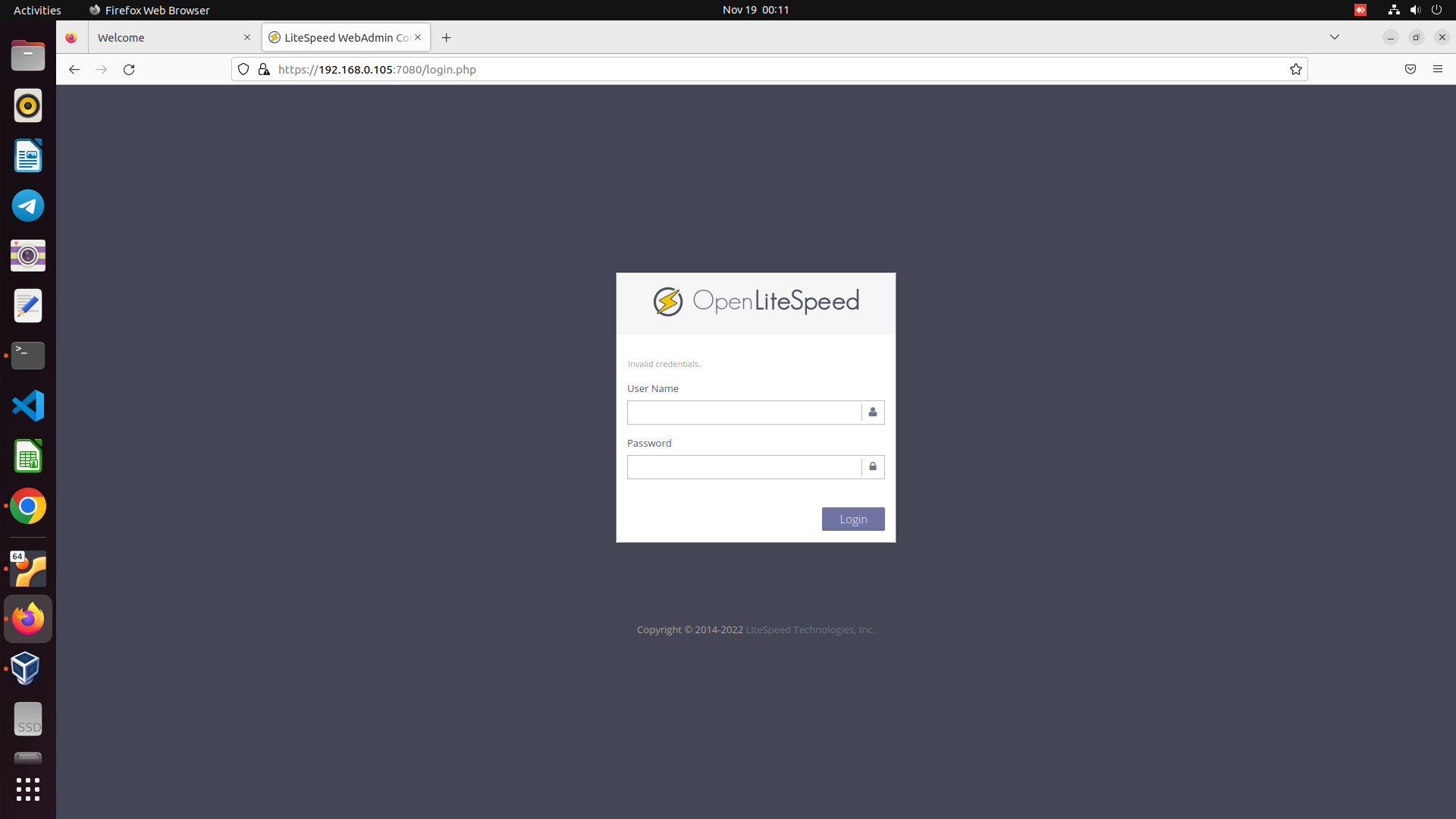
| https://localhost:7080/ |

cloudybdone
commented
Nov 18, 2022
Author
Author
Author
Author
Sign up for free
to join this conversation on GitHub.
Already have an account?
Sign in to comment