
Created
April 16, 2022 13:18
-
-
Save cloudybdone/9eea3995e7f9fcbcc98390ef8146aa11 to your computer and use it in GitHub Desktop.
How to install GeoServer On Ubuntu 20.04 LTS
This file contains hidden or bidirectional Unicode text that may be interpreted or compiled differently than what appears below. To review, open the file in an editor that reveals hidden Unicode characters.
Learn more about bidirectional Unicode characters
| If you need any help related to GeoServer Setup Service on Ubuntu Linux contact with me: | |
| Telegram: https://t.me/Cloudybdone | |
| WhatsApp: https://wa.link/3j794g | |
| Skype: https://join.skype.com/invite/vLFaKHx... | |
| Email: cloudybdone@gmail.com | |
| Linkedin: https://www.linkedin.com/in/cloudybdone/ | |
| Facebook: https://www.facebook.com/cloudybdone/ | |
| About Me: https://about.me/cloudybdone | |
| YouTube PlayList: https://www.youtube.com/watch?v=0wdgPe5cKg8&list=PLiveDaEySXe_N8KWxDeTDxzOGURmDK1Vd | |
| #Install OpenJDK | |
| sudo apt update | |
| sudo apt install openjdk-11-jdk | |
| java -version | |
| #Download and Install Tomcat | |
| sudo apt install tomcat9... | |
| #Add the following lines to the xml file: | |
| <role rolename="admin-gui"/> | |
| <role rolename="manager-gui"/> | |
| #Enable the Tomcat Daemon>> | |
| sudo enable tomcat9 | |
| #Start the Service and Confirm the Service is Running>> | |
| sudo service tomcat9 status | |
| #Set up the GeoServer Application>> | |
| wget https://sourceforge.net/projects/geoserver/files/GeoServer/.... | |
| sudo service tomcat9 stop | |
| sudo mv geoserver-2.18.0-war.zip /var.... | |
| cd /var/lib/tomcat9/webapps | |
| unzip geoserver-2.18.0-war.zip | |
| rm geoserver-2.18.0-war.zip | |
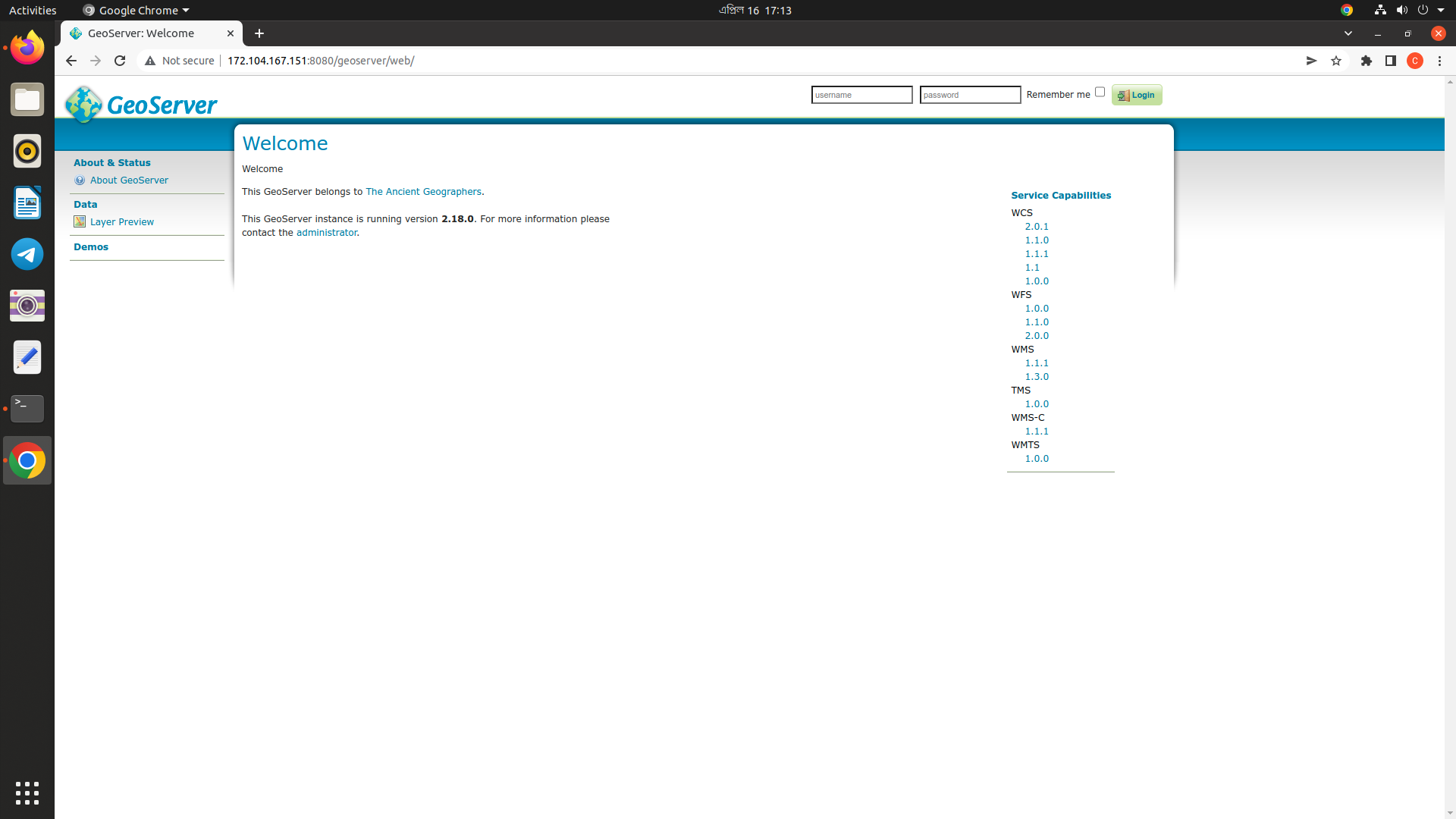
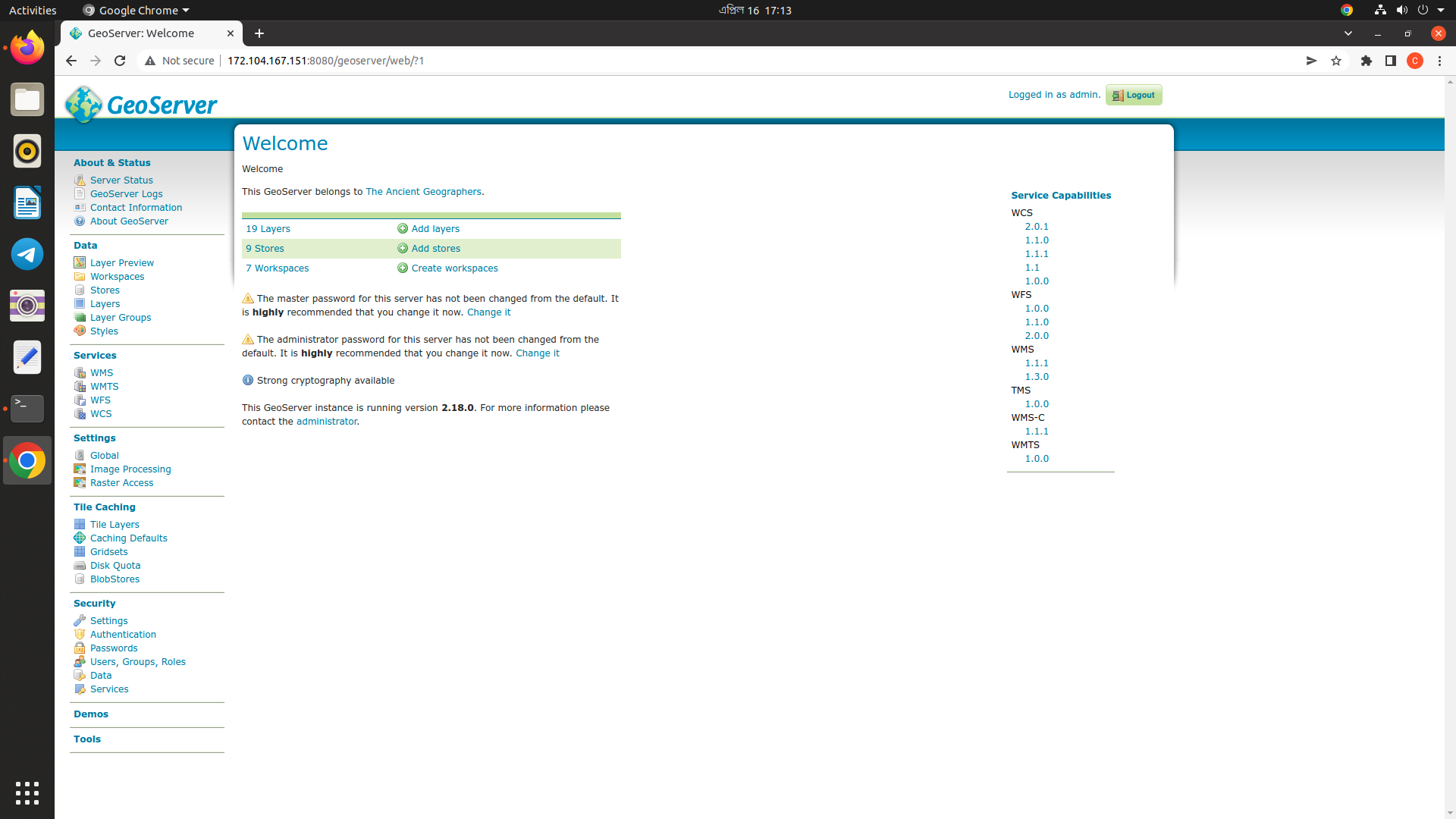
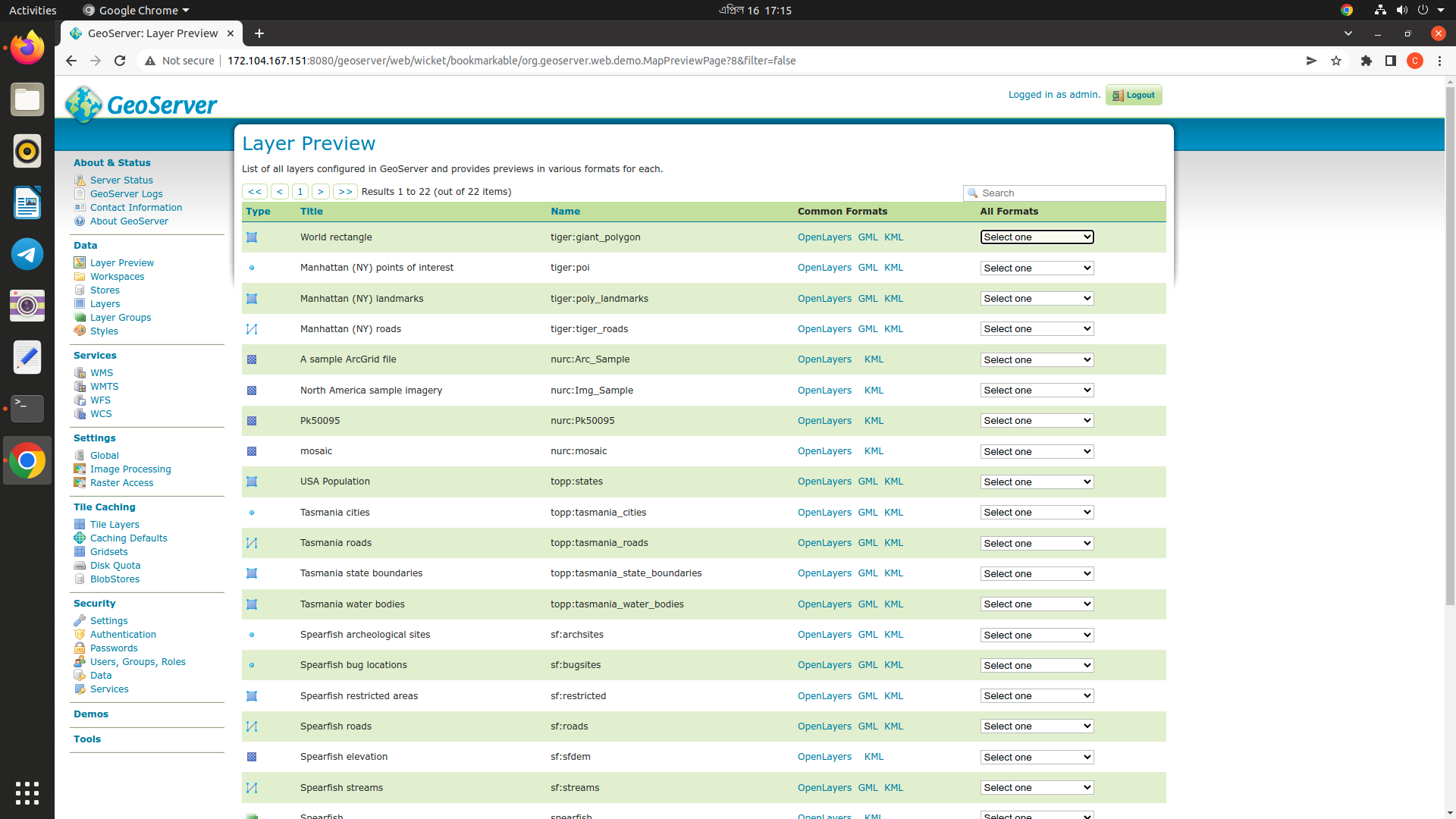
| #Go to the URL http://[your server's public IP address or domain name]:8080/geoserver to load the 'admin' page. |

cloudybdone
commented
Apr 16, 2022
Author
Author
Author
Author
Author
Sign up for free
to join this conversation on GitHub.
Already have an account?
Sign in to comment