
Last active
January 10, 2022 16:11
-
-
Save cloudybdone/c1deebf979546f1741dbcc2c3a43baa8 to your computer and use it in GitHub Desktop.
I Will Do Installation of Laravel Using LAMP Stack (Linux, Apache, MySQL, PHP)
This file contains hidden or bidirectional Unicode text that may be interpreted or compiled differently than what appears below. To review, open the file in an editor that reveals hidden Unicode characters.
Learn more about bidirectional Unicode characters
| If you need anything related with Laravel Installation on Ubuntu Using LAMP stack setup contact: | |
| Telegram: https://t.me/Cloudybdone | |
| WhatsApp: https://wa.link/3j794g | |
| Skype: https://join.skype.com/invite/vLFaKHxboQrc | |
| Email: cloudybdone@gmail.com | |
| Linkedin: https://www.linkedin.com/in/cloudybdone/ | |
| Facebook: https://www.facebook.com/cloudybdone/ | |
| About Me: https://about.me/cloudybdone | |
| YouTube Video: https://www.youtube.com/watch?v=1Ty9vCxciDY&list=PLiveDaEySXe9rPwE1yqFdwV_Pf11-WhAT | |
| sudo -i | |
| apt update -y | |
| apt upgrade -y | |
| apt update -y | |
| apt install ...... | |
| apt install ubuntu-restricted-extras | |
| apt install ..... | |
| add-apt-repository ppa:... | |
| apt install launchpad-getkeys | |
| add-apt-repository ppa:.... | |
| apt update -y | |
| apt install git | |
| git config --global user.name "YourName" | |
| git config --global user.email youremail@gmail.com | |
| apt -f install | |
| apt autoremove | |
| apt -y clean | |
| # Install Apache | |
| sudo apt update | |
| sudo apt install apache2 | |
| sudo ufw....... | |
| apache2 -v | |
| nano /etc/a.... | |
| ServerName 127.0.1.1 | |
| <Directory /var/www/> | |
| Options Indexes FollowSymLinks | |
| .......... | |
| Require all granted | |
| </Directory> | |
| sudo service apache2 start | |
| sudo service apache2 restart | |
| sudo ..... | |
| sudo service apache2 status | |
| sudo ufw allow... | |
| sudo ufw...... | |
| # Visit: http://localhost/ | |
| sudo systemctl r..... | |
| sudo apt install php libapache2-mod-php php-mysql | |
| sudo apt install php7.4-common php7.4-cli php7.4-gd.......... | |
| sudo nano /etc/apache2...... | |
| <IfModule mod_dir.c> | |
| DirectoryIndex index.php..... | |
| </IfModule> | |
| curl -sS https............ | |
| sudo mv composer............. | |
| sudo chmod +x /usr... | |
| composer --version | |
| cd /var/www.. | |
| git clone https://github.com/..... | |
| cd laravel | |
| chmod -R 755 /var/www/html/laravel | |
| php artisan serve | |
| a2enmod rewrite | |
| php artisan..... | |
| sudo -i | |
| apt install mariadb-client-10.3 | |
| mysql_secure_installation | |
| nano /usr/lib/systemd..... | |
| LimitNOFILE=infinity | |
| systemctl daemon-reload | |
| systemctl status mariadb | |
| mysql | |
| create database lamp; | |
| CREATE USER 'netadmin'@'%' IDENTIFIED BY 'L@MpPre786'; | |
| GRANT ALL PRIVILEGES ON *.* TO 'netadmin'@'%'; | |
| exit | |
| systemctl restart... | |
| apt update -y | |
| apt upgrade -y | |
| sudo nano .env | |
| DB_CONNECTION= | |
| DB_HOST= | |
| DB_PORT= | |
| DB_DATABASE=laravel | |
| DB_USERNAME=netadmin | |
| sudo apt update | |
| sudo apt install phpmyadmin... | |
| sudo nano /etc/apache2/apache2.conf | |
| Include /etc/phpmyadmin/......... | |
| sudo service apache2 restart | |
| # visit: http://localhost/phpmyadmin/ | |
| user: netadmin | |
| pass: L@Rave;786 | |
| sudo php artisan config:cache | |
| nano /etc/apache2/sites-.... | |
| <VirtualHost *:80> | |
| ServerName localhost | |
| ServerAdmin admin@hakase-labs.io | |
| DocumentRoot /var/www/html/laravel/public | |
| Require all granted | |
| </Directory> | |
| </VirtualHost> | |
| sudo service mysql restart | |
| sudo service apache2 restart | |

cloudybdone
commented
Dec 29, 2021
Author
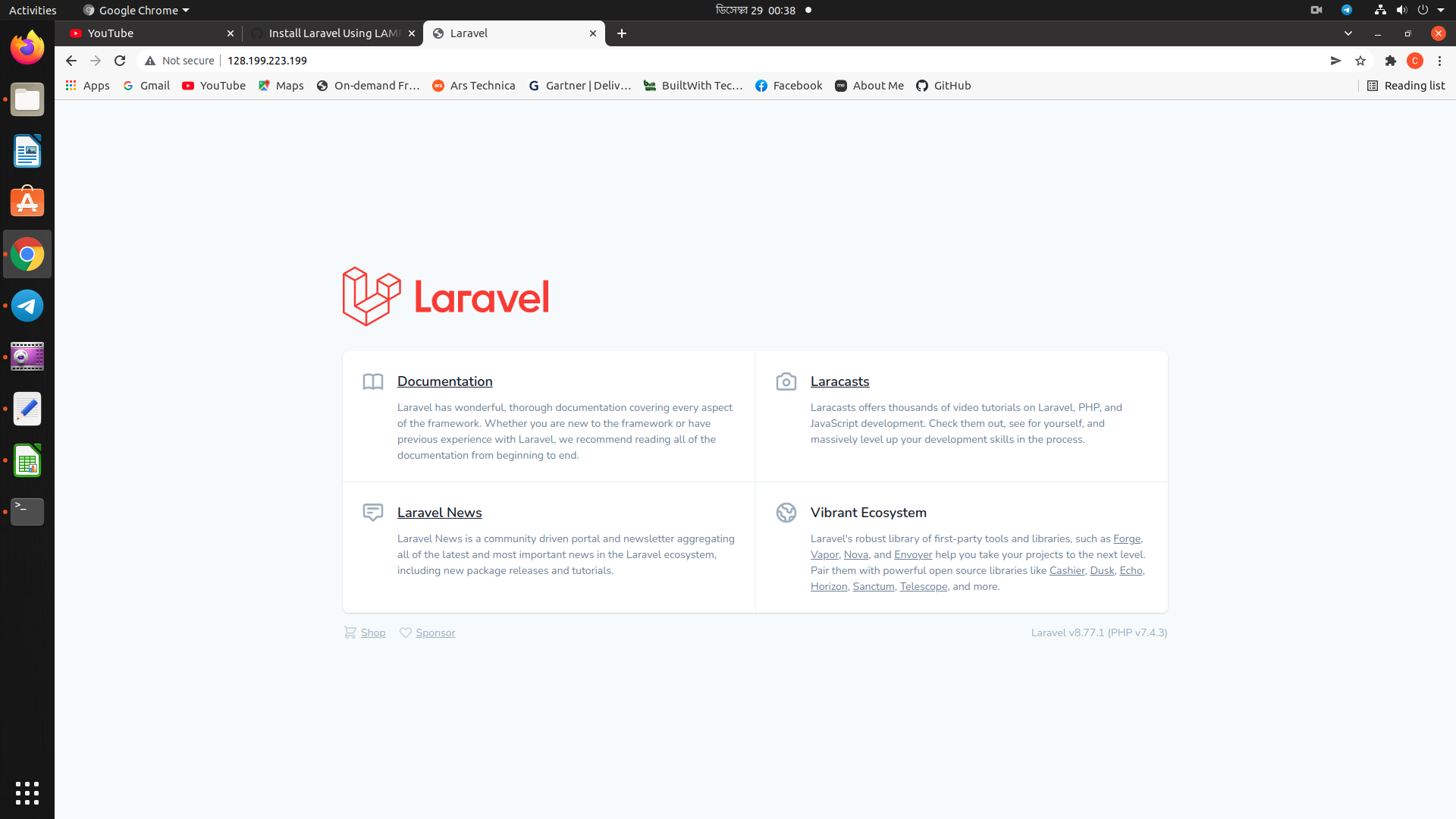
Author
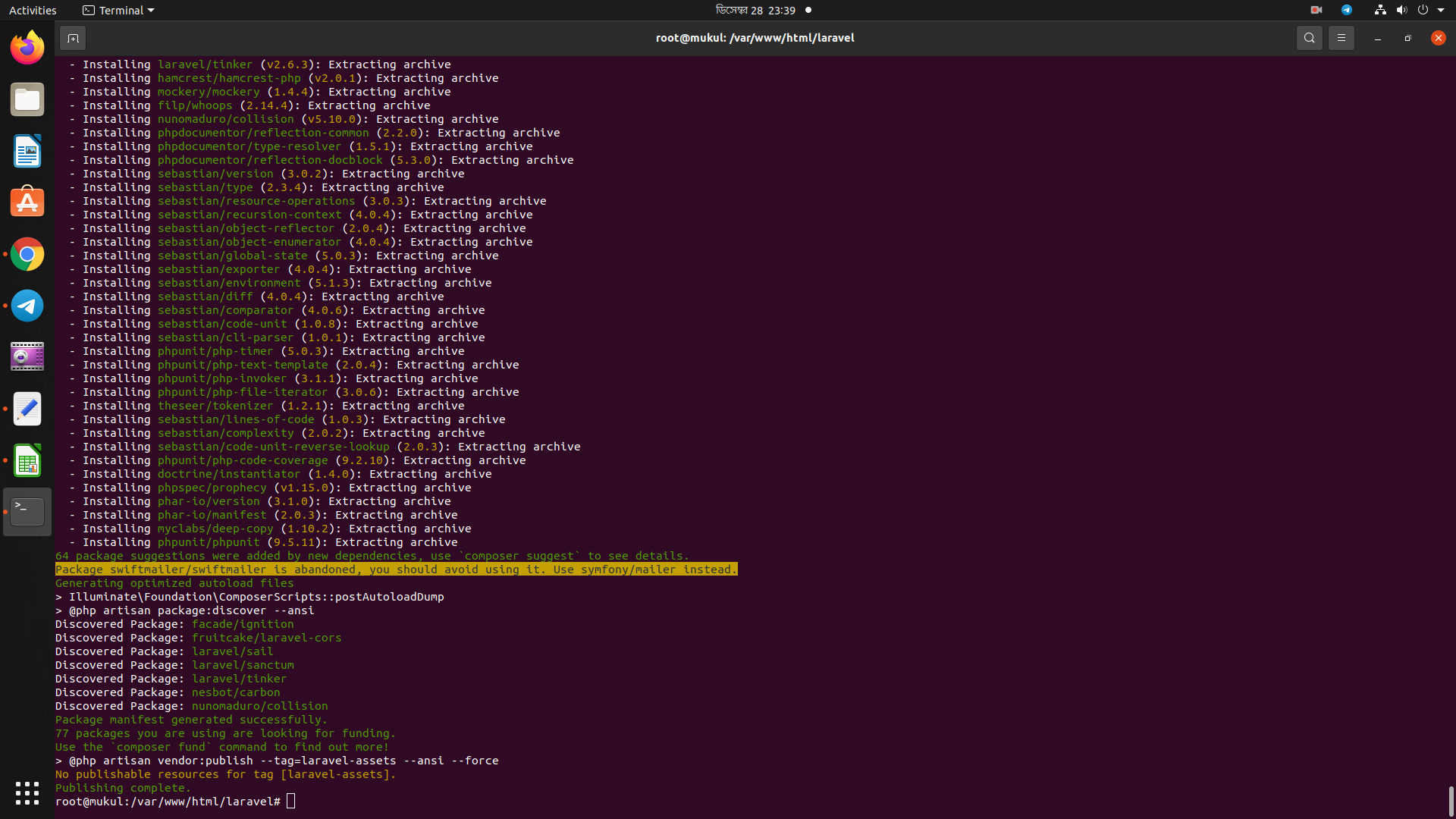
Author
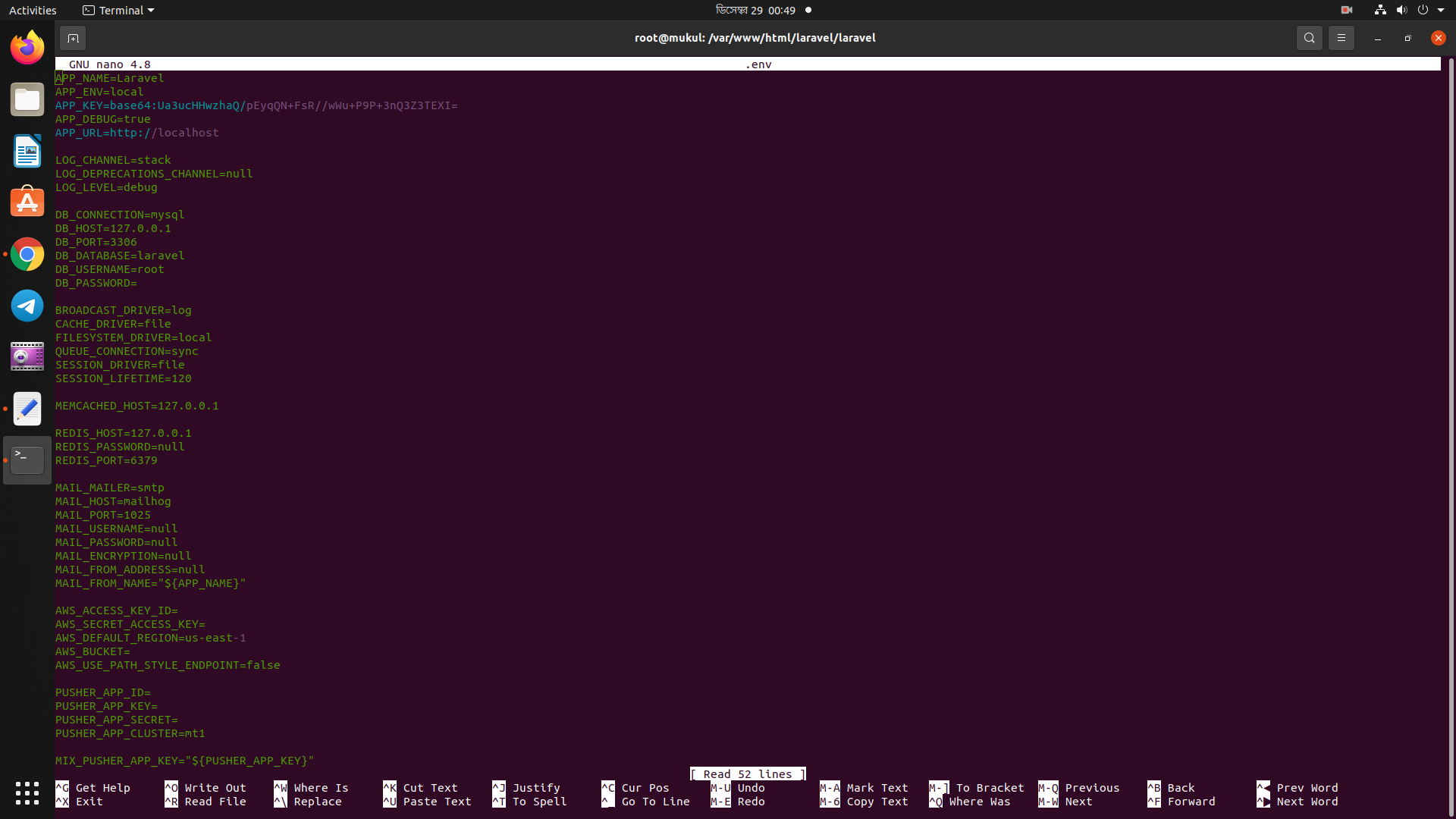
Author
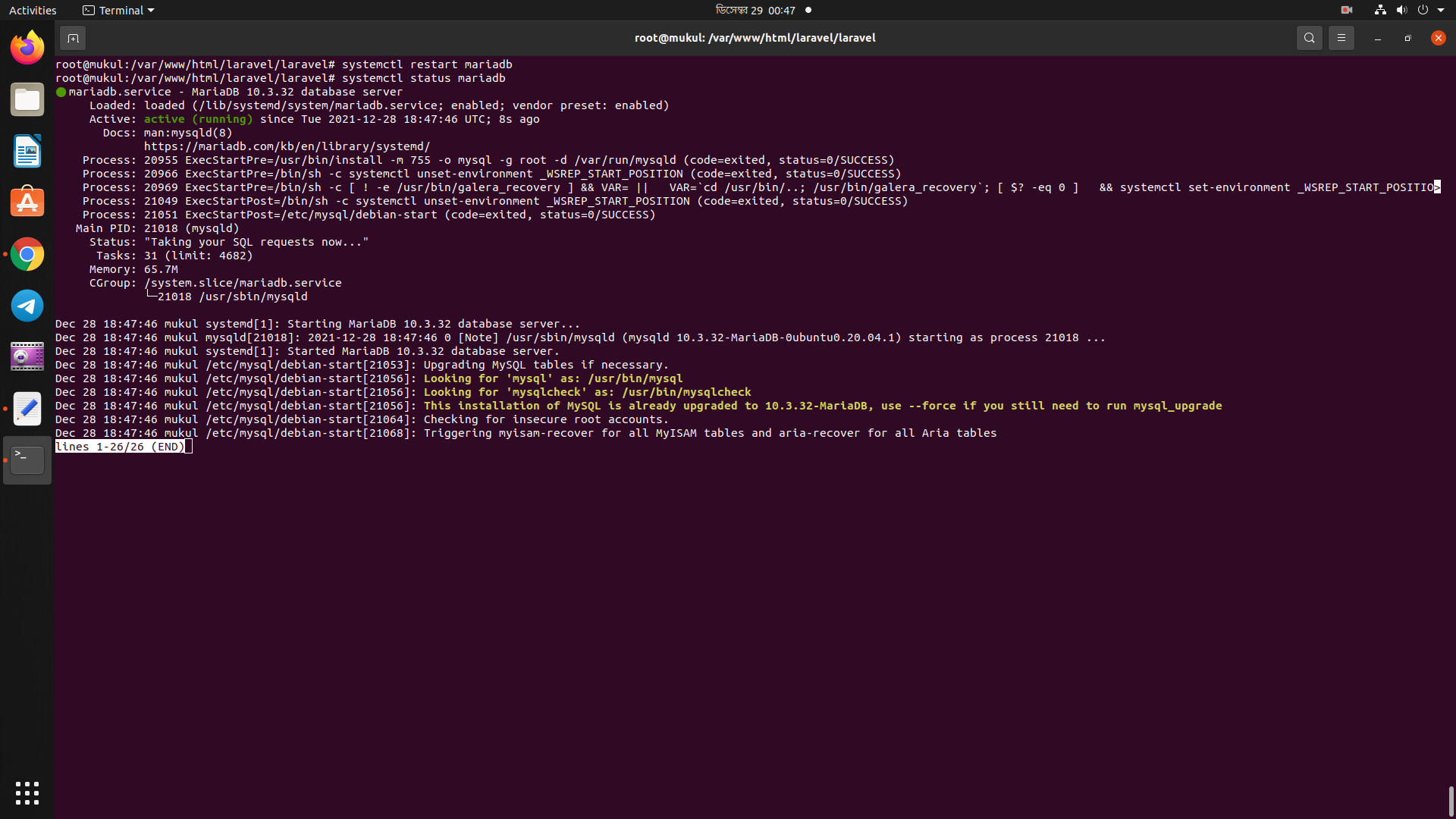
Sign up for free
to join this conversation on GitHub.
Already have an account?
Sign in to comment