
Created
November 27, 2022 17:31
-
-
Save cloudybdone/fbcf53d6715da485fad920fdbe69c1b9 to your computer and use it in GitHub Desktop.
Setup PlaySMS on Ubuntu 20.04 LTS
This file contains hidden or bidirectional Unicode text that may be interpreted or compiled differently than what appears below. To review, open the file in an editor that reveals hidden Unicode characters.
Learn more about bidirectional Unicode characters
| If you need any help related to PlaySMS Setup Service on Any Linux contact with me: | |
| Telegram: https://t.me/Cloudybdone | |
| WhatsApp: https://wa.link/3j794g | |
| Skype: https://join.skype.com/invite/vLFaKHx... | |
| Email: cloudybdone@gmail.com | |
| Linkedin: https://www.linkedin.com/in/cloudybdone/ | |
| Facebook: https://www.facebook.com/cloudybdone/ | |
| About Me: https://about.me/cloudybdone | |
| YouTube Playlist: https://youtu.be/fUu5_VOPfqA | |
| #!/bin/sh | |
| sudo -i | |
| apt update -y && apt upgrade -y | |
| apt install build-essential checkinstall | |
| apt install ubuntu-restricted-extras | |
| #Install Docker | |
| sudo apt-get update | |
| sudo apt-get install \ | |
| ca-certificates \ | |
| sudo mkdir -p /etc/apt/keyrings | |
| curl -fsSL https://download.docker.com/linux/ubuntu/gpg | sudo gpg --dearmor -o | |
| sudo apt-get update | |
| sudo apt-get install docker-ce docker-ce-cli containerd.io docker-compose-plugin | |
| #Pull Docker Container from Docker Hub | |
| docker pull playsms.. | |
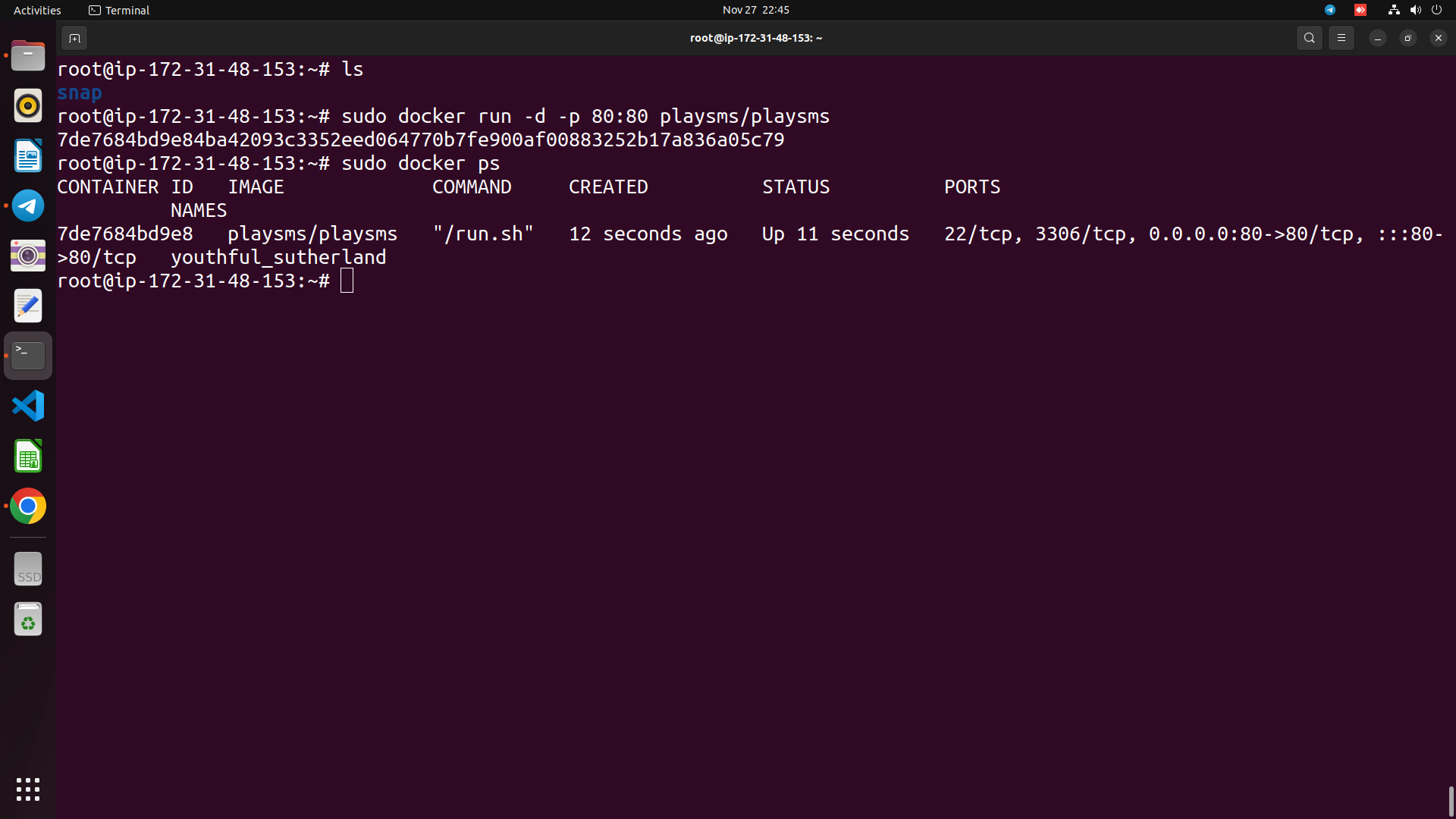
| #Run the Docker container | |
| docker run -d -p 80:80 playsms... | |
| #Check runnig container | |
| docker ps -l | |
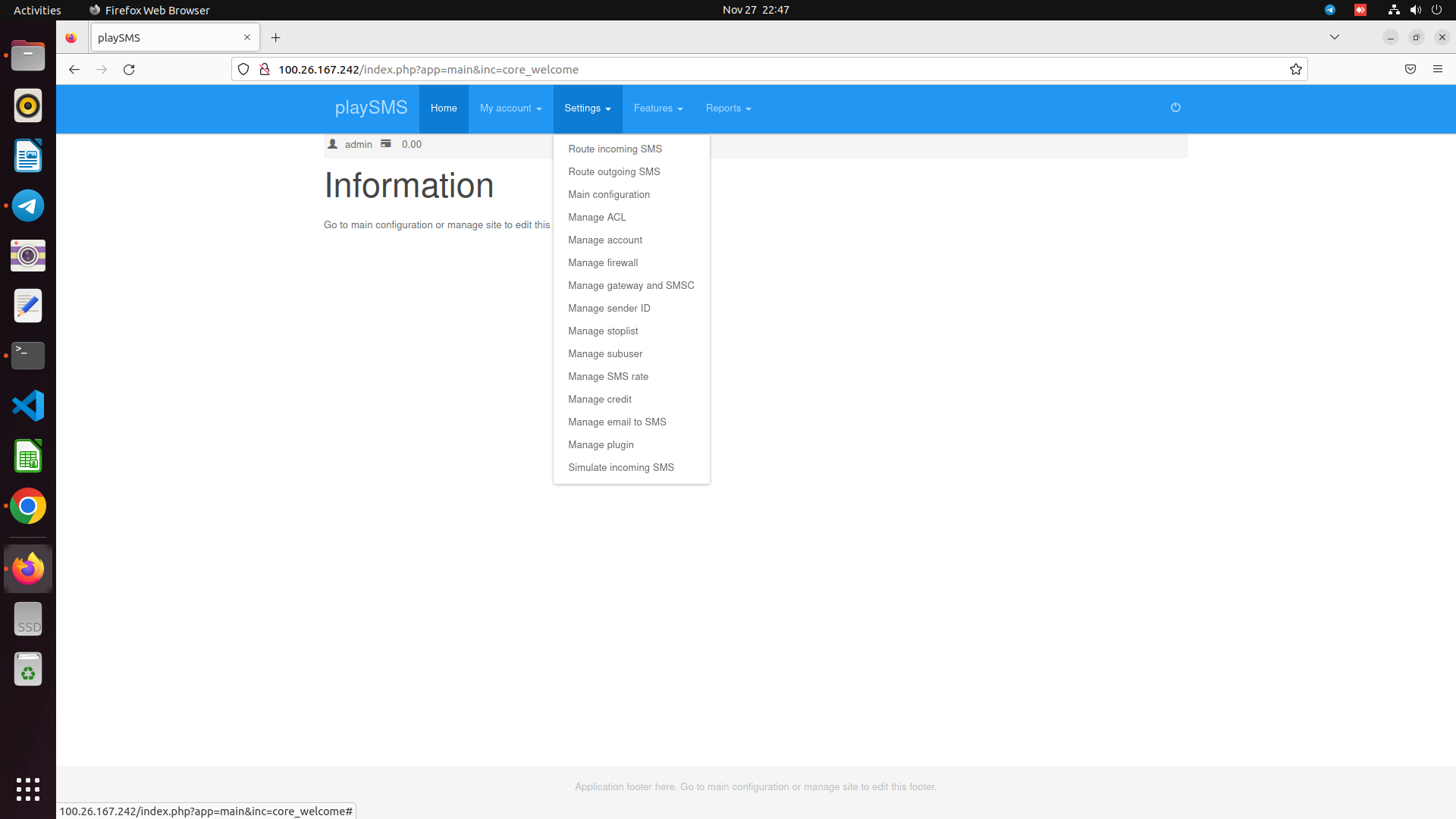
| # Now hit domain or localhost or IP to login PlaySMS |

Sign up for free
to join this conversation on GitHub.
Already have an account?
Sign in to comment