start new:
tmux
start new with session name:
tmux new -s myname


| #!/usr/bin/env ruby | |
| if ARGV[0].nil? || ARGV[0].match(/-h/) | |
| puts "Usage : #{$0} github_username dash_sqlite_db char_appended_to_keyword [no_comments]" | |
| exit | |
| end | |
| require 'net/http' | |
| require 'open-uri' | |
| #require 'awesome_print' |

mix3d asked for some help using this guide with windows so here we go. This was tested with Windows 10. Run all commands in Git Bash once it's installed.
Github will be the main account and bitbucket the secondary.
In the below keyboard shortcuts, I use the capital letters for reading clarity but this does not imply shift, if shift is needed, I will say shift. So ⌘ + D does not mean hold shift. ⌘ + Shift + D does of course.
| Function | Shortcut |
|---|---|
| New Tab | ⌘ + T |
| Close Tab or Window | ⌘ + W (same as many mac apps) |
| Go to Tab | ⌘ + Number Key (ie: ⌘2 is 2nd tab) |
| Go to Split Pane by Direction | ⌘ + Option + Arrow Key |

So, you love Slack, but you hate applications with large white backgrounds? Why not use Dark Mode!
Unfortunately, Slack does not have a Dark Mode, although it's on their list of possibilities.
But, don't fret - there is a solution! Because the slack native desktop apps are just wrappers around a web app, we can inject our own CSS to customize the application to our liking.

FINALLY no need for tricks!
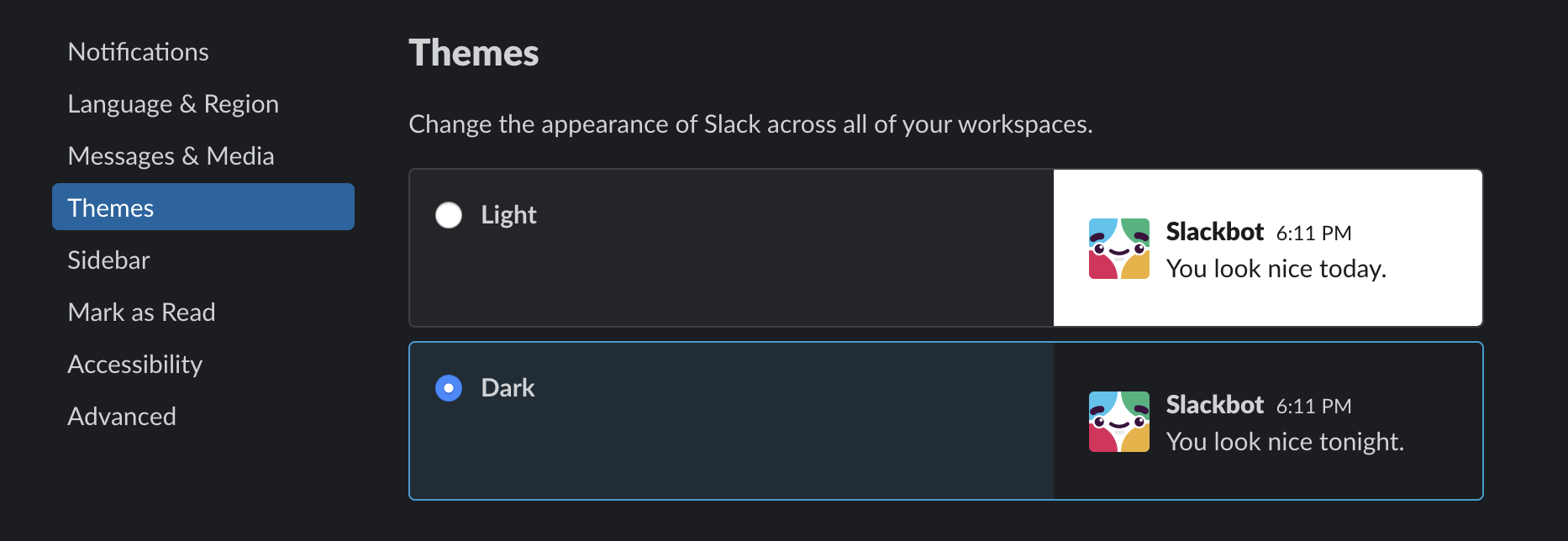
bonus tip: for more darkness > https://darkreader.org/

Uncle Bob, the well known author of Clean Code, is coming back to us with a new book called Clean Architecture which wants to take a larger view on how to create software.
Even if Clean Code is one of the major book around OOP and code design (mainly by presenting the SOLID principles), I was not totally impressed by the book.
Clean Architecture leaves me with the same feeling, even if it's pushing the development world to do better, has some good stories and present robust principles to build software.
The book is build around 34 chapters organised in chapters.
