
Created
August 14, 2013 17:57
-
-
Save devluis/6233667 to your computer and use it in GitHub Desktop.
Hide part of image with css without cropping image
This file contains hidden or bidirectional Unicode text that may be interpreted or compiled differently than what appears below. To review, open the file in an editor that reveals hidden Unicode characters.
Learn more about bidirectional Unicode characters
| <style> | |
| .container { | |
| width: 418px; | |
| height: 240px; | |
| overflow: hidden; | |
| } | |
| .container img { | |
| width: 100%; | |
| } | |
| </style> | |
| <div class="container"> | |
| <img src="http://your-source.com" alt="alt" title="title"/> | |
| </div> |


Author
you can use media queries to adjust it on mobile
you can use media queries to adjust it on mobile
i did try that and tried to adapt to every possible viewpoint width, but the reason i am posting this reply means that it didn't work.
.desktopimg {
		height: 486px; overflow: hidden;
	}
	@media only screen and (max-width: 900px) {
	  .desktopimg {
	    height: 444px; overflow: hidden;
	  }
	}
	@media only screen and (max-width: 768px) {
	  .desktopimg {
	    height: 324px; overflow: hidden;
	  }
	}
	@media only screen and (max-width: 540px) {
	  .desktopimg {
	    height: 314px; overflow: hidden;
	  }
	}
	@media only screen and (max-width: 504px) {
	  .desktopimg {
	    height: 290px; overflow: hidden;
	  }
	}
	@media only screen and (max-width: 480px) {
	  .desktopimg {
	    height: 294px; overflow: hidden;
	  }
	}
	@media only screen and (max-width: 432px) {
	  .desktopimg {
	    height: 260px; overflow: hidden;
	  }
	}
	@media only screen and (max-width: 428px) {
	  .desktopimg {
	    height: 257px; overflow: hidden;
	  }
	}
	@media only screen and (max-width: 414px) {
	  .desktopimg {
	    height: 249px; overflow: hidden;
	  }
	}
	@media only screen and (max-width: 412px) {
	  .desktopimg {
	    height: 248px; overflow: hidden;
	  }
	}
	@media only screen and (max-width: 411px) {
	  .desktopimg {
	    height: 247px; overflow: hidden;
	  }
	}
	@media only screen and (max-width: 400px) {
	  .desktopimg {
	    height: 238px; overflow: hidden;
	  }
	}
	@media only screen and (max-width: 393px) {
	  .desktopimg {
	    height: 234px; overflow: hidden;
	  }
	}
	@media only screen and (max-width: 375px) {
	  .desktopimg {
	    height: 223px; overflow: hidden;
	  }
	}
	@media only screen and (max-width: 360px) {
	  .desktopimg {
	    height: 211px; overflow: hidden;
	  }
	}
	@media only screen and (max-width: 320px) {
	  .desktopimg {
	    height: 186px; overflow: hidden;
	  }
	}
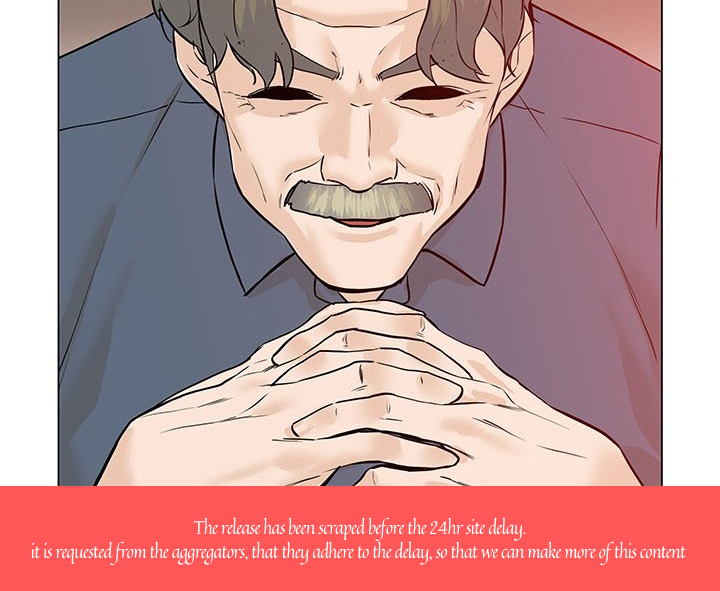
the image:
Sign up for free
to join this conversation on GitHub.
Already have an account?
Sign in to comment
how did you fix this problem in mobile?