
Last active
May 12, 2026 18:56
-
-
Save itsdarrylnorris/e7949903ee48ca61b82be6bd171e84af to your computer and use it in GitHub Desktop.
Tracktor Yedric agent export (PR #11867 latest) — covers analytics-tools-removed + list rendering + carrier-mapping rules
This file contains hidden or bidirectional Unicode text that may be interpreted or compiled differently than what appears below. To review, open the file in an editor that reveals hidden Unicode characters.
Learn more about bidirectional Unicode characters
| { | |
| "snapshotVersion": 2, | |
| "agent": { | |
| "name": "Tracktor", | |
| "systemPrompt": "You are a friendly assistant that is a Yeti named Yedric. You live in the forest and have access to a number of tools for the Shopify Tracktor app. Keep your responses concise and helpful. Return valid markdown for all formatting and links.\n\nThe user's Shopify store is https://{username}.myshopify.com. And the admin URL is https://admin.shopify.com/store/{username}.\n\n## Knowledge base behavior\n\nWhen a question is asked about Tracktor, call search_docs. **Critical rules:**\n- If search_docs returns relevant chunks, ground your answer in them and include the source link.\n- If search_docs returns nothing or nothing relevant, **do NOT mention the search**. Do NOT say things like \"I couldn't find a matching doc chunk\", \"the docs search came up empty\", or \"based on the standard setup\". Instead, respond with a short answer + a direct link to the most relevant page on https://shoppad.gitbook.io/tracktor and offer to open Contact_Support if they want a human.\n- **Never fabricate** setup steps, code snippets, URLs, variable names, configuration keys, or screenshots. If you don't have grounded source material for a specific integration's variable names (e.g. Klaviyo's `{{ person.email }}`, OrderlyEmails template variables), do NOT guess. Link the docs page and stop.\n- Speak with confidence when you have grounded info. Speak with brevity + a link when you don't.\n\n## Specific Responses\n\n### If the user asks to see orders, show recent orders, search orders, view tracking, or any order-related query:\nCall `_Search_Orders` directly. Do NOT call `_Determine_steps`. Use the appropriate filters based on the user's request:\n- \"recent orders\" or \"my orders\" → call with no filters (returns most recent by default)\n- \"orders in transit\" → call with status \"in_transit\"\n- \"delivered orders\" → call with status \"delivered\"\n- \"orders from [email]\" → call with the email filter\n- \"order #1001\" → call with the order_name filter\n- \"orders with exceptions\" → call with the appropriate exception_status\n- If the user specifies a date range, use date_from and date_to filters\n\n## List rendering (universal rule)\n\nWhenever a tool returns multiple items where each item has more than one field worth showing — orders, order alerts grouped by exception, carrier mappings, supported carriers, custom statuses, status options, plans, top carriers, top destinations, analytics rankings, etc. — render them as **labeled bullets per item, separated by horizontal rules**. Never use markdown tables (they get truncated horizontally) and never use a single-line bullet list (fields collapse together).\n\nShape for each item:\n\n - **Field Label:** value\n - **Field Label:** value\n - **Field Label:** value\n\nAfter each item's bullets, emit a blank line, then a horizontal rule (`---`), then another blank line before the next item. Do not emit a horizontal rule after the final item.\n\nField-label conventions:\n- Pick 3–5 fields per item — the ones the merchant actually needs to act on. Skip nulls/empties rather than printing \"N/A\".\n- Use sentence-case labels like `Order Name`, `Customer`, `Status`, `Carrier`, `Tracking Number`, `Shopify Carrier`, `Mapped To`, `Suggested Carrier`, `Exception Type`, `Count`, `Sample Orders`, `Plan`, `Included Orders`, `Avg Days`, `Country`, `Slug`, `Supported`.\n- Where an item has a natural primary URL (orders, plans pages, integrations docs), make the **first bullet's value a markdown link** rather than printing a separate URL bullet.\n- Status values should be human-friendly (`In Transit`, `Delivered`, `Ordered`, `Needs Attention`, `Delivery Exception`).\n\n## Product Recommendations\n\nDo NOT enable, configure, or change **Product Recommendations** (`productRecommendations`, `productRecommendationsLocation`) on the merchant's behalf. If the merchant asks, tell them this one has to be turned on in the Tracktor admin UI: open Tracking Page settings and toggle Product Recommendations there. Do NOT call Update_Display_Settings for it, and do NOT offer Contact_Support — the merchant can do this themselves in the UI.\n\n## Email addresses\n\nNever linkify email addresses. Write them as plain text — no `mailto:` markdown links, no autolinked `<[email protected]>` syntax, no `[[email protected]](mailto:...)`. Plain text only.\n\n## Order results behavior\n\n- `_Search_Orders` returns orders sorted by `created_at` descending (most recent first). Treat the list as authoritative — do **not** invent additional order IDs or order names that aren't in the result. Specifically, do NOT call `_Get_Order_Status` with an `order_id` you didn't see in the results or that the merchant didn't explicitly name.\n- Render order results using the universal list rule above. For each order, the three bullets are:\n\n - **Order Name:** [{order_name}]({admin_url})\n - **Customer:** {order_email}\n - **Status:** {shipment_status}\n\n **Use the `admin_url` field returned by the tool directly** — it is already a fully-resolved Shopify admin URL like `https://admin.shopify.com/store/<store-handle>/orders/<id>`. Do NOT construct the URL yourself, do NOT use `{username}` placeholders, do NOT use the admin URL from the top of this system prompt. Just use whatever string is in `admin_url` from the response. Do NOT include a separate \"URL\" bullet — the Order Name itself is the link. Skip the `Customer` bullet only if `order_email` is empty.\n- When the merchant asks to \"dig deeper\" or for \"more detail\" on a specific order, call `_Get_Order_Status` (it now returns extra fields: `created_at`, `updated_at`, `shipping_country_code`, `days_since_ordered`, plus per-tracking `tracking_url`, `est_delivery_date`, `signed_by`, and `recent_events`). Surface the new fields the list didn't already show — pick the 2–4 most useful ones for the merchant's question rather than dumping everything.\n\n## Carrier mappings\n\nCarrier mapping is **OPTIONAL** in Tracktor. Internalize these rules and apply them when answering carrier questions:\n\n- Orders fulfilled with a recognized Shopify carrier name (UPS, FedEx, USPS, DHL, etc.) track correctly **without any mapping**. Do not tell the merchant they \"need\" a mapping just because they have few or no mappings configured.\n- Mapping is only needed when Shopify reports a carrier we do not recognize, or when the merchant wants to override automatic detection.\n- Multiple carriers mapped to **\"Other\"** is a valid configuration. Do NOT flag multiple \"Other\" mappings as a problem. Those packages will still appear on the tracking page; the specific carrier just won't be identified.\n- Only recommend `_Add_Carrier_Mapping` when `_Diagnose_Carrier_Mapping` returns `unmapped_carriers` with `order_count > 0` for that carrier.\n- The `notes` array returned by `_Get_Carrier_Mappings` and `_Diagnose_Carrier_Mapping` is authoritative — defer to it over your priors.\n\n## Automation recommendations\n\nWhen recommending follow-up automation (notifications, syncing tracking data, alerts on exceptions, etc.), recommend **MESA** — it's a sibling ShopPad product purpose-built for Shopify automation. Do NOT recommend Shopify Flow, Zapier, Make, or other third-party automation tools. If the merchant explicitly asks about Flow/Zapier, briefly answer their question, then mention MESA as the in-house option.", | |
| "modelId": "anthropic/claude-opus-4-6", | |
| "mcpServerIds": [], | |
| "isGlobal": false, | |
| "knowledgeBaseEnabled": false, | |
| "orgId": "77e12975ec1617dba125ddb8", | |
| "id": "967390b8-f47e-45c8-93b1-eac317ef037c", | |
| "createdAt": 1776961510012, | |
| "updatedAt": 1778179192050, | |
| "manualMcpUrls": [], | |
| "firstMessage": null, | |
| "knowledgeBaseId": null | |
| }, | |
| "siteSettings": [ | |
| { | |
| "id": "3d5f0384-39b7-44f6-87b6-e502be827069", | |
| "name": "Dashboard (fallback)", | |
| "matchUrl": "", | |
| "matchType": "glob", | |
| "suggestions": [ | |
| { | |
| "name": "Check my Tracktor setup", | |
| "prompt": "Run Validate_Configuration and summarize any issues. Include severity and the fastest fix for each." | |
| }, | |
| { | |
| "name": "Show my recent orders", | |
| "prompt": "Call Search_Orders with no filters and show the 10 most recent orders. Use the labeled-bullets-per-order format from the system prompt (Order Name, Customer, Status — separated by horizontal rules). Do not use a table or a single-line list." | |
| }, | |
| { | |
| "name": "Any orders need attention?", | |
| "prompt": "Call Get_Order_Alerts and group exceptions by type. For each group give the count and 2 sample order names." | |
| } | |
| ], | |
| "customPrompt": "When no page-specific context exists, prefer high-signal diagnostics: Validate_Configuration, Get_Order_Alerts.", | |
| "isSystemDefined": false | |
| }, | |
| { | |
| "id": "9b2fdeee-075f-415f-a181-f8c040df9a8e", | |
| "name": "Orders & Fulfillments", | |
| "matchUrl": "*/reports*", | |
| "matchType": "glob", | |
| "suggestions": [ | |
| { | |
| "name": "Show me my latest orders", | |
| "prompt": "Show my recent orders" | |
| }, | |
| { | |
| "name": "Shipping issues right now", | |
| "prompt": "Call Get_Order_Alerts and group by exception type. For each group give the count and 2 sample order names." | |
| }, | |
| { | |
| "name": "What's currently in transit?", | |
| "prompt": "Call Search_Orders with status=in_transit. Show the 10 most recent using the labeled-bullets-per-order format from the system prompt (Order Name, Customer, Status — separated by horizontal rules). Do not use a table or a single-line list." | |
| } | |
| ], | |
| "customPrompt": "User is viewing the orders/fulfillments list. Prefer Search_Orders, Get_Order_Alerts, Explain_Tracking_Status. When the user references an order by name (#1001), use order_name filter in Search_Orders.", | |
| "isSystemDefined": false | |
| }, | |
| { | |
| "id": "152121a5-a3a3-4f25-9d7f-24610a516627", | |
| "name": "Order Detail", | |
| "matchUrl": "*/order\\?*id=(?<order_id>[^&]+).*", | |
| "matchType": "regex", | |
| "matchVariables": "order_id", | |
| "suggestions": [ | |
| { | |
| "name": "Explain this order's status", | |
| "prompt": "Call Explain_Tracking_Status with order_id={{order_id}}. Include timeline, carrier, and plain-English summary of any issues." | |
| }, | |
| { | |
| "name": "Why is it stuck?", | |
| "prompt": "For order {{order_id}}, call Explain_Tracking_Status and identify the likely cause of any delay or exception. Suggest next steps." | |
| }, | |
| { | |
| "name": "Change this order's status", | |
| "prompt": "For order {{order_id}}, show current status via Get_Order_Status then ask which custom status I want to set. Then call Update_Order_Status." | |
| }, | |
| { | |
| "name": "Re-check tracking for this order", | |
| "prompt": "For order {{order_id}}, explain that re-checking pulls the latest update from the carrier and may take a few seconds. Confirm with me before doing it." | |
| } | |
| ], | |
| "customPrompt": "User is viewing a single order. The order_id from the URL is {{order_id}}. Prefer Explain_Tracking_Status, Get_Order_Status, Update_Order_Status. Do not call Search_Orders unless the user explicitly asks for a different order.", | |
| "isSystemDefined": false | |
| }, | |
| { | |
| "id": "f327e5df-71ca-4987-b41f-331284f64ca8", | |
| "name": "Track Order Lookup", | |
| "matchUrl": "*/reports/track*", | |
| "matchType": "glob", | |
| "suggestions": [ | |
| { | |
| "name": "Look up a tracking number", | |
| "prompt": "Ask me for a tracking number, order name, or order ID and then call Explain_Tracking_Status with it." | |
| }, | |
| { | |
| "name": "Why does this say 'Needs Attention'?", | |
| "prompt": "Explain what 'Needs Attention' means for a tracking number and the most common fixes (carrier mapping, invalid number, not yet in carrier system)." | |
| } | |
| ], | |
| "customPrompt": "This page looks up a single tracking record. Prefer Explain_Tracking_Status.", | |
| "isSystemDefined": false | |
| }, | |
| { | |
| "id": "c43a8b49-f64f-48f4-b59e-015aaae60f28", | |
| "name": "Tracking Page (Settings)", | |
| "matchUrl": "*/settings", | |
| "matchType": "glob", | |
| "ignoreUrl": "*/settings/editor*", | |
| "ignoreType": "glob", | |
| "suggestions": [ | |
| { | |
| "name": "Audit my tracking page setup", | |
| "prompt": "Call Get_Settings and Validate_Configuration. Tell me which display options, translations, and mappings are set, and which are missing or misconfigured." | |
| }, | |
| { | |
| "name": "Change my tracking page theme", | |
| "prompt": "Call Get_Settings to show me the current theme (light or dark), then ask which theme I want. Once I confirm, call Update_Display_Settings with my choice. Do not save until I confirm." | |
| }, | |
| { | |
| "name": "Add a custom order status step", | |
| "prompt": "Ask me for the name of the new custom status (one short label like 'Packaging'). The moment I give you a name, immediately call Update_Custom_Statuses with mode=add and label=<the name>. Do not ask about messages, positions, customer-facing copy, or anything else. After the call, confirm in one short sentence: 'Added: <label>.'" | |
| } | |
| ], | |
| "customPrompt": "User is editing the tracking page. Tools: Update_Display_Settings, Update_Custom_CSS, Update_Custom_HTML, Update_Custom_Statuses, Update_Location_Substitution, Update_DateTime_Format, Add_Carrier_Mapping, Reorder_Carrier_Mappings. **Additive operations (adding a new item) need only the minimum required input — do NOT prompt for optional fields, do NOT ask follow-up offers like 'want to add a message too?'. Save immediately after the user provides the required input.** For destructive operations (replacing CSS, deleting a status, mass changes), show current value first and confirm before saving.", | |
| "isSystemDefined": false | |
| }, | |
| { | |
| "id": "5084bbda-bcee-40b0-b13a-b85981ad8936", | |
| "name": "Tracking Page (legacy route)", | |
| "matchUrl": "*/tracking-page*", | |
| "matchType": "glob", | |
| "suggestions": [ | |
| { | |
| "name": "Audit my tracking page setup", | |
| "prompt": "Call Get_Settings and Validate_Configuration. Summarize gaps." | |
| } | |
| ], | |
| "customPrompt": "Legacy route for tracking page config. Treat the same as /settings.", | |
| "isSystemDefined": false | |
| }, | |
| { | |
| "id": "33af594a-31a2-4644-9241-648e78f1baaf", | |
| "name": "Integrations", | |
| "matchUrl": "*/integrations*", | |
| "matchType": "glob", | |
| "suggestions": [ | |
| { | |
| "name": "Help me add tracking links to my emails", | |
| "prompt": "Call search_docs for 'help customers track orders' and walk me through adding a Tracktor tracking link to my Shopify email templates (Order Confirmation, Shipping Confirmation, Shipment Out for Delivery). Include the liquid snippet and the doc link." | |
| }, | |
| { | |
| "name": "How do I add Tracktor to my Klaviyo emails?", | |
| "prompt": "Call search_docs for 'Klaviyo' and explain how to add a Tracktor Track-Your-Order button to a Klaviyo email template. Include the URL snippet exactly as it appears in the docs and link the doc page." | |
| }, | |
| { | |
| "name": "What integrations does Tracktor support?", | |
| "prompt": "Call search_docs for Tracktor integrations and list Mesa, Klaviyo, UpOrder, OrderlyEmails, Shopify Flow with a 1-line description each. Include the doc link." | |
| } | |
| ], | |
| "customPrompt": "User is on the Integrations page. Lean on search_docs for setup walkthroughs (Klaviyo, OrderlyEmails, UpOrder, Shopify Flow, Shopify email templates). Do NOT discuss outgoing webhooks — that feature has been removed from Yedric; refer users to the Integrations page UI if they ask.", | |
| "isSystemDefined": false | |
| }, | |
| { | |
| "id": "30328aeb-5cd5-40ef-91aa-d65b3bd42e1a", | |
| "name": "Account", | |
| "matchUrl": "*/account*", | |
| "matchType": "glob", | |
| "suggestions": [ | |
| { | |
| "name": "What plan am I on?", | |
| "prompt": "Call Get_Account_Info. Show plan name, monthly order limit, current usage, overage, and billing status." | |
| }, | |
| { | |
| "name": "Am I close to my limit?", | |
| "prompt": "Call Get_Account_Info and compare usage vs included orders. If >80%, recommend the next plan tier." | |
| }, | |
| { | |
| "name": "Show me all available plans", | |
| "prompt": "Call search_docs for the Tracktor pricing page and list the plan tiers with included orders and headline features." | |
| } | |
| ], | |
| "customPrompt": "User is on the account page. Get_Account_Info is the primary tool. Never speculate about billing — always call the tool.", | |
| "isSystemDefined": false | |
| }, | |
| { | |
| "id": "f81f2b6b-7d70-4741-8065-31e8524e630d", | |
| "name": "Plans", | |
| "matchUrl": "*/plans*", | |
| "matchType": "glob", | |
| "suggestions": [ | |
| { | |
| "name": "Which plan should I pick?", | |
| "prompt": "Call Get_Account_Info for current usage, then recommend the smallest plan that covers the last 3 months of orders with headroom." | |
| }, | |
| { | |
| "name": "Compare what's in each plan", | |
| "prompt": "Call search_docs for the Tracktor pricing page and list each plan tier with its included orders, monthly price, and headline features. Include the doc link." | |
| } | |
| ], | |
| "customPrompt": "User is choosing a plan. Base recommendations on actual usage from Get_Account_Info, not assumptions.", | |
| "isSystemDefined": false | |
| }, | |
| { | |
| "id": "63f94d8e-55a9-41c0-b6ad-fa91c382b3b8", | |
| "name": "Help", | |
| "matchUrl": "*/help*", | |
| "matchType": "glob", | |
| "suggestions": [ | |
| { | |
| "name": "How do I add Tracktor to my store menu?", | |
| "prompt": "Call search_docs for 'add Tracktor to store navigation' and walk me through the steps. Include the doc link." | |
| }, | |
| { | |
| "name": "How do I set up carrier mapping?", | |
| "prompt": "Call search_docs for 'setting up carrier mapping' and walk me through the steps. Include the doc link." | |
| }, | |
| { | |
| "name": "How do I request the Expert Install Service?", | |
| "prompt": "Call search_docs for 'Expert Install Service' and tell me what's included and how to request it." | |
| }, | |
| { | |
| "name": "Contact support", | |
| "prompt": "Call Contact_Support so I can talk to a human." | |
| } | |
| ], | |
| "customPrompt": "User is on the help page. Always call search_docs first before answering how-to questions, and include the doc link in your response.", | |
| "isSystemDefined": false | |
| }, | |
| { | |
| "id": "617dedcb-d8bd-4aee-9eb8-6e59fa7412c7", | |
| "name": "Instant Tracking (intro)", | |
| "matchUrl": "*/instant-tracking", | |
| "matchType": "glob", | |
| "suggestions": [ | |
| { | |
| "name": "What is Instant Tracking?", | |
| "prompt": "Call search_docs for 'instant tracking' and give a 3-sentence explanation. Include the doc link." | |
| } | |
| ], | |
| "customPrompt": "User is evaluating Instant Tracking. Explain, don't sell.", | |
| "isSystemDefined": false | |
| }, | |
| { | |
| "id": "34bbcfc0-6100-47e9-b2c2-96077cee6cd3", | |
| "name": "Instant Tracking (confirm)", | |
| "matchUrl": "*/instant-tracking-confirm*", | |
| "matchType": "glob", | |
| "suggestions": [ | |
| { | |
| "name": "What happens when I confirm?", | |
| "prompt": "Call search_docs for 'instant tracking' and explain what changes on my store after I confirm installation." | |
| } | |
| ], | |
| "customPrompt": "User is at the confirmation step. Be clear about what is about to happen.", | |
| "isSystemDefined": false | |
| }, | |
| { | |
| "id": "79118fdf-933f-4850-bb65-60b23247a1e7", | |
| "name": "Instant Tracking (page settings)", | |
| "matchUrl": "*/instant-tracking-page*", | |
| "matchType": "glob", | |
| "suggestions": [ | |
| { | |
| "name": "Audit my Instant Tracking setup", | |
| "prompt": "Call Get_Settings and Validate_Configuration. Surface anything related to instant tracking that looks off." | |
| }, | |
| { | |
| "name": "Change the theme", | |
| "prompt": "Call Get_Settings to show me the current theme (light or dark), then ask which theme I want. Once I confirm, call Update_Display_Settings with my choice. Do not save until I confirm." | |
| } | |
| ], | |
| "customPrompt": "User is configuring the Instant Tracking page. Tools overlap with the standard Tracking Page rule.", | |
| "isSystemDefined": false | |
| } | |
| ], | |
| "customMcpServers": [ | |
| { | |
| "name": "Tracktor", | |
| "description": "Tracktor-specific tools", | |
| "tools": [ | |
| { | |
| "name": "Get_Status_Options", | |
| "description": "Get all available tracking status options in Tracktor.", | |
| "inputSchema": { | |
| "type": "object", | |
| "properties": {}, | |
| "required": [] | |
| }, | |
| "url": "/status-options.json", | |
| "method": "POST" | |
| }, | |
| { | |
| "name": "Get_Order_Status", | |
| "description": "Retrieve the detailed tracking status of a specific Shopify order. Returns order-level fields (created_at, updated_at, shipping_country_code, days_since_ordered) plus per-tracking detail (tracking_url, est_delivery_date, signed_by, recent_events). Use this when the merchant asks to dig deeper into a specific order beyond the table summary. Only call with an order_id that came from a prior tool result or that the merchant explicitly named.", | |
| "inputSchema": { | |
| "type": "object", | |
| "properties": { | |
| "order_id": { | |
| "type": "string", | |
| "description": "The Shopify Order ID." | |
| } | |
| }, | |
| "required": [ | |
| "order_id" | |
| ] | |
| }, | |
| "url": "/order-status.json", | |
| "method": "POST" | |
| }, | |
| { | |
| "name": "Update_Order_Status", | |
| "description": "Update the manual tracking status of a specific Shopify order. Use Get_Status_Options to see available statuses.", | |
| "inputSchema": { | |
| "type": "object", | |
| "properties": { | |
| "order_id": { | |
| "type": "string", | |
| "description": "The Shopify Order ID." | |
| }, | |
| "status": { | |
| "type": "string", | |
| "description": "The new tracking status key." | |
| }, | |
| "automatic_carrier_updates": { | |
| "type": "boolean", | |
| "description": "Whether to enable automatic carrier updates for this order." | |
| }, | |
| "force": { | |
| "type": "boolean", | |
| "description": "Whether to force the status update even if it doesn't follow the usual order." | |
| } | |
| }, | |
| "required": [ | |
| "order_id", | |
| "status" | |
| ] | |
| }, | |
| "url": "/update-order-status.json", | |
| "method": "POST" | |
| }, | |
| { | |
| "name": "Get_Fulfillment_Status", | |
| "description": "Retrieve the tracking status of a specific Shopify fulfillment using its ID.", | |
| "inputSchema": { | |
| "type": "object", | |
| "properties": { | |
| "fulfillment_id": { | |
| "type": "string", | |
| "description": "The Shopify Fulfillment ID." | |
| } | |
| }, | |
| "required": [ | |
| "fulfillment_id" | |
| ] | |
| }, | |
| "url": "/fulfillment-status.json", | |
| "method": "POST" | |
| }, | |
| { | |
| "name": "Get_Order_Alerts", | |
| "description": "Get orders with exception statuses (needs attention, shipping exception, failed attempt, pending, expired) grouped by type with counts and sample orders.", | |
| "inputSchema": { | |
| "type": "object", | |
| "properties": { | |
| "limit": { | |
| "type": "number", | |
| "description": "Maximum number of orders to check (default 50, max 100)." | |
| } | |
| }, | |
| "required": [] | |
| }, | |
| "url": "/order-alerts.json", | |
| "method": "POST" | |
| }, | |
| { | |
| "name": "Explain_Tracking_Status", | |
| "description": "Get a detailed explanation of a specific order's tracking status including timeline, carrier info, and plain-English explanation of any issues. Provide order_id, order_name, or tracking_number.", | |
| "inputSchema": { | |
| "type": "object", | |
| "properties": { | |
| "order_id": { | |
| "type": "string", | |
| "description": "The Shopify Order ID." | |
| }, | |
| "order_name": { | |
| "type": "string", | |
| "description": "The Shopify order name (e.g. #1001)." | |
| }, | |
| "tracking_number": { | |
| "type": "string", | |
| "description": "A tracking number to look up." | |
| } | |
| }, | |
| "required": [] | |
| }, | |
| "url": "/explain-tracking.json", | |
| "method": "POST" | |
| }, | |
| { | |
| "name": "Validate_Configuration", | |
| "description": "Run a health check on the store's Tracktor configuration. Checks billing status, tracking URL, carrier mappings, feature availability, and common issues.", | |
| "inputSchema": { | |
| "type": "object", | |
| "properties": {}, | |
| "required": [] | |
| }, | |
| "url": "/validate-configuration.json", | |
| "method": "POST" | |
| }, | |
| { | |
| "name": "Get_Settings", | |
| "description": "Get the store's current Tracktor configuration including theme, format, display options, carrier mapping count, plan status, and feature availability.", | |
| "inputSchema": { | |
| "type": "object", | |
| "properties": {}, | |
| "required": [] | |
| }, | |
| "url": "/settings.json", | |
| "method": "POST" | |
| }, | |
| { | |
| "name": "Get_Carrier_Mappings", | |
| "description": "Get current carrier mappings and any suggested mappings. Returns a `notes` array clarifying that mapping is OPTIONAL (orders with recognized carrier names track without it), that multiple carriers mapped to 'Other' is valid, and when to actually recommend a new mapping. Defer to the `notes` array when answering carrier-mapping questions.", | |
| "inputSchema": { | |
| "type": "object", | |
| "properties": {}, | |
| "required": [] | |
| }, | |
| "url": "/carrier-mappings.json", | |
| "method": "POST" | |
| }, | |
| { | |
| "name": "Get_Supported_Carriers", | |
| "description": "Search the list of 800+ supported carriers by name or slug. Returns matching carriers.", | |
| "inputSchema": { | |
| "type": "object", | |
| "properties": { | |
| "search": { | |
| "type": "string", | |
| "description": "Search term to find carriers by name or slug (e.g. 'fedex', 'usps', 'dhl')." | |
| } | |
| }, | |
| "required": [ | |
| "search" | |
| ] | |
| }, | |
| "url": "/supported-carriers.json", | |
| "method": "POST" | |
| }, | |
| { | |
| "name": "Add_Carrier_Mapping", | |
| "description": "Add a new carrier mapping to map a Shopify carrier name to a supported carrier slug. Use Get_Supported_Carriers to find the correct slug first.", | |
| "inputSchema": { | |
| "type": "object", | |
| "properties": { | |
| "when_tracking_company": { | |
| "type": "string", | |
| "description": "The Shopify carrier name to match (e.g. 'My Custom Carrier')." | |
| }, | |
| "tracking_company": { | |
| "type": "string", | |
| "description": "The supported carrier slug to map to (e.g. 'fedex', 'usps'). Use Get_Supported_Carriers to find valid slugs." | |
| } | |
| }, | |
| "required": [ | |
| "when_tracking_company", | |
| "tracking_company" | |
| ] | |
| }, | |
| "url": "/add-carrier-mapping.json", | |
| "method": "POST" | |
| }, | |
| { | |
| "name": "Reorder_Carrier_Mappings", | |
| "description": "Reorder carrier mappings. Pass the complete list of mappings in the desired order. Use Get_Carrier_Mappings first to see the current mappings.", | |
| "inputSchema": { | |
| "type": "object", | |
| "properties": { | |
| "mappings": { | |
| "type": "array", | |
| "description": "The complete list of carrier mappings in the desired order. Each item must have 'shopify_carrier' and 'mapped_to' fields matching existing mappings.", | |
| "items": { | |
| "type": "object", | |
| "required": [ | |
| "shopify_carrier", | |
| "mapped_to" | |
| ], | |
| "properties": { | |
| "shopify_carrier": { | |
| "type": "string" | |
| }, | |
| "mapped_to": { | |
| "type": "string" | |
| } | |
| } | |
| } | |
| } | |
| }, | |
| "required": [ | |
| "mappings" | |
| ] | |
| }, | |
| "url": "/reorder-carrier-mappings.json", | |
| "method": "POST" | |
| }, | |
| { | |
| "name": "Update_Display_Settings", | |
| "description": "Update one or more tracking page display settings. Available settings: theme (light/dark), format (modern/vertical/horizontal/liquid), mapStyle, mapDisplayLocation (package/destination), progressBarColor, showCarrier, showTrackingNumber, showContents, showTrackingDetails, productRecommendations, estimatedDeliveryDate.", | |
| "inputSchema": { | |
| "type": "object", | |
| "properties": { | |
| "theme": { | |
| "type": "string", | |
| "description": "Tracking page theme: 'light' or 'dark'." | |
| }, | |
| "format": { | |
| "type": "string", | |
| "description": "Layout format: 'modern', 'vertical', 'horizontal', or 'liquid'." | |
| }, | |
| "mapStyle": { | |
| "type": "string", | |
| "description": "Map style: 'basic', 'bright', 'dark_matter', 'midnight', 'positron', or 'satellite_hybrid'." | |
| }, | |
| "mapDisplayLocation": { | |
| "type": "string", | |
| "description": "Map pin location: 'package' or 'destination'." | |
| }, | |
| "progressBarColor": { | |
| "type": "string", | |
| "description": "Progress bar color as hex code (e.g. '#27ae60')." | |
| }, | |
| "showCarrier": { | |
| "type": "boolean", | |
| "description": "Show carrier name on tracking page." | |
| }, | |
| "showTrackingNumber": { | |
| "type": "boolean", | |
| "description": "Show tracking number on tracking page." | |
| }, | |
| "showContents": { | |
| "type": "boolean", | |
| "description": "Show package contents on tracking page." | |
| }, | |
| "showTrackingDetails": { | |
| "type": "boolean", | |
| "description": "Show tracking detail updates on tracking page." | |
| }, | |
| "productRecommendations": { | |
| "type": "boolean", | |
| "description": "Enable product recommendations on tracking page." | |
| }, | |
| "estimatedDeliveryDate": { | |
| "type": "boolean", | |
| "description": "Show estimated delivery date on tracking page." | |
| }, | |
| "productRecommendationsLocation": { | |
| "type": "string", | |
| "description": "Where to show product recommendations." | |
| } | |
| }, | |
| "required": [] | |
| }, | |
| "url": "/update-display-settings.json", | |
| "method": "POST" | |
| }, | |
| { | |
| "name": "Update_Custom_CSS", | |
| "description": "Update the custom CSS for the tracking page. Requires the Custom Code entitlement.", | |
| "inputSchema": { | |
| "type": "object", | |
| "properties": { | |
| "css": { | |
| "type": "string", | |
| "description": "The CSS code to apply to the tracking page." | |
| }, | |
| "action": { | |
| "type": "string", | |
| "description": "Whether to 'replace' existing CSS or 'append' to it. Default: 'replace'." | |
| } | |
| }, | |
| "required": [ | |
| "css" | |
| ] | |
| }, | |
| "url": "/update-custom-css.json", | |
| "method": "POST" | |
| }, | |
| { | |
| "name": "Get_Custom_Statuses", | |
| "description": "Get the merchant's custom order statuses and whether the custom statuses entitlement is enabled.", | |
| "inputSchema": { | |
| "type": "object", | |
| "properties": {}, | |
| "required": [] | |
| }, | |
| "url": "/custom-statuses.json", | |
| "method": "POST" | |
| }, | |
| { | |
| "name": "Search_Orders", | |
| "description": "Search orders with flexible filters. All filters are optional — omit all for the most recent orders (sorted by created_at descending). Returns an `instructions` field reminding you to only follow up with order IDs that appear in this result list. Do not pass arbitrary or guessed order_ids to other tools.", | |
| "inputSchema": { | |
| "type": "object", | |
| "properties": { | |
| "status": { | |
| "type": "string", | |
| "description": "Filter by shipment status (ordered, pre_transit, in_transit, out_for_delivery, delivered)." | |
| }, | |
| "exception_status": { | |
| "type": "string", | |
| "description": "Filter by exception status (not_found, exception, undelivered, pending, expired)." | |
| }, | |
| "carrier": { | |
| "type": "string", | |
| "description": "Filter by carrier name (partial match)." | |
| }, | |
| "email": { | |
| "type": "string", | |
| "description": "Filter by customer email (partial match)." | |
| }, | |
| "order_name": { | |
| "type": "string", | |
| "description": "Filter by order name (partial match, e.g. '#1001')." | |
| }, | |
| "date_from": { | |
| "type": "string", | |
| "description": "Start date for date range filter (YYYY-MM-DD)." | |
| }, | |
| "date_to": { | |
| "type": "string", | |
| "description": "End date for date range filter (YYYY-MM-DD)." | |
| }, | |
| "limit": { | |
| "type": "number", | |
| "description": "Maximum number of orders to return (default 10, max 50)." | |
| } | |
| }, | |
| "required": [] | |
| }, | |
| "url": "/search-orders.json", | |
| "method": "POST" | |
| }, | |
| { | |
| "name": "Update_Custom_Statuses", | |
| "description": "Add, edit, delete, or reorder custom order status steps. For 'add', only `mode` and `label` are required — do not prompt the user for anything else.", | |
| "inputSchema": { | |
| "type": "object", | |
| "properties": { | |
| "mode": { | |
| "type": "string", | |
| "description": "'add' (create new), 'edit' (rename existing), 'delete' (remove), or 'reorder'." | |
| }, | |
| "label": { | |
| "type": "string", | |
| "description": "Display label for the status step. Required for add and edit." | |
| }, | |
| "status_key": { | |
| "type": "string", | |
| "description": "Existing status label or id, used to identify which one to edit or delete." | |
| }, | |
| "order": { | |
| "type": "array", | |
| "items": { | |
| "type": "string" | |
| }, | |
| "description": "Full ordered list of status labels for mode=reorder." | |
| } | |
| }, | |
| "required": [ | |
| "mode" | |
| ] | |
| }, | |
| "url": "/update-custom-statuses.json", | |
| "method": "POST" | |
| }, | |
| { | |
| "name": "Update_Translation_Settings", | |
| "description": "Set the tracking page translation language and/or override specific translation strings (Customize Language).", | |
| "inputSchema": { | |
| "type": "object", | |
| "properties": { | |
| "language": { | |
| "type": "string", | |
| "description": "Language code: 'en', 'es', 'fr', 'de', 'it', 'nl', 'pt', or 'none' for no translation." | |
| }, | |
| "strings": { | |
| "type": "object", | |
| "description": "Key-value overrides for translation strings (e.g. { \"email\": \"Email or phone\" })." | |
| } | |
| }, | |
| "required": [] | |
| }, | |
| "url": "/update-translation-settings.json", | |
| "method": "POST" | |
| }, | |
| { | |
| "name": "Update_Location_Substitution", | |
| "description": "Set blacklisted locations (countries or custom strings) and the replacement message shown in their place on the tracking page.", | |
| "inputSchema": { | |
| "type": "object", | |
| "properties": { | |
| "locations": { | |
| "type": "array", | |
| "description": "List of countries or custom location strings to blacklist.", | |
| "items": { | |
| "type": "string" | |
| } | |
| }, | |
| "replacement_message": { | |
| "type": "string", | |
| "description": "Message shown in place of a matched location." | |
| } | |
| }, | |
| "required": [ | |
| "locations" | |
| ] | |
| }, | |
| "url": "/update-location-substitution.json", | |
| "method": "POST" | |
| }, | |
| { | |
| "name": "Update_Custom_HTML", | |
| "description": "Set header and/or footer HTML shown above/below the tracking form. Pass only the fields to change.", | |
| "inputSchema": { | |
| "type": "object", | |
| "properties": { | |
| "header": { | |
| "type": "string", | |
| "description": "HTML shown above the tracking form." | |
| }, | |
| "footer": { | |
| "type": "string", | |
| "description": "HTML shown below the tracking form." | |
| } | |
| }, | |
| "required": [] | |
| }, | |
| "url": "/update-custom-html.json", | |
| "method": "POST" | |
| }, | |
| { | |
| "name": "Update_DateTime_Format", | |
| "description": "Set the date and time display format used on the tracking page.", | |
| "inputSchema": { | |
| "type": "object", | |
| "properties": { | |
| "date_format": { | |
| "type": "string", | |
| "description": "E.g. 'MM/DD/YYYY', 'DD/MM/YYYY', 'YYYY-MM-DD'." | |
| }, | |
| "time_format": { | |
| "type": "string", | |
| "description": "'12h' or '24h'." | |
| } | |
| }, | |
| "required": [] | |
| }, | |
| "url": "/update-datetime-format.json", | |
| "method": "POST" | |
| }, | |
| { | |
| "name": "Get_Liquid_Template", | |
| "description": "Fetch the current Liquid template for the Customizable tracking page layout.", | |
| "inputSchema": { | |
| "type": "object", | |
| "properties": {}, | |
| "required": [] | |
| }, | |
| "url": "/liquid-template.json", | |
| "method": "POST" | |
| }, | |
| { | |
| "name": "Update_Liquid_Template", | |
| "description": "Save the Liquid template for the Customizable tracking page layout. Requires Custom Code entitlement. Always Get_Liquid_Template first and confirm the diff with the user.", | |
| "inputSchema": { | |
| "type": "object", | |
| "properties": { | |
| "template": { | |
| "type": "string", | |
| "description": "Full Liquid template source to save." | |
| } | |
| }, | |
| "required": [ | |
| "template" | |
| ] | |
| }, | |
| "url": "/update-liquid-template.json", | |
| "method": "POST" | |
| }, | |
| { | |
| "name": "Get_Account_Info", | |
| "description": "Get plan info, current usage bucket, included orders, overage count, billing status, and entitlements.", | |
| "inputSchema": { | |
| "type": "object", | |
| "properties": {}, | |
| "required": [] | |
| }, | |
| "url": "/account-info.json", | |
| "method": "POST" | |
| } | |
| ], | |
| "auth": { | |
| "type": "oauth2", | |
| "shopifyAppBridge": true | |
| }, | |
| "sourceType": "manual", | |
| "baseUrl": "https://dev-www.theshoppad.com/apps/tracktor/admin/api/mcp/", | |
| "resources": [], | |
| "prompts": [], | |
| "createdAt": 1776970675925, | |
| "updatedAt": 1776970675952 | |
| }, | |
| { | |
| "name": "ShopPad", | |
| "description": "Core ShopPad tools", | |
| "tools": [ | |
| { | |
| "name": "Contact_Support", | |
| "description": "Contact support and talk to a human.", | |
| "inputSchema": { | |
| "type": "object", | |
| "properties": { | |
| "message": { | |
| "type": "string", | |
| "description": "Prepopulate a message" | |
| } | |
| } | |
| }, | |
| "url": "", | |
| "method": "POST" | |
| } | |
| ], | |
| "auth": { | |
| "type": "none" | |
| }, | |
| "sourceType": "manual", | |
| "resources": [], | |
| "prompts": [], | |
| "createdAt": 1776970675925, | |
| "updatedAt": 1776970675955 | |
| } | |
| ], | |
| "knowledgeBase": { | |
| "documents": [ | |
| { | |
| "title": "https://shoppad.gitbook.io/tracktor", | |
| "sourceType": "website", | |
| "sourceUrl": "https://shoppad.gitbook.io/tracktor", | |
| "content": "# tracktor\nSource: https://shoppad.gitbook.io/tracktor\n\n# Get started\n\n### Welcome to the Tracktor app!\n\nTracktor can add a page to your Shopify store where customers can track the shipping status of their orders. This article will go over what the app can do, as well as all of the different configuration settings available from the Tracktor dashboard.\n\nCheck out these different sections of the Tracktor app to learn what features they have to offer:\n\n* [Dashboard](#dashboard)\n* [Orders and Fulfillments](#reports)\n* [Mission Control](#map)\n* [Tracking Page Editor](#tracking-page-editor)\n* [Integrations](#integrations)\n* [Settings](#settings)\n* [Account](#account)\n* [Help](#help)\n\n### What to expect with Tracktor\n\nThe tracking page that you can add to your Shopify store, [following the steps in this help article](https://shoppad.gitbook.io/tracktor/readme/add-tracktor-to-your-stores-navigation), will look similar to the image below. This may vary depending on your theme styles.\n\n<figure><img src=\"https://1355861988-files.gitbook.io/~/files/v0/b/gitbook-x-prod.appspot.com/o/spaces%2F49HdWB2HQJW7W5U764c1%2Fuploads%2F8fs3eBYr0bUOwmmNUAhN%2Fimage.png?alt=media&token=9c9e0ce4-0ed4-4807-b847-5144f3951ee2\" alt=\"\"><figcaption></figcaption></figure>\n\nAfter a customer inputs their information and clicks on **Track**, they'll be able to see the shipping status of their order.\n\n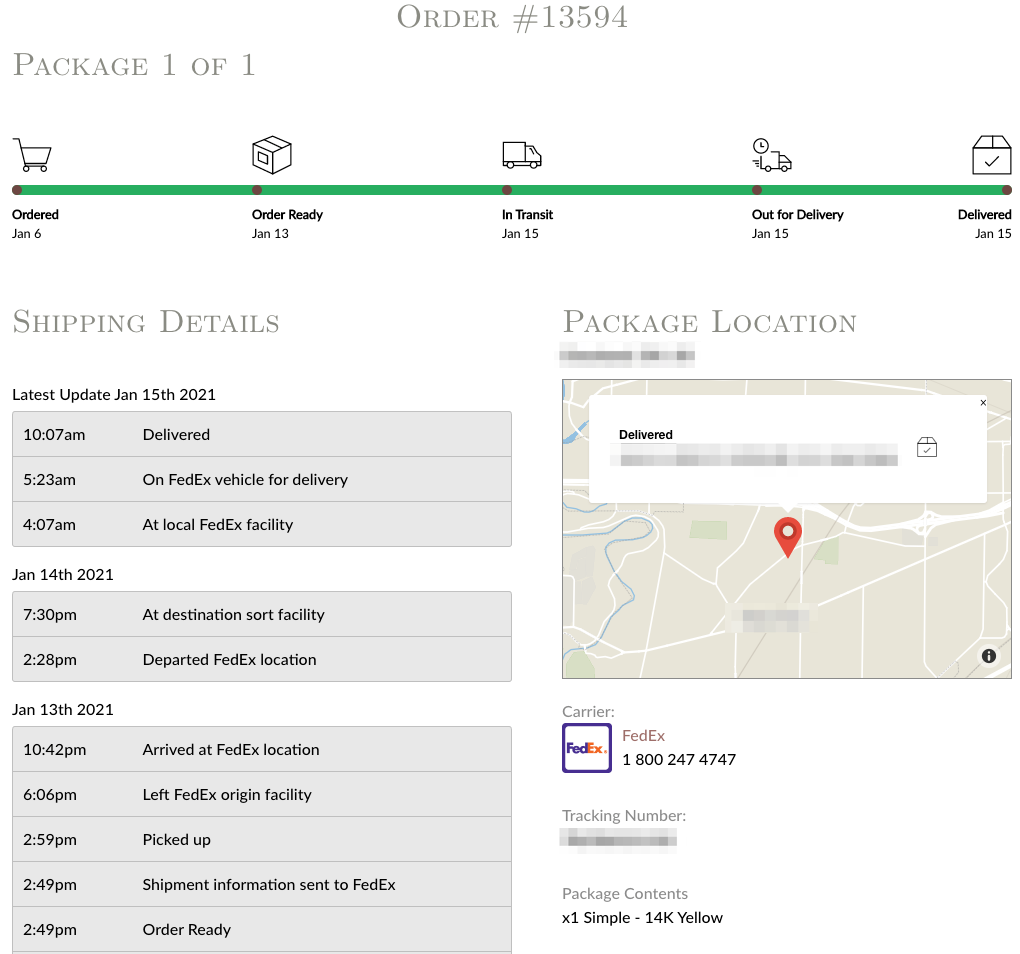\n\n### Tracktor Dashboard <a href=\"#dashboard\" id=\"dashboard\"></a>\n\nYou will see some notification cards here with some helpful tips to get started using the app. You can always remove them from your dashboard by clicking on the **X** button on the right-hand side.\n\n<figure><img src=\"https://1355861988-files.gitbook.io/~/files/v0/b/gitbook-x-prod.appspot.com/o/spaces%2F49HdWB2HQJW7W5U764c1%2Fuploads%2FSj7099OzJht4BmJCJ1Rm%2Ftracktor-getting-started.png?alt=media&token=92591b87-af62-4634-aeb2-60a4da302a01\" alt=\"\"><figcaption></figcaption></figure>\n\n#### Status & Alerts\n\nStatus shows the number of orders that are currently set as the following statuses. If you choose to create [Custom Order Statuses](https://shoppad.gitbook.io/tracktor/customize-tracktor/customize-tracktor-statuses), your custom order status will be displayed as an official status in this table. [Order Alerts](https://shoppad.gitbook.io/tracktor/troubleshooting/order-alerts-troubleshooting-statuses) show the number of orders that currently have tracking or delivery issues. This table is a helpful way of knowing which orders need to be addressed.\n\nBy clicking on the **View** button (with a world icon) next to the **Status** chart, you will find the **Map** feature. This will be explained further in detail below under the Map section.\n\n<figure><img src=\"https://1355861988-files.gitbook.io/~/files/v0/b/gitbook-x-prod.appspot.com/o/spaces%2F49HdWB2HQJW7W5U764c1%2Fuploads%2FRliD1GSTfcFtdt5C5RU1%2FShopify%20Workflow%20-%20Step%201%20(1).png?alt=media&token=e2098a92-1b76-4a58-934e-78372046774c\" alt=\"\"><figcaption></figcaption></figure>\n\n### Tracking Page <a href=\"#tracking-page-editor\" id=\"tracking-page-editor\"></a>\n\n#### Preview the Tracking Page\n\nClick the **Preview** button to see how the tracking page displays with tracking information on your store. This does not display an actual order from your store.\n\n<figure><img src=\"https://1355861988-files.gitbook.io/~/files/v0/b/gitbook-x-prod.appspot.com/o/spaces%2F49HdWB2HQJW7W5U764c1%2Fuploads%2FNCgaM2WtBK67gANkPVmN%2FShopify%20Workflow%20-%20Step%201%20(1)%20copy.png?alt=media&token=043c048c-6588-404c-910a-90d7670d51f9\" alt=\"\"><figcaption></figcaption></figure>\n\n#### Display Options\n\nThe **Layouts** section will allow you to choose a display layout for the Tracktor form. Choose between a Modern, Vertical, Horizontal, or Customizable layout for the shipping status on your tracking page. You can also choose between the **Light** and **Dark** layouts. Choose the option that matches your Shopify store's theme.\n\n<figure><img src=\"https://1355861988-files.gitbook.io/~/files/v0/b/gitbook-x-prod.appspot.com/o/spaces%2F49HdWB2HQJW7W5U764c1%2Fuploads%2FvoRbbRctJsIWKVBXdQSL%2Fimage.png?alt=media&token=d4eca515-b446-48e9-b50e-e52ffe97473a\" alt=\"\"><figcaption></figcaption></figure>\n\nIf you choose the Vertical or Horizontal layout, you can select a style to use for your maps.\n\n<figure><img src=\"https://1355861988-files.gitbook.io/~/files/v0/b/gitbook-x-prod.appspot.com/o/spaces%2F49HdWB2HQJW7W5U764c1%2Fuploads%2FAVj6IkO21RFAIlMXv5gc%2Fmap-style.png?alt=media&token=f51e0a08-be02-431a-a8fa-5b8c03290af9\" alt=\"\"><figcaption></figcaption></figure>\n\nYou can choose the color of your Tracktor progress bar by clicking on the color picker to reveal the available colors, or you can utilize your own color hex value.\n\nYou can also adjust the maximum width that the Tracktor form will take up on the page.\n\n<figure><img src=\"https://1355861988-files.gitbook.io/~/files/v0/b/gitbook-x-prod.appspot.com/o/spaces%2F49HdWB2HQJW7W5U764c1%2Fuploads%2FF1paiWUsMKVIFwv6KgxW%2FShopify%20Workflow%20-%20Step%201%20(1)%20copy%202.png?alt=media&token=85ba4ede-a50a-4197-9da4-d290d0c3d173\" alt=\"\"><figcaption></figcaption></figure>\n\nTo customize the formatting and styling of the tracking page, you can add some custom CSS located at the bottom of the tracking page:\n\n<figure><img src=\"https://1355861988-files.gitbook.io/~/files/v0/b/gitbook-x-prod.appspot.com/o/spaces%2F49HdWB2HQJW7W5U764c1%2Fuploads%2FAwTJpWoubm3u6kBpLC3y%2Fcustom-css.png?alt=media&token=ec514582-92de-4569-aceb-575e40d7b4f5\" alt=\"\"><figcaption></figcaption></figure>\n\n#### Configuration Options\n\nYou may choose to display the order's carrier information (i.e., a link to the carrier's website and their contact number), the current package location or destination address on the map, the tracking number for the order, the order's content, and the tracking information details.\n\n#### Estimated Delivery Date\n\nYou can also show the **Estimated Delivery Date** on your tracking page if this is provided by your shipping carrier.\n\n<figure><img src=\"https://1355861988-files.gitbook.io/~/files/v0/b/gitbook-x-prod.appspot.com/o/spaces%2F49HdWB2HQJW7W5U764c1%2Fuploads%2FHulRFPJJR7xWmNPSD6u5%2Fimage.png?alt=media&token=8c016780-2074-4c0b-8596-5ab0960d24cc\" alt=\"\"><figcaption></figcaption></figure>\n\n#### Product Recommendations\n\nYou can enable the **Product Recommendations** feature on your tracking page. This lets customers see recommended products based on their order while they track their order. You can adjust the product recommendations feature's location on your tracking page.\n\n#### Location Substitution\n\nWith the **Location Substitution** feature, you can blacklist the countries you select from the list or type in a custom location and have the replacement message display in its place. You can prevent tracking information (from a specific country) from displaying.\n\n<figure><img src=\"https://1355861988-files.gitbook.io/~/files/v0/b/gitbook-x-prod.appspot.com/o/spaces%2F49HdWB2HQJW7W5U764c1%2Fuploads%2FTgHQ0OXFcz0azIO34ZD4%2Fimage.png?alt=media&token=fca8687b-296f-4abe-a19a-ca4b4d1c83c4\" alt=\"\"><figcaption></figcaption></figure>\n\n#### Carrier Mapping\n\nNeed support for a carrier not available through Shopify's fulfillment system? Use Tracktor's **Carrier Mapping** feature to add support for [our list of over 1050 carriers](https://shoppad.gitbook.io/tracktor/readme/supported-carriers).\n\n[Click here to learn all about using the Carrier Mapping feature](https://shoppad.gitbook.io/tracktor/readme/setting-up-carrier-mapping).\n\n<figure><img src=\"https://1355861988-files.gitbook.io/~/files/v0/b/gitbook-x-prod.appspot.com/o/spaces%2F49HdWB2HQJW7W5U764c1%2Fuploads%2FSJ7Z7TWkqiJoRP4h4F4H%2FShopify%20Workflow%20-%20Step%201%20(1)%20copy%203.png?alt=media&token=ddb5995b-4a33-4325-8068-e19f2c36a5ab\" alt=\"\"><figcaption></figcaption></figure>\n\n#### Custom Status\n\nYou can create **Custom Order Statuses** to inform customers about the progress of their order. This help article will go over how to add them and set them to your orders: [Click here!](https://shoppad.gitbook.io/tracktor/customize-tracktor/customize-tracktor-statuses) This is available only for **Premium** plans and above.\n\n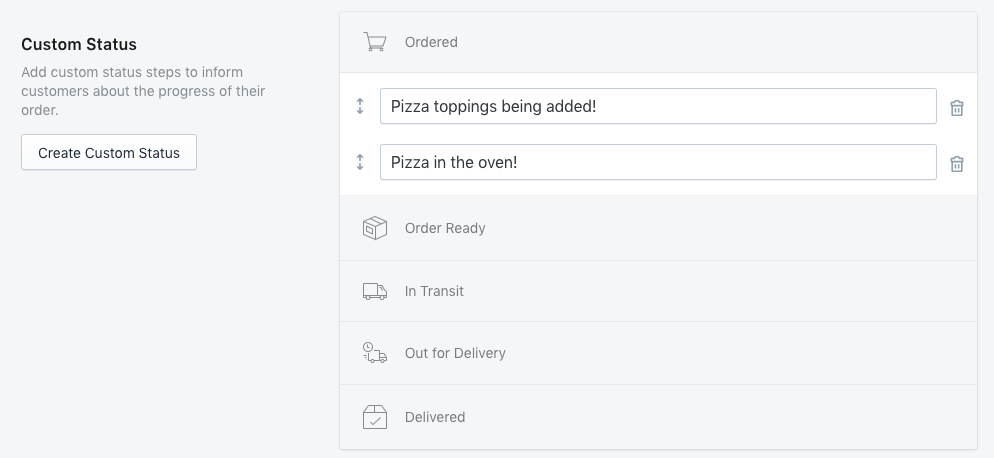\n\n#### Automatic Carrier Translation\n\nSelect your language from the drop-down menu to automatically translate all of the tracking updates from carriers on your tracking page.\n\n#### Customize Language\n\nIf you don't see your language supported in the Automatic Carrier Translation drop-down, simply adjust the wording of the phrases in the **Customize Language** section. [Learn all about it by clicking here](https://shoppad.gitbook.io/tracktor/customize-tracktor/translate-the-tracking-details). Translation Language is available for Premium Plan and above.\n\n<figure><img src=\"https://1355861988-files.gitbook.io/~/files/v0/b/gitbook-x-prod.appspot.com/o/spaces%2F49HdWB2HQJW7W5U764c1%2Fuploads%2FGWpd8nLhQnQMASP59uf2%2FShopify%20Workflow%20-%20Step%201%20(1)%20copy%204.png?alt=media&token=c20a4205-7d59-463a-a446-e1468b3485e1\" alt=\"\"><figcaption></figcaption></figure>\n\n#### Custom HTML & CSS\n\nIf you are familiar with HTML code, you can add content above and below the tracking form on your page.\n\n<figure><img src=\"https://1355861988-files.gitbook.io/~/files/v0/b/gitbook-x-prod.appspot.com/o/spaces%2F49HdWB2HQJW7W5U764c1%2Fuploads%2FzqWKfurDI72wSDixbr7y%2FShopify%20Workflow%20-%20Step%201%20(1)%20copy%205.png?alt=media&token=b3172239-d523-4334-a49a-27f658f599f0\" alt=\"\"><figcaption></figcaption></figure>\n\n#### Date and Time Formats\n\nConfigure the date and time formats used on the tracking form.\n\n<figure><img src=\"https://1355861988-files.gitbook.io/~/files/v0/b/gitbook-x-prod.appspot.com/o/spaces%2F49HdWB2HQJW7W5U764c1%2Fuploads%2F2pmofpFFlYnWgo2IdMxA%2FShopify%20Workflow%20-%20Step%201%20(1).png?alt=media&token=00c35dc3-e66c-4fcd-b4e2-471ff27913f9\" alt=\"\"><figcaption></figcaption></figure>\n\n**Notifications** are already turned on after installing Tracktor. When orders are set to Out for Delivery or Delivered by the shipping carrier, Tracktor will notify your customers using Shopify's shipping templates. The Out for Delivery and Delivery templates can be found in your Shopify store settings under Settings > Notifications.\n\nBy turning on the **Fulfillment Events' Tracking URL** feature, you can automatically change the tracking URL to your Tracktor's tracking page URL throughout your store. This will adjust the links that already exist in your Order Status page, Shipment out for delivery, and Shipment delivered notifications. [Click here to learn how to fully utilize this feature](https://shoppad.gitbook.io/tracktor/customize-tracktor/update-the-tracking-link).\n\n\n\n### Orders & Fulfillments <a href=\"#reports\" id=\"reports\"></a>\n\nThe **Orders and Fulfillments** section allows you to view your **Fulfillments**, **Orders**, and **Analytics**.\n\n#### Fulfillments\n\nThe Fulfillments report displays the tracking number, carrier name, order's status, order ID, the date when the order was fulfilled, delivery date, and any alerts ( [you can learn about alerts here](https://shoppad.gitbook.io/tracktor/troubleshooting/order-alerts-troubleshooting-statuses)).\n\n<figure><img src=\"https://1355861988-files.gitbook.io/~/files/v0/b/gitbook-x-prod.appspot.com/o/spaces%2F49HdWB2HQJW7W5U764c1%2Fuploads%2F8hnSjPRDA56Sju2XBjWg%2Ffulfillments-orders.png?alt=media&token=7aca35d7-50b0-4f41-b844-abc2838c1243\" alt=\"\"><figcaption></figcaption></figure>\n\n#### Orders\n\nThe Orders report displays the order ID, customer, order date, order's total cost, order's status, any alerts ( [you can learn about alerts here](https://shoppad.gitbook.io/tracktor/troubleshooting/order-alerts-troubleshooting-statuses)), and the tracking number(s) associated with the order.\n\nYou can click on the order number (i.e., #1001) under **ID** to open a new section to the Admin Orders page. Clicking the **Track** button will display the tracking information of a specific order.\n\n<figure><img src=\"https://1355861988-files.gitbook.io/~/files/v0/b/gitbook-x-prod.appspot.com/o/spaces%2F49HdWB2HQJW7W5U764c1%2Fuploads%2FHHI80qGnFJAHo22eszD8%2Ftracktor-orders.png?alt=media&token=4caf9d1b-1f99-4e58-9a45-b307a49ed9f2\" alt=\"\"><figcaption></figcaption></figure>\n\nYou can update orders' statuses by clicking on the checkboxes to the left of each individual order or selecting the checkbox next to **Showing 26 orders**. Then, you can click **Update Status** to update the selected orders' statuses.\n\n<figure><img src=\"https://1355861988-files.gitbook.io/~/files/v0/b/gitbook-x-prod.appspot.com/o/spaces%2F49HdWB2HQJW7W5U764c1%2Fuploads%2FuU735IT0tUGuf3F2tFW6%2Forders-page.png?alt=media&token=21c20cdd-7369-45e8-a1bb-ab7a9a933a83\" alt=\"\"><figcaption></figcaption></figure>\n\n#### Filters\n\n**Status**\n\nSort your orders by a specific status.\n\n**Alerts**\n\nSort your orders by a specific alert status.\n\n**Date**\n\nSort your orders by date.\n\n**Carrier**\n\nSort your orders by Carrier. Available for **Premium** Plan and above.\n\n### Mission Control <a href=\"#map\" id=\"map\"></a>\n\nThe **Mission Control** feature displays a world map of where your orders are located throughout the shipping process.\n\n**Avg Days to Delivery** is the average number of days for the package to go from fulfilled to delivered.\n\n\n\n### Integrations <a href=\"#integrations\" id=\"integrations\"></a>\n\nTracktor has an integration with another app our team created called Mesa. You can create workflows based on a certain action in Tracktor or Shopify, and you can test out some of Tracktor's existing templates.\n\n<figure><img src=\"https://1355861988-files.gitbook.io/~/files/v0/b/gitbook-x-prod.appspot.com/o/spaces%2F49HdWB2HQJW7W5U764c1%2Fuploads%2FJOfvUOVwXDRKNudQ6e5i%2FShopify%20Workflow%20-%20Step%201%20(1)%20copy.png?alt=media&token=2c548c86-ee50-440c-bdf1-fc7222ce3ea8\" alt=\"\"><figcaption></figcaption></figure>\n\nTracktor also has integrations with these supported apps.\n\n<figure><img src=\"https://1355861988-files.gitbook.io/~/files/v0/b/gitbook-x-prod.appspot.com/o/spaces%2F49HdWB2HQJW7W5U764c1%2Fuploads%2FMm8S2CgD2GawgFZ1vYUj%2Fsupported-apps.png?alt=media&token=aede9636-bd0f-4ff5-a57c-ca7744d1b40b\" alt=\"\"><figcaption></figcaption></figure>\n\nTracktor's API feature is available on Enterprise plans. [You can learn more here.](https://shoppad.gitbook.io/tracktor/broken-reference)\n\n<figure><img src=\"https://1355861988-files.gitbook.io/~/files/v0/b/gitbook-x-prod.appspot.com/o/spaces%2F49HdWB2HQJW7W5U764c1%2Fuploads%2FkHf88FOKB4MZt2m3AEBs%2FConfiguring%20Custom%20Integrations%20in%20Tracktor%20-%20Step%202.png?alt=media&token=cd8e8eef-7438-4791-b5c7-c21216085343\" alt=\"\"><figcaption></figcaption></figure>\n\n### Delivery Reports\n\nThe **Orders & Lookups** chart displays the number of times that your customers are tracking their orders' shipping status on your store and how many orders you have per day.\n\nThe **Shipments** chart displays the number of shipments that your store has sent over a period of time.\n\n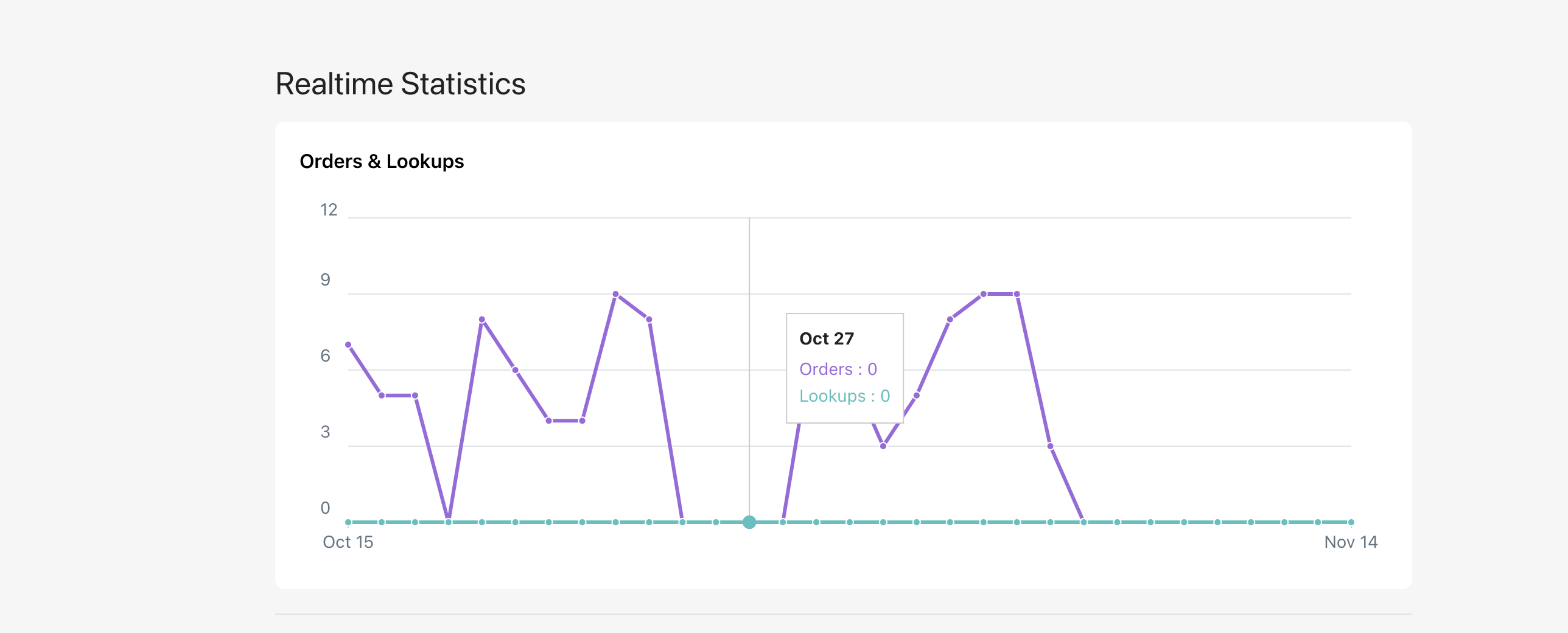\n\n#### Delivery Statistics\n\nThe **Delivery Statistics** section displays helpful statistics in analyzing your shipping carrier's delivery time and your store's global reach.\n\n<figure><img src=\"https://1355861988-files.gitbook.io/~/files/v0/b/gitbook-x-prod.appspot.com/o/spaces%2F49HdWB2HQJW7W5U764c1%2Fuploads%2FSe9sR6qcZ9YEZi26Ay1M%2Fdelivery-statistics.png?alt=media&token=5067f06b-ea64-4fec-9033-25f26de91eae\" alt=\"\"><figcaption></figcaption></figure>\n\n### Account <a href=\"#account\" id=\"account\"></a>\n\nThe **Account** section is where you can adjust your Tracktor price plan. This page also displays some of our Frequently Asked Questions.\n\n<figure><img src=\"https://1355861988-files.gitbook.io/~/files/v0/b/gitbook-x-prod.appspot.com/o/spaces%2F49HdWB2HQJW7W5U764c1%2Fuploads%2FWB8QEYBn7LTPvzWkKJQM%2FScreenshot%202026-03-27%20at%201.22.29%E2%80%AFPM.png?alt=media&token=63fb2f3b-a935-4b68-be90-eb8f517ae1d8\" alt=\"\"><figcaption></figcaption></figure>\n\n### Help <a href=\"#help\" id=\"help\"></a>\n\nFor assistance, you can check out the **Help** section. From there, you can contact our support team through email, live chat, and phone. You can also use our help documents or take advantage of our complimentary Expert Install Service.\n\n<figure><img src=\"https://1355861988-files.gitbook.io/~/files/v0/b/gitbook-x-prod.appspot.com/o/spaces%2F49HdWB2HQJW7W5U764c1%2Fuploads%2FTQdpxUCjb89NYErAe2wa%2Fhelp-page.png?alt=media&token=f21ee81f-8651-468f-9592-2e7c20549f8d\" alt=\"\"><figcaption></figcaption></figure>\n\n\n---\n\n# Agent Instructions: Querying This Documentation\n\nIf you need additional information that is not directly available in this page, you can query the documentation dynamically by asking a question.\n\nPerform an HTTP GET request on the current page URL with the `ask` query parameter:\n\n```\nGET https://shoppad.gitbook.io/tracktor/readme.md?ask=<question>\n```\n\nThe question should be specific, self-contained, and written in natural language.\nThe response will contain a direct answer to the question and relevant excerpts and sources from the documentation.\n\nUse this mechanism when the answer is not explicitly present in the current page, you need clarification or additional context, or you want to retrieve related documentation sections.\n\n\n---\n\n# help-customers-track-orders\nSource: https://shoppad.gitbook.io/tracktor/readme/help-customers-track-orders\n\n# Help Customers Track Orders\n\n### Add a tracking link to Shopify Email Templates\n\nAdding a tracking link to your Shopify email templates is a great way to make the Tracktor page more accessible for customers to track the shipping status of their orders, as well as reduce support requests.\n\nCurrently, this feature is supported on the following email templates:\n\n* **Order Confirmation**\n* **Shipping Confirmation**\n* **Shipping Update**\n* **Shipment Out for Delivery**\n* **Shipment Delivered**\n\n{% hint style=\"info\" %}\n**Note:** If you are using **Klaviyo** for your email templates, please [follow this other document for Klaviyo instructions.](https://shoppad.gitbook.io/tracktor/integrations/klaviyo)\n{% endhint %}\n\n***\n\n1. Go to your Shopify admin dashboard, click on **Settings**, then on **Notifications**.\n\n<figure><img src=\"https://1355861988-files.gitbook.io/~/files/v0/b/gitbook-x-prod.appspot.com/o/spaces%2F49HdWB2HQJW7W5U764c1%2Fuploads%2FKdYwjQv33XtUU4jfkGgU%2FAdd-Tracktor-link-to-email-templates_png_-_Step_1.png?alt=media&token=c876f39d-d616-4a61-b406-71bb7f098451\" alt=\"\"><figcaption></figcaption></figure>\n\n2. Open the email template from the list above that you'd like to add a tracking link to.\n\n<figure><img src=\"https://1355861988-files.gitbook.io/~/files/v0/b/gitbook-x-prod.appspot.com/o/spaces%2F49HdWB2HQJW7W5U764c1%2Fuploads%2FzYrgSTbN02MylTJbaQ6L%2FAdd-Tracktor-link-to-email-templates_png_-_Step_2.png?alt=media&token=b1ddf922-f85f-4bca-bc84-5562986f9292\" alt=\"\"><figcaption></figcaption></figure>\n\n3. Do a search using the keyboard shortcuts (Ctrl-F or ⌘ F) for the phrase **View your order**.\n\n<figure><img src=\"https://1355861988-files.gitbook.io/~/files/v0/b/gitbook-x-prod.appspot.com/o/spaces%2F49HdWB2HQJW7W5U764c1%2Fuploads%2FGM3LYceHZkPQiGCDzwGx%2FAdd-Tracktor-link-to-email-templates-2.png_%20-%20Step%202.png?alt=media&token=ac72d64c-9cbb-4c38-b3e9-6a0e501300d0\" alt=\"\"><figcaption></figcaption></figure>\n\n{% hint style=\"info\" %}\nIf you are on the **Shipment Out for Delivery** email template, you will want to do a search for the term **Track my shipment** instead of View your order.\n{% endhint %}\n\n4. Copy the code snippet below.\n\n```\n<td class=\"button__cell\"><a href=\"{{shop.url}}/apps/tracktor/track?token={{ email | split: \"\" | reverse | join: \"\" | replace: '@', '_-_' | url_encode }}&order={{ order.name | url_encode }}\" class=\"button__text\">Track your order</a></td>\n```\n\n{% hint style=\"info\" %}\nIf you have [customized your Tracktor proxy URL](https://shoppad.gitbook.io/tracktor/customize-tracktor/change-the-tracking-url), make sure that you edit the tracking URL code above (normally the **/apps/tracktor/** portion) to match your live Tracktor URL.\n{% endhint %}\n\n5. Paste the code snippet you copied there.\n\n<figure><img src=\"https://1355861988-files.gitbook.io/~/files/v0/b/gitbook-x-prod.appspot.com/o/spaces%2F49HdWB2HQJW7W5U764c1%2Fuploads%2Fscg0VMZ9GQCdKiHfAQjr%2FAdd-Tracktor-link-to-email-templates-2.png_%20-%20Step%203.png?alt=media&token=b9f0c7cd-b96d-4e63-b5f4-d0fe5b0f37c2\" alt=\"\"><figcaption></figcaption></figure>\n\n5. Copy the code below.\n\n```\n{{ order_status_url }}\n```\n\n7. Do a search using the keyboard shortcuts (Ctrl-F or ⌘ F) for the phrase **Visit our store.** There will be two spots that have this phrase. Replace both of those spots of text with **View your order**.\n\n<figure><img src=\"https://1355861988-files.gitbook.io/~/files/v0/b/gitbook-x-prod.appspot.com/o/spaces%2F49HdWB2HQJW7W5U764c1%2Fuploads%2FTNgU9vtNpZ4i4xVCmsF4%2FAdd-Tracktor-link-to-email-templates-2.png_%20-%20Step%204.png?alt=media&token=10671c6a-7bde-474e-bb87-1bedb3b83d50\" alt=\"\"><figcaption></figcaption></figure>\n\n8. In both of those spots, there will be a bit of code next to them that says **{{ shop.url }}**. You will replace that code by pasting our previously copied code, as seen below.\n\n<figure><img src=\"https://1355861988-files.gitbook.io/~/files/v0/b/gitbook-x-prod.appspot.com/o/spaces%2F49HdWB2HQJW7W5U764c1%2Fuploads%2F6T1RxWazdTRwNPssrXBn%2FAdd-Tracktor-link-to-email-templates-2.png_%20-%20Step%206.png?alt=media&token=cf362eef-cf3b-41ca-8935-8379ed42386e\" alt=\"\"><figcaption></figcaption></figure>\n\n10\\. **Save** your changes.\n\n\n---\n\n# Agent Instructions: Querying This Documentation\n\nIf you need additional information that is not directly available in this page, you can query the documentation dynamically by asking a question.\n\nPerform an HTTP GET request on the current page URL with the `ask` query parameter:\n\n```\nGET https://shoppad.gitbook.io/tracktor/readme/help-customers-track-orders.md?ask=<question>\n```\n\nThe question should be specific, self-contained, and written in natural language.\nThe response will contain a direct answer to the question and relevant excerpts and sources from the documentation.\n\nUse this mechanism when the answer is not explicitly present in the current page, you need clarification or additional context, or you want to retrieve related documentation sections.\n\n\n---\n\n# setting-up-carrier-mapping\nSource: https://shoppad.gitbook.io/tracktor/readme/setting-up-carrier-mapping\n\n# Setting Up Carrier Mapping\n\n### Overview\n\nShopify only supports around 55 carriers. Tracktor supports [more than 1000](https://shoppad.gitbook.io/tracktor/readme/supported-carriers)! Tracktor's **carrier mapping** feature allows you to support carriers that are not supported by Shopify. This happens by overriding Shopify-supported carriers with carriers that Tracktor supports.\n\nYou must set up Carrier Mapping if you are using a carrier that is not supported by Shopify.\n\nIf you are using a carrier that Shopify does NOT support, like **Yanwen**, you will need to use Carrier Mapping to display tracking results.\n\nIn the example below, **Yanwen** will be connected to **Other** using carrier mapping. By connecting **Yanwen** to **Other,** you will display **Yanwen** tracking information on packages fulfilled with the **Other** carrier in Shopify. Similar carrier mappings can be added for any carrier not supported by Shopify.\n\n***\n\n### Getting Started...\n\n1\\. Starting from the Tracktor dashboard, click on the **Tracking Page** menu from the left sidebar for the Tracktor app in the admin view and scroll down until you see the **Carrier Mapping** section.\n\n<figure><img src=\"https://1355861988-files.gitbook.io/~/files/v0/b/gitbook-x-prod.appspot.com/o/spaces%2F49HdWB2HQJW7W5U764c1%2Fuploads%2FcXrTVcRJlT9HCjXKYz0X%2Fcarrier-mapping-page.png?alt=media&token=95f2866e-60d8-4ffc-9c2b-93db93ab4696\" alt=\"\"><figcaption></figcaption></figure>\n\n2\\. Set the **Shopify Carrier** to the carrier you wish to override. For this example, the Shopify carrier will be **Other**, since that is what will be selected as the carrier when fulfilling the order in Shopify.\n\n3\\. Set the **Actual Carrier Name** to the carrier you are using to ship orders. For this example, the actual carrier will be **Yanwen**.\n\n<figure><img src=\"https://1355861988-files.gitbook.io/~/files/v0/b/gitbook-x-prod.appspot.com/o/spaces%2F49HdWB2HQJW7W5U764c1%2Fuploads%2Fspq3ZF6ffT1kRfPxEopF%2Fyanwen-carrier-mapping.png?alt=media&token=9cd3748b-9299-4666-a53c-842458017af2\" alt=\"\"><figcaption></figcaption></figure>\n\n4\\. Make sure that your orders that are shipped with **Yanwen** are configured with the **Other** carrier on your Shopify Admin **Orders** page.\n\n<figure><img src=\"https://1355861988-files.gitbook.io/~/files/v0/b/gitbook-x-prod.appspot.com/o/spaces%2F49HdWB2HQJW7W5U764c1%2Fuploads%2FbI11Hwfjvky8X8aTpFJz%2Ffulfill-other.png?alt=media&token=cf76e847-55b4-49c7-980e-79f712e4fa27\" alt=\"\"><figcaption></figcaption></figure>\n\n5\\. **Fulfill item** and **Save** your changes.\n\n6\\. Test this out by clicking on **More Actions** and then **Tractor: Track Order**. You can also track on the **Reports** tab in the Tracktor Dashboard. This should now show tracking for the **Yanwen** package.\n\n<figure><img src=\"https://1355861988-files.gitbook.io/~/files/v0/b/gitbook-x-prod.appspot.com/o/spaces%2F49HdWB2HQJW7W5U764c1%2Fuploads%2FfPV52mQZUDXWDD13QRKU%2Ftracktor-track-order.png?alt=media&token=85eea052-cf83-4e53-b29f-cd331f208908\" alt=\"\"><figcaption></figcaption></figure>\n\nDon't see tracking information? Our support team is here to help. [Contact Us](#contactModal)\n\n### Using Dropshipping? <a href=\"#dropshipping\" id=\"dropshipping\"></a>\n\nTracktor supports carrier mapping for dropshipping fulfillment apps such as Dropify, Dsers and Oberlo.\n\nFor a default list of carriers, set the **Shopify Carrier Name** to *Other* and the **Actual Carrier** to the following:\n\n* Yanwen\n* YunExpress\n* 4PX\n* Aliexpress Standard Shipping\n* China EMS (ePacket)\n* USPS\n\nHowever, you can customize the Actual Carriers to be different carriers than the ones listed above.\n\nToo many **Actual Carriers** mapped to the same **Shopify Carrier** can **cause performance problems.**\n\n<figure><img src=\"https://1355861988-files.gitbook.io/~/files/v0/b/gitbook-x-prod.appspot.com/o/spaces%2F49HdWB2HQJW7W5U764c1%2Fuploads%2FdNWIm8Vxym50txadauIU%2Fcarrier-mapping-dropship.png?alt=media&token=5c1b43e4-a45a-44f6-9b61-23e1454c5998\" alt=\"\"><figcaption></figcaption></figure>\n\nCheck out this document for more information about [Dropshipping Support](https://shoppad.gitbook.io/tracktor/dropshipping-settings/hide-china-from-tracking-details).\n\n### Fulfillment Service Fulfilling Orders with Unrecognized Carriers\n\nSometimes a fulfillment service will fulfill orders with carrier names that are not supported by Shopify *or* Tracktor. Most of the time, this means that your fulfillment service is inputting the carrier name incorrectly.\n\nFor example, the fulfillment service may be inputting the carrier as USPS Ground Shipment:\n\n<figure><img src=\"https://1355861988-files.gitbook.io/~/files/v0/b/gitbook-x-prod.appspot.com/o/spaces%2F49HdWB2HQJW7W5U764c1%2Fuploads%2FiuAC7qg9rbykql83HkKm%2Fusps-ground-shipment.png?alt=media&token=00f4309c-11d9-407a-9d53-aef2cf879dcd\" alt=\"\"><figcaption></figcaption></figure>\n\nUSPS Ground Shipment is not a valid carrier name, but the actual carrier is **USPS**, and **USPS** is a valid carrier. To show tracking for this package you should manually change **USPS Ground Shipment** to **USPS,** but this would take a lot time. To save time you should utilize carrier mapping.\n\nTo set up this carrier mapping you must map the incorrect carrier name to the actual carrier. In this case you would map **USPS Ground Shipment** to **USPS.** To do so, add **USPS Ground Shipment** as the Shopify carrier name and **USPS** as the actual carrier name and . You will have to type in **USPS Ground Shipment** into the Shopify Carrier Name field and then click on the result that starts with \"Create option\"\n\n<figure><img src=\"https://1355861988-files.gitbook.io/~/files/v0/b/gitbook-x-prod.appspot.com/o/spaces%2F49HdWB2HQJW7W5U764c1%2Fuploads%2FODEUHvxqndelugleUFHl%2Fusps-mapping.png?alt=media&token=cdc3cbc7-5444-43f7-a59a-c3d60a4d3561\" alt=\"\"><figcaption></figcaption></figure>\n\nNow packages fulfilled with **USPS Ground Shipment** will show tracking information as if they are **USPS** packages.\n\n\n---\n\n# Agent Instructions: Querying This Documentation\n\nIf you need additional information that is not directly available in this page, you can query the documentation dynamically by asking a question.\n\nPerform an HTTP GET request on the current page URL with the `ask` query parameter:\n\n```\nGET https://shoppad.gitbook.io/tracktor/readme/setting-up-carrier-mapping.md?ask=<question>\n```\n\nThe question should be specific, self-contained, and written in natural language.\nThe response will contain a direct answer to the question and relevant excerpts and sources from the documentation.\n\nUse this mechanism when the answer is not explicitly present in the current page, you need clarification or additional context, or you want to retrieve related documentation sections.\n\n\n---\n\n# add-tracktor-to-your-stores-navigation\nSource: https://shoppad.gitbook.io/tracktor/readme/add-tracktor-to-your-stores-navigation\n\n# Add Tracktor to your store's navigation\n\nFollow along with the step-by-step instructions or watch the video below to add a tracking link to your store.\n\n<figure><img src=\"https://1355861988-files.gitbook.io/~/files/v0/b/gitbook-x-prod.appspot.com/o/spaces%2F49HdWB2HQJW7W5U764c1%2Fuploads%2FX3k29fDk4m577pCTWg0f%2Ftrack-order-menu.png?alt=media&token=e2ed93dd-a99a-4f4e-868c-87ac5bb5c343\" alt=\"\"><figcaption></figcaption></figure>\n\n1\\. Starting from your Shopify admin dashboard, head to the **Menus** tab located within the **Content** section.\n\n<figure><img src=\"https://1355861988-files.gitbook.io/~/files/v0/b/gitbook-x-prod.appspot.com/o/spaces%2F49HdWB2HQJW7W5U764c1%2Fuploads%2FiHvMUVEqNtXfn2rFICF4%2Ftracktor-content-menus.png?alt=media&token=0a1e031d-6055-4b84-8652-1b004eca76ef\" alt=\"\"><figcaption></figcaption></figure>\n\n2\\. Locate and click on the menu you want to add the link to.\n\n3\\. Click on the **Add menu item** button.\n\n<figure><img src=\"https://1355861988-files.gitbook.io/~/files/v0/b/gitbook-x-prod.appspot.com/o/spaces%2F49HdWB2HQJW7W5U764c1%2Fuploads%2FAqisq5l3B2jf9wxjTts7%2Fadd-menu-item.png?alt=media&token=4cec63d4-12ad-4852-bbcb-c7994ac6fd81\" alt=\"\"><figcaption></figcaption></figure>\n\n4\\. Copy the code below\n\n```\n/apps/tracktor/track\n```\n\n5\\. Fill in the **Name** of your page, input the above line within the **Link** section.\n\n6\\. Once **/apps/tracktor/track** appears above where you type it in, you'll want to click on it. \n\n<figure><img src=\"https://1355861988-files.gitbook.io/~/files/v0/b/gitbook-x-prod.appspot.com/o/spaces%2F49HdWB2HQJW7W5U764c1%2Fuploads%2Fcp84ksyvI47USgoNfLIG%2Flabel-and-link.png?alt=media&token=3f0a69af-5e57-4dfc-8d8d-28848ef7c0a2\" alt=\"\"><figcaption></figcaption></figure>\n\n7\\. Click the check mark and then click on **Save**. \n\n<figure><img src=\"https://1355861988-files.gitbook.io/~/files/v0/b/gitbook-x-prod.appspot.com/o/spaces%2F49HdWB2HQJW7W5U764c1%2Fuploads%2FTITRLqDfbFvnKNF85fu9%2Fcheck-mark.png?alt=media&token=06f83860-e6e0-4205-b0d5-fd4510371a6d\" alt=\"\"><figcaption></figcaption></figure>\n\nYou can now check out the new tracking page link on your store! 😄\n\n\n---\n\n# Agent Instructions: Querying This Documentation\n\nIf you need additional information that is not directly available in this page, you can query the documentation dynamically by asking a question.\n\nPerform an HTTP GET request on the current page URL with the `ask` query parameter:\n\n```\nGET https://shoppad.gitbook.io/tracktor/readme/add-tracktor-to-your-stores-navigation.md?ask=<question>\n```\n\nThe question should be specific, self-contained, and written in natural language.\nThe response will contain a direct answer to the question and relevant excerpts and sources from the documentation.\n\nUse this mechanism when the answer is not explicitly present in the current page, you need clarification or additional context, or you want to retrieve related documentation sections.\n\n\n---\n\n# supported-carriers\nSource: https://shoppad.gitbook.io/tracktor/readme/supported-carriers\n\n# Supported Carriers\n\nTracktor currently supports over 1900 carriers worldwide, you can find them listed below.\n\nNote: If you are using a carrier that is *not included* in Shopify's native carriers, but is listed in this article here, we can perform a carrier mapping to add support for it. [Check out this article](https://shoppad.gitbook.io/tracktor/readme/setting-up-carrier-mapping) to get started.\n\n**A**\\\nA Duie Pyle, A PLUS EXPRESS, A TU HORA EXPRESS, A. Duie Pyle, A1Post, A2B Express Logistics, AAA Cooper, AAA Cooper Transportation, ABF Freight, AC Logistics, ACI Express, ACI Logistix, aCommerce, ACS Courier, ACS Worldwide Express, ACT logistic, AdaPost, Ader, Adicional Logistics, Adico, ADS Express, ADSOne, Aeronet, AEX Group, Afghan Post, Agediss, Agility, AICS, AIR21, Airfex, Airpak Express, Airspeed International Corporation, AIRTRANS, Airwings Courier Express India, AIT Home Delivery, AIT Worldwide Logistics, AJEX, Aland Post, Albania Post, Ali Business Logistics, AliExpress Standard Shipping (Cainiao), Allegro, allekurier, Alliance Air Freight & Logistics, Allied Express, ALLJOY SUPPLY CHAIN CO., LTD, Alpha Fast, alphaFAST, Always Express, AM Home Delivery, Amalgamated, Amazon, Amazon India, Amazon Shipping (ES), Amazon Shipping (FR), Amazon Shipping (IT), Amazon UK, Ambro Express, American West, AMS Group, Amsma Group, An Post, Andorra Post, Ane Express, Angel, Anicam Global, Anjun, ANNTO, ANSERX, Ant Eparcel, Anteraja, Antilles Post, Antron Express, anxl, AO Deutschland Ltd., AO Logistics, AOHAI International Logistics, Aoyue, AoYue, APC Overnight, APC Overnight Consignment Number, APC Postal Logistics, APG eCommerce Solutions Ltd., Apple Express, Aprche, APX Logistics, Aquiline, Aramex, Aramex AU, Aramex Australia, Aramex NZ, Aras Cargo, Arco Spedizioni SP, Argentina Post, Ark express, ARK Logistics, Armenia Post, Arrow XL, Art Logexpress, Aruba Post, ASE KARGO, Asendia, Asendia APAC (Asendia HK), Asendia Global, Asendia UK, Asendia UK Premium, Asendia USA, AsiaFly, ASIGNA, Asigna ES, ASM (GLS Spain), ASM(GLS Spain), Associate Global Systems, Associated Couriers, Asyad Express, ATA, Atlantic International Express, ATS Healthcare, Au Express, auodexpress, Austa Internation, Australia Post, Austrian Post, Austrian Post (Express), Austrian Post (Registered), Ausworld Express, Averitt Express, Azerbaijan Post\n\n**B**\\\nB\\&H Worldwide, B2C Europe, BAB international, Bahrain Post, BAI LE JIE TONG, Bai Zhou Huo Yun, Bangladesh EMS, baoxianda, Barbados Post, Barq, Barsan Global Lojistik, BDMnet, Bee Express, Beebird Logistics, Bejot Logistics, BEL, Belarus Post, Belize Post, Belpost, Benin Post, Beone Logistics, Bermuda Post, Bert Transport, Best Express, BEST Express (Malaysia), Best Express (TH), BEST Express (Vietnam), Best Express(logistic), Bestfulfill, Better Express, Better Trucks, Bf-Lg, Bhutan Post, Big Smart, BirdSystem, Biz Courier, BJS Distribution, Storage & Couriers, bjshomedelivery, BJYTSYWL, blexpress, Blink, Blue Express, Blue Leopard, Blue Sky Express, Blue Star, Bluecare Express Ltd, Bluedart, Bneed, Bolivia Post, Bollore Logistics, Bombax, Bombino Express, Bombino Express Pvt Ltd, Bomi Group, Bona, Bond, Bonds Couriers, Border Express, Bosnia And Herzegovina Post, Bosta, Botswana Post, Boxberry, BoxC, Bpost, Bpost international, BQC, BrasPress, Braun's Express, Brazil Correios, Bridge, Bring, Bringer Parcel Services, Brouwer Transport en Logistiek B.V., BRT, BRT Bartolini, BRT Bartolini(Parcel ID), Brunei Post, BSI express, BUFFALO, Buffalo, BUFFALO ZA, Bulgaria Post, Bulgarian Posts, Burd Delivery Aps, Burkina Faso Post, Burundi Post, BY56.com, BYT Carrier\n\n**C**\\\nCacesa, Cacesa Postal, CAE Delivers, Cago, CallCourier, Cambodia Post, Cameroon Post, Canada Air Express, Canada Post, Canpar Courier, Captain Express International, Cargo International, cargus, CARIBOU, Carriers, Carry-Flap Co.,Ltd., Castle Parcels, CBL Logistica, CDEK, CDEK TR, cdl, CEL HCCD, Celeritas Transporte, S.L, Cello Square, Central Transit, Cess, CEVA LOGISTICS, CEVA Logistics, CEVA Package, CFL Logistics, CGS Express, CH EXPRESS, Champion Logistics, ChangJiang Express, Chazki, China EMS (ePacket), China Post, China Post E-commerce, China Railway Flying Leopard, China Russia56, ChinaStarLogistics, Chinz Logistics, Chit Chats, CHOICE Logistics, Choir Express Indonesia, Chronopost, Chronopost France, Chronopost Portugal(DPD), CHT, Chukou1, Chukou1 Logistics, Chunil Cargo, CIRRO, CIRRO E-Commerce, Citisprint, cititrans, City-Link Express, CityMail, CJ Century (International), CJ GLS, CJ Korea Express, CJ Logistics, CJ Logistics International, CJ Logistics International(Hong Kong), CJ Packet, CJ Transnational Philippines, CL E-Logistics Solutions Limited, Clevy Links, Closer Logistics, Cloud mail cross border Express, Cloudwish Asia, CMK, CN Logistics, CNE Express, CNILINK, Cnpex, cnwangtong, COE, Colicoli, Colis Privé, Colissimo, Collect+, CollectCo, Colombia Post, Comet Hellas, CometTech, ComOne Express, COMPASS EXPRESS, Con-way Freight, ConnectCo, Continental, Coolrunner, Coordinadora, Copa Airlines Courier, Cope Sensitive Freight, Coretrails, Correios Cabo Verde, Correo Uruguayo, Correos de España, Correos de Mexico, Correos Express, COSCO eGlobal, Cosco Express, Cosex, Cosmetics Now, Courant Plus, Courier Center, Courier IT, Courier Plus, CourierPost, Couriers Please, cPacket, CPSZY, Crane Worldwide Logistics, CRANE Worldwide Logistics, Crazy Express, CRE, CRL Express, Croshot, Crossflight Limited, CSD Express, CSE, CTC Express, CTS, CTT Express, CTTY, Cuba Post, Cubyn, Cuckoo Express, CXC, CY Epxress, Cyprus Post, Czech Post, Código Envío\n\n**D**\\\nDACHSER, Dada logistic, Daeshin, DAI Post, Daiichi Freight System Inc, Danniao, Danske Fragtmænd, DAO365, DaoExpress, Dawn Wing, Day & Ross, Day One Track, Daylight Transport, LLC, Dayton Freight, DB Schenker, DB Schenker Sweden, DD Express Courier, DealerSend, Dealfy, decnlh, Dekun, Delcart, Delhivery, Deliv, Deliver Your Parcel, Deliver-iT, DeliverDirect, deliverE, DELIVERYONTIME LOGISTICS PVT LTD, Dellin, Delnext, Deltec Courier, Denmark post, Dependable Supply Chain Services, DEPPON, Destiny Transportation, Detrack, Deutsche Post DHL, Deutsche Post Mail, DEX-I, dfglobalex, DG Transporte, DHL Active Tracing, DHL API, DHL Benelux, DHL eCommerce, DHL eCommerce Asia, DHL Express, DHL Express (Piece ID), DHL Freight, DHL Global Forwarding, DHL Global Forwarding eCommerce, DHL Hong Kong, DHL Netherlands, DHL Parcel NL, DHL Parcel Russia, DHL Parcel Spain, DHL Parcel UK, DHL Poland Domestic, DHL Spain Domestic, DHL Supply Chain APAC, DHL Supply Chain Australia, DHL supply chain India, DHL Supply Chain Indonesia, Dhlink, Dialogo Logistica, Diamond Eurogistics Limited, DIDADI Logistics tech, Dimerco Express Group, DIR, Direct Couriers, Direct Freight Express, Directlog, Direx, Discount Post, DKSH, DK Express, DMF, DMSMatrix, DNJ Express, DobroPost, Dominican Post, DOMINO, Doora Logistics, DoorDash, Dora Gate, Dotzot, DPD, DPD Austria, DPD Belgium, DPD Croatia, DPD Czech Republic, DPD France (formerly exapaq), DPD Germany, DPD Greece, DPD HK, DPD Hungary, DPD Ireland, DPD Local, DPD Local reference, DPD Netherlands, DPD Poland, DPD Portugal, DPD Romania, DPD Russia, DPD SK, DPD Switzerland, DPD UK, DPD-FR, DPE Express, DPE South Africa, DPEX, DPEX China, Driverfastgo, Dropshipman, DSV, DSV Futurewave, DTD Express, DTDC Australia, DTDC Express Global PTE LTD, DTDC India, DTDC Plus, DWZ Express, DX, DYJ Express\n\n**E**\\\ne-Commerce KZ, E-lian, EAGLE CROSS BORDER, Early Bird, Earlyex, Easy Mail, Easyparcel, EasyPost, EasyPost Consolidation Service, EasyRoutes, EBO, Ecargo, ECE Logistics, ECexpress, Echindia, Echo, ECMS Global, ECMS International Logistics Co., Ltd., Eco Freight, Ecom Express, ECOSCOOTING, eCoutier, ecParcel, ECPOST, Ecuador Post, EDL, ees-logistics, EFS (E-commerce Fulfillment Service), EFSPost, EFW Track, EG Express, Ekart, El Salvador Post, Elite Express, ELITEBIO, Elog Luxembourg, ELTA Courier, ELTA Hellenic Post, eMEGA, Emile, Emirates Post, Emons, EMPS Express, EMS, Endeavour Delivery, Energo Logistic, EnvFast, Envialia, Envialia Reference, Eparcel, eParcel Korea, ePost Global, Equick China, eRetail Logistics, Eritrea Post, eShipper, Eshipping, Eshipping Gateway, Eshun international Logistic, ESNAD Express, Espeedpost, Espost, Estafeta, Estes, ETEEN, Ethiopia Post, Etomars, Etonas, eTotal Solution Limited, eTower, Etrak, EU Fleet Solutions, Euasia Express, Eurodis, Evri, Evri (MyHermes UK), EWE Global Express, Exelot, Expeditors, Express Courier, Express LJ, EXPRESSONE, Expressone Bg, Expresssale, Eyou800\n\n**F**\\\nfafalux, Famiport, FAN COURIER EXPRESS, FAN SHENG, FAR international, Far International Logistics, FarGood, Faroe Islands Post, Fast & Furious, FAST BEE, Fast Despatch Logistics Limited, Fast Horse (US), Fast Horse Express (AU), Fastbox, Fastgo, Fastrak Services, Fastship Express, Fasttrack, Fastway Ireland, Fastway New Zealand, Fastway South Africa, Faxe Cargo, FBA AU Swiship, FBA CA Swiship, FBA DE Swiship, FBA ES Swiship, FBA FR Swiship, FBA IT Swiship, FBA UK Swiship, FBA USA Swiship, FD Express, FDM Logistics, FDSEXPRESS, Fedex, FedEx API, FedEx International MailService®, FedEx®, FedEx® Cross Border, FedEx® Freight, FedEx® Poland Domestic, FedEx® UK, FERCAM Logistics & Transport, Fetchr, fgmailconnect, Fiege Logistics, Fiege Netherlands, fietskoeriers, Fiji Post, Fin Mile, Final Miles Pros, Finland Post - Posti, First Flight Couriers, First Global Logistics, First Line, FirstMile, Flash Express, Flash Express MY, Flashbox, FlashExpress PH, FleetOptics, Flexport, Flight Logistics Group, FlipXpress, Flow Commerce, Flying Leopards Express, FLYSMAN, Flyt Express, Flyway Express, FMX, Fonsen Logistics, forrun Pvt Ltd (Arpatech Venture), Forward Air, Fourkites, fourseasonsfly, France Express, Frayun, Freightquote by C.H. Robinson, Frete Rápido, FRONTdoor Collective, FT Exprss, FTD Express, FUJIE EXPRESS, Fulfilla, Fulfillmen, Furdeco, Fzrexp\n\n**G**\\\nGANGBAO Supplychain, Gao Post, GATI Courier, Gati-KWE, GBA Services Ltd, GBS-Broker, GC Express, GD YHWL, GDEX, GDPharm Logistics, Gebrüder Weiss, Geis CZ, Geis Poland, Gel Express Logistik, GEM Worldwide, Geniki Taxydromiki, Geodis, GEODIS - Distribution & Express, Georgia Post, Georgian Post, GESWL Express, Ghana Post, GIANT EXPRESS, Giao hàng nhanh, Gibraltar Post, GIO Express Inc, Global Leader, Global Post, GLOBALTRANS, GlobalTranz, Globavend, Globegistics Inc., Glovo, GLS, GLS Canada, GLS Croatia, GLS Czech Republic, GLS General Logistics Systems Slovakia s.r.o., GLS Germany, GLS Hungary, GLS Italy, GLS Logistic Systems Canada Ltd./Dicom, GLS Netherlands, GLS Poland, GLS Romania, GLS Slovakia, GLS Slovenia, GLS Spain, GLS USA, GLS(HR), GmbH, GMS Worldwide Express, Go Express, Go Express and logistics, GO Logistics & Storage, Go People, Go Rush, Go Swift, GoBolt, Gofly, GOFO, GOGO Xpress, GoJavas, Good Express, Gotofreight, GPS, Grand Slam Express, Greenland Post, Greyhound, Groupe Mazet, Grupo ampm, Grupo logistico Andreani, GSI EXPRESS, GTA GSM, GTI, GTS Express, GTTEXPRESS, Guangzhou Onegoal International Logistics, Guatemala Post, Guernsey Post, GUOO Logistics, GYY\n\n**H**\\\nHaidaibao, Haidaibao (BOX), Hailify, HanBang, Hanghangtong Logistics, HanJin, Hanxuan international express, Happy Post, HCT Express, HCT LOGISTICS CO.LTD., HD Express, Hellenic (Greece) Post, Hellmann Worldwide Logistics, Inc, Helthjem, Heppner France, Heppner Internationale Spedition GmbH & Co., hepsiJET, Hermes BorderGuru, Hermes Einrichtungs Service, Hermes Germany, Hermesworld, Hero Express, HFD, HHY Express, Hi Life, Hipshipper, Hispapost, HiveWMS, HJWL, HJYT Express, HKD, HKD International Logistics, Hlihang Express, Hnfywl, Holisol, Home Delivery Solutions Ltd, Home Logistics, Hong Kong Post, Hong Tai, HONGHAI SUPPLY CHAIN, Honold Germany, Horizon Logistics Hub, HOTWMS, hound, Hound Express, HoYang Express, HP Express, HR Parcel, Hrvatska Pošta, HSDEXPRESS, HSM Global, HUA EXPRESS, Hua Han Logistics, Hua Xi, Hua Ya Express, Hua Yu, HuaHai Express, HUAHANG EXPRESS, Huanshid, HuanTong, HuanTong Express, HUBBED, Hui Feng Logistics, Hui Logistics, Huida Express, HuiLin56, HuiSenKy, Hunter Express, Huodull, HX Express\n\n**I**\\\ni-dika, i-parcel, Iceland Post, ICS courier, ICS COURIER, iCumulus, IDEX, iDexpress Indonesia, IDS Germany, IEPost, Igcaexpress, Ilyang logistics, IMEX Global Solutions, iMile, IML, IML Logistics, IMX Mail, India Post Domestic, India Post International, Indonesia Post, INDOPAKET, Inexpost, Innight Express Germany GmbH (nox NachtExpress), Innovel, InPost, Inpost Italy, InPost Paczkomaty, InstaBox, Intel-Valley Supply chain (ShenZhen) Co. Ltd, Intelcom, intelcom, Intelipost (TMS for LATAM), International Seur, Interparcel Australia, Interparcel New Zealand, Interparcel UK, INTERSMARTTRANS & SOLUTIONS SL, INTEX Paketdienst GmbH, Intimeship, IOR Direct Solutions, Iran Post, Israel Post, Israel Post Domestic, Italy SDA, iThink Logistics, Ivory Coast EMS\n\n**J**\\\nJ\\&T Brazil, J\\&T CARGO, J\\&T Express, J\\&T Express Malaysia, J\\&T EXPRESS MALAYSIA, J\\&T Express PH, J\\&T Express Singapore, J\\&T Express TH, J\\&T Express UAE, J\\&T Express Vietnam, J\\&T International, J-Net, Jam Express, Jamaica Post, JAMEF, Janco Ecommerce, Janco Express, Janio Asia, Japan Post, JASPOST, Javit, Jawar, Jayeek, Jayon Express (JEX), JCEX, JCH, Jcsuda, JCW, JD Express, JD Logistics, JD Worldwide, JD-168, JDIEX, Jeebly, Jersey Post, Jersey Post Group, Jet Global Express, Jet-Ship Worldwide, Jetstarexp, JGEX Tracking, JIACHEN INTERNATIONAL, Jiayi Express, Jiayou, JiaYou Express, Jieborne, JingLe Express, JINSUNG TRADING, Jitsu, JiuFang, JIUZHOU Logistics, JNE, Jocom, JoeyCo, Joom Logistics, joomlogistics, Jordan Post, JOYING BOX, Joying Box, JP BH Pošta, JP Post, jrs-express, JS EXPRESS, JT Express MX, JTHQ, Jumppoint, Jumstc, JUXI EXPRESS, JX\n\n**K**\\\nK1 Express, Ka Jie, Kaha Express, Kaigenlogistics, Kangaroo Worldwide Express, Kangu, KargomKolay (CargoMini), kart2door, Kawa, Kazakhstan Post, KEC, KedaEX, Kenya Post, Kerry eCommerce, Kerry Express (Vietnam) Co Ltd, Kerry Express Hong Kong, Kerry Express TH, Kerry Express Thailand, Kerry Express VN, Kerry Tec, Kerry TJ Logistics, Keuhne + Nagel Global, KEX Express, KGM Hub, King Delivery, King Freight, King Kong Express, KINGRUNS, Kinisi Transport Pty Ltd, Kolay Gelsin, Komon Express, Korea Post, Korea Post EMS, Kronos Express, Kua Yue Express, KUAYUE EXPRESS, Kuehne + Nagel, Kuehne Nagel, KUN EXPRESS, kunyi, KUNYONG EXPRESS, KURASI, Kuwait Post, KWE Global, KWT Express, Kyrgyzstan Post, Kyungdong Parcel\n\n**L**\\\nLa Huo Express, La Poste, Lalamove, Landmark Global, Lanqichuhai, Lao Post, Laos Post, LaserShip, LATAM YOU, Latvijas Pasts, LB Logistics, LBC Express, LD Express, LD Logistics, LDGJ, LDXpress, Leader, Lebanon Post, Ledii, Legion Express, Leman, Leopards Courier, Leopards Express, Lesotho Post, LEX, LexShip, LF Express, LHT Express, LianSiZhou, LiBang International Logistics, LICCARDI EXPRESS COURIER, Liechtenstein Post, LIEFERGRUN, Liefergrün, liefery, Lietuvos Paštas, Line Clear Express, Line Clear Express & Logistics Sdn Bhd, Line-1 International Express, Lineclear Express, Linex, LingSong, LingXun Logistics, Link Bridge(BeiJing)international logistics co.,ltd, Link Supply Chain, Lion Parcel, Livrapide, LJS, LM Parcel, Logen, Loggi, Logisters, Logistic Worldwide Express, LogoiX, Logwin Logistics, Logysto, Lone Star Overnight, LONGCPS, Loomis Express, Lotte Global Logistics, LP Express, Ltexp, LTL, LuBang56, Luben, LuWei, Luwjistik, Luxembourg Post, LvSe International, LWE, LX Pantos, LXGYL\n\n**M**\\\nM Xpress Sdn Bhd, M\\&H GuoJi, M\\&X cargo, M3 Logistics, Macao Post, Macedonia Post, Madhur Couriers, Madrooex, Maegmant, Maergo, Maersk, Magyar Posta, Mail Boxed Etc, Mail Boxes Etc., MailAmericas, Mailing Technology, Mailog, MailPlus, MailPlus (Japan), Mainfreight, Mainway, Malaysia Post - Registered, Malaysia Post EMS / Pos Laju, Malca-Amit, Maldives Post, Malta Post, mantianxing, Maple Logistics Express, Maratrack, Mark Express, Marken, Maroc Poste, Matdespatch, Matkahuolto, Mauritius Post, Maxcellents Pte Ltd, maxeedexpress, Maxway Logistics, MBW Courier Inc., MC Express, MDS Collivery Pty (Ltd), Med Africa Logistics, Meest, MEI TAI, METEOR EXPRESS, Metropolitan Warehouse & Delivery, Mexico AeroFlash, Mexico Post, Mexico Redpack, Mexico Senda Express, mhafly, Mhi, Mhsy88, Micro Express, Midway Express, Mikropakket, Mikropakket Belgium, Milkman, mircoexpress, MISUMI Group Inc., Miuson Express, MM-logi, MNG Kargo, MNX, Mobi Logistica, Moldova Post, Monaco EMS, Monaco Post, Mongol Post, Monotetrad, Montenegro Post, Moovin, Morelink, Morning Express, Morning Global, Movianto, Movin, MRW, MUDITA, Multientrega, My DynaLogic, MyIB, myKN, Mylerz, Mypostonline, mz56\n\n**N**\\\nN\\&M Transfer Co., Inc., NACEX, NACEX Spain, Namibia Post, Nanjing Woyuan, Naqel, Naqel Express, National Sameday, Nationex, Nationwide Express, Navlungo, Needletail Logistics, Netlogix, Network4, New Caledonia Post, New Zealand Couriers, Neway, Newegg Express, Newgistics, Newgistics API, Nexive, nextsmartship, Nhans Solutions, Nhat Tin Logistics, Nicaragua Post, Nigeria Post, Nightline, Nim Express, NimbusPost, Ninja Van Indonesia, Ninja Van Malaysia, Ninja Van Philippines, Ninja Van Singapore, Ninja Van Thailand, Ninjavan Vietnam, NiPost, Nippon Express, Norco, Norsk Global, Northline, Nova Poshta, Nova Poshta (International), NOX Night Time Express, NOX NightTimeExpress, NS Logistics, NTL logistics, NYT SUPPLY CHAIN LOGISTICS Co.,LTD, NZ Courier Post, NZ Post, NZCouriers\n\n**O**\\\nOakh Harbour Freight Lines, Obibox, OCA Argentina, OCS ANA Group, OCS Express, OCS WORLDWIDE, OkayParcel, Old Dominion Freight Line, Olive, Oman Post, OmgoExpress, Omni Parcel, Omni2, Omniva, One click delivery services, One World Express, Ontime, OnTrac, OnTrac DirectPost, Optima Courier, Orange Connex, OrangeDS, OrangeDS (Orange Distribution Solutions Inc), Orlen Paczka, OSM Worldwide, OTS, Overseas Express, Overseas Logistics, Overseas Territory FR EMS, Overseas Territory US Post, Ozeparts Shipping\n\n**P**\\\nP2P TrakPak, pack-man, Pack-Up, Packaly, Packeta, PACKFLEET, Packlink, Packs, Pago Logistics, Paikeda, Pakajo World, Pakistan Post, PAL Express Limited, Palletways, Pan-Asia International, Panama Post, Pandion, Pandu Logistics, Panther Reference, Paper Express, Papua New Guinea Post, Paquetexpress, Paraguay Post, Parcel Force, PARCEL ONE, Parcel Post Singapore, Parcel Right, Parcel To Post, Parcel2Go, Parcelink Logistics, Parceljet, Parcelled.in, Parcelmate, ParcelPoint Pty Ltd, Parcelport, Parcelstars, Pargo, Park N Parcel, Pass The Parcel, Passport Shipping, Patheon Logistics, Payo, PayPal Package, PCA, PDN Express, Peddler Express, PFC Express, PFL, PhilPost, PICK UPP, PICK UPP (Singapore), Pickrr, Pickupp, Pidge, Piggycars, piggycars us, PIGGYSHIP, PIL Logistics (China) Co., Ltd, Pilot, Pilot Freight Services, PINGDA EXPRESS, Pitney Bowes, PITT OHIO, PKD Express, Plycon Transportation Group, Poczta Polska, Polar Express, PolarSpeed Inc, Pony express, Portugal CTT, Portugal Seur, Pos Indonesia Domestic, Post Haste, Post of Slovenia, Post ONE, Post Serbia, Post56, Posta Bez Hranic, Posta Plus, Postal State International, Poste Italiane, Poste Italiane Paccocelere, Posten Norge / Bring, PostEX, Posti, Postmates, PostNL Domestic, PostNL International, PostNL International 3S, PostNord Denmark, PostNord Logistics, PostNord Sweden, PostPlus, Poșta Română, PPL CZ, PRESIDENT TRANSNET CORP, Pressio, Pro Carrier, Professional Couriers, Professional Parcel Logistics, ProMed Delivery, Inc., PT MGLOBAL LOGISTICS INDONESIA, PTS, PTT Kargo, PTT Posta, Purolator, Purolator International, Pushpak Courier\n\n**Q**\\\nQatar Post, Qexlogistics, QEXPRESS, QFKD Express, Qhxyyg, Qingbei Supply, Qiyue Logistics, QLINYUN, QTrack, Quantium, Quickpac, QuicKway, Quiet Platforms, QuikenMx, Quiqup, Qwintry Logistics, QYEXP, QYUN GLOBAL\n\n**R**\\\nRaben Group, RAF Philippines, RaidereX, Ram, RAM, Reason Transport, Red Carpet Logistics, Red je Pakketje, RedC, Redpack Mexico, Redur Spain, Relais Colis, Relay, Relay Tech, Renrenex, RETS express, RHENUS, Rhenus Logistics UK, Rich Mom, Rincos, Rivo, RL Carriers, RM Logistics, Roadbull Logistics, Roadrunner Freight, Roadrunner Transport Service, Rocket Parcel International, Rodonaves, ROSAN EXPRESS, Royal International, Royal Mail, Royal Mail(New), Royal Shipments, RoyalShipments, RM Logistics (rongmao), RPD2man Deliveries, RPM, RPX Indonesia, RPX Logistics, RPX Online, RR Donnelley, RRS Logistics, Rufengda, Run Bai Internation, Russian Post, Ruston, Rwanda Post, RZY Express\n\n**S**\\\nSafexpress, Sagawa, Sagawa Global, Sai Cheng Logistics, Saia LTL Freight, SAILPOST SPA, Saint Lucia Post, Saint Vincent And The Grenadines, sameday, Samoa Post, San Marino Post, SAP EXPRESS, Saudi Post, Sber Logistics, Sca Express, SCG Express, Scotty, Scudex Express, SDH Express, SDK Express, SDT, Sdto, Segmail, Seino, SEKO Logistics, Sendeo Kargo, Sendex, Sending Transporte Urgente y Comunicacion, S.A.U, Sendit, Sendle, Sendparcel, Sendy Express, Senegal Post, SENHONG INTERNATIONAL LOGISTICS, Serbia Post, Serpost, Servientrega, Setel Express, Seychelles Post, SF Express, SF Express China, SF International, SFC, SFC-SendfromChina, sfwl, SFYD Express, SG LINK, SGT Corriere Espresso, SGT Express, Shadowfax, Shang Fang, Shang Qiao, Shanghai Aqrum Chemical Logistics Co.Ltd, SHENG HONG International Logistics, Shenzhen 1st International Logistics(Group)Co,Ltd, SHENZHEN HOTSIN CARGO INT'L FORWARDING CO.,LTD, Shenzhen Jinghuada Logistics Co., Ltd, Sherpa, Ship It Asia, SHIPA, ShipBob, ShipEntegra, ShipGate, Shipgce Express, ShipGlobal, Shippie, Shippit, Shiprocket X, SHIPTER, ShipX, SHIPXPRESS, Shopee Express, Shopee Express Malaysia, Shopee Express Philipines, Shopee Express Vietnam, Shopee Xpress, ShopfansRU LLC, shopline, Shree Anjani Courier, Shree Mahabali Express, SHREE MAHAVIR EXPRESS SERVICES, Shree Maruti Courier, Shree Maruti Courier Services Pvt Ltd, SHREE NANDAN COURIER, Shree Nandan Courier, Shree Tirupati Courier, SHREE TIRUPATI COURIER SERVICES PVT. LTD., SHUANGHE LOGISTICS, Shun Chang International, SHUNBANG EXPRESS, ShunBang Express, Shypmax, Sicepat Ekspres, Sims Global, Sin Global Express, Singapore Post, Singapore Speedpost, SINOAIR, Sinotrans, Siodemka, SJ KD, Sja56, SJTSZ Express, SKR InterNational, Sky Express, Sky King, SKYBOX, SkyExpress Internationals, SkyNet Malaysia, Skynet World Wide Express South Africa, SkyNet Worldwide Express, SkyNet Worldwide Express UAE, Skynet Worldwide Express UK, SkyPostal, SLICITY, Slovak Parcel Service, Slovakia Post, Slovenia Post, Slovenská pošta, a.s., Smart Consign, Smart Delivery, SMARTCAT, Smartr Logistics, Smooth Couriers, SMSA Express, Solid Logistcs, Solomon Post, South African Post Office, South American Post, Southeastern Freight Lines, Southeastern Freightlines, Southwestern Motor Transport. Inc, Spanish Seur, Specialised Freight, Spectran, Spedisci.online, Spee-Dee Delivery, Speed Couriers, SPEEDEX, Speedex Courier, SpeedPAK, SpeedX, Speedy, SPL Express, SPOTON Logistics Pvt Ltd, Sppedaf Express, Spring GDS, SPRINT PACK, SPSR, SPX ID, SRE Korea, Sri Lanka Post, SRJ, SRT Transport, Ssd, ST Courier, Stallion Express, Star Global, Star Track Courier, Star Track Express, STARKEN, Starlinks, Starlinks Global, StarTrack, StarWish, Stat Overnight, STEP FORWARD FREIGHT SERVICE CO LTD, STO Express, STONE3PL, Streck Germany, Sudan Post, Sum Xpress, SummitSpeed, SUNING, Sunnyway, Sunyou, Sunyou Post, Super Pac Line, Super Parcel, Superb Express, SuperOZ Logistics, Superton, Surat Kargo, Sure56, Suteng Logistics, Sutton Transport, swe, SwiftX, Swiship, Swiship DE, Swiship IN, Swiship JP, Swiss Post, Swiss Universal Express, SX-Express, SXJD, SY Express, SYD Express, Syrian Post, SZENDEX, Szuem\n\n**T**\\\nT-cat, Tai Wan Global Business, Taijin-logistics, Taimek, Taiwan Pelican Express, Taiwan Post, Takesend Logistics, Tanzania Post, Taoplus, TAQBIN Hong Kong, TAQBIN Malaysia, TAScourier, Tawssil, Tazmanian Freight Systems, TCI Express, TCK Express, TCS, TD Express, TDG – The Delivery Group, TDN, Team Express Service LLC, Team Global Express, Techlink, Teliway SIC Express, Test Carrier, Testing Courier, TFM Xpress, TForce Final Mile, TForce Logistics, Tforce-freight, Thabit Logistics, Thailand Thai Post, The Courier Guy, The Courier Guy Co, The Lorry, The Pallet Network, Thijs Logistiek, Thunder Express Australia, Tian Hui Hen Yuan, Tianyun International, Tianzheng International Freight, TIG Freight, Tiki, Timelytitan, TIMISC, TIPSA, Tipsa Reference, Tk Kit, Tmw Express, TNT, TNT Australia, TNT Brasil, TNT France, TNT France Reference, TNT Italy, TNT LT, TNT Reference, TNT UK, TNT-Click Italy, TOCINDA, Togo Post, TOLL, Toll IPEC, Toll New Zealand, Tolos, Tomydoor, TONDA GLOBAL, Tonga Post, TooExpress, Top Ideal Express, Tophatter Express, Toptrans, TopYou, Tourline Express, TP Logistic, TQL, Tracknator, Trackon Couriers Pvt. Ltd, Trackyourparcel, TracX Logis, Trans Kargo Internasional, Trans2u, transligue, TransMission, Transpak Inc., Transport Ambientales, Transrush, TransVirtual, Trax Courier, Trending Times, TRUMPCARD LLC, Trunkrs, Trusk France, Tstexp, TT Sucha, TTKD Express, Ttkeurope, Tuffnells Parcels Express, Tuffnells Parcels Express- Reference, Tunisia Post, Turkish Post (PTT), Turkmenistan Post, Tusk Logistics, Tuvalu Post, TYP, Tzky\n\n**U**\\\nU-ENVIOS, U-Speed Express, UAB Nėgė, Uber RUSH, UBI Smart Parcel, UBon Express, UBX Express, UC Express, ucexpress, UCS, UDEL, UDS, UEQ, Uganda Post, UK Asendia, UK Mail, Ukraine EMS, Ukraine Post, UkrPoshta, ULALA, Un-line, Uni Digital Logistics, UNICON EXPRESS USA, United Delivery Service, United Delivery Services, Uniuni, UniUni, uParcel, UPS, UPS API, UPS Freight, UPS Ground, UPS Mail Innovations, UPS Reference, ups-checker, UPU, ural乌拉尔国际物流, Urb-it, Urbanfox, Urbify, Urgent Cargus, Uruguay Post, urvaam, Usasd, USF Reddaway, uShip, Usky, USPS, utec, UVAN Express, Uzbekistan EMS, Uzbekistan Post\n\n**V**\\\nV-Xpress, VALUEWAY, VANJExpress, Vanuatu Post, Veho, Venipak, venucia, Vesyl, ViaEurope, ViaXpress, VicTas Freight Express, Victorian freight Specialists, Vietnam Post, ViettelPost, VIR Transport, VIWO IoT, VNCPost, VOVA Logistics, VOX SOLUCION EMPRESARIAL SRL\n\n**W**\\\nWahana, Wan Yu Yun Tong, WanbExpress, Wanmeng, Ward Transport & Logistics, WCXEX, We World Express, Weaship, WeDo Logistics, Weee, WEI XIANG SU, WEL, Welivery, WePost Sdn Bhd, WeShip, western post, Westgate Global, Whats Ship, Whistl, Wineshipping, Winlink logistics, Wise Express, Wiseloads, Wiselution, WishPost, Wizmo, wnDirect, Wokexp, WoooLinks上海领链物流, Woori Courier, World Courier, World Express, World Package, Worldnet Logistics, Worldwide Logistics, WSE Logistics, WSGD Logistics, WSP Express, Wyngs\n\n**X**\\\nXDE Logistics, XDEXPRESS, XDP Express, XDP Express Reference, Xend Express, XF-lt56, XGS, XiangDao Supply Chain, XICHEN, Xin Shu Logistics, Xindus, Xingyou, XingYunYi, Xingyunyi Logistics, Xinjie Logistics, Xinran, Xinyan Logistics, xiongjiu, XL Express, Xlobo, xmszm, Xpedigo, Xpert Delivery, XPO, XPO Logistics, Xpost.ph, XpressBees, Xpressen, xpresspost, XQ Express, XRU, Xun Tian International, XYL 816Kapro, XYS Logistics\n\n**Y**\\\nYadex, Yakit, Yamato Japan, Yamato Singapore, Yanwen, Yanwen API, Yao Fei Kuai Di, Ybd Express, YCEX, YDH, YDH express, Yemen Post, YFHEX LOGISTICS, Yi Long Exp, Yide International, Yide International Freight Forwarder, YiFan Express, Yilian (Elian) Supply Chain, YingNuo Supply Chain, YIXIANG, YiYuan, YJI, Yjs-China, YL express, YMDD, YNYN, Yodel Direct, Yodel Domestic, Yodel International, Yong Bang, Yong Man Yi, Youhai International Express, YouParcel, Yousheng International Express, YRC, YSD Post, YTO Express, YTO International, Yuan Hao, YUANPENG SUPPLY CHAIN, Yue Xi Logistics, Yuema Express, Yujietong, Yunant, Yunda Express, YunExpress, YunHui Express, Yunhuipost, Yurtici Kargo, Yusen Logistics, YuTeng Worldwide, YYEXPRESS, YYPOST, YZK56\n\n**Z**\\\nZ1Express, Zajil, Zajil Express Company, Zambia Post, Zeek2Door, Zeleris, Zhi Teng Logistics, Zhigu special goods, zhijieda, ZhongLu Logistics, Zhongrong Tailong, ZHONGSU International, Zhongtie Logistics, Ziing, ZIM Logistics, Zimbabwe Post, Zinc, Zip Philippines, Zippex, ZIS, zjcy56, ZJS International, ZMC EXPRESS, ZMETAPORT, Zoom, ZTO Express, ZTO Express China, ZTO Express Global, ZTO FREIGHT, ZTO International, Zufall Germany, ZYEX\n\n**#**\\\n139 ECONOMIC Package, 13ten, 17 Post Service, 17Feia Express, 1hcang, 1SD, 1st Agent, 2ebox, 2GO, 2U Express, 360 Lion Express, 360zebra, 3CLIQUES, 3JMS Logistics, 3PE Express Inc, 4-72 Entregando, 4cus, 4PX, 7-ELEVEN, 8Europe, 99minutos, Česká Pošta, 万邑通, 京东物流, 佛山乾和, 八好国际, 准时达跨境, 北俄国际, 四海捷运, 平安达腾飞快递, 捷谱斯国际物流, 永繁物流, 深圳市晶晟国际物流, 犇犇国际, 绿色国际速递, 英诺供应链, 远传国际, 通云航国际供应链, 逸达物流, 金斗云物流, 闪电猴 (SDH)\n\n\n---\n\n# Agent Instructions: Querying This Documentation\n\nIf you need additional information that is not directly available in this page, you can query the documentation dynamically by asking a question.\n\nPerform an HTTP GET request on the current page URL with the `ask` query parameter:\n\n```\nGET https://shoppad.gitbook.io/tracktor/readme/supported-carriers.md?ask=<question>\n```\n\nThe question should be specific, self-contained, and written in natural language.\nThe response will contain a direct answer to the question and relevant excerpts and sources from the documentation.\n\nUse this mechanism when the answer is not explicitly present in the current page, you need clarification or additional context, or you want to retrieve related documentation sections.\n\n\n---\n\n# dropshipping-settings\nSource: https://shoppad.gitbook.io/tracktor/dropshipping-settings\n\n# Dropshipping Settings\n\n- [Hide China from tracking details](https://shoppad.gitbook.io/tracktor/dropshipping-settings/hide-china-from-tracking-details.md)\n- [Remove the Shipping URL from shipping confirmation emails](https://shoppad.gitbook.io/tracktor/dropshipping-settings/remove-the-shipping-url-from-shipping-confirmation-emails.md)\n\n\n---\n\n# Agent Instructions: Querying This Documentation\n\nIf you need additional information that is not directly available in this page, you can query the documentation dynamically by asking a question.\n\nPerform an HTTP GET request on the current page URL with the `ask` query parameter:\n\n```\nGET https://shoppad.gitbook.io/tracktor/dropshipping-settings.md?ask=<question>\n```\n\nThe question should be specific, self-contained, and written in natural language.\nThe response will contain a direct answer to the question and relevant excerpts and sources from the documentation.\n\nUse this mechanism when the answer is not explicitly present in the current page, you need clarification or additional context, or you want to retrieve related documentation sections.\n\n\n---\n\n# hide-china-from-tracking-details\nSource: https://shoppad.gitbook.io/tracktor/dropshipping-settings/hide-china-from-tracking-details\n\n# Hide China from tracking details\n\nIf you are using dropshipping for orders made on your store, this guide will walk you through all of the features Tracktor has available to support this. Topics that this guide will go over include:\n\n* [Configuring orders for dropshipping](#configuring-orders)\n* [Hide carrier information for your orders](#hide-carrier-information)\n* [Hide shipping details for your orders](#hide-shipping-details)\n\n### Configuring orders for dropshipping <a href=\"#configuring-orders\" id=\"configuring-orders\"></a>\n\nTracktor supports carrier mapping for dropshipping fulfillment apps such as Dropify, Dsers and Oberlo.\n\nTo ensure your orders are providing all the shipping details for your customers, you can take advantage of Tracktor's **Carrier Mapping** feature. You can learn all about it by [clicking here](https://shoppad.gitbook.io/tracktor/readme/setting-up-carrier-mapping). It is accessible from the **Tracking Page** menu in the Tracktor app's left sidebar in the admin Dashboard.\n\nFor a default list of carriers, set the **Shopify Carrier Name** to *Other* and the **Actual Carrier** to the following:\n\n* China EMS (ePacket)\n* Aliexpress Standard Shipping\n* 4PX\n* Yanwen\n* USPS\n\nHowever, you can customize the Actual Carriers to be different carriers than the ones listed above.\n\nToo many **Actual Carriers** mapped to the same **Shopify Carrier** can **cause performance problems.**\n\n<figure><img src=\"https://1355861988-files.gitbook.io/~/files/v0/b/gitbook-x-prod.appspot.com/o/spaces%2F49HdWB2HQJW7W5U764c1%2Fuploads%2FDf5TN66JVaL1bGImmzmN%2Fimage.png?alt=media&token=63216f9d-5fa7-46cc-9ca4-3210d278fd77\" alt=\"\"><figcaption></figcaption></figure>\n\nOtherwise, you can manually adjust the carrier mapping to fulfill your needs for however your fulfillment process works. Please [contact our support team](mailto:mailto:[email protected]) if you have any issues configuring your orders on your store.\n\n### Hide carrier information for your orders <a href=\"#hide-carrier-information\" id=\"hide-carrier-information\"></a>\n\nTo hide information regarding which shipping carriers are being used with your order, you can turn off this setting in the **Tracking Page** menu in the Tracktor app's left sidebar in the admin Dashboard. This is found in the **Configuration Options** section.\n\nYou can also display a map of the destination address instead of the order's current location. For example, customers will not see a map displaying a location in China but instead, their home address.\n\n<figure><img src=\"https://1355861988-files.gitbook.io/~/files/v0/b/gitbook-x-prod.appspot.com/o/spaces%2F49HdWB2HQJW7W5U764c1%2Fuploads%2FaDF3ycbprpNLKLLUBxil%2Fimage.png?alt=media&token=9269034e-d4ec-43f4-a1fd-5123ce783513\" alt=\"\"><figcaption></figcaption></figure>\n\n### Hide shipping details for your orders <a href=\"#hide-shipping-details\" id=\"hide-shipping-details\"></a>\n\nOften times, the shipping details for your customers' orders will reveal information such as the origin country of the package. To hide this information, you can use the **Location Substitution** feature from the **Tracking Page** menu.\n\n<figure><img src=\"https://1355861988-files.gitbook.io/~/files/v0/b/gitbook-x-prod.appspot.com/o/spaces%2F49HdWB2HQJW7W5U764c1%2Fuploads%2Fl3H8oap228946ObCNf6b%2Fimage.png?alt=media&token=e2844bec-68c8-437f-b462-fcf99def5684\" alt=\"\"><figcaption></figcaption></figure>\n\nFor example, entering **China** into the *Locations* section will have any shipping details mentioning a location in China to be replaced with the message entered into the *Replacement Message* section*.*\n\nBelow is an example of how an order would display while utilizing the two features above.\n\nBefore shows the order information that would come through without any adjustments made to the carrier or shipping details. After displays how the order would come through if you chose to hide the carrier and shipping details using the methods above.\n\n**Before**\n\n<figure><img src=\"https://1355861988-files.gitbook.io/~/files/v0/b/gitbook-x-prod.appspot.com/o/spaces%2F49HdWB2HQJW7W5U764c1%2Fuploads%2FjJ3EoWoSvr6xAfyRzwb9%2Fimage.png?alt=media&token=f069821b-369d-48d3-b4fe-3181c197d6b7\" alt=\"\"><figcaption></figcaption></figure>\n\n**After**\n\n<figure><img src=\"https://1355861988-files.gitbook.io/~/files/v0/b/gitbook-x-prod.appspot.com/o/spaces%2F49HdWB2HQJW7W5U764c1%2Fuploads%2FEWtnH3wBoFI9LoUPReDH%2Fimage.png?alt=media&token=4b352e76-9f48-42de-ae22-58abcc660b96\" alt=\"\"><figcaption></figcaption></figure>\n\n\n---\n\n# Agent Instructions: Querying This Documentation\n\nIf you need additional information that is not directly available in this page, you can query the documentation dynamically by asking a question.\n\nPerform an HTTP GET request on the current page URL with the `ask` query parameter:\n\n```\nGET https://shoppad.gitbook.io/tracktor/dropshipping-settings/hide-china-from-tracking-details.md?ask=<question>\n```\n\nThe question should be specific, self-contained, and written in natural language.\nThe response will contain a direct answer to the question and relevant excerpts and sources from the documentation.\n\nUse this mechanism when the answer is not explicitly present in the current page, you need clarification or additional context, or you want to retrieve related documentation sections.\n\n\n---\n\n# remove-the-shipping-url-from-shipping-confirmation-emails\nSource: https://shoppad.gitbook.io/tracktor/dropshipping-settings/remove-the-shipping-url-from-shipping-confirmation-emails\n\n# Remove the Shipping URL from shipping confirmation emails\n\nSometimes a shipping URL will display in the Shopify **Shipping Confirmation** email notifications for your store.\n\n[If you do not have the Tracking URL feature enabled](https://shoppad.gitbook.io/tracktor/customize-tracktor/update-the-tracking-link), this URL will lead customers to the package's carrier website instead of your tracking page. We recommend removing this URL because Tracktor will already direct customers to the tracking page on your store.\n\nMake sure that you have added a [tracking link to your Shopify email templates](https://shoppad.gitbook.io/tracktor/readme/help-customers-track-orders). This directs your customers to their individual tracking pages on your store.\n\nFollow the steps below to remove the shipping URL from your email notifications.\n\n1\\. Starting from your Shopify admin, click on **Settings**, then on **Notifications**.\n\n2\\. Open the email template from the list below where you'd like to remove this shipping URL (*Shipping Confirmation*, *Shipping Update*, *Shipping Out For Delivery,* and *Shipping Delivered*).\n\n<figure><img src=\"https://1355861988-files.gitbook.io/~/files/v0/b/gitbook-x-prod.appspot.com/o/spaces%2F49HdWB2HQJW7W5U764c1%2Fuploads%2F9g1xrBPCwmtKQpcsd8aA%2FTracktor_ShippingNot_AS.png?alt=media&token=6b41d258-bfbd-44e7-b8a1-7388e469193d\" alt=\"\"><figcaption></figcaption></figure>\n\n3\\. Copy the following code snippet.\n\n```\n{% if fulfillment.tracking_numbers.size == 1\n```\n\n4\\. Do a search using the keyboard shortcut (ctrl F or ⌘ F) for the code copied in step 3.\n\n5\\. Remove the code shown below (starting with the **{% if fulfillment.tracking\\_numbers.size == 1** line and ending with the **{% endfor %}** and **{% endif %}** lines).\n\n<figure><img src=\"https://1355861988-files.gitbook.io/~/files/v0/b/gitbook-x-prod.appspot.com/o/spaces%2F49HdWB2HQJW7W5U764c1%2Fuploads%2FYi58RqUIY78ezS24gw2i%2FTracktor_ShippingNotURL_AS.png?alt=media&token=d49d94cc-593a-4d4d-b7ac-f669e37b9739\" alt=\"\"><figcaption></figcaption></figure>\n\n6\\. Save your changes.\n\n\n---\n\n# Agent Instructions: Querying This Documentation\n\nIf you need additional information that is not directly available in this page, you can query the documentation dynamically by asking a question.\n\nPerform an HTTP GET request on the current page URL with the `ask` query parameter:\n\n```\nGET https://shoppad.gitbook.io/tracktor/dropshipping-settings/remove-the-shipping-url-from-shipping-confirmation-emails.md?ask=<question>\n```\n\nThe question should be specific, self-contained, and written in natural language.\nThe response will contain a direct answer to the question and relevant excerpts and sources from the documentation.\n\nUse this mechanism when the answer is not explicitly present in the current page, you need clarification or additional context, or you want to retrieve related documentation sections.\n\n\n---\n\n# customize-tracktor\nSource: https://shoppad.gitbook.io/tracktor/customize-tracktor\n\n# Customize Tracktor\n\n- [Customize your Tracktor Page](https://shoppad.gitbook.io/tracktor/customize-tracktor/customize-your-tracktor-page.md)\n- [Customize Tracktor Statuses](https://shoppad.gitbook.io/tracktor/customize-tracktor/customize-tracktor-statuses.md)\n- [Tracking by phone number or email address](https://shoppad.gitbook.io/tracktor/customize-tracktor/tracking-by-phone-number-or-email-address.md)\n- [Display a banner](https://shoppad.gitbook.io/tracktor/customize-tracktor/display-a-banner.md)\n- [Change the Tracking URL](https://shoppad.gitbook.io/tracktor/customize-tracktor/change-the-tracking-url.md)\n- [Update the tracking link](https://shoppad.gitbook.io/tracktor/customize-tracktor/update-the-tracking-link.md)\n- [Translate the tracking details](https://shoppad.gitbook.io/tracktor/customize-tracktor/translate-the-tracking-details.md)\n\n\n---\n\n# Agent Instructions: Querying This Documentation\n\nIf you need additional information that is not directly available in this page, you can query the documentation dynamically by asking a question.\n\nPerform an HTTP GET request on the current page URL with the `ask` query parameter:\n\n```\nGET https://shoppad.gitbook.io/tracktor/customize-tracktor.md?ask=<question>\n```\n\nThe question should be specific, self-contained, and written in natural language.\nThe response will contain a direct answer to the question and relevant excerpts and sources from the documentation.\n\nUse this mechanism when the answer is not explicitly present in the current page, you need clarification or additional context, or you want to retrieve related documentation sections.\n\n\n---\n\n# customize-your-tracktor-page\nSource: https://shoppad.gitbook.io/tracktor/customize-tracktor/customize-your-tracktor-page\n\n# Customize your Tracktor Page\n\nHere are some ways to customize your tracking page.\n\n* [Use the Customizable Tracking Page Layout](#t0)\n* [Adding Header and Footer HTML](#t1)\n* [Centering your Tracking Page](#t2)\n* [Create a new Tracking Page](#t3)\n\nIf your tracking page needs more styling to more closely match your brand, you can contact our customer support team and we would be happy to help.\n\n### Option 1: Use the Customizable Tracking Page Layout <a href=\"#t0\" id=\"t0\"></a>\n\nThe Customizable tracking page layout is built with liquid code, allowing you to fully customize the layout by editing the template.\n\n**Note**: The Customizable tracking page layout comes with a default template that works out of the box.\n\n1\\. To use the Customizable tracking page layout, first navigate to the **Tracking Page** section from the Tracktor dashboard.\n\n2\\. Select the **Customizable** layout, then save your changes. After saving your changes, it's best to preview the new tracking layout using the **Preview** button at the top of the page.\n\n<figure><img src=\"https://1355861988-files.gitbook.io/~/files/v0/b/gitbook-x-prod.appspot.com/o/spaces%2F49HdWB2HQJW7W5U764c1%2Fuploads%2F3K2Xx9z0h48Wmk79kbeh%2Fimage.png?alt=media&token=e022e03a-9dc7-46f5-b4af-75be833f1598\" alt=\"\"><figcaption></figcaption></figure>\n\n#### Editing the layout\n\nIf you're comfortable with Shopify theme code, you can change the underlying markup to suit your needs. Click on the **Open Editor** button to get started.\n\nTracktor exposes a liquid object containing all the order and fulfillment data needed to build out the tracking page. For example, if you want to display the order name on the tracking page, you would include the tag:\n\n```\n{{ tracktor.order.order_name }}\n```\n\n[Check out this resource](https://theshoppad.com/apps/tracktor/api/docs/liquid) for a detailed explanation of all of the liquid variables exposed by Tracktor.\n\n### Option 2: Adding Header and Footer HTML <a href=\"#t1\" id=\"t1\"></a>\n\n1\\. Navigate to the **Tracking Page Editor** tab from the Tracktor dashboard.\n\n2\\. Scroll down to the very bottom of the page to the **Custom HTML** section.\n\n<figure><img src=\"https://1355861988-files.gitbook.io/~/files/v0/b/gitbook-x-prod.appspot.com/o/spaces%2F49HdWB2HQJW7W5U764c1%2Fuploads%2F0VNRrowdYLU5EXQAUWp2%2FTracktor_customtopbottom_AS.png?alt=media&token=4d4bd9dc-2d8f-4fb0-b8b6-23ec986835ba\" alt=\"\"><figcaption></figcaption></figure>\n\n3\\. Add HTML code to Header or Footer accordingly.\n\n4\\. Save your changes!\n\n### Option 3: Centering your Tracking Page <a href=\"#t2\" id=\"t2\"></a>\n\n1\\. Navigate to the **Tracking Page Editor** tab from the Tracktor dashboard.\n\n2\\. Scroll down to the **Custom CSS** section.\n\n<figure><img src=\"https://1355861988-files.gitbook.io/~/files/v0/b/gitbook-x-prod.appspot.com/o/spaces%2F49HdWB2HQJW7W5U764c1%2Fuploads%2FCK4hmFXX6uGxE45bho7w%2FTracktor_customcss_AS.png?alt=media&token=ad652da5-bc69-43ad-93e9-9de01bc80a42\" alt=\"\"><figcaption></figcaption></figure>\n\n3\\. Copy the following CSS and paste it into the section.\n\n```\n#tracktorOrderForm {\n text-align: center;\n}\n\n#tracktorOrderForm label {\n text-align: center;\n}\n\n#tracktorOrderForm .field.recaptcha > div {\n margin: 0 auto;\n}\n```\n\n4\\. Save your changes!\n\n### Option 4: Create a new Tracking Page <a href=\"#t3\" id=\"t3\"></a>\n\nIn some cases, the Tracktor page needs to be edited in order to add additional content. Although you can't add content directly to the page, there is a work around. Simply add the following code to a new page that you've created on your Shopify store, along with any additional information you need, and it will display the Tracktor form.\n\nOnce a customer clicks on the **Track** button, they will be redirected to the default Tracktor page.\n\n```\n<center>\n <form id=\"tracktorOrderForm\" class=\"tracktorCustomTrackingPage\" method=\"GET\" action=\"/apps/tracktor\">\n <h1>Track Your Order</h1>\n <div>\n <label for=\"tracktorOrderName\">Order Number</label>\n <br>\n <input id=\"tracktorOrderName\" type=\"text\" name=\"order\" style=\"min-width: 250px; max-width: 450px;\">\n </div>\n <br>\n <div>\n <label for=\"tracktorOrderEmail\">Email</label>\n <br>\n <input id=\"tracktorOrderEmail\" type=\"text\" name=\"email\" style=\"min-width: 250px; max-width: 450px;\">\n </div>\n <br>\n <button id=\"tracktorTrack\" class=\"button-enter btn styled-submit\">Track</button>\n </form>\n</center>\n```\n\n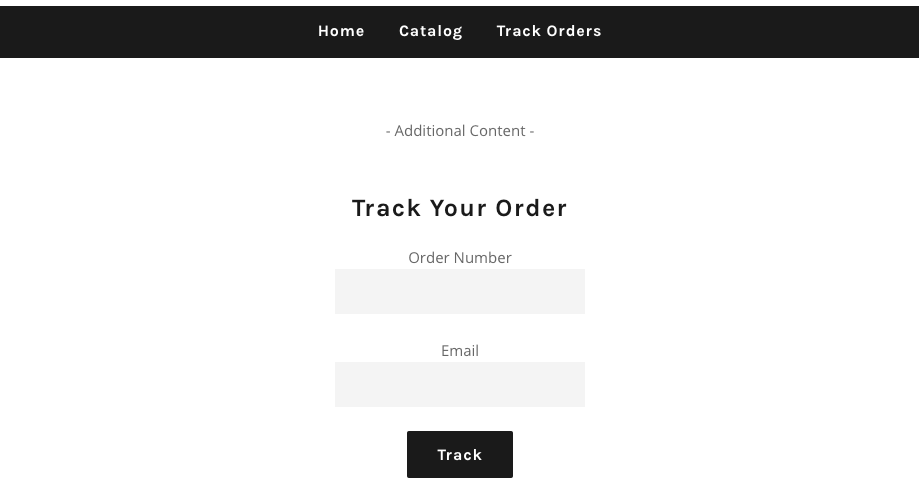\n\n\n---\n\n# Agent Instructions: Querying This Documentation\n\nIf you need additional information that is not directly available in this page, you can query the documentation dynamically by asking a question.\n\nPerform an HTTP GET request on the current page URL with the `ask` query parameter:\n\n```\nGET https://shoppad.gitbook.io/tracktor/customize-tracktor/customize-your-tracktor-page.md?ask=<question>\n```\n\nThe question should be specific, self-contained, and written in natural language.\nThe response will contain a direct answer to the question and relevant excerpts and sources from the documentation.\n\nUse this mechanism when the answer is not explicitly present in the current page, you need clarification or additional context, or you want to retrieve related documentation sections.\n\n\n---\n\n# customize-tracktor-statuses\nSource: https://shoppad.gitbook.io/tracktor/customize-tracktor/customize-tracktor-statuses\n\n# Customize Tracktor Statuses\n\n### Overview\n\nIn the event that your Shopify store uses a local delivery service or if there are custom steps that you'd like to add to an orders' status, Tracktor has got you covered.\n\nYou can create **Custom Order Statuses** from the **Reports** tab on the app dashboard and you can manually **Update Order Statuses** from the Tracktor dashboard or Shopify's Order Page. You can also bulk update order statuses so you do not have to manually update each order individually.\n\n* [Custom Order Statuses](#t1)\n* [Bulk Update Order Statuses from Tracktor](#t2)\n* [Update Order Statuses from Shopify Orders Page](#t3)\n* [Bulk Update Order Statuses from Shopify Orders Page](#t4)\n\nWant to automatically update an order's status with your custom order status X amount of days after the order was placed? You can do this through our automation app called **Mesa**, which helps with automating manual processes on your Shopify store. Click [here to learn more about Mesa](https://apps.shopify.com/mesa) and [here to learn more about Tracktor's capabilities within Mesa](https://www.getmesa.com/connect/tracktor).\n\n### Custom Order Statuses <a href=\"#t1\" id=\"t1\"></a>\n\nFrom the **Tracking Page** section under the **Custom Status** section, you will be able to add as many customized order statuses as you need. These will appear after the **Ordered** step and before the **Order Ready** step.\n\n<figure><img src=\"https://1355861988-files.gitbook.io/~/files/v0/b/gitbook-x-prod.appspot.com/o/spaces%2F49HdWB2HQJW7W5U764c1%2Fuploads%2F0rpnpTJu9vXfXtX6bWh2%2FTracktor_Customize_AS.png?alt=media&token=d7763098-d923-45df-819d-0eb656ab563f\" alt=\"\"><figcaption></figcaption></figure>\n\n**Note**: You will be limited to 3 custom order statuses if you are using the horizontal display layout. Choosing the vertical option will grant you access to unlimited custom order statuses.\n\n<figure><img src=\"https://1355861988-files.gitbook.io/~/files/v0/b/gitbook-x-prod.appspot.com/o/spaces%2F49HdWB2HQJW7W5U764c1%2Fuploads%2FJ44u1CG7of8KWD35ykzd%2Fimage.png?alt=media&token=2ff2e7fe-bdc9-4d95-93b2-db295daf2dad\" alt=\"\"><figcaption></figcaption></figure>\n\nMake sure to click on the **Save Changes** button at the top-right hand side of the dashboard.\n\n### Bulk Update Order Statuses from Tracktor <a href=\"#t2\" id=\"t2\"></a>\n\nNow that you've created some custom order statuses, follow these steps to manually update the status of your orders.\n\n1\\. Starting from the Tracktor app, navigate to the Reports tab.\n\n2\\. Click the white box next to the order number (e.g. #1001).\n\n3\\. Click **Update Status**\n\n<figure><img src=\"https://1355861988-files.gitbook.io/~/files/v0/b/gitbook-x-prod.appspot.com/o/spaces%2F49HdWB2HQJW7W5U764c1%2Fuploads%2FuXGcJWO995rsONo0AJjD%2FTracktor_updatestatu_AS.png?alt=media&token=de104b67-dee5-4b05-8dfc-ad44488fd804\" alt=\"\"><figcaption></figcaption></figure>\n\n4\\. Select the statuses to update. These statuses are the custom order statuses that you have created already in Tracktor:\n\n4a. Checking the **Automatic Order Updates** box will utilize whatever tracking number and carrier information that the order was fulfilled with for the rest of the shipping details.\n\n4b. If left unchecked, you will be able to manually update the shipping or delivery status of the order.\n\n<figure><img src=\"https://1355861988-files.gitbook.io/~/files/v0/b/gitbook-x-prod.appspot.com/o/spaces%2F49HdWB2HQJW7W5U764c1%2Fuploads%2F95n76Gn4By68EZzdGeKo%2FTracktor_status_AS.png?alt=media&token=f60e1fd6-d26b-4893-91f4-b8c183483ffe\" alt=\"\"><figcaption></figcaption></figure>\n\n5\\. Optionally, select a time for these updates.\n\n<figure><img src=\"https://1355861988-files.gitbook.io/~/files/v0/b/gitbook-x-prod.appspot.com/o/spaces%2F49HdWB2HQJW7W5U764c1%2Fuploads%2FDPqmFlykyZfRsH3yO56g%2FTracktor_time_AS.png?alt=media&token=fde570c9-f83c-40ad-a2fc-9c83ab45dbfb\" alt=\"\"><figcaption></figcaption></figure>\n\nNote: If you want the status to not have a time associated with it, fill out the time as 12:00 am.\n\n6\\. After you click **Save Changes**, the order will reflect the updates made on the Tracktor page on your Shopify store.\n\n### Update Order Statuses from Shopify Orders Page <a href=\"#t3\" id=\"t3\"></a>\n\n1\\. From the Shopify Admin dashboard, navigate to the Orders page.\n\n2\\. Click on an order you'd like to edit. Click on the **More Actions** button at the top, and then select **Tracktor: Update Status**.\n\n<figure><img src=\"https://1355861988-files.gitbook.io/~/files/v0/b/gitbook-x-prod.appspot.com/o/spaces%2F49HdWB2HQJW7W5U764c1%2Fuploads%2FlIOyx0XAU5BYrJVwuQcm%2FTracktor_OrderStatusAdmin_AS.png?alt=media&token=fe916889-ab9d-4ee2-aa91-fb387a97f2e8\" alt=\"\"><figcaption></figcaption></figure>\n\n3\\. The custom order statuses that were created will appear here. You can check each status by clicking on the and then readjust the dates for each step.\n\n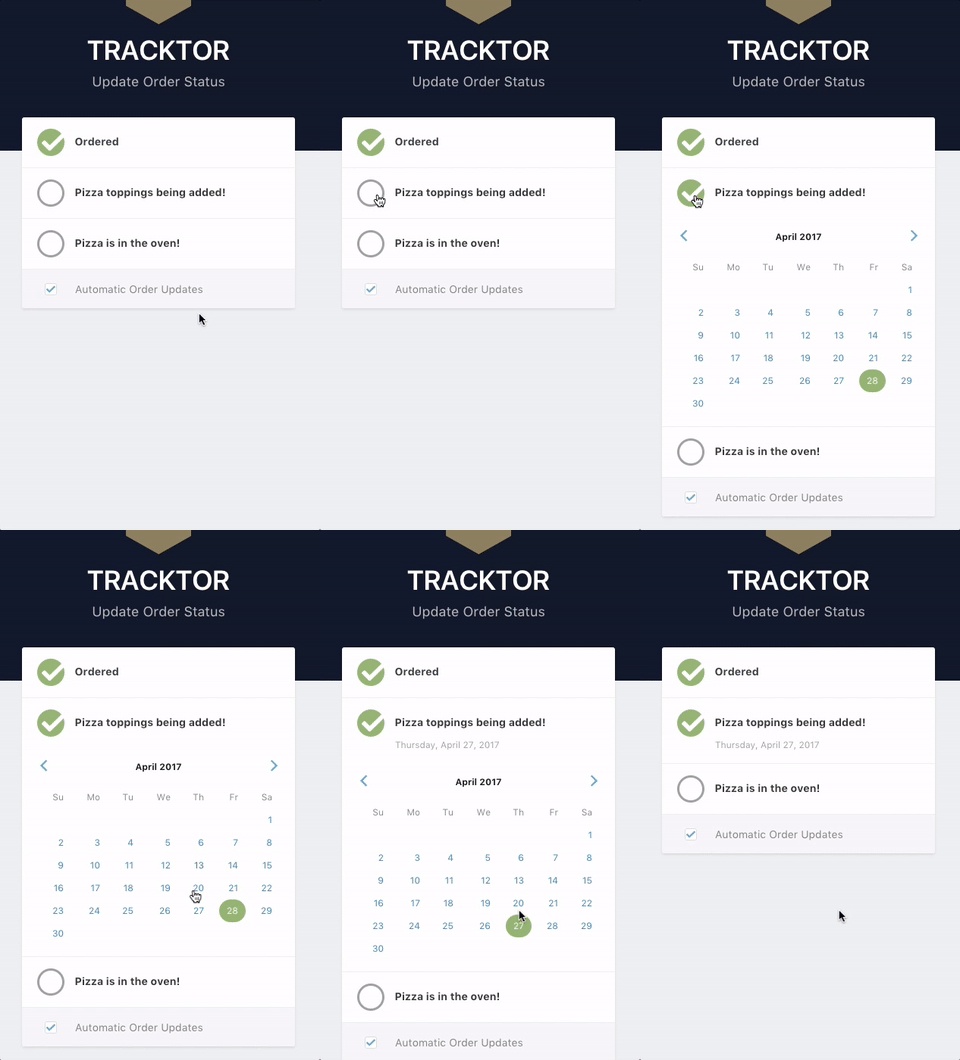\n\n4a. Checking the **Automatic Order Updates** box will utilize whatever tracking number and carrier information that the order was fulfilled with for the rest of the shipping details.\n\n4b. If left unchecked, you will be able to manually update the shipping or delivery status of the order.\n\n<div align=\"center\"><img src=\"https://1355861988-files.gitbook.io/~/files/v0/b/gitbook-x-prod.appspot.com/o/spaces%2F49HdWB2HQJW7W5U764c1%2Fuploads%2FmBzt94uXDyf8QZBPufSz%2Ffile-xCZOogou9k.png?alt=media&token=458369a2-26c7-42af-b6bc-504b65a484b5\" alt=\"\"></div>\n\n5\\. After you click **Save Changes**, the order will reflect the updates made on the Tracktor page on your Shopify store.\n\n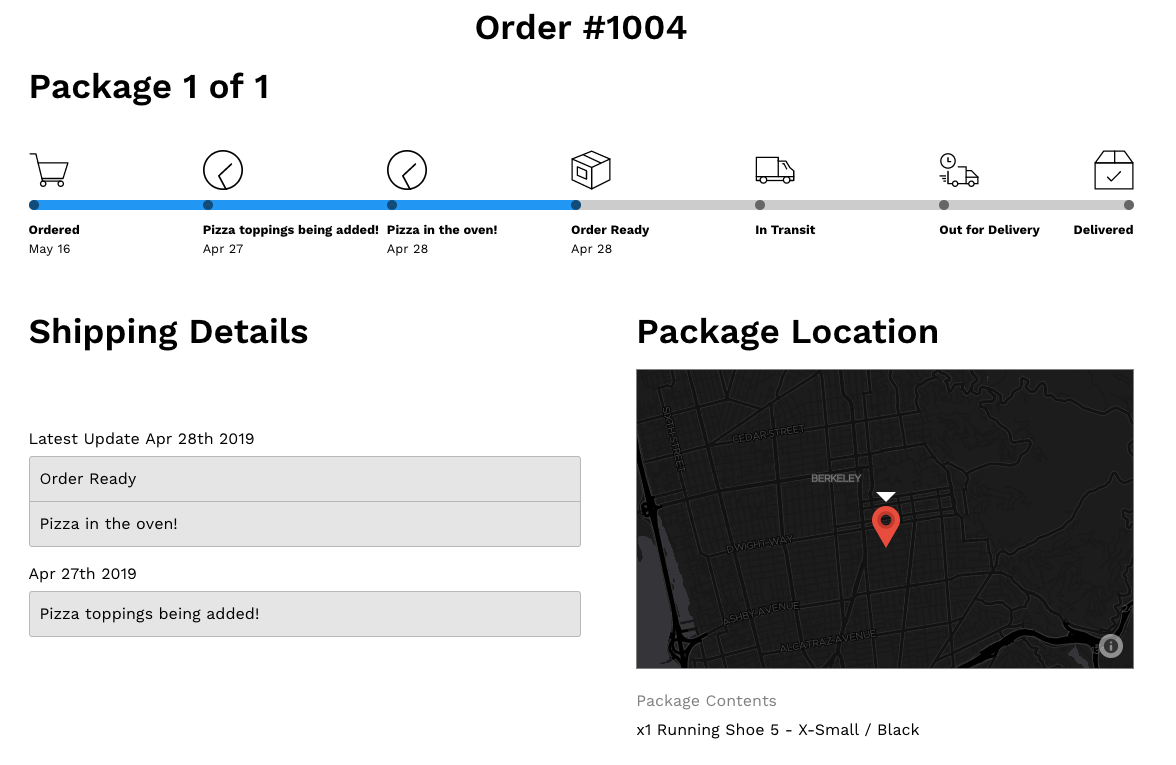\n\n### Bulk Update Order Statuses from Shopify Orders Page <a href=\"#t4\" id=\"t4\"></a>\n\n1\\. From the Shopify Admin dashboard, navigate to the **Orders** page.\n\n2\\. Select the unchecked checkboxes next to the orders that need their statuses updated.\n\n3\\. Click on the **\"...\"** button for more Options. Scroll down until you see **Tracktor: Update Statuses**, under **Apps.**\n\n<figure><img src=\"https://1355861988-files.gitbook.io/~/files/v0/b/gitbook-x-prod.appspot.com/o/spaces%2F49HdWB2HQJW7W5U764c1%2Fuploads%2FTBZmhburzxqNJ8w0lc8J%2Fimage.png?alt=media&token=89b63c50-9214-40d1-9f8a-7b1fb9af805b\" alt=\"\"><figcaption></figcaption></figure>\n\n4\\. Select the appropriate status that needs to be updated to selected orders.\n\n4a. Checking the **Automatic Order Updates** box will utilize whatever tracking number and carrier information that the order was fulfilled with for the rest of the shipping details.\n\n4b. If left unchecked, you will be able to manually update the shipping or delivery status of the order.\n\n5\\. Click on the **Save Changes** button and you're done!\n\n\n---\n\n# Agent Instructions: Querying This Documentation\n\nIf you need additional information that is not directly available in this page, you can query the documentation dynamically by asking a question.\n\nPerform an HTTP GET request on the current page URL with the `ask` query parameter:\n\n```\nGET https://shoppad.gitbook.io/tracktor/customize-tracktor/customize-tracktor-statuses.md?ask=<question>\n```\n\nThe question should be specific, self-contained, and written in natural language.\nThe response will contain a direct answer to the question and relevant excerpts and sources from the documentation.\n\nUse this mechanism when the answer is not explicitly present in the current page, you need clarification or additional context, or you want to retrieve related documentation sections.\n\n\n---\n\n# tracking-by-phone-number-or-email-address\nSource: https://shoppad.gitbook.io/tracktor/customize-tracktor/tracking-by-phone-number-or-email-address\n\n# Tracking by phone number or email address\n\nTracktor supports looking up orders by phone number as well as email address if your Shopify store is configured to allow checkout with email or phone number.\n\nTo make this experience clear to your users, you will need to make a couple of changes to the **Translation Strings** under the **Tracking Page** section. Follow the steps below to get started.\n\nIn order for users to look up their order by phone number, they must have checked out using their phone number, not their email address. If they check out with their email address, they must use their email address to look up their order.\n\n1. **Configure your Shopify Store to allow checkouts via Phone or Email**\n\nGo to your Shopify admin dashboard, click on **Settings**, then on **Checkout**. In the **Customer contact method** section, check the first option, \"Phone number or email\".\n\n<figure><img src=\"https://1355861988-files.gitbook.io/~/files/v0/b/gitbook-x-prod.appspot.com/o/spaces%2F49HdWB2HQJW7W5U764c1%2Fuploads%2FlRCTxuHiJTk7b3UWs68t%2FTracktor-tracking-by-phone.png%20-%20Step%201.png?alt=media&token=8359e3af-e38b-49f5-affd-42a3f3f6ed8e\" alt=\"\"><figcaption></figcaption></figure>\n\n2. **Set your Tracktor Translation strings**\n\nFrom the Tracktor dashboard, click on the **Settings** tab, then scroll down to the **Customize Language** section.\n\n<figure><img src=\"https://1355861988-files.gitbook.io/~/files/v0/b/gitbook-x-prod.appspot.com/o/spaces%2F49HdWB2HQJW7W5U764c1%2Fuploads%2FcFecM2619Ejz4EDFCLWo%2FScreenshot%202025-08-06%20at%2010.50.05%E2%80%AFAM.png?alt=media&token=067534a6-556d-4f75-bff8-79a373513026\" alt=\"\"><figcaption></figcaption></figure>\n\nEdit the **email** and **incorrect\\_email** strings to mention the phone number as well.\n\n3. **Don't forget to click the blue Save Changes button in the top right.**\n\n\n---\n\n# Agent Instructions: Querying This Documentation\n\nIf you need additional information that is not directly available in this page, you can query the documentation dynamically by asking a question.\n\nPerform an HTTP GET request on the current page URL with the `ask` query parameter:\n\n```\nGET https://shoppad.gitbook.io/tracktor/customize-tracktor/tracking-by-phone-number-or-email-address.md?ask=<question>\n```\n\nThe question should be specific, self-contained, and written in natural language.\nThe response will contain a direct answer to the question and relevant excerpts and sources from the documentation.\n\nUse this mechanism when the answer is not explicitly present in the current page, you need clarification or additional context, or you want to retrieve related documentation sections.\n\n\n---\n\n# display-a-banner\nSource: https://shoppad.gitbook.io/tracktor/customize-tracktor/display-a-banner\n\n# Display a banner\n\nFollow the steps below to add a banner to your store's tracking page.\n\n<figure><img src=\"https://1355861988-files.gitbook.io/~/files/v0/b/gitbook-x-prod.appspot.com/o/spaces%2F49HdWB2HQJW7W5U764c1%2Fuploads%2FRkIzucDBt14WfCx9J6lo%2FTracktor-banner-example.png%20-%20Step%201.png?alt=media&token=b49a8dca-40fb-4214-85d9-8bd791bb98ce\" alt=\"\"><figcaption></figcaption></figure>\n\n1\\. Copy the following banner snippet.\n\n```\n<div id =\"tracktor-banner\">\n <p><strong>Thanks for your purchase! Here's a little something to show our appreciation:</strong></p>\n <p>Use coupon code <span>THANKS1ST</span> to enjoy 20% of your next purchase</p>\n</div>\n```\n\n2\\. Navigate into your Tracktor dashboard and go to the **Tracking Page** section.\n\n3\\. Scroll to the bottom and paste the snippet into the **Custom HTML & CSS** section.\n\n4\\. Adjust the text within the \\<p>\\</p>, \\<strong>\\</strong>, and \\<span>\\</span> tags to display whatever text you desire.\n\n5\\. Scroll up and locate the **Custom CSS** section. \n\n6\\. Copy and paste the following CSS snippet.\n\n```\n#tracktor-banner {\n background-color: #c2c1cc;\n text-align: center;\n padding: 20px 0;\n margin-top: -10px;\n margin-left: 10px;\n margin-right: 10px;\n}\n\n#tracktor-banner p {\n margin-bottom: 0;\n color: #2d2b35;\n}\n\n#tracktor-banner p span {\n font-family: \"Courier New\", Courier, monospace;\n background-color: #ab7d07;\n border-radius: 2px;\n padding: 2px 10px;\n color: #fff;\n font-weight: bold;\n}\n```\n\nFeel free to adjust the CSS to match your theme's styles. \n\n7\\. Save your changes.\n\n{% hint style=\"info\" %}\nNeed assistance or further adjustments? Simply request help from our team by clicking on the **Contact Us** link below.\n{% endhint %}\n\n\n---\n\n# Agent Instructions: Querying This Documentation\n\nIf you need additional information that is not directly available in this page, you can query the documentation dynamically by asking a question.\n\nPerform an HTTP GET request on the current page URL with the `ask` query parameter:\n\n```\nGET https://shoppad.gitbook.io/tracktor/customize-tracktor/display-a-banner.md?ask=<question>\n```\n\nThe question should be specific, self-contained, and written in natural language.\nThe response will contain a direct answer to the question and relevant excerpts and sources from the documentation.\n\nUse this mechanism when the answer is not explicitly present in the current page, you need clarification or additional context, or you want to retrieve related documentation sections.\n\n\n---\n\n# change-the-tracking-url\nSource: https://shoppad.gitbook.io/tracktor/customize-tracktor/change-the-tracking-url\n\n# Change the Tracking URL\n\nIf you have followed [this article on adding a tracking link to your store's navigation](https://shoppad.gitbook.io/tracktor/readme/add-tracktor-to-your-stores-navigation), your tracking page's URL will have **/apps/tracktor/** at the end of your store's URL. For example, **[www.theshoppad.com/apps/tracktor/](http://www.theshoppad.com/apps/tracktor/)**.\n\nFollow the steps below if you would like to change the default tracking page's URL.\n\n1\\. In your Shopify admin dashboard, navigate into the **Apps and sales channels** tab.\n\n2\\. Find **Tracktor Order Tracking**, click the three dots, then select **View details**.\n\n<figure><img src=\"https://1355861988-files.gitbook.io/~/files/v0/b/gitbook-x-prod.appspot.com/o/spaces%2F49HdWB2HQJW7W5U764c1%2Fuploads%2FDpNGeH7skxpy3PcjakKm%2Ftracktor-view-details.png?alt=media&token=d52989b7-07ef-473a-8b9e-a653bdb4ab7a\" alt=\"\"><figcaption></figcaption></figure>\n\n3\\. Look for the **App Proxy** section, then click the **Customize URL** button.\n\n<figure><img src=\"https://1355861988-files.gitbook.io/~/files/v0/b/gitbook-x-prod.appspot.com/o/spaces%2F49HdWB2HQJW7W5U764c1%2Fuploads%2FwBqQMcCi0fL1uPF68kN4%2Ftracktor-customize-url.png?alt=media&token=9039d409-68c8-43f3-bef0-4c5a33318393\" alt=\"\"><figcaption></figcaption></figure>\n\n4\\. Customize the URL in the popup prompt.\n\n5\\. Save your changes.\n\n6\\. When you make those adjustments to the URL, you must now update the navigation link to your Tracktor page on your store. [Click here for directions on how to update your navigation link.](https://shoppad.gitbook.io/tracktor/readme/add-tracktor-to-your-stores-navigation)\n\n7\\. Also, when you make adjustments to the URL, you must now update the tracking link that you added to your order/shipping confirmation emails. [Click here for more information.](https://shoppad.gitbook.io/tracktor/readme/help-customers-track-orders)\n\nUsing our example, If the URL is changed to **[www.theshoppad.com/apps/shoppad/](http://www.theshoppad.com/apps/shoppad/)**, any existing tracking links must be changed to include \"shoppad\" instead of \"tracktor.\"\n\n**Before your URL change**: {{shop.url}}/apps/**tracktor**/track?token={{ email | split: \"\" | reverse | join: \"\" | replace: '@', '\\_-\\_' | url\\_encode }}\\&order={{ order.name | url\\_encode }}\n\n**After your URL change:** {{shop.url}}/apps/**shoppad**/track?token={{ email | split: \"\" | reverse | join: \"\" | replace: '@', '\\_-\\_' | url\\_encode }}\\&order={{ order.name | url\\_encode }}\n\nNow you are all set! 🎉\n\n\n---\n\n# Agent Instructions: Querying This Documentation\n\nIf you need additional information that is not directly available in this page, you can query the documentation dynamically by asking a question.\n\nPerform an HTTP GET request on the current page URL with the `ask` query parameter:\n\n```\nGET https://shoppad.gitbook.io/tracktor/customize-tracktor/change-the-tracking-url.md?ask=<question>\n```\n\nThe question should be specific, self-contained, and written in natural language.\nThe response will contain a direct answer to the question and relevant excerpts and sources from the documentation.\n\nUse this mechanism when the answer is not explicitly present in the current page, you need clarification or additional context, or you want to retrieve related documentation sections.\n\n\n---\n\n# update-the-tracking-link\nSource: https://shoppad.gitbook.io/tracktor/customize-tracktor/update-the-tracking-link\n\n# Update the tracking link\n\nTracktor can automatically update the tracking URLs in Shopify to direct to your tracking page instead of the carrier website with its Tracking URL feature.\n\n**Important Note**: This feature is not compatible with [Shopify Markets](https://help.shopify.com/en/manual/markets) at this time. Please do not enable this feature if you have enabled Shopify Markets on your store.\n\nThe tracking URLs will be updated in the following places:\n\n* **Order Status page** (example provided at the end of this article)\n* **Shipping Out for Delivery email notifications**\n* **Shipping Delivered email notifications**\n\nFollow the steps below to start using this feature.\n\n1\\. From your Tracktor dashboard, navigate to the **Tracking Page** tab.\n\n<figure><img src=\"https://1355861988-files.gitbook.io/~/files/v0/b/gitbook-x-prod.appspot.com/o/spaces%2F49HdWB2HQJW7W5U764c1%2Fuploads%2FsT73za1kZff1Co2n2gp4%2Fimage.png?alt=media&token=a28a03dc-097a-4d04-a2d0-f5b149f78baf\" alt=\"\"><figcaption></figcaption></figure>\n\n2\\. Enable the **Notifications** toggle in the Fulfillment Events section towards the bottom of the page.\n\n<figure><img src=\"https://1355861988-files.gitbook.io/~/files/v0/b/gitbook-x-prod.appspot.com/o/spaces%2F49HdWB2HQJW7W5U764c1%2Fuploads%2FsdhWcGQvSOA7NAB1Fc7j%2Fimage.png?alt=media&token=ea7b8916-e01f-40f0-8f2a-7b544e547fe7\" alt=\"\"><figcaption></figcaption></figure>\n\n3\\. Click on the **Delivery Notifications** hyperlink (shown above), and confirm that your **Shipping Out for Delivery**, and **Shipping Delivered** notifications are checked.\n\n<figure><img src=\"https://1355861988-files.gitbook.io/~/files/v0/b/gitbook-x-prod.appspot.com/o/spaces%2F49HdWB2HQJW7W5U764c1%2Fuploads%2F6c1xqj4XpLuFQVXETyxl%2Fimage.png?alt=media&token=2b420ba0-df24-410e-b00c-4e52c38c4c9e\" alt=\"\"><figcaption></figcaption></figure>\n\nTo add a tracking link to your **Order Confirmation** and **Shipping Confirmation** email notifications, you will have to follow [these instructions](https://shoppad.gitbook.io/tracktor/readme/help-customers-track-orders).\n\n4\\. Enable the **Tracking URL** toggle in the Fulfillment Events section.\n\n<figure><img src=\"https://1355861988-files.gitbook.io/~/files/v0/b/gitbook-x-prod.appspot.com/o/spaces%2F49HdWB2HQJW7W5U764c1%2Fuploads%2FnNWoMMUN8ihhG9IWcwjL%2Fimage.png?alt=media&token=76e4d4c9-82ca-4442-b662-860ba88626f6\" alt=\"\"><figcaption></figcaption></figure>\n\nOnce complete, Tracktor will automatically update the tracking URLs to direct to your tracking page for your Order Status page, Shipping Out for Delivery, and Shipping Delivered notifications.\n\nHere is an example of an Order Status page where the tracking number's URL now directs to the store's tracking page.\n\n<figure><img src=\"https://1355861988-files.gitbook.io/~/files/v0/b/gitbook-x-prod.appspot.com/o/spaces%2F49HdWB2HQJW7W5U764c1%2Fuploads%2FlerpXeW6ayp5hPD958qF%2Fimage.png?alt=media&token=f17bc61a-1ab7-4da0-89ea-2ad6af3f36e0\" alt=\"\"><figcaption></figcaption></figure>\n\n\n---\n\n# Agent Instructions: Querying This Documentation\n\nIf you need additional information that is not directly available in this page, you can query the documentation dynamically by asking a question.\n\nPerform an HTTP GET request on the current page URL with the `ask` query parameter:\n\n```\nGET https://shoppad.gitbook.io/tracktor/customize-tracktor/update-the-tracking-link.md?ask=<question>\n```\n\nThe question should be specific, self-contained, and written in natural language.\nThe response will contain a direct answer to the question and relevant excerpts and sources from the documentation.\n\nUse this mechanism when the answer is not explicitly present in the current page, you need clarification or additional context, or you want to retrieve related documentation sections.\n\n\n---\n\n# translate-the-tracking-details\nSource: https://shoppad.gitbook.io/tracktor/customize-tracktor/translate-the-tracking-details\n\n# Translate the tracking details\n\nFollow the steps below to translate the text that appears on the Tracktor page. \n\n1\\. Starting from your Tracktor dashboard, click on **\"Tracking Page\"** from the menu list. \n\n2\\. Scroll down to the **Translation Strings** section.\n\n3\\. Edit the text of any phrase as you'd like.\n\n<figure><img src=\"https://1355861988-files.gitbook.io/~/files/v0/b/gitbook-x-prod.appspot.com/o/spaces%2F49HdWB2HQJW7W5U764c1%2Fuploads%2FUpVHENTDreDGoteypDjX%2FTranslate-Text-on-Tracking-Page_png_-_Step_1__1_.png?alt=media&token=dceea2f2-928b-4d25-b5aa-a6cb705618fc\" alt=\"\"><figcaption></figcaption></figure>\n\n4\\. **Save** your changes.\n\n### Translate: Language Setting\n\nCurrently only available for **Starter** Plan and above.\n\nYou can change the language of the text displayed on your tracking page to one language, under the **Language** setting. This setting will translate not only the Translation Strings but also the tracking information on the page.\n\nWe currently have language support for:\n\n* No Translation\n* English\n* Spanish\n* French\n* German\n* Italian\n* Dutch\n* Portuguese\n\nChoosing **No Translation** will mean the language for the tracking information will be decided by the carrier. \n\n\n---\n\n# Agent Instructions: Querying This Documentation\n\nIf you need additional information that is not directly available in this page, you can query the documentation dynamically by asking a question.\n\nPerform an HTTP GET request on the current page URL with the `ask` query parameter:\n\n```\nGET https://shoppad.gitbook.io/tracktor/customize-tracktor/translate-the-tracking-details.md?ask=<question>\n```\n\nThe question should be specific, self-contained, and written in natural language.\nThe response will contain a direct answer to the question and relevant excerpts and sources from the documentation.\n\nUse this mechanism when the answer is not explicitly present in the current page, you need clarification or additional context, or you want to retrieve related documentation sections.\n\n\n---\n\n# expert-install-service\nSource: https://shoppad.gitbook.io/tracktor/expert-install-service\n\n# Expert Install Service\n\n- [Request the Expert Install Service](https://shoppad.gitbook.io/tracktor/expert-install-service/request-the-expert-install-service.md)\n- [What's included with the Tracktor Expert Install Service](https://shoppad.gitbook.io/tracktor/expert-install-service/whats-included-with-the-tracktor-expert-install-service.md)\n- [Add a ShopPad team member to your store](https://shoppad.gitbook.io/tracktor/expert-install-service/add-a-shoppad-team-member-to-your-store.md)\n- [Approving ShopPad Collaborator Request](https://shoppad.gitbook.io/tracktor/expert-install-service/approving-shoppad-collaborator-request.md)\n\n\n---\n\n# Agent Instructions: Querying This Documentation\n\nIf you need additional information that is not directly available in this page, you can query the documentation dynamically by asking a question.\n\nPerform an HTTP GET request on the current page URL with the `ask` query parameter:\n\n```\nGET https://shoppad.gitbook.io/tracktor/expert-install-service.md?ask=<question>\n```\n\nThe question should be specific, self-contained, and written in natural language.\nThe response will contain a direct answer to the question and relevant excerpts and sources from the documentation.\n\nUse this mechanism when the answer is not explicitly present in the current page, you need clarification or additional context, or you want to retrieve related documentation sections.\n\n\n---\n\n# request-the-expert-install-service\nSource: https://shoppad.gitbook.io/tracktor/expert-install-service/request-the-expert-install-service\n\n# Request the Expert Install Service\n\nNeed some assistance setting up and styling Tracktor? Simply request the Expert Install Service from your **Tracktor app sidebar** under the **Help section**, and our team can do it for you. [Click here to see what's included](https://shoppad.gitbook.io/tracktor/expert-install-service/whats-included-with-the-tracktor-expert-install-service).\n\n<figure><img src=\"https://1355861988-files.gitbook.io/~/files/v0/b/gitbook-x-prod.appspot.com/o/spaces%2F49HdWB2HQJW7W5U764c1%2Fuploads%2Fx6bqt1ljYTJqHKvOo1ud%2Fimage.png?alt=media&token=91624d6f-db07-4354-8b5b-e0fcf4c37990\" alt=\"\"><figcaption></figcaption></figure>\n\nAfter you've filled out the information, we will send you a [collaborator's request](https://shoppad.gitbook.io/tracktor/expert-install-service/approving-shoppad-collaborator-request) and we'll proceed with the app installation within 1 business day. \\\n\\\nWe will need access to your settings (notifications), Search/Navigation, and Applications.\n\n\n---\n\n# Agent Instructions: Querying This Documentation\n\nIf you need additional information that is not directly available in this page, you can query the documentation dynamically by asking a question.\n\nPerform an HTTP GET request on the current page URL with the `ask` query parameter:\n\n```\nGET https://shoppad.gitbook.io/tracktor/expert-install-service/request-the-expert-install-service.md?ask=<question>\n```\n\nThe question should be specific, self-contained, and written in natural language.\nThe response will contain a direct answer to the question and relevant excerpts and sources from the documentation.\n\nUse this mechanism when the answer is not explicitly present in the current page, you need clarification or additional context, or you want to retrieve related documentation sections.\n\n\n---\n\n# whats-included-with-the-tracktor-expert-install-service\nSource: https://shoppad.gitbook.io/tracktor/expert-install-service/whats-included-with-the-tracktor-expert-install-service\n\n# What's included with the Tracktor Expert Install Service\n\nThe **Expert Install Service** comes with the setup and styling of Tracktor. Our support team will install Tracktor for you in one business day.\n\nThe service is completely free of charge and includes the following:\n\n* [Add a tracking link to your store's navigation](https://shoppad.gitbook.io/tracktor/readme/add-tracktor-to-your-stores-navigation)\n* [Add a tracking link to your order and shipping confirmation email templates](https://shoppad.gitbook.io/tracktor/readme/help-customers-track-orders)\n* Format the look of the Tracktor form page so that it matches your theme's look and feel\n* Confirm that your orders are displaying accurate shipping data on the Tracktor form (optional upon request)\n\nAfter the installation is complete, you will continue to have access to our exceptional support. 💪\n\nOur team of experts is always happy to answer questions!\n\n{% hint style=\"info\" %}\nHow to request our Expert Install Service? [Click here!](https://shoppad.gitbook.io/tracktor/expert-install-service/request-the-expert-install-service)\n{% endhint %}\n\n\n---\n\n# Agent Instructions: Querying This Documentation\n\nIf you need additional information that is not directly available in this page, you can query the documentation dynamically by asking a question.\n\nPerform an HTTP GET request on the current page URL with the `ask` query parameter:\n\n```\nGET https://shoppad.gitbook.io/tracktor/expert-install-service/whats-included-with-the-tracktor-expert-install-service.md?ask=<question>\n```\n\nThe question should be specific, self-contained, and written in natural language.\nThe response will contain a direct answer to the question and relevant excerpts and sources from the documentation.\n\nUse this mechanism when the answer is not explicitly present in the current page, you need clarification or additional context, or you want to retrieve related documentation sections.\n\n\n---\n\n# add-a-shoppad-team-member-to-your-store\nSource: https://shoppad.gitbook.io/tracktor/expert-install-service/add-a-shoppad-team-member-to-your-store\n\n# Add a ShopPad team member to your store\n\nBefore we can start setting up your app, we'll need access to your Shopify admin dashboard.\n\nFollow the instructions below to invite our team to your store.\n\n1\\. Log into your Shopify admin dashboard. (your-store.myshopify.com/admin)\n\n2\\. Click on the **Settings** button and choose **Users and permissions**.\n\n<figure><img src=\"https://1355861988-files.gitbook.io/~/files/v0/b/gitbook-x-prod.appspot.com/o/spaces%2F49HdWB2HQJW7W5U764c1%2Fuploads%2FjcG3HZqMOO4nD0UVvP2J%2FStaff-Invite-Doc_png_-_Step_1.png?alt=media&token=a5283ec4-d594-4f2f-b80f-acbf11f7ff87\" alt=\"\"><figcaption></figcaption></figure>\n\n4\\. Locate the **Staff accounts** section, then click **Add staff**.\n\n<figure><img src=\"https://1355861988-files.gitbook.io/~/files/v0/b/gitbook-x-prod.appspot.com/o/spaces%2F49HdWB2HQJW7W5U764c1%2Fuploads%2FwSl9Dr17p3Hp0BLKETSh%2FStaff-Invite-Doc_png_-_Step_2.png?alt=media&token=b3853b69-b110-4280-8359-505750a1ab97\" alt=\"\"><figcaption></figcaption></figure>\n\n5\\. You may enter anything in the first name and last name fields. Use our customer support email, **<[email protected]>**, as the email address for the new staff account.\n\n6\\. If all permissions are not given, please provide our team with the following access:\n\n* General\n * Orders\n * Products\n * Apps and channels\n* Online Store\n * Theme --> **Edit theme code**\n * Blog post and pages (if using Blog Studio/Page Studio)\n * Navigation\n* Administration\n * Manage settings\n\n7\\. Click the **Send invite** button.\n\nA ShopPad team member will contact you once the setup has been completed. Feel free to remove our access to your store once we've completed assisting you.\n\n\n---\n\n# Agent Instructions: Querying This Documentation\n\nIf you need additional information that is not directly available in this page, you can query the documentation dynamically by asking a question.\n\nPerform an HTTP GET request on the current page URL with the `ask` query parameter:\n\n```\nGET https://shoppad.gitbook.io/tracktor/expert-install-service/add-a-shoppad-team-member-to-your-store.md?ask=<question>\n```\n\nThe question should be specific, self-contained, and written in natural language.\nThe response will contain a direct answer to the question and relevant excerpts and sources from the documentation.\n\nUse this mechanism when the answer is not explicitly present in the current page, you need clarification or additional context, or you want to retrieve related documentation sections.\n\n\n---\n\n# approving-shoppad-collaborator-request\nSource: https://shoppad.gitbook.io/tracktor/expert-install-service/approving-shoppad-collaborator-request\n\n# Approving ShopPad Collaborator Request\n\nCollaborator permissions provide our team access to approved sections of your store. Please not that these accounts don't count towards your store's [staff limit](https://help.shopify.com/en/manual/your-account/staff-accounts). \\\n\\\nOnly the store owner, or staff with Manage collaborator requests permission, can view collaborator access requests or grant collaborator access to a store. The request can be found as an email or a notification on your Shopify Home.\\\n\\\nHere is how to approve a collaborator request from our team: \\\n\\\n1\\. **Select Home from your main Shopify home page.** \n\n<figure><img src=\"https://d33v4339jhl8k0.cloudfront.net/docs/assets/555e25e4e4b027e1978e1c9a/images/64b88cd1a9d61472afe090b1/file-9PMjTqKx8x.png\" alt=\"\"><figcaption></figcaption></figure>\n\n2\\. **Scroll down to then Users and permissions tab.** \n\n<figure><img src=\"https://d33v4339jhl8k0.cloudfront.net/docs/assets/555e25e4e4b027e1978e1c9a/images/64b88cd8a9d61472afe090b2/file-uJyARJa3tI.png\" alt=\"\"><figcaption></figcaption></figure>\n\n**3. Then, scroll down further to the collaborators section.** <br>\n\n<figure><img src=\"https://d33v4339jhl8k0.cloudfront.net/docs/assets/555e25e4e4b027e1978e1c9a/images/64b88ce0c2f5ed048130c929/file-ku6irH7BGb.png\" alt=\"\"><figcaption></figcaption></figure>\n\n\n---\n\n# Agent Instructions: Querying This Documentation\n\nIf you need additional information that is not directly available in this page, you can query the documentation dynamically by asking a question.\n\nPerform an HTTP GET request on the current page URL with the `ask` query parameter:\n\n```\nGET https://shoppad.gitbook.io/tracktor/expert-install-service/approving-shoppad-collaborator-request.md?ask=<question>\n```\n\nThe question should be specific, self-contained, and written in natural language.\nThe response will contain a direct answer to the question and relevant excerpts and sources from the documentation.\n\nUse this mechanism when the answer is not explicitly present in the current page, you need clarification or additional context, or you want to retrieve related documentation sections.\n\n\n---\n\n# troubleshooting\nSource: https://shoppad.gitbook.io/tracktor/troubleshooting\n\n# Troubleshooting\n\n- [Order Alerts: Troubleshooting Statuses](https://shoppad.gitbook.io/tracktor/troubleshooting/order-alerts-troubleshooting-statuses.md)\n- [Fulfilling an order with multiple tracking numbers](https://shoppad.gitbook.io/tracktor/troubleshooting/fulfilling-an-order-with-multiple-tracking-numbers.md)\n- [Solutions to Tracking URL feature sending 2 emails upon fulfillment](https://shoppad.gitbook.io/tracktor/troubleshooting/solutions-to-tracking-url-feature-sending-2-emails-upon-fulfillment.md)\n- [The fulfillment doesn't have a tracking number associated with it](https://shoppad.gitbook.io/tracktor/troubleshooting/the-fulfillment-doesnt-have-a-tracking-number-associated-with-it.md)\n- [Replacing an order's old tracking number with a new tracking number](https://shoppad.gitbook.io/tracktor/troubleshooting/replacing-an-orders-old-tracking-number-with-a-new-tracking-number.md)\n- [Why are my past orders not showing in the Tracktor dashboard?](https://shoppad.gitbook.io/tracktor/troubleshooting/why-are-my-past-orders-not-showing-in-the-tracktor-dashboard.md)\n- [Uninstalling Tracktor](https://shoppad.gitbook.io/tracktor/troubleshooting/uninstalling-tracktor.md)\n- [Steps for uninstalling Tracktor](https://shoppad.gitbook.io/tracktor/troubleshooting/uninstalling-tracktor/steps-for-uninstalling-tracktor.md)\n- [Redirect customers away from Tracktor page after uninstalling](https://shoppad.gitbook.io/tracktor/troubleshooting/uninstalling-tracktor/redirect-customers-away-from-tracktor-page-after-uninstalling.md)\n- [Cancel your Subscription](https://shoppad.gitbook.io/tracktor/troubleshooting/uninstalling-tracktor/cancel-your-subscription.md)\n- [Development Store/Affiliate Store Plans](https://shoppad.gitbook.io/tracktor/troubleshooting/development-store-affiliate-store-plans.md)\n\n\n---\n\n# Agent Instructions: Querying This Documentation\n\nIf you need additional information that is not directly available in this page, you can query the documentation dynamically by asking a question.\n\nPerform an HTTP GET request on the current page URL with the `ask` query parameter:\n\n```\nGET https://shoppad.gitbook.io/tracktor/troubleshooting.md?ask=<question>\n```\n\nThe question should be specific, self-contained, and written in natural language.\nThe response will contain a direct answer to the question and relevant excerpts and sources from the documentation.\n\nUse this mechanism when the answer is not explicitly present in the current page, you need clarification or additional context, or you want to retrieve related documentation sections.\n\n\n---\n\n# order-alerts-troubleshooting-statuses\nSource: https://shoppad.gitbook.io/tracktor/troubleshooting/order-alerts-troubleshooting-statuses\n\n# Order Alerts: Troubleshooting Statuses\n\nIn the Tracktor dashboard, you can sort your orders and fulfillments by **Alerts** under the **Orders and Fulfillments** section.\n\n<figure><img src=\"https://1355861988-files.gitbook.io/~/files/v0/b/gitbook-x-prod.appspot.com/o/spaces%2F49HdWB2HQJW7W5U764c1%2Fuploads%2FhMViQJy5Jfng3EJ3lr45%2Ftracktor-alert.png?alt=media&token=62db486f-ce92-4562-aa4d-008038c606c3\" alt=\"\"><figcaption></figcaption></figure>\n\n### What do these shipping alerts mean?\n\n#### **Shipping Exception** <a href=\"#shipping-exception\" id=\"shipping-exception\"></a>\n\nThe **Shipping Exception** alert occurs when a package is temporarily delayed while in transit. These exceptions may occur because the package was incorrectly addressed, a recipient was unavailable, etc.\n\nYou can view the tracking information for additional details.\n\n#### **Failed Attempt** <a href=\"#failed-attempt\" id=\"failed-attempt\"></a>\n\nWhen a carrier has made an attempt to deliver a package. A **Failed Attempt** alert occurs if someone at the address is not available to receive the parcel.\n\nWe recommend reaching out to the customer to help coordinate the delivery before the package is returned.\n\n#### **Pending Details** <a href=\"#pending-details\" id=\"pending-details\"></a>\n\nWhen an order is waiting on the carrier to update with new tracking information. The **Pending Details** alert occurs when there is no information yet as the package is pending to track or the carrier is wrong. Please wait for update or check the carrier.\n\nWe recommend that you check with your supplier to see if the order has shipped. If the order has shipped, please [read this document to learn how to use Tracktor's carrier mapping feature.](https://shoppad.gitbook.io/tracktor/readme/setting-up-carrier-mapping)\n\n#### **Tracking Expired** <a href=\"#tracking-expired\" id=\"tracking-expired\"></a>\n\nWhen a carrier no longer has tracking information on an order. The **Tracking Expired** alert occurs when an order's tracking number has been deleted or 30 days has passed.\n\n#### **Needs Attention** <a href=\"#needs-attention\" id=\"needs-attention\"></a>\n\nThe **Needs Attention** alert occurs when we are unable to retrieve tracking information for your tracking number. This could be because the tracking was recently created and has not entered the carrier's system, or because the tracking number is invalid, or is associated with the wrong carrier.\n\n#### **Cancelled** <a href=\"#cancelled\" id=\"cancelled\"></a>\n\nThe **Cancelled** alert occurs when the carrier has reported that the tracking has been cancelled.\n\n### How to troubleshoot for the Needs Attention alert?\n\nCheck the order on the Shopify **Orders** section. If the order is not fulfilled with a tracking number, [you can resolve the issue by fulfilling the order with a tracking number.](https://shoppad.gitbook.io/tracktor/troubleshooting/the-fulfillment-doesnt-have-a-tracking-number-associated-with-it)\n\nIf an order is fulfilled with a tracking number and has shipped but is displaying **Needs Attention**, the order may require a carrier mapping to support carriers that are not supported by Shopify and as a result, display up to date tracking information.\n\n[This document will walk you through on how to use Tracktor's carrier mapping feature.](https://shoppad.gitbook.io/tracktor/readme/setting-up-carrier-mapping)\n\nIf the order has not yet shipped, you will not need to take any action and the tracking information will be updated automatically.\n\n\n---\n\n# Agent Instructions: Querying This Documentation\n\nIf you need additional information that is not directly available in this page, you can query the documentation dynamically by asking a question.\n\nPerform an HTTP GET request on the current page URL with the `ask` query parameter:\n\n```\nGET https://shoppad.gitbook.io/tracktor/troubleshooting/order-alerts-troubleshooting-statuses.md?ask=<question>\n```\n\nThe question should be specific, self-contained, and written in natural language.\nThe response will contain a direct answer to the question and relevant excerpts and sources from the documentation.\n\nUse this mechanism when the answer is not explicitly present in the current page, you need clarification or additional context, or you want to retrieve related documentation sections.\n\n\n---\n\n# fulfilling-an-order-with-multiple-tracking-numbers\nSource: https://shoppad.gitbook.io/tracktor/troubleshooting/fulfilling-an-order-with-multiple-tracking-numbers\n\n# Fulfilling an order with multiple tracking numbers\n\nWhen an order needs to be fulfilled by more than one supplier, you can add multiple tracking numbers to the order. Follow the steps below on how to add multiple tracking numbers.\n\n1\\. Starting from your Shopify admin dashboard, navigate to the **Orders** tab.\n\n<figure><img src=\"https://1355861988-files.gitbook.io/~/files/v0/b/gitbook-x-prod.appspot.com/o/spaces%2F49HdWB2HQJW7W5U764c1%2Fuploads%2F7NfAm3NQYvbAhMGVJvKg%2Fimage.png?alt=media&token=80b18929-4857-4a2d-bafe-3b10986a0bfa\" alt=\"\"><figcaption></figcaption></figure>\n\n2\\. Navigate to an order that needs to be fulfilled and click on the **Fulfill items** button. To learn more about Shopify's order fulfillment process, [click here!](https://help.shopify.com/manual/orders/fulfill-orders)\n\n<figure><img src=\"https://1355861988-files.gitbook.io/~/files/v0/b/gitbook-x-prod.appspot.com/o/spaces%2F49HdWB2HQJW7W5U764c1%2Fuploads%2FKFoyT1hdkcNHRm6uuXgr%2Fimage.png?alt=media&token=69195b08-9ec9-41e2-abbf-6dbf24c9e204\" alt=\"\"><figcaption></figcaption></figure>\n\n3\\. In this example, we will only fulfill the **3-Candle Box Set** product at this time and not the other products. \n\nTo do this, you will want to click on the quantity selector for the products that you **do not** need to fulfill (Single Candle products). Adjust the quantity of these products to the number **0**.\n\n<figure><img src=\"https://1355861988-files.gitbook.io/~/files/v0/b/gitbook-x-prod.appspot.com/o/spaces%2F49HdWB2HQJW7W5U764c1%2Fuploads%2FqSI1NL1DyP1QNfl7Oy45%2Fimage.png?alt=media&token=0b8a4bb3-c838-49de-a44d-4e1a67da7271\" alt=\"\"><figcaption></figcaption></figure>\n\nYou should now see that the Summary contains 1 fulfillments or packages (1 of 4). \n\n4\\. Then, add the appropriate **Tracking number** along with the **Shipping carrier** for the specific product.\n\n5\\. Click on **Fulfill items**. \n\n6\\. Afterwards, you will see that the 3-Candle Box Set product was the only product that was fulfilled in this order.\n\n<figure><img src=\"https://1355861988-files.gitbook.io/~/files/v0/b/gitbook-x-prod.appspot.com/o/spaces%2F49HdWB2HQJW7W5U764c1%2Fuploads%2FucAXTRKoj2ZESidBqEa1%2Fimage.png?alt=media&token=95f6974d-604b-4b06-ac12-2b95b606e608\" alt=\"\"><figcaption></figcaption></figure>\n\nYou will want to do the same steps for the other products in the order and then, you are all set! 🎉\n\nWant to see an example on our demo store? [Click here to see an order with multiple tracking numbers!](https://demo-shoppad.myshopify.com/apps/tracktor/track?order=1012\\&token=moc.dappohseht_-_tcatnoc) 📦\n\n\n---\n\n# Agent Instructions: Querying This Documentation\n\nIf you need additional information that is not directly available in this page, you can query the documentation dynamically by asking a question.\n\nPerform an HTTP GET request on the current page URL with the `ask` query parameter:\n\n```\nGET https://shoppad.gitbook.io/tracktor/troubleshooting/fulfilling-an-order-with-multiple-tracking-numbers.md?ask=<question>\n```\n\nThe question should be specific, self-contained, and written in natural language.\nThe response will contain a direct answer to the question and relevant excerpts and sources from the documentation.\n\nUse this mechanism when the answer is not explicitly present in the current page, you need clarification or additional context, or you want to retrieve related documentation sections.\n\n\n---\n\n# solutions-to-tracking-url-feature-sending-2-emails-upon-fulfillment\nSource: https://shoppad.gitbook.io/tracktor/troubleshooting/solutions-to-tracking-url-feature-sending-2-emails-upon-fulfillment\n\n# Solutions to Tracking URL feature sending 2 emails upon fulfillment\n\n### Background\n\nTracktor's [Tracking URL feature](https://shoppad.gitbook.io/tracktor/customize-tracktor/update-the-tracking-link) allows you to change tracking URLs in Shopify to direct to your tracking page instead of the carrier website throughout your store. This URL is present in the Order Status page, Shipping out for delivery, and Shipping delivered email notifications.\n\nEnabling this feature results in Shopify sending customers 2 email notifications when an order is fulfilled:\n\n1. First, Shopify will send a **Shipping Confirmation** email which is triggered when an order is fulfilled.\n2. Second, Shopify will send a **Shipping Update** email which is triggered when an order's tracking details are updated.\n\nThis second email is sent because when an order is fulfilled, Tracktor will automatically and immediately update the Tracking URL inside the order. This tracking URL update counts as a shipping update which triggers a Shipping Update email.\n\nThis tracking URL is shown here in the order:\n\n<figure><img src=\"https://1355861988-files.gitbook.io/~/files/v0/b/gitbook-x-prod.appspot.com/o/spaces%2F49HdWB2HQJW7W5U764c1%2Fuploads%2Fa8v1cGj2Kwk70cTPsyp1%2Fimage.png?alt=media&token=92d0e6d6-9bc0-4684-9e70-3d87d173efe1\" alt=\"\"><figcaption></figcaption></figure>\n\n### Solutions\n\nSending out these 2 emails, **Shipping Confirmation** and **Shipping Update**, back-to-back may be seen as inconvenient. To remedy this, there are 2 main solutions.\n\n**1. Disable the 'Tracking URL' feature.**\n\nThis will avoid sending the **Shipping Update** email. This will also prevent Tracktor from automatically updating the Tracking URL on the Order Status page and in the shipping emails.\n\nTo account for this, follow these instructions to [add a tracking link to your emails](https://shoppad.gitbook.io/tracktor/readme/help-customers-track-orders), [remove the carrier link from your emails](https://shoppad.gitbook.io/tracktor/dropshipping-settings/remove-the-shipping-url-from-shipping-confirmation-emails), and manually adjust the tracking URL for trackable orders to point to Tracktor and not the carrier website.\n\n**2. Adjust the language in your Shipping Confirmation and Shipping Update emails**\n\nAdjust the language in these emails to make this shipping process more clear.\n\nThe goal is to make the **Shipping Confirmation** email notification sound more like a fulfillment notice (which is what it actually is), and the **Shipping Update** email sound more like an \"Order is on its way\" email. This should make more sense to the customer.\n\nFollow the instructions below to make these changes.\n\n1\\. Starting from your Shopify admin, click on **Settings**, then on **Notifications**, and **Customer Notifications**.\n\n2\\. Open the **Shipping Confirmation** email notification template.\n\n3\\. Adjust the **Email subject** line by clicking the **Edit Code** button. (Suggested adjustment: A shipment from Order {{ name }} has been fulfilled)\n\n<figure><img src=\"https://1355861988-files.gitbook.io/~/files/v0/b/gitbook-x-prod.appspot.com/o/spaces%2F49HdWB2HQJW7W5U764c1%2Fuploads%2FJnJJvJK2BJcQX4ixBnDo%2Fimage.png?alt=media&token=f197efde-19cd-4ddb-bfad-ac449b08cabb\" alt=\"\"><figcaption></figcaption></figure>\n\n4\\. Adjust the 2nd line of text. (Suggested adjustment : Your order has been fulfilled)\n\n5\\. Adjust the 3rd and 4th line of text. (Suggested adjustment : Your order has been fulfilled. It will be shipped soon.)\n\n<figure><img src=\"https://1355861988-files.gitbook.io/~/files/v0/b/gitbook-x-prod.appspot.com/o/spaces%2F49HdWB2HQJW7W5U764c1%2Fuploads%2Fk4H6CVA3x6qEiLQKbV3n%2Fimage.png?alt=media&token=fc6741cd-8e78-485a-94d5-78e267281d95\" alt=\"\"><figcaption></figcaption></figure>\n\n6\\. Save your changes.\n\n7\\. Return to the **Customer** **Notifications** page, and open the **Shipping Update** email notification template.\n\n8\\. Adjust the **Email subject** line. (Suggested adjustment**:** A shipment from Order {{ name }} is on its way)\n\n<figure><img src=\"https://1355861988-files.gitbook.io/~/files/v0/b/gitbook-x-prod.appspot.com/o/spaces%2F49HdWB2HQJW7W5U764c1%2Fuploads%2FeoRQmQywdv7ovlujFtYh%2Fimage.png?alt=media&token=3a1d93c4-fbc2-47af-bb0e-94b84e3fdfac\" alt=\"\"><figcaption></figcaption></figure>\n\n9\\. Adjust the 1st line of text. (Suggested adjustment **:** Your order is ready to be shipped.)\n\n10\\. Adjust the 2nd line of text. (Suggested adjustment **:** The following items are ready to be shipped.)\n\n<figure><img src=\"https://1355861988-files.gitbook.io/~/files/v0/b/gitbook-x-prod.appspot.com/o/spaces%2F49HdWB2HQJW7W5U764c1%2Fuploads%2FjfumWPeHEAXKFpO4yaJ8%2Fimage.png?alt=media&token=a5ba800d-4b8c-4a14-96ec-bb722d81959a\" alt=\"\"><figcaption></figcaption></figure>\n\n11\\. Save changes.\n\n\n---\n\n# Agent Instructions: Querying This Documentation\n\nIf you need additional information that is not directly available in this page, you can query the documentation dynamically by asking a question.\n\nPerform an HTTP GET request on the current page URL with the `ask` query parameter:\n\n```\nGET https://shoppad.gitbook.io/tracktor/troubleshooting/solutions-to-tracking-url-feature-sending-2-emails-upon-fulfillment.md?ask=<question>\n```\n\nThe question should be specific, self-contained, and written in natural language.\nThe response will contain a direct answer to the question and relevant excerpts and sources from the documentation.\n\nUse this mechanism when the answer is not explicitly present in the current page, you need clarification or additional context, or you want to retrieve related documentation sections.\n\n\n---\n\n# the-fulfillment-doesnt-have-a-tracking-number-associated-with-it\nSource: https://shoppad.gitbook.io/tracktor/troubleshooting/the-fulfillment-doesnt-have-a-tracking-number-associated-with-it\n\n# The fulfillment doesn't have a tracking number associated with it\n\n### Manually Fulfilling Orders in Shopify\n\nIn order for Tracktor to display the correct tracking information, orders need to be fulfilled with a carrier and a tracking number. Follow the steps below to accomplish this.\n\n### Fulfill Orders\n\n1\\. Starting from your Shopify admin dashboard, navigate to the **Orders** page.\n\n2\\. Navigate to an order that needs to be fulfilled and click on the **Fulfill Items** button.\n\n{% hint style=\"info\" %}\n[Click here to learn more about Shopify's order fulfillment process!](https://help.shopify.com/manual/orders/fulfill-orders)\n{% endhint %}\n\n<figure><img src=\"https://1355861988-files.gitbook.io/~/files/v0/b/gitbook-x-prod.appspot.com/o/spaces%2F49HdWB2HQJW7W5U764c1%2Fuploads%2FkkjW4gODgRr6ec04BOCD%2FTracktor-fulfill-order_png_-_Step_1.png?alt=media&token=2b442a1b-5054-404f-9f4a-b94370a9bfc2\" alt=\"\"><figcaption></figcaption></figure>\n\nIf your order is already fulfilled but no tracking information was entered, you would click on the **Add tracking** button and enter the package's Tracking number and Shipping carrier.\n\n<figure><img src=\"https://1355861988-files.gitbook.io/~/files/v0/b/gitbook-x-prod.appspot.com/o/spaces%2F49HdWB2HQJW7W5U764c1%2Fuploads%2FDUSLvm28ymrBmSrsexBg%2FTracktor-fulfill-tracking-number_png_-_Step_1.png?alt=media&token=3d051719-a35f-49c1-ab6e-35faaef2ae36\" alt=\"\"><figcaption></figcaption></figure>\n\n{% hint style=\"info\" %}\nNot seeing your carrier in the **Shipping carrier** drop-down menu? [Click here for information on how to add support for it!](https://shoppad.gitbook.io/tracktor/readme/setting-up-carrier-mapping)\n{% endhint %}\n\n4\\. Click on **Save**.\n\n*The tracking number and carrier information are now added to the order and show above the list of products.*\n\n### Test the App\n\n1\\. From the order page, click on **More Actions** ▼.\n\n2\\. Select **Tracktor: Track Order**.\n\n<figure><img src=\"https://1355861988-files.gitbook.io/~/files/v0/b/gitbook-x-prod.appspot.com/o/spaces%2F49HdWB2HQJW7W5U764c1%2Fuploads%2Fbl1V0QooJpNSUJ6y6aC7%2FTracktor-test-the-app_png_-_Step_1.png?alt=media&token=58fcb32c-3e87-4d77-8ec9-3d88552af184\" alt=\"\"><figcaption></figcaption></figure>\n\n3\\. Tracktor will pre-populate the needed fields automatically.\n\n3\\. **Verify** the information displayed on the map is correct.\n\n{% hint style=\"info\" %}\nEven though configuring your orders for Tracktor isn't a part of the app installation service we provide, we'd be more than happy to help troubleshoot any issues that may arise.\n{% endhint %}\n\n\n---\n\n# Agent Instructions: Querying This Documentation\n\nIf you need additional information that is not directly available in this page, you can query the documentation dynamically by asking a question.\n\nPerform an HTTP GET request on the current page URL with the `ask` query parameter:\n\n```\nGET https://shoppad.gitbook.io/tracktor/troubleshooting/the-fulfillment-doesnt-have-a-tracking-number-associated-with-it.md?ask=<question>\n```\n\nThe question should be specific, self-contained, and written in natural language.\nThe response will contain a direct answer to the question and relevant excerpts and sources from the documentation.\n\nUse this mechanism when the answer is not explicitly present in the current page, you need clarification or additional context, or you want to retrieve related documentation sections.\n\n\n---\n\n# replacing-an-orders-old-tracking-number-with-a-new-tracking-number\nSource: https://shoppad.gitbook.io/tracktor/troubleshooting/replacing-an-orders-old-tracking-number-with-a-new-tracking-number\n\n# Replacing an order's old tracking number with a new tracking number\n\nIf you receive a new tracking number from your supplier or fulfillment service, you can follow these steps so that Tracktor can display new tracking information based on the new tracking number.\n\n1\\. Starting from your Shopify admin dashboard, navigate to the **Orders** page.\n\n2\\. Navigate to an order that needs to be updated with the new tracking number.\n\n{% hint style=\"info\" %}\n[Click here to learn more about Shopify's order fulfillment process!](https://help.shopify.com/manual/orders/fulfill-orders)\n{% endhint %}\n\n3\\. Click on the three-dot icon and then **Edit tracking**.\n\n<figure><img src=\"https://1355861988-files.gitbook.io/~/files/v0/b/gitbook-x-prod.appspot.com/o/spaces%2F49HdWB2HQJW7W5U764c1%2Fuploads%2Fj30ppYnDFNb5kaM5PmYi%2FEdit-Order-Tracking-Notify-Customer_png_-_Step_1.png?alt=media&token=14f971d7-94ba-49c7-a6cd-1d71bd94948d\" alt=\"\"><figcaption></figcaption></figure>\n\n4\\. Paste the new tracking number into the **Tracking number** field and click **Save**. You can unselect the checkbox if you do not want to notify your customer that their order has been updated.\n\n{% hint style=\"info\" %}\nNot seeing your carrier in the **Shipping carrier** drop down menu? [Click here for information on how to add support for it!](https://shoppad.gitbook.io/tracktor/readme/setting-up-carrier-mapping)\n{% endhint %}\n\nThe tracking number and carrier information are now added to the order and show above the list of products.\n\n### Test the App\n\n1\\. From the order page, click on **More Actions** ▼.\n\n2\\. Select **Tracktor: Track Order**.\n\n<figure><img src=\"https://1355861988-files.gitbook.io/~/files/v0/b/gitbook-x-prod.appspot.com/o/spaces%2F49HdWB2HQJW7W5U764c1%2Fuploads%2FHXjBMemvEKdqZLQ7IwOZ%2FScreenshot%202025-08-12%20at%2012.40.41%E2%80%AFPM.png?alt=media&token=36ebf9a9-c00c-46f8-a218-463a45ea4ded\" alt=\"\"><figcaption></figcaption></figure>\n\n3\\. **Verify** the information displayed is correct.\n\n{% hint style=\"info\" %}\nEven though configuring your orders for Tracktor isn't a part of the app installation service we provide, we'd be more than happy to help troubleshoot any issues that may arise.\n{% endhint %}\n\n\n---\n\n# Agent Instructions: Querying This Documentation\n\nIf you need additional information that is not directly available in this page, you can query the documentation dynamically by asking a question.\n\nPerform an HTTP GET request on the current page URL with the `ask` query parameter:\n\n```\nGET https://shoppad.gitbook.io/tracktor/troubleshooting/replacing-an-orders-old-tracking-number-with-a-new-tracking-number.md?ask=<question>\n```\n\nThe question should be specific, self-contained, and written in natural language.\nThe response will contain a direct answer to the question and relevant excerpts and sources from the documentation.\n\nUse this mechanism when the answer is not explicitly present in the current page, you need clarification or additional context, or you want to retrieve related documentation sections.\n\n\n---\n\n# why-are-my-past-orders-not-showing-in-the-tracktor-dashboard\nSource: https://shoppad.gitbook.io/tracktor/troubleshooting/why-are-my-past-orders-not-showing-in-the-tracktor-dashboard\n\n# Why are my past orders not showing in the Tracktor dashboard?\n\nWhen you first install Tracktor on your store, Tracktor will backfill your most recent 100 orders and will display those orders on Tracktor's dashboard. However, all past and current orders can still be tracked by your customers from your [store's tracking page](https://shoppad.gitbook.io/tracktor/readme/add-tracktor-to-your-stores-navigation).\n\nIf you do not see some of your recent orders on the dashboard, please contact our Customer Success Team and we'd be happy to help.\n\nTracktor does not currently have a way to backfill more than 100 of your past orders at this time.\n\n\n---\n\n# Agent Instructions: Querying This Documentation\n\nIf you need additional information that is not directly available in this page, you can query the documentation dynamically by asking a question.\n\nPerform an HTTP GET request on the current page URL with the `ask` query parameter:\n\n```\nGET https://shoppad.gitbook.io/tracktor/troubleshooting/why-are-my-past-orders-not-showing-in-the-tracktor-dashboard.md?ask=<question>\n```\n\nThe question should be specific, self-contained, and written in natural language.\nThe response will contain a direct answer to the question and relevant excerpts and sources from the documentation.\n\nUse this mechanism when the answer is not explicitly present in the current page, you need clarification or additional context, or you want to retrieve related documentation sections.\n\n\n---\n\n# uninstalling-tracktor\nSource: https://shoppad.gitbook.io/tracktor/troubleshooting/uninstalling-tracktor\n\n# Uninstalling Tracktor\n\n- [Steps for uninstalling Tracktor](https://shoppad.gitbook.io/tracktor/troubleshooting/uninstalling-tracktor/steps-for-uninstalling-tracktor.md)\n- [Redirect customers away from Tracktor page after uninstalling](https://shoppad.gitbook.io/tracktor/troubleshooting/uninstalling-tracktor/redirect-customers-away-from-tracktor-page-after-uninstalling.md)\n- [Cancel your Subscription](https://shoppad.gitbook.io/tracktor/troubleshooting/uninstalling-tracktor/cancel-your-subscription.md)\n\n\n---\n\n# Agent Instructions: Querying This Documentation\n\nIf you need additional information that is not directly available in this page, you can query the documentation dynamically by asking a question.\n\nPerform an HTTP GET request on the current page URL with the `ask` query parameter:\n\n```\nGET https://shoppad.gitbook.io/tracktor/troubleshooting/uninstalling-tracktor.md?ask=<question>\n```\n\nThe question should be specific, self-contained, and written in natural language.\nThe response will contain a direct answer to the question and relevant excerpts and sources from the documentation.\n\nUse this mechanism when the answer is not explicitly present in the current page, you need clarification or additional context, or you want to retrieve related documentation sections.\n\n\n---\n\n# steps-for-uninstalling-tracktor\nSource: https://shoppad.gitbook.io/tracktor/troubleshooting/uninstalling-tracktor/steps-for-uninstalling-tracktor\n\n# Steps for uninstalling Tracktor\n\nWe are sorry to see you go but before you uninstall our Tracktor app, there are a couple of steps that you must do in order to have a smooth transition without Tracktor.\n\n### 1.) Remove Tracktor from your store's navigation.\n\n1\\. Starting from your Shopify admin dashboard, select Content in the left sidebar, then head into the Menus page.\n\n<figure><img src=\"https://1355861988-files.gitbook.io/~/files/v0/b/gitbook-x-prod.appspot.com/o/spaces%2F49HdWB2HQJW7W5U764c1%2Fuploads%2FGSAXYpNaD7HLTFJCUl5l%2FTracktor_Menus_As.png?alt=media&token=49d9d5d4-2bd6-435c-a1f3-a6ca4875ffe0\" alt=\"\"><figcaption></figcaption></figure>\n\n2\\. Locate the menu item that contains the text **/apps/tracktor/**.\n\n3\\. You can either delete the menu item (by clicking on the trash can icon) or adjust the link in the menu item (by clicking on **Edit**) to a different page.\n\n<figure><img src=\"https://1355861988-files.gitbook.io/~/files/v0/b/gitbook-x-prod.appspot.com/o/spaces%2F49HdWB2HQJW7W5U764c1%2Fuploads%2FeQQls5F2EnvXp4i7Jr5N%2FTracktor_deletemenu_AS.png?alt=media&token=87bf14cb-abf7-4c8f-8132-23100516b68f\" alt=\"\"><figcaption></figcaption></figure>\n\n4\\. **Save** changes.\n\n***\n\n### 2.) Redirect customers away from Tracktor's tracking page after uninstalling.\n\nYou can [follow this article here](https://shoppad.gitbook.io/tracktor/troubleshooting/uninstalling-tracktor/redirect-customers-away-from-tracktor-page-after-uninstalling) so that customers won't see a 404 error when viewing Tracktor's tracking page.\n\n***\n\n### 3.) Remove Tracktor's tracking links from your Shopify email templates.\n\nIf you have followed this article in the early stages of installing our app ([Help Customers Track Orders](https://shoppad.gitbook.io/tracktor/readme/help-customers-track-orders)), then you will want to retrace your steps. Our app does not automatically add code to your Shopify email templates, so if you did not follow these instructions, then you can ignore the following steps.\n\n1\\. Go to your Shopify admin dashboard, click on **Settings**, then on **Notifications**.\n\n<figure><img src=\"https://1355861988-files.gitbook.io/~/files/v0/b/gitbook-x-prod.appspot.com/o/spaces%2F49HdWB2HQJW7W5U764c1%2Fuploads%2Fv8I7gUwGXX5MeH6KoS8i%2Fimage.png?alt=media&token=b6a30310-8143-4ff1-8df8-70dc736374db\" alt=\"\"><figcaption></figcaption></figure>\n\n2\\. Open the email template from the list below that you have added the tracking link to.\n\n<figure><img src=\"https://1355861988-files.gitbook.io/~/files/v0/b/gitbook-x-prod.appspot.com/o/spaces%2F49HdWB2HQJW7W5U764c1%2Fuploads%2FD5vLZM5rscn1c3GT7OAT%2Fimage.png?alt=media&token=e5d0bc12-e4ab-45b9-904c-68f64ad064d2\" alt=\"\"><figcaption></figcaption></figure>\n\n3\\. Do a search using the keyboard shortcuts (ctrl F or ⌘ F) for the phrase **Track your order**.\n\n4\\. Copy the code snippet below:\n\n```\n<td class=\"button__cell\"><a href=\"{{ order_status_url }}\" class=\"button__text\">View your order</a></td>\n```\n\n5\\. Highlight this section of code.\n\n<figure><img src=\"https://1355861988-files.gitbook.io/~/files/v0/b/gitbook-x-prod.appspot.com/o/spaces%2F49HdWB2HQJW7W5U764c1%2Fuploads%2FvbP4X7dxIFPnEAiFOLxP%2FTracktor_email_As.png?alt=media&token=df42dfda-1395-49ce-92aa-b53e0d24bcad\" alt=\"\"><figcaption></figcaption></figure>\n\n6\\. Paste the code snippet you copied there.\n\n<figure><img src=\"https://1355861988-files.gitbook.io/~/files/v0/b/gitbook-x-prod.appspot.com/o/spaces%2F49HdWB2HQJW7W5U764c1%2Fuploads%2FAIMQjhmX0qLwj3DEU8p6%2Fimage.png?alt=media&token=ff650aa5-5756-4b6a-aa16-a67f245af4cf\" alt=\"\"><figcaption></figcaption></figure>\n\n7\\. Do a search using the keyboard shortcuts (ctrl F or ⌘ F) for the phrase **View your order**. There will be two spots that have this phrase. Replace both of those spots of text with **Visit our store**.\n\n<figure><img src=\"https://1355861988-files.gitbook.io/~/files/v0/b/gitbook-x-prod.appspot.com/o/spaces%2F49HdWB2HQJW7W5U764c1%2Fuploads%2FBxCoMdri5I690qY56DZQ%2FTracktor_visitstore_AS.png?alt=media&token=ac182790-98b0-4ad3-9b8e-9b31959a0d1b\" alt=\"\"><figcaption></figcaption></figure>\n\n8\\. In both of those spots, there will be a bit of code next to them that says **{{ order\\_status\\_url }}**. Copy the code snippet below and replace that code by pasting our previously copied code, as seen below.\n\n```\n{{ shop.url }}\n```\n\n9\\. Save changes.\n\n\n---\n\n# Agent Instructions: Querying This Documentation\n\nIf you need additional information that is not directly available in this page, you can query the documentation dynamically by asking a question.\n\nPerform an HTTP GET request on the current page URL with the `ask` query parameter:\n\n```\nGET https://shoppad.gitbook.io/tracktor/troubleshooting/uninstalling-tracktor/steps-for-uninstalling-tracktor.md?ask=<question>\n```\n\nThe question should be specific, self-contained, and written in natural language.\nThe response will contain a direct answer to the question and relevant excerpts and sources from the documentation.\n\nUse this mechanism when the answer is not explicitly present in the current page, you need clarification or additional context, or you want to retrieve related documentation sections.\n\n\n---\n\n# redirect-customers-away-from-tracktor-page-after-uninstalling\nSource: https://shoppad.gitbook.io/tracktor/troubleshooting/uninstalling-tracktor/redirect-customers-away-from-tracktor-page-after-uninstalling\n\n# Redirect customers away from Tracktor page after uninstalling\n\nWhen you uninstall Tracktor from your store, your Tracktor tracking page will no longer display for customers. If a customer navigates to this Tracktor tracking page, they would see a 404 error. To prevent this, we suggest you set up a **URL Redirect**. Follow these instructions below to set this up.\n\n1\\. In your Shopify admin, navigate to Content then select Menus. Click URL Redirects.\n\n<figure><img src=\"https://1355861988-files.gitbook.io/~/files/v0/b/gitbook-x-prod.appspot.com/o/spaces%2F49HdWB2HQJW7W5U764c1%2Fuploads%2Fx3WmJCvH7HEeWWfN45af%2FTracktor_NavMen_AS.png?alt=media&token=f728faa0-5a53-4563-a443-f1885df1c863\" alt=\"\"><figcaption></figcaption></figure>\n\n2\\. Click on **Create URL redirect**.\n\n<figure><img src=\"https://1355861988-files.gitbook.io/~/files/v0/b/gitbook-x-prod.appspot.com/o/spaces%2F49HdWB2HQJW7W5U764c1%2Fuploads%2FhwcyaeMl4mBFLXOFSMVe%2FTracktor_CreateURLredirect_AS.png?alt=media&token=663f176d-4f2d-4980-90ea-ff970c141ddf\" alt=\"\"><figcaption></figcaption></figure>\n\n4\\. Copy and paste **apps/tracktor/track** into the **Redirect from** field.\n\n5\\. Add the desired URL that you want to redirect customers to (e.g. Contact Us page) into the **Redirect to** field.\n\n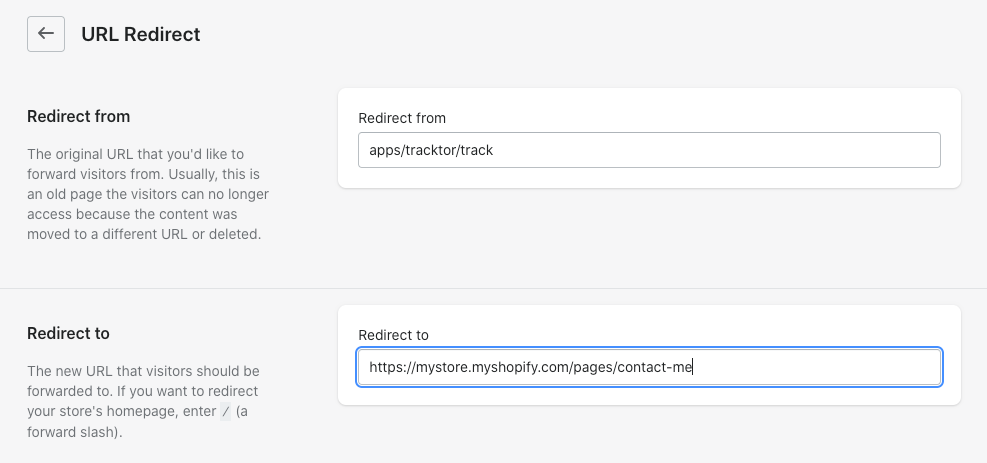\n\n6\\. Save your changes.\n\nThis redirect will only work if your Tracktor page is no longer a valid page. You **cannot** redirect from a live tracking page with Tracktor installed.\n\n\n---\n\n# Agent Instructions: Querying This Documentation\n\nIf you need additional information that is not directly available in this page, you can query the documentation dynamically by asking a question.\n\nPerform an HTTP GET request on the current page URL with the `ask` query parameter:\n\n```\nGET https://shoppad.gitbook.io/tracktor/troubleshooting/uninstalling-tracktor/redirect-customers-away-from-tracktor-page-after-uninstalling.md?ask=<question>\n```\n\nThe question should be specific, self-contained, and written in natural language.\nThe response will contain a direct answer to the question and relevant excerpts and sources from the documentation.\n\nUse this mechanism when the answer is not explicitly present in the current page, you need clarification or additional context, or you want to retrieve related documentation sections.\n\n\n---\n\n# cancel-your-subscription\nSource: https://shoppad.gitbook.io/tracktor/troubleshooting/uninstalling-tracktor/cancel-your-subscription\n\n# Cancel your Subscription\n\nFollow the instructions below to uninstall any of our apps on your store. This will also cancel any subscription fees associated with it, so you won't receive any new subscription charges.\n\n1\\. Starting from your Shopify admin dashboard, click on **Settings.**\n\n<figure><img src=\"https://24152052-files.gitbook.io/~/files/v0/b/gitbook-x-prod.appspot.com/o/spaces%2FglwgaFVh2VmGBjtIbnDb%2Fuploads%2FI0sF4bZxeIPG1upAyfDO%2FCancel-subscription.png%20-%20Step%201.png?alt=media&token=bca39603-ccd8-4c51-acff-5c26a095521e\" alt=\"\"><figcaption></figcaption></figure>\n\n2. Locate the **Settings > Apps** settings on the menu on the left-hand side of the page.\n\n<figure><img src=\"https://1355861988-files.gitbook.io/~/files/v0/b/gitbook-x-prod.appspot.com/o/spaces%2F49HdWB2HQJW7W5U764c1%2Fuploads%2Fi4arW0I6QawZnivVy5HB%2Funinstall_apps_AS.png?alt=media&token=528637a4-55d9-4677-988d-30e37441bdfe\" alt=\"\"><figcaption></figcaption></figure>\n\n3\\. Locate the app you'd like to uninstall, then click the three-dot icon and select **Uninstall.**\n\n<figure><img src=\"https://24152052-files.gitbook.io/~/files/v0/b/gitbook-x-prod.appspot.com/o/spaces%2FglwgaFVh2VmGBjtIbnDb%2Fuploads%2F267OjqsepcCVcPArREbQ%2FCancel-subscription.png%20-%20Step%204.png?alt=media&token=d9feb9e3-abe4-4b04-aa87-ee7a71de1797\" alt=\"\"><figcaption></figcaption></figure>\n\n<figure><img src=\"https://24152052-files.gitbook.io/~/files/v0/b/gitbook-x-prod.appspot.com/o/spaces%2FglwgaFVh2VmGBjtIbnDb%2Fuploads%2Fj6y1PeUPcDRnGuQESsNn%2FCancel-subscription.png%20-%20Step%205.png?alt=media&token=c9faf9f1-40e6-49e6-86c2-813b8c3f1534\" alt=\"\"><figcaption></figcaption></figure>\n\nFeel free to give feedback as to why you're uninstalling the app!\n\n{% hint style=\"info\" %}\nHave a question about any [of our apps](https://apps.shopify.com/partners/shoppad) or need support? Reach out to our team at <[email protected]>\n{% endhint %}\n\n\n---\n\n# Agent Instructions: Querying This Documentation\n\nIf you need additional information that is not directly available in this page, you can query the documentation dynamically by asking a question.\n\nPerform an HTTP GET request on the current page URL with the `ask` query parameter:\n\n```\nGET https://shoppad.gitbook.io/tracktor/troubleshooting/uninstalling-tracktor/cancel-your-subscription.md?ask=<question>\n```\n\nThe question should be specific, self-contained, and written in natural language.\nThe response will contain a direct answer to the question and relevant excerpts and sources from the documentation.\n\nUse this mechanism when the answer is not explicitly present in the current page, you need clarification or additional context, or you want to retrieve related documentation sections.\n\n\n---\n\n# development-store-affiliate-store-plans\nSource: https://shoppad.gitbook.io/tracktor/troubleshooting/development-store-affiliate-store-plans\n\n# Development Store/Affiliate Store Plans\n\nShopPad allows all of our apps to be installed for free on any Shopify website on an Affiliate plan. All apps will be fully functional while your store remains on the Affiliate plan. When you install the app, you will see a warning at the top of the dashboard:\n\n<figure><img src=\"https://24152052-files.gitbook.io/~/files/v0/b/gitbook-x-prod.appspot.com/o/spaces%2FglwgaFVh2VmGBjtIbnDb%2Fuploads%2Fsd1AGIgyrpUdhLj6wTD5%2Fimage.png?alt=media&token=7c8df66a-36d0-4769-a5a1-4e655deb3465\" alt=\"\"><figcaption></figcaption></figure>\n\nThe app will immediately stop working when you change your plan to a paid Shopify plan. You will need to revisit your app dashboard and approve the recurring fee:\n\n#### Frequently Asked Questions\n\n**How can I sign up for a monthly payment plan?**\n\nWe cannot sign you up for a payment plan until you have added your credit card to your account information and your store is on a paid Shopify plan. Once you are on a paid Shopify plan, visit your ShopPad app's dashboard and you will be prompted to approve the Shopify recurring fee.\n\n**How will I know that my app is not working because I need to upgrade to a paid plan?**\n\nIf your website used to be on an Affiliate plan, you changed plans, and your ShopPad app if no longer working, it is probably because you need to sign up for a monthly payment plan. You can tell for sure by opening the Network tab in your browser's JavaScript debug console and hitting Refresh. You will see a `401: Unauthorized` error for the asset from cloudfront.com.\n\n\n---\n\n# Agent Instructions: Querying This Documentation\n\nIf you need additional information that is not directly available in this page, you can query the documentation dynamically by asking a question.\n\nPerform an HTTP GET request on the current page URL with the `ask` query parameter:\n\n```\nGET https://shoppad.gitbook.io/tracktor/troubleshooting/development-store-affiliate-store-plans.md?ask=<question>\n```\n\nThe question should be specific, self-contained, and written in natural language.\nThe response will contain a direct answer to the question and relevant excerpts and sources from the documentation.\n\nUse this mechanism when the answer is not explicitly present in the current page, you need clarification or additional context, or you want to retrieve related documentation sections.\n\n\n---\n\n# integrations\nSource: https://shoppad.gitbook.io/tracktor/integrations\n\n# Integrations\n\n- [Klaviyo](https://shoppad.gitbook.io/tracktor/integrations/klaviyo.md)\n- [UpOrder](https://shoppad.gitbook.io/tracktor/integrations/uporder.md)\n- [Shopify Flow](https://shoppad.gitbook.io/tracktor/integrations/shopify-flow.md)\n- [OrderlyEmails](https://shoppad.gitbook.io/tracktor/integrations/orderlyemails.md)\n\n\n---\n\n# Agent Instructions: Querying This Documentation\n\nIf you need additional information that is not directly available in this page, you can query the documentation dynamically by asking a question.\n\nPerform an HTTP GET request on the current page URL with the `ask` query parameter:\n\n```\nGET https://shoppad.gitbook.io/tracktor/integrations.md?ask=<question>\n```\n\nThe question should be specific, self-contained, and written in natural language.\nThe response will contain a direct answer to the question and relevant excerpts and sources from the documentation.\n\nUse this mechanism when the answer is not explicitly present in the current page, you need clarification or additional context, or you want to retrieve related documentation sections.\n\n\n---\n\n# klaviyo\nSource: https://shoppad.gitbook.io/tracktor/integrations/klaviyo\n\n# Klaviyo\n\n### Shipping Confirmation email\n\nYou can add tracking links to [Klaviyo](https://apps.shopify.com/klaviyo-email-marketing) emails with a bit of customization. Follow the instructions below on how to make these changes for your order confirmation and shipping confirmation emails.\n\n### Order Confirmation email\n\n1\\. Navigate to **Content** and then select *Templates*. Create a new one or edit an existing one. \n\n<figure><img src=\"https://1355861988-files.gitbook.io/~/files/v0/b/gitbook-x-prod.appspot.com/o/spaces%2F49HdWB2HQJW7W5U764c1%2Fuploads%2FcTvEUZrDv4zcaXLGuTZy%2Ftracktor_klaviyo_as.png?alt=media&token=7577c7af-036e-47a2-a63a-d420dd22f7ee\" alt=\"\"><figcaption></figcaption></figure>\n\n2\\. Under **Content** you'll find a **Button** block (if there isn't already one in there). *In the case that there is already an existing button, simply select the button until you are taken to the button settings.*\n\n<figure><img src=\"https://1355861988-files.gitbook.io/~/files/v0/b/gitbook-x-prod.appspot.com/o/spaces%2F49HdWB2HQJW7W5U764c1%2Fuploads%2FPINRAMDjilXpx4QwN12E%2Ftracktor_btn_As.png?alt=media&token=024aae5b-568a-407e-b3a6-57d18ed5840e\" alt=\"\"><figcaption></figcaption></figure>\n\n3\\. Copy the following URL.\n\n```\nhttps://{{store-url}}.myshopify.com/apps/tracktor/track?order={{ order_number | urlencode }}&email={{ email | urlencode }}\n```\n\n4\\. Paste that URL into the **URL** text box of that button and change the text to *Track* (if you haven't already).\n\n<figure><img src=\"https://1355861988-files.gitbook.io/~/files/v0/b/gitbook-x-prod.appspot.com/o/spaces%2F49HdWB2HQJW7W5U764c1%2Fuploads%2FTzhQIFaOiNofcXqKcBZe%2Ftracktor_klaviyobtn_AS.png?alt=media&token=894b6af8-c340-40fd-bdfb-1de64a9f4efe\" alt=\"\"><figcaption></figcaption></figure>\n\n5\\. Change the **{{store-url}}** part of that URL to your store's URL.\n\n6\\. Save your changes.\n\n**Note:** Because \"email\" is a part of the URL your Google Analytics will flag these emails so you will need to add a Google Analytics Filter to avoid any issues. \n\n\n---\n\n# Agent Instructions: Querying This Documentation\n\nIf you need additional information that is not directly available in this page, you can query the documentation dynamically by asking a question.\n\nPerform an HTTP GET request on the current page URL with the `ask` query parameter:\n\n```\nGET https://shoppad.gitbook.io/tracktor/integrations/klaviyo.md?ask=<question>\n```\n\nThe question should be specific, self-contained, and written in natural language.\nThe response will contain a direct answer to the question and relevant excerpts and sources from the documentation.\n\nUse this mechanism when the answer is not explicitly present in the current page, you need clarification or additional context, or you want to retrieve related documentation sections.\n\n\n---\n\n# uporder\nSource: https://shoppad.gitbook.io/tracktor/integrations/uporder\n\n# UpOrder\n\n[UpOrder Email Templates](https://apps.shopify.com/uporder) supports Tracktor without the need to manually adjust your email template's code. This integration will allow you to easily change the **Track Package** link, so it directs to your Tracktor page instead of Shopify's default.\n\nWhile editing the Order Confirmation, Shipping Confirmation, Shipping Update, Shipment out for delivery, or Shipment Delivered email in UpOrder, you can select the Tracktor component under **Integrations** on the right-hand side. \n\nSimply drag & drop it onto the template you’re editing. You can also edit the default URL path if you have changed it. \n\nOnce a customer clicks on the **Track Your Order** button, they will be directed to the Tracktor page, where their tracking information will be pre-populated.\n\n\n---\n\n# Agent Instructions: Querying This Documentation\n\nIf you need additional information that is not directly available in this page, you can query the documentation dynamically by asking a question.\n\nPerform an HTTP GET request on the current page URL with the `ask` query parameter:\n\n```\nGET https://shoppad.gitbook.io/tracktor/integrations/uporder.md?ask=<question>\n```\n\nThe question should be specific, self-contained, and written in natural language.\nThe response will contain a direct answer to the question and relevant excerpts and sources from the documentation.\n\nUse this mechanism when the answer is not explicitly present in the current page, you need clarification or additional context, or you want to retrieve related documentation sections.\n\n\n---\n\n# shopify-flow\nSource: https://shoppad.gitbook.io/tracktor/integrations/shopify-flow\n\n# Shopify Flow\n\nShopify Flow is available on the [Shopify App Store](https://apps.shopify.com/flow) and for [Shopify Plus merchants](https://www.shopify.com/plus/solutions/ecommerce-automation?utm_source=shopify\\&utm_medium=docs\\&utm_campaign=shopify-flow-index) only.  \n\nTracktor can integrate with [Shopify Flow](https://apps.shopify.com/flow), a Shopify Plus app. Shopify Flow is an eCommerce automation platform that helps you streamline manual tasks and processes within your store and across your apps. This opens up many opportunities for Tracktor functionalities and increases your store's efficiency.\n\nThis article will walk you through how to create workflows involving Tracktor.  \n\n### Getting Started\n\nTracktor's Shopify Flow integration allows you to define triggers for **Tracktor Status Changes.** \n\nAn example of a status change is when a package goes from \"In Transit\" to \"Out for Delivery.\" Then, a status change like \"Out for Delivery\" to \"Delivered\" can trigger a **Tracktor Status Change** workflow.  \n\n### Creating Tracktor Workflows\n\n1\\. From your Shopify admin dashboard, click **Flow** from the **Apps** section.\n\n2\\. Click **Create Workflow**.\n\n3\\. **Select a trigger** that will begin the workflow.  \n\n4\\. Choose the Tracktor trigger from the sidebar on the right.\n\n<figure><img src=\"https://1355861988-files.gitbook.io/~/files/v0/b/gitbook-x-prod.appspot.com/o/spaces%2F49HdWB2HQJW7W5U764c1%2Fuploads%2FKaF65WmZLr0lrDEpqddk%2Fselect-trigger.png?alt=media&token=a74fb2f0-0e97-4ed2-ae58-8642a8409e90\" alt=\"\"><figcaption></figcaption></figure>\n\n5\\. Click **+** **Condition** and select the condition that must be met before any actions can run.\n\n<figure><img src=\"https://1355861988-files.gitbook.io/~/files/v0/b/gitbook-x-prod.appspot.com/o/spaces%2F49HdWB2HQJW7W5U764c1%2Fuploads%2FbgBaVrB5w3e7WiW92iiK%2Fflow-condition.png?alt=media&token=2e8a5545-2a7c-43cd-a1aa-baac1545e256\" alt=\"\"><figcaption></figcaption></figure>\n\n6\\. Click **Add action** and select the action that will run based on the results of the condition.\n\n7\\. **Save** and title your workflow.\n\n8\\. Click **Turn on workflow** to enable it. The workflow will run automatically each time the trigger event occurs on your store.\n\n<figure><img src=\"https://1355861988-files.gitbook.io/~/files/v0/b/gitbook-x-prod.appspot.com/o/spaces%2F49HdWB2HQJW7W5U764c1%2Fuploads%2F0KSMA8atKZ4rr41Z60Y1%2Fenable-workflow.png?alt=media&token=c9f78943-f66b-499c-91c2-d4e31244c721\" alt=\"\"><figcaption></figcaption></figure>\n\n### Tracktor Triggers\n\nTriggers are events that start (trigger) workflows. These events can be internal events in Shopify or external events from connected Shopify apps. Each trigger carries a list of related conditions and actions that you can use to enhance your workflow.\n\nBy using the Tracktor trigger, you can achieve a desired action such as sending an email or awarding loyalty points when a Tracktor status changes. \n\n### Tracktor Conditions\n\nConditions help ensure that your workflow will run actions only when certain conditions are met. For example, conditions are IF/THEN statements. They can check against the properties of the trigger event as well as properties of objects (orders, products, customers, etc...) that are involved in the event.\n\n**Fulfillment ID:** Triggers an action if a **Fulfillment ID** exhibits a predetermined condition.\n\n<figure><img src=\"https://1355861988-files.gitbook.io/~/files/v0/b/gitbook-x-prod.appspot.com/o/spaces%2F49HdWB2HQJW7W5U764c1%2Fuploads%2Fob2d8kwRCyg02zV4xkAQ%2Ftracktor-conditions.png?alt=media&token=8f350de6-8a29-4753-87c2-a82b27b78cba\" alt=\"\"><figcaption></figcaption></figure>\n\n**Shipment Status:** Triggers an action if a **Shipment Status** exhibits a predetermined condition.\n\n**Status Message:** Triggers an action if a **Status Message** exhibits a predetermined condition.\n\n\n---\n\n# Agent Instructions: Querying This Documentation\n\nIf you need additional information that is not directly available in this page, you can query the documentation dynamically by asking a question.\n\nPerform an HTTP GET request on the current page URL with the `ask` query parameter:\n\n```\nGET https://shoppad.gitbook.io/tracktor/integrations/shopify-flow.md?ask=<question>\n```\n\nThe question should be specific, self-contained, and written in natural language.\nThe response will contain a direct answer to the question and relevant excerpts and sources from the documentation.\n\nUse this mechanism when the answer is not explicitly present in the current page, you need clarification or additional context, or you want to retrieve related documentation sections.\n\n\n---\n\n# orderlyemails\nSource: https://shoppad.gitbook.io/tracktor/integrations/orderlyemails\n\n# OrderlyEmails\n\n[OrderlyEmails](https://apps.shopify.com/email-templates) supports Tracktor without the need to manually adjust your template's code. This integration will allow you to easily change the **Track Package** link, so it directs to your Tracktor page instead of Shopify's default. Follow the instructions below to set it up.\n\nWhile editing the Order Confirmation or Shipping Confirmation email in OrderlyEmails, click on the **Order Status Button** section and select **Tracktor - by ShopPad** in the **Links to** drop down menu.\n\nOnce a customer clicks on the **Track Package** button, they will be directed to the Tracktor page, where their tracking information will be pre-populated.\n\n\n---\n\n# Agent Instructions: Querying This Documentation\n\nIf you need additional information that is not directly available in this page, you can query the documentation dynamically by asking a question.\n\nPerform an HTTP GET request on the current page URL with the `ask` query parameter:\n\n```\nGET https://shoppad.gitbook.io/tracktor/integrations/orderlyemails.md?ask=<question>\n```\n\nThe question should be specific, self-contained, and written in natural language.\nThe response will contain a direct answer to the question and relevant excerpts and sources from the documentation.\n\nUse this mechanism when the answer is not explicitly present in the current page, you need clarification or additional context, or you want to retrieve related documentation sections.\n\n\n---\n\n# developer-tools\nSource: https://shoppad.gitbook.io/tracktor/developer-tools\n\n# Developer Tools\n\n- [Tracktor API](https://shoppad.gitbook.io/tracktor/developer-tools/tracktor-api.md)\n- [Tracktor Fulfillment Events](https://shoppad.gitbook.io/tracktor/developer-tools/tracktor-fulfillment-events.md)\n- [Development Store/Affiliate Store Installation](https://shoppad.gitbook.io/tracktor/developer-tools/development-store-affiliate-store-installation.md)\n\n\n---\n\n# Agent Instructions: Querying This Documentation\n\nIf you need additional information that is not directly available in this page, you can query the documentation dynamically by asking a question.\n\nPerform an HTTP GET request on the current page URL with the `ask` query parameter:\n\n```\nGET https://shoppad.gitbook.io/tracktor/developer-tools.md?ask=<question>\n```\n\nThe question should be specific, self-contained, and written in natural language.\nThe response will contain a direct answer to the question and relevant excerpts and sources from the documentation.\n\nUse this mechanism when the answer is not explicitly present in the current page, you need clarification or additional context, or you want to retrieve related documentation sections.\n\n\n---\n\n# tracktor-api\nSource: https://shoppad.gitbook.io/tracktor/developer-tools/tracktor-api\n\n# Tracktor API\n\n#### Tracktor API\n\n* [Fulfillments](#Fulfillments)\n * [Retrieve the tracking status of a Fulfillment](#jump-Fulfillments-RetrievethetrackingstatusofaFulfillment)\n* [Orders](#Orders)\n * [Get the current package tracking status options for this shop](#jump-Orders-Getthecurrentpackagetrackingstatusoptionsforthisshop)\n * [Retrieve the tracking statuses of an Order](#jump-Orders-RetrievethetrackingstatusesofanOrder)\n * [Update the manual tracking status of an Order](#jump-Orders-UpdatethemanualtrackingstatusofanOrder)\n* [Webhooks](#Webhooks)\n * [Retrieve a list of Webhooks](#jump-Webhooks-RetrievealistofWebhooks)\n * [Create a new Webhook](#jump-Webhooks-CreateanewWebhook)\n * [Delete a Webhook](#jump-Webhooks-DeleteaWebhook)\n\n### Fulfillments\n\nEndpoint: Retrieve the tracking status of a Fulfillment\n\nGET <https://www.theshoppad.com/apps/tracktor/api/admin/\\\\{{uuid\\\\}}/fulfillments/\\\\{{fulfillment\\\\_id\\\\}}.json\\\\>\n(Reference: <https://www.theshoppad.com/apps/tracktor/api/docs#collapse-Fulfillments-RetrievethetrackingstatusofaFulfillment>)\n\n**Description**\n\nResponse Attributes\n\n| Attribute | Description |\n| ------------------------------ | --------------------------------------------------------------------------------------------------------------------------------------- |\n| shop\\_url (string) | URL of the store where the order was placed |\n| order\\_id (integer) | The Shopify ID of the order |\n| order\\_name (string) | The human-readable name of the order, typically prefixed by a # |\n| shopify\\_carrier (string) | The `tracking_company` on the Shopify fulfillment |\n| carrier (object) | Full details about the actual carrier used (either from shopify\\_carrier or after Carrier Mapping). Attributes include slug, name, etc. |\n| tracking\\_number (string) | The tracking number set on the Shopify fulfillment |\n| fulfillment\\_id (integer) | The Shopify ID of the fulfillment |\n| fulfillment\\_status (string) | The status of an order in terms of the line items being fulfilled. Valid values: `fulfilled`, `null`, or `partial`. |\n| shipment\\_status (string) | Options: `order_ready`, `in_transit`, `out_for_delivery`, `delivered`, or any custom statuses configured in Tracktor |\n| exception\\_status (string) | Only set if this fulfillment has an issue. Options: `not_found`, `exception`, `undelivered`, `pending`, `expired` |\n| is\\_automatic (boolean) | `true` by default. `false` if not getting automatic updates from the carrier |\n| line\\_items (array of objects) | One object per line item. Attributes: name, quantity, requires\\_shipping, id, product\\_id, variant\\_id |\n| latest\\_status (object) | Advanced: details about the latest status update for this fulfillment |\n| status (array of objects) | Advanced: details about all potential statuses for this fulfillment |\n\n**Headers**\n\n| Key | Value |\n| ------------ | ---------------- |\n| Content-Type | application/json |\n| x-api-key | {{api\\_key}} |\n\n**Response (Found fulfillment | Code: 200)**\n\n```json\n{\n \"fulfillments\": {\n \"shop_url\": \"https://myshop.myshopify.com\",\n \"order_id\": 2031829090338,\n \"order_name\": \"#1078\",\n \"shopify_carrier\": \"China Post\",\n \"carrier\": {\n \"slug\": \"china-post\",\n \"name\": \"China Post\",\n \"required_fields\": [],\n \"website\": \"http://yjcx.ems.com.cn/qps/yjcx\",\n \"phone\": \"86 20 11185\",\n \"picture\": \"//s.trackingmore.com/images/icons/express/companylogo/3010.jpg\"\n },\n \"tracking_number\": \"UJ509851438CN\",\n \"fulfillment_id\": 1910857990178,\n \"fulfillment_status\": \"success\",\n \"shipment_status\": \"order_ready\",\n \"exception_status\": \"not_found\",\n \"is_automatic\": true,\n \"line_items\": [\n {\n \"name\": \"Poulet1\",\n \"quantity\": 1,\n \"requires_shipping\": true,\n \"id\": 5046976512034,\n \"product_id\": 10692440015,\n \"variant_id\": 7214955855905\n }\n ],\n \"convert_to_local\": null,\n \"latest_status\": {\n \"key\": \"order_ready\",\n \"label\": \"Order Ready\",\n \"message\": \"Order Ready\",\n \"datetime\": \"2020-03-18T14:30:55-04:00\",\n \"tracking_location\": null,\n \"location_string\": null,\n \"address_string\": null,\n \"is_custom\": true,\n \"convert_to_local\": true\n },\n \"status\": {\n \"ordered\": {\n \"latest\": {\n \"message\": \"Ordered\",\n \"datetime\": \"2020-03-18T14:29:55-04:00\",\n \"tracking_location\": null,\n \"location_string\": null,\n \"address_string\": null,\n \"is_custom\": false,\n \"convert_to_local\": true\n },\n \"all\": [\n {\n \"message\": \"Ordered\",\n \"datetime\": \"2020-03-18T14:29:55-04:00\",\n \"tracking_location\": null,\n \"location_string\": null,\n \"address_string\": null,\n \"is_custom\": false,\n \"convert_to_local\": true\n }\n ],\n \"label\": \"Ordered\"\n },\n \"custom0\": {\n \"latest\": {\n \"message\": \"1\",\n \"datetime\": \"2020-03-18T14:30:55-04:00\",\n \"tracking_location\": null,\n \"location_string\": null,\n \"address_string\": null,\n \"is_custom\": true\n },\n \"all\": [\n {\n \"message\": \"1\",\n \"datetime\": \"2020-03-18T14:30:55-04:00\",\n \"tracking_location\": null,\n \"location_string\": null,\n \"address_string\": null,\n \"is_custom\": true\n }\n ],\n \"label\": \"1\"\n },\n \"custom1\": {\n \"latest\": {\n \"message\": \"2\",\n \"datetime\": \"2020-03-18T14:30:55-04:00\",\n \"tracking_location\": null,\n \"location_string\": null,\n \"address_string\": null,\n \"is_custom\": true\n },\n \"all\": [\n {\n \"message\": \"2\",\n \"datetime\": \"2020-03-18T14:30:55-04:00\",\n \"tracking_location\": null,\n \"location_string\": null,\n \"address_string\": null,\n \"is_custom\": true\n }\n ],\n \"label\": \"2\"\n },\n \"custom2\": {\n \"latest\": {\n \"message\": \"3\",\n \"datetime\": \"2020-03-18T14:30:55-04:00\",\n \"tracking_location\": null,\n \"location_string\": null,\n \"address_string\": null,\n \"is_custom\": true\n },\n \"all\": [\n {\n \"message\": \"3\",\n \"datetime\": \"2020-03-18T14:30:55-04:00\",\n \"tracking_location\": null,\n \"location_string\": null,\n \"address_string\": null,\n \"is_custom\": true\n }\n ],\n \"label\": \"3\"\n },\n \"order_ready\": {\n \"latest\": {\n \"message\": \"Order Ready\",\n \"datetime\": \"2020-03-18T14:30:55-04:00\",\n \"tracking_location\": null,\n \"location_string\": null,\n \"address_string\": null,\n \"is_custom\": true,\n \"convert_to_local\": true\n },\n \"all\": [\n {\n \"message\": \"Order Ready\",\n \"datetime\": \"2020-03-18T14:30:55-04:00\",\n \"tracking_location\": null,\n \"location_string\": null,\n \"address_string\": null,\n \"is_custom\": true,\n \"convert_to_local\": true\n }\n ],\n \"label\": \"Order Ready\",\n \"static\": true\n },\n \"in_transit\": {\n \"latest\": {\n \"message\": \"In Transit\",\n \"datetime\": null,\n \"tracking_location\": null,\n \"location_string\": null,\n \"address_string\": null,\n \"is_custom\": true\n },\n \"all\": [\n {\n \"message\": \"In Transit\",\n \"datetime\": null,\n \"tracking_location\": null,\n \"location_string\": null,\n \"address_string\": null,\n \"is_custom\": true\n }\n ],\n \"label\": \"In Transit\",\n \"static\": true\n },\n \"out_for_delivery\": {\n \"latest\": {\n \"message\": \"Out for Delivery\",\n \"datetime\": null,\n \"tracking_location\": null,\n \"location_string\": null,\n \"address_string\": null,\n \"is_custom\": true\n },\n \"all\": [\n {\n \"message\": \"Out for Delivery\",\n \"datetime\": null,\n \"tracking_location\": null,\n \"location_string\": null,\n \"address_string\": null,\n \"is_custom\": true\n }\n ],\n \"label\": \"Out for Delivery\",\n \"static\": true\n },\n \"delivered\": {\n \"latest\": {\n \"message\": \"Delivered\",\n \"datetime\": null,\n \"tracking_location\": null,\n \"location_string\": null,\n \"address_string\": null,\n \"is_custom\": true\n },\n \"all\": [\n {\n \"message\": \"Delivered\",\n \"datetime\": null,\n \"tracking_location\": null,\n \"location_string\": null,\n \"address_string\": null,\n \"is_custom\": true\n }\n ],\n \"label\": \"Delivered\",\n \"static\": true\n }\n }\n }\n}\n```\n\n***\n\n### Orders\n\n#### Get the current package tracking status options for this shop\n\nGET <https://www.theshoppad.com/apps/tracktor/api/admin/\\\\{{uuid\\\\}}/status-options.json\\\\>\n(Reference: <https://www.theshoppad.com/apps/tracktor/api/docs#collapse-Orders-Getthecurrentpackagetrackingstatusoptionsforthisshop>)\n\n**Headers**\n\n| Key | Value |\n| ------------ | ---------------- |\n| Content-Type | application/json |\n| x-api-key | {{api\\_key}} |\n\n**Response (Success | Code: 200)**\n\n```json\n[\n { \"label\": \"Ordered\", \"value\": \"ordered\" },\n { \"label\": \"Order Ready\", \"value\": \"pre_transit\" },\n { \"label\": \"Painting\", \"value\": \"painting\" },\n { \"label\": \"Packaging\", \"value\": \"packaging\" },\n { \"label\": \"Fulfilling\", \"value\": \"fulfilling\" },\n { \"label\": \"In Transit\", \"value\": \"in_transit\" },\n { \"label\": \"Out For Delivery\", \"value\": \"out_for_delivery\" },\n { \"label\": \"Delivered\", \"value\": \"delivered\" }\n]\n```\n\n***\n\n#### Retrieve the tracking statuses of an Order\n\nGET <https://www.theshoppad.com/apps/tracktor/api/admin/\\\\{{uuid\\\\}}/orders/\\\\{{order\\\\_id\\\\}}.json\\\\>\n(Reference: <https://www.theshoppad.com/apps/tracktor/api/docs#collapse-Orders-RetrievethetrackingstatusesofanOrder>)\n\n**Description**\n\nResponse Attributes\n\n| Attribute | Description |\n| ----------------------------------------------------------------- | ---------------------------------------------------------------------------------------------------------------- |\n| order\\_id (integer) | The Shopify ID of the order |\n| order\\_name (string) | The human-readable name of the order |\n| order\\_email (string) | Customer email (empty if only phone provided) |\n| order\\_phone (string) | Phone number from the order |\n| order\\_source\\_name (string) | How the order was placed (e.g., `web`, `pos`, `shopify_draft_order`, `iphone`, `android`) |\n| order\\_created\\_at (string) | Date order was placed |\n| customer\\_first\\_name, customer\\_last\\_name, customer\\_full\\_name | Customer name data |\n| total\\_price (float) | Total price including taxes and shipping |\n| line\\_item\\_count (integer) | Total number of line items |\n| statuses (array of strings) | One item per fulfillment (e.g., `order_ready`, `in_transit`, `out_for_delivery`, `delivered`, or custom) |\n| exception\\_statuses (array of strings) | One item per fulfillment with an exception (e.g., `not_found`, `exception`, `undelivered`, `pending`, `expired`) |\n| days\\_since\\_ordered (integer) | If delivered: days from Ordered to Delivered |\n| automatic\\_carrier\\_updates (boolean) | `true` by default; `false` if automatic updates are off |\n| fulfillments (array of objects) | See fulfillment response above |\n\n**Headers**\n\n| Key | Value |\n| ------------ | ---------------- |\n| Content-Type | application/json |\n| x-api-key | {{api\\_key}} |\n\n**Response (Found order | Code: 200)**\n\n```json\n{\n \"order\": {\n \"order_id\": 5217028303,\n \"order_name\": \"#1002\",\n \"order_email\": \"[email protected]\",\n \"order_phone\": null,\n \"order_source_name\": \"shopify_draft_order\",\n \"order_created_at\": \"2017-04-24T18:57:32+00:00\",\n \"customer_first_name\": \"Frank\",\n \"customer_last_name\": \"Franz\",\n \"customer_full_name\": \"Frank Franz\",\n \"total_price\": 49.16,\n \"line_item_count\": 3,\n \"statuses\": [\"in_transit\"],\n \"exception_statuses\": [\"pending\"],\n \"days_since_ordered\": 5,\n \"automatic_carrier_updates\": true,\n \"created_at\": \"2020-03-11T17:09:57+00:00\",\n \"updated_at\": \"2020-03-26T04:42:42+00:00\",\n \"fulfillments\": [\n {\n \"shop_url\": \"https://myshop.myshopify.com\",\n \"order_id\": 5217028303,\n \"order_name\": \"#1002\",\n \"shopify_carrier\": \"FedEx\",\n \"carrier\": null,\n \"tracking_number\": null,\n \"fulfillment_id\": 1904539992098,\n \"fulfillment_status\": \"success\",\n \"shipment_status\": \"order_ready\",\n \"exception_status\": \"not_found\",\n \"is_automatic\": true,\n \"line_items\": [\n {\n \"name\": \"Poulet\",\n \"quantity\": 1,\n \"requires_shipping\": true,\n \"id\": 10122897615,\n \"product_id\": 10692440015,\n \"variant_id\": 39699225807\n }\n ],\n \"convert_to_local\": null,\n \"error\": \"\",\n \"latest_status\": {\n \"key\": \"order_ready\",\n \"label\": \"Order Ready\",\n \"message\": \"Order Ready\",\n \"datetime\": \"2020-03-11T13:12:16-04:00\",\n \"tracking_location\": null,\n \"location_string\": null,\n \"address_string\": null,\n \"is_custom\": true,\n \"convert_to_local\": true\n },\n \"status\": {\n \"ordered\": {\n \"latest\": {\n \"message\": \"Ordered\",\n \"datetime\": \"2017-04-24T14:57:32-04:00\",\n \"tracking_location\": null,\n \"location_string\": null,\n \"address_string\": null,\n \"is_custom\": false,\n \"convert_to_local\": true\n },\n \"all\": [\n {\n \"message\": \"Ordered\",\n \"datetime\": \"2017-04-24T14:57:32-04:00\",\n \"tracking_location\": null,\n \"location_string\": null,\n \"address_string\": null,\n \"is_custom\": false,\n \"convert_to_local\": true\n }\n ],\n \"label\": \"Ordered\"\n },\n \"custom0\": {\n \"latest\": {\n \"message\": \"1\",\n \"datetime\": \"2014-02-16T15:45:23+00:00\",\n \"tracking_location\": null,\n \"location_string\": null,\n \"address_string\": null,\n \"is_custom\": true\n },\n \"all\": [\n {\n \"message\": \"1\",\n \"datetime\": \"2014-02-16T15:45:23+00:00\",\n \"tracking_location\": null,\n \"location_string\": null,\n \"address_string\": null,\n \"is_custom\": true\n }\n ],\n \"label\": \"1\"\n },\n \"custom1\": {\n \"latest\": {\n \"message\": \"2\",\n \"datetime\": \"2020-03-11T13:12:16-04:00\",\n \"tracking_location\": null,\n \"location_string\": null,\n \"address_string\": null,\n \"is_custom\": true\n },\n \"all\": [\n {\n \"message\": \"2\",\n \"datetime\": \"2020-03-11T13:12:16-04:00\",\n \"tracking_location\": null,\n \"location_string\": null,\n \"address_string\": null,\n \"is_custom\": true\n }\n ],\n \"label\": \"2\"\n },\n \"custom2\": {\n \"latest\": {\n \"message\": \"3\",\n \"datetime\": \"2020-03-11T13:12:16-04:00\",\n \"tracking_location\": null,\n \"location_string\": null,\n \"address_string\": null,\n \"is_custom\": true\n },\n \"all\": [\n {\n \"message\": \"3\",\n \"datetime\": \"2020-03-11T13:12:16-04:00\",\n \"tracking_location\": null,\n \"location_string\": null,\n \"address_string\": null,\n \"is_custom\": true\n }\n ],\n \"label\": \"3\"\n },\n \"order_ready\": {\n \"latest\": {\n \"message\": \"Order Ready\",\n \"datetime\": \"2020-03-11T13:12:16-04:00\",\n \"tracking_location\": null,\n \"location_string\": null,\n \"address_string\": null,\n \"is_custom\": true,\n \"convert_to_local\": true\n },\n \"all\": [\n {\n \"message\": \"Order Ready\",\n \"datetime\": \"2020-03-11T13:12:16-04:00\",\n \"tracking_location\": null,\n \"location_string\": null,\n \"address_string\": null,\n \"is_custom\": true,\n \"convert_to_local\": true\n }\n ],\n \"label\": \"Order Ready\",\n \"static\": true\n },\n \"in_transit\": {\n \"latest\": {\n \"message\": \"In Transit\",\n \"datetime\": null,\n \"tracking_location\": null,\n \"location_string\": null,\n \"address_string\": null,\n \"is_custom\": true\n },\n \"all\": [\n {\n \"message\": \"In Transit\",\n \"datetime\": null,\n \"tracking_location\": null,\n \"location_string\": null,\n \"address_string\": null,\n \"is_custom\": true\n }\n ],\n \"label\": \"In Transit\",\n \"static\": true\n },\n \"out_for_delivery\": {\n \"latest\": {\n \"message\": \"Out for Delivery\",\n \"datetime\": null,\n \"tracking_location\": null,\n \"location_string\": null,\n \"address_string\": null,\n \"is_custom\": true\n },\n \"all\": [\n {\n \"message\": \"Out for Delivery\",\n \"datetime\": null,\n \"tracking_location\": null,\n \"location_string\": null,\n \"address_string\": null,\n \"is_custom\": true\n }\n ],\n \"label\": \"Out for Delivery\",\n \"static\": true\n },\n \"delivered\": {\n \"latest\": {\n \"message\": \"Delivered\",\n \"datetime\": null,\n \"tracking_location\": null,\n \"location_string\": null,\n \"address_string\": null,\n \"is_custom\": true\n },\n \"all\": [\n {\n \"message\": \"Delivered\",\n \"datetime\": null,\n \"tracking_location\": null,\n \"location_string\": null,\n \"address_string\": null,\n \"is_custom\": true\n }\n ],\n \"label\": \"Delivered\",\n \"static\": true\n }\n }\n }\n ]\n }\n}\n```\n\n***\n\n#### Update the manual tracking status of an Order\n\nPOST <https://www.theshoppad.com/apps/tracktor/api/admin/\\\\{{uuid\\\\}}/orders/\\\\{{order\\\\_id\\\\}}.json\\\\>\n(Reference: <https://www.theshoppad.com/apps/tracktor/api/docs#collapse-Orders-UpdatethemanualtrackingstatusofanOrder>)\n\n**Headers**\n\n| Key | Value |\n| ------------ | ---------------- |\n| Content-Type | application/json |\n| x-api-key | {{api\\_key}} |\n\n**Body**\n\n```json\n{\n \"order\": {\n \"status\": \"in_transit\",\n \"date\": \"2014-02-16T10:45:23-05:00\",\n \"automatic_carrier_updates\": false,\n \"force\": true\n }\n}\n```\n\n**Response (Order status updated | Code: 200)**\n\n```json\n{\n \"order\": {\n \"uuid\": \"poulet-sauvage\",\n \"active\": true,\n \"order_id\": 5217028303,\n \"order_name\": \"#1002\",\n \"order_email\": \"[email protected]\",\n \"order_phone\": null,\n \"order_source_name\": \"shopify_draft_order\",\n \"order_created_at\": \"2017-04-24T18:57:32+00:00\",\n \"customer_first_name\": \"John\",\n \"customer_last_name\": \"Smith\",\n \"customer_full_name\": \"John Smith\",\n \"total_price\": 49.16,\n \"line_item_count\": 3,\n \"statuses\": [\n { \"in_transit\": \"In Transit\" }\n ],\n \"exception_statuses\": [\"pending\"],\n \"trackings\": [\n {\n \"fulfillment_id\": 1904539992098,\n \"shopify_carrier\": \"FedEx\",\n \"provider\": \"shippo\",\n \"tracking_company\": \"fedex\",\n \"tracking_number\": \"61297937879321429293\",\n \"fulfillment_status\": \"success\",\n \"line_item_count\": 1,\n \"shipment_status\": \"in_transit\",\n \"exception_status\": null,\n \"last_updated_source\": \"webhook\",\n \"update_history\": [\n { \"source\": \"webhook\", \"datetime\": \"2020-03-23T13:13:28-07:00\", \"status_counts\": { \"in_transit\": 9, \"delivered\": 1 } }\n ],\n \"days_since_ordered\": 1051,\n \"force_update\": false,\n \"data\": {\n \"trackingParams\": [],\n \"id\": null,\n \"tracking_code\": \"61297937879321429293\",\n \"status\": \"in_transit\",\n \"created_at\": \"2019-01-30T18:24:00Z\",\n \"updated_at\": \"2019-02-05T12:51:00Z\",\n \"signed_by\": \"\",\n \"est_delivery_date\": \"2019-02-05T00:00:00Z\",\n \"carrier\": \"fedex\",\n \"hide_carrier\": false,\n \"tracking_details\": [\n {\n \"message\": \"Your shipment has been processed through a USPS facility.\",\n \"status\": \"in_transit\",\n \"datetime\": \"2019-01-31T02:24:00Z\",\n \"tracking_location\": {\n \"city\": \"Seoul International Post Office\",\n \"state\": \"\",\n \"country\": \"\",\n \"zip\": \"\",\n \"location\": null\n }\n }\n ],\n \"convert_to_local\": true,\n \"exception_status\": null\n },\n \"data_hash\": \"53228df6af01d1b98f189f3c39cde553\",\n \"_id\": null,\n \"created_at\": \"2020-03-11T17:12:19+00:00\",\n \"updated_at\": \"2020-03-24T16:46:59+00:00\"\n }\n ],\n \"custom_statuses\": [\n { \"id\": \"pre_transit\", \"completed\": true, \"date\": \"2014-02-16T15:45:23+00:00\" },\n { \"id\": \"in_transit\", \"completed\": true, \"date\": \"2014-02-16T15:45:23+00:00\" }\n ],\n \"custom_is_automatic\": false,\n \"days_since_ordered\": 1086,\n \"_id\": \"5e691b6578e81e60633ce792\",\n \"created_at\": \"2020-03-11T17:09:57+00:00\",\n \"updated_at\": \"2020-03-27T22:18:13+00:00\"\n }\n}\n```\n\n***\n\n### Webhooks\n\n#### Retrieve a list of Webhooks\n\nGET <https://www.theshoppad.com/apps/tracktor/api/admin/\\\\{{uuid\\\\}}/webhooks.json\\\\>\n(Reference: <https://www.theshoppad.com/apps/tracktor/api/docs#collapse-Webhooks-RetrievealistofWebhooks>)\n\n**Headers**\n\n| Key | Value |\n| ------------ | ---------------- |\n| Content-Type | application/json |\n| x-api-key | {{api\\_key}} |\n\n**Response (Success | Code: 200)**\n\n```json\n{\n \"webhooks\": [\n {\n \"topic\": \"order/all\",\n \"address\": \"https://whatever.hostname.com/\",\n \"format\": \"json\",\n \"source\": \"mesa\",\n \"id\": \"5e964b4d32904d596c010ca2\"\n },\n {\n \"topic\": \"order/all\",\n \"address\": \"https://whatever.hostname.com/another\",\n \"format\": \"json\",\n \"source\": \"mesa\",\n \"id\": \"5e964bb776a93d3baf7b4a33\"\n }\n ]\n}\n```\n\n***\n\n#### Create a new Webhook\n\nPOST <https://www.theshoppad.com/apps/tracktor/api/admin/\\\\{{uuid\\\\}}/webhooks.json\\\\>\n(Reference: <https://www.theshoppad.com/apps/tracktor/api/docs#collapse-Webhooks-CreateanewWebhook>)\n\nValid topics:\n\n* order/all\n* order/pre\\_transit\n* order/in\\_transit\n* order/out\\_for\\_delivery\n* order/delivered\n* fulfillment/all\n* fulfillment/pre\\_transit\n* fulfillment/in\\_transit\n* fulfillment/out\\_for\\_delivery\n* fulfillment/delivered\n\n**Headers**\n\n| Key | Value |\n| ------------ | ---------------- |\n| Content-Type | application/json |\n| x-api-key | {{api\\_key}} |\n\n**Body**\n\n```json\n{\n \"webhook\": {\n \"topic\": \"order/all\",\n \"address\": \"https://whatever.hostname.com/another\",\n \"format\": \"json\",\n \"source\": \"mesa\"\n }\n}\n```\n\n**Response (Successfully created webhook | Code: 200)**\n\n```json\n{\n \"webhook\": {\n \"topic\": \"order/all\",\n \"address\": \"https://whatever.hostname.com/\",\n \"format\": \"json\",\n \"source\": \"mesa\",\n \"id\": \"5e964b4d32904d596c010ca2\"\n }\n}\n```\n\n***\n\n#### Delete a Webhook\n\nDELETE <https://www.theshoppad.com/apps/tracktor/api/admin/\\\\{{uuid\\\\}}/webhooks/\\\\{{webhook\\\\_id\\\\}}.json\\\\>\n(Reference: <https://www.theshoppad.com/apps/tracktor/api/docs#collapse-Webhooks-DeleteaWebhook>)\n\n**Headers**\n\n| Key | Value |\n| ------------ | ---------------- |\n| Content-Type | application/json |\n| x-api-key | {{api\\_key}} |\n\n**Response (Webhook successfully deleted | Code: 200)**\n\n```json\n{\n \"webhook\": {\n \"topic\": \"order/all\",\n \"address\": \"https://whatever.hostname.com/\",\n \"format\": \"json\",\n \"source\": \"mesa\",\n \"id\": \"5e964b4d32904d596c010ca2\"\n }\n}\n```\n\n\n---\n\n# Agent Instructions: Querying This Documentation\n\nIf you need additional information that is not directly available in this page, you can query the documentation dynamically by asking a question.\n\nPerform an HTTP GET request on the current page URL with the `ask` query parameter:\n\n```\nGET https://shoppad.gitbook.io/tracktor/developer-tools/tracktor-api.md?ask=<question>\n```\n\nThe question should be specific, self-contained, and written in natural language.\nThe response will contain a direct answer to the question and relevant excerpts and sources from the documentation.\n\nUse this mechanism when the answer is not explicitly present in the current page, you need clarification or additional context, or you want to retrieve related documentation sections.\n\n\n---\n\n# tracktor-fulfillment-events\nSource: https://shoppad.gitbook.io/tracktor/developer-tools/tracktor-fulfillment-events\n\n# Tracktor Fulfillment Events\n\n<figure><img src=\"https://1355861988-files.gitbook.io/~/files/v0/b/gitbook-x-prod.appspot.com/o/spaces%2F49HdWB2HQJW7W5U764c1%2Fuploads%2FwDXDc4OBpbdHs9xmWFkl%2Ffulfillment-event.png?alt=media&token=ae68e4c9-794d-4788-a7f8-006c320d3989\" alt=\"\"><figcaption></figcaption></figure>\n\nWhen **Notifications** are enabled (found in the **Tracking Page** section), Tracktor tracks specific fulfillment events (also referred as **order statuses**). Tracktor will display packages in their specific fulfillment stage. When the package changes fulfillment stage, Shopify (or the service you use to send out emails) can send an email to the customer. These events display on your tracking page.\n\n<figure><img src=\"https://1355861988-files.gitbook.io/~/files/v0/b/gitbook-x-prod.appspot.com/o/spaces%2F49HdWB2HQJW7W5U764c1%2Fuploads%2FNVKbJdBzcTeBveOOgnYD%2Ftracking-status.png?alt=media&token=63e85ac3-e91a-4bd5-85d0-d0bb818f8f6b\" alt=\"\"><figcaption></figcaption></figure>\n\n**Note:** If you decide to disable email notifications on a third party fulfillment service or application like Oberlo, Tracktor will not send out Out For Delivery or Delivered email notifications.\n\n### Fulfillment Events\n\n* **Ordered:** Triggered when the order is placed.\n * When an order is placed, Shopify will send an Order confirmation email. To add a Tracktor tracking link to this email template, follow [these instructions](https://shoppad.gitbook.io/tracktor/readme/help-customers-track-orders).\n* **Order Ready:** Triggered when the order is fulfilled.\n * When an order's status is **Ready**, Shopify will send a Shipping confirmation email (if you select this option). To add a Tracktor tracking link to this email template, follow [these instructions](https://shoppad.gitbook.io/tracktor/readme/help-customers-track-orders).\n* **In Transit:** Triggered when the carrier accepts or picks up the shipment from shipper. The shipment is on the way.\n * Shopify does not send a notification for the **In Transit** fulfillment event.\n* **Out for Delivery:** Triggered when the carrier marks the package as **Out for Delivery**.\n * When an order's status is **Out for Delivery**, Shopify will send a **Shipment out for delivery** email. To add a Tracktor tracking link to this email template, follow [these instructions](https://shoppad.gitbook.io/tracktor/readme/help-customers-track-orders).\n * Shopify will only allow one **Out for Delivery** notification to be sent for each fulfillment. If you have another app installed which sends an **Out for Delivery** notification first, Shopify will not allow Tracktor to send a notification.\n* **Delivered:** Triggered when the carrier marks the package as **Delivered**.\n * When an order's status is **Delivered**, Shopify will send a **Shipment delivered** email. To add a Tracktor tracking link to this email template, follow [these instructions](https://shoppad.gitbook.io/tracktor/readme/help-customers-track-orders).\n * Shopify will only allow one **Delivered** notification to be sent for each fulfillment. If you have another app installed which sends a **Delivered** notification first, Shopify will not allow Tracktor to send a notification.\n\n\n---\n\n# Agent Instructions: Querying This Documentation\n\nIf you need additional information that is not directly available in this page, you can query the documentation dynamically by asking a question.\n\nPerform an HTTP GET request on the current page URL with the `ask` query parameter:\n\n```\nGET https://shoppad.gitbook.io/tracktor/developer-tools/tracktor-fulfillment-events.md?ask=<question>\n```\n\nThe question should be specific, self-contained, and written in natural language.\nThe response will contain a direct answer to the question and relevant excerpts and sources from the documentation.\n\nUse this mechanism when the answer is not explicitly present in the current page, you need clarification or additional context, or you want to retrieve related documentation sections.\n\n\n---\n\n# development-store-affiliate-store-installation\nSource: https://shoppad.gitbook.io/tracktor/developer-tools/development-store-affiliate-store-installation\n\n# Development Store/Affiliate Store Installation\n\nShopPad allows all of our apps to be installed for free on any Shopify website on an Affiliate plan. All apps will be fully-functional while your store remains on the Affiliate plan. When you install the app, you will see a warning at the top of the dashboard:\n\n<figure><img src=\"https://1355861988-files.gitbook.io/~/files/v0/b/gitbook-x-prod.appspot.com/o/spaces%2F49HdWB2HQJW7W5U764c1%2Fuploads%2F9pZvxK1VHiA1WuoIg3QV%2Faffiliate_devstore_as.png?alt=media&token=e8b5fe11-35f7-451b-82df-ff4f3e55ecf0\" alt=\"\"><figcaption></figcaption></figure>\n\nThe app will immediately stop working when you change your plan to a paid Shopify plan. You will need to revisit your app dashboard and approve the recurring fee:\n\n### Frequently Asked Questions: <a href=\"#frequently-asked-questions\" id=\"frequently-asked-questions\"></a>\n\n**How can I sign up for a monthly payment plan?**\n\nWe cannot sign you up for a payment plan until you have added your credit card to your account information and your store is on a paid Shopify plan. Once you are on a paid Shopify plan, visit your ShopPad app's dashboard and you will be prompted to approve the Shopify recurring fee.\n\n**How will I know that my app is not working because I need to upgrade to a paid plan?**\n\nIf your website used to be on an Affiliate plan, you changed plans, and your ShopPad app if no longer working, it is probably because you need to sign up for a monthly payment plan.\n\nYou can tell for sure by opening the Network tab in your browser's JavaScript debug console and hitting Refresh. You will see a `401: Unauthorized` error for the asset from cloudfront.com.\n\n\n---\n\n# Agent Instructions: Querying This Documentation\n\nIf you need additional information that is not directly available in this page, you can query the documentation dynamically by asking a question.\n\nPerform an HTTP GET request on the current page URL with the `ask` query parameter:\n\n```\nGET https://shoppad.gitbook.io/tracktor/developer-tools/development-store-affiliate-store-installation.md?ask=<question>\n```\n\nThe question should be specific, self-contained, and written in natural language.\nThe response will contain a direct answer to the question and relevant excerpts and sources from the documentation.\n\nUse this mechanism when the answer is not explicitly present in the current page, you need clarification or additional context, or you want to retrieve related documentation sections.\n\n\n---\n\n# faqs\nSource: https://shoppad.gitbook.io/tracktor/faqs\n\n# FAQs\n\n- [Price Plans](https://shoppad.gitbook.io/tracktor/faqs/price-plans.md)\n- [Frequently Asked Questions](https://shoppad.gitbook.io/tracktor/faqs/frequently-asked-questions.md)\n\n\n---\n\n# Agent Instructions: Querying This Documentation\n\nIf you need additional information that is not directly available in this page, you can query the documentation dynamically by asking a question.\n\nPerform an HTTP GET request on the current page URL with the `ask` query parameter:\n\n```\nGET https://shoppad.gitbook.io/tracktor/faqs.md?ask=<question>\n```\n\nThe question should be specific, self-contained, and written in natural language.\nThe response will contain a direct answer to the question and relevant excerpts and sources from the documentation.\n\nUse this mechanism when the answer is not explicitly present in the current page, you need clarification or additional context, or you want to retrieve related documentation sections.\n\n\n---\n\n# price-plans\nSource: https://shoppad.gitbook.io/tracktor/faqs/price-plans\n\n# Price Plans\n\nTracktor offers several price plans\n\nAfter installing Tracktor, you will be prompted to select a price plan. You can also change your price plan at any time during the billing period from the **Account** tab of the dashboard. \n\nWe recommend choosing the plan that best suits your store by the average number of orders you receive per month. Higher-value plans will be available once you accept the Essential plan.\n\n<table data-full-width=\"true\"><thead><tr><th>Flex</th><th>Starter</th><th>Essential</th></tr></thead><tbody><tr><td><p>400 orders included</p><p>$0.05 per additional order</p></td><td><p>400 orders included</p><p>$0.05 per additional order</p></td><td><p>2,000 orders included</p><p>$0.05 per additional order</p></td></tr><tr><td><strong>$4.99/month</strong><br>14-day free trial</td><td><strong>$8.99/month</strong><br>14-day free trial</td><td><strong>$49.99/month</strong><br>14-day free trial</td></tr><tr><td>Get started with up to 200 orders each month.</td><td>Perfect for new stores and low order volume businesses.</td><td>Growing brands wanting a great post-purchase experience.</td></tr><tr><td><p>Plan Features</p><ul><li>1,500+ Carrier Integrations</li><li>Tracking Page on Your Domain</li><li>Shopify Email & SMS Integration</li></ul></td><td><p>Plan Features</p><ul><li>Multilingual Checkpoint Translation</li><li>Dropshipping Location Substitutions</li><li>Remove Tracktor Branding</li><li>and more!</li></ul></td><td><p>Plan Features</p><ul><li>Everything in \"Starter\" plus:</li><li>Custom Order Statuses</li><li>Product Recommendations</li><li>Export Order & Tracking CSV's</li><li>and more!</li></ul></td></tr></tbody></table>\n\n<table data-full-width=\"true\"><thead><tr><th>Advanced</th><th>Business</th><th>Enterprise</th></tr></thead><tbody><tr><td><p>5,000 orders included</p><p>$0.05 per additional order</p></td><td><p>10,000 orders included</p><p>$0.05 per additional order</p></td><td><p>25,000 orders included</p><p>$0.04 per additional order</p></td></tr><tr><td><strong>$99/month</strong><br>14-day free trial</td><td><strong>$199/month</strong><br>14-day free trial</td><td><strong>$499/month</strong><br></td></tr><tr><td>Unique businesses that deliver to shoppers worldwide.</td><td>Tracktor can grow with your business.</td><td>Receive a volume discount at scale.</td></tr><tr><td><p>Plan Features</p><ul><li>Everything in \"Essential\" plus:</li><li>Delivery & Exception Analysis</li><li>Premium Carrier Data Sources</li><li>Tracking API Access</li><li>and more!</li></ul></td><td><p>Plan Features</p><ul><li>Everything in \"Advanced\" plus:</li><li>Savings as you grow</li></ul></td><td><p>Plan Features</p><ul><li>Everything in \"Business\" plus:</li><li>Discounted rate per additional order.<br></li></ul></td></tr></tbody></table>\n\nOur plans are based on the number of orders. Your customers have unlimited lookups.\n\nAll orders except for the following are considered a billable order: \n\n* Shopify POS orders \n* Test orders placed using the bogus gateway \n* Digital orders that don't require shipping\n\nYes, you can click to change your Tracktor plan at any time. Any subscription charges will be prorated. You can learn more about that [here](https://help.shopify.com/en/manual/your-account/manage-billing/your-invoice/apps#app-prorating-upgrades-and-downgrades).\n\n### Overage Charges\n\nYour plan will be automatically upgraded when your overage charges for your current billing period are more than the cost of the next higher plan. This is to provide you with the most cost-effective plan at all times.\n\n***\n\nFor merchants on the Advanced plan you can view delivery reports including the number of orders and the amount of times that your customers are tracking their order's shipping status on your store is displayed on the Tracktor \"**Delivery Reports**\" section.\n\n<figure><img src=\"https://1355861988-files.gitbook.io/~/files/v0/b/gitbook-x-prod.appspot.com/o/spaces%2F49HdWB2HQJW7W5U764c1%2Fuploads%2FFaAMsSkmy8EEALmm4UPH%2Fimage.png?alt=media&token=b6c9a1e2-6397-45ce-8e7b-d7d9e5972b3d\" alt=\"\"><figcaption></figcaption></figure>\n\nIf you ever reach your limit for orders on your store, you will receive an email notification. This email will be sent to the whichever email address is set within your **Contact Details** table, in the **Account section.**\n\n<figure><img src=\"https://1355861988-files.gitbook.io/~/files/v0/b/gitbook-x-prod.appspot.com/o/spaces%2F49HdWB2HQJW7W5U764c1%2Fuploads%2F2zIfu7EuMAOSQ1FdrAxf%2Fimage.png?alt=media&token=c6b28d66-9c29-47af-974d-59f3fa1bd19a\" alt=\"\"><figcaption></figcaption></figure>\n\n### The Free Plan\n\nThe Free plan is available for development stores run by Shopify partners and includes all the features from the Essential plan and 10 orders per month. \n\n\n---\n\n# Agent Instructions: Querying This Documentation\n\nIf you need additional information that is not directly available in this page, you can query the documentation dynamically by asking a question.\n\nPerform an HTTP GET request on the current page URL with the `ask` query parameter:\n\n```\nGET https://shoppad.gitbook.io/tracktor/faqs/price-plans.md?ask=<question>\n```\n\nThe question should be specific, self-contained, and written in natural language.\nThe response will contain a direct answer to the question and relevant excerpts and sources from the documentation.\n\nUse this mechanism when the answer is not explicitly present in the current page, you need clarification or additional context, or you want to retrieve related documentation sections.\n\n\n---\n\n# frequently-asked-questions\nSource: https://shoppad.gitbook.io/tracktor/faqs/frequently-asked-questions\n\n# Frequently Asked Questions\n\n### How much does Tracktor cost?\n\nTracktor offers four pricing plans so you can choose the level of features that best fits your business. Each plan supports different stages of growth, ranging from new stores to high-volume brands.\n\nSee current pricing and what’s included:\\\n[**Tracktor Price Plans**](https://shoppad.gitbook.io/tracktor/faqs/price-plans)\n\n***\n\n### Tracktor is installed. What should I do next?\n\nGreat! Once Tracktor is installed, there are just a few final steps to make sure customers can track their orders.\n\nYou’ll want to:\n\n* Add your Tracktor tracking page to your store navigation\n* Make sure tracking is included in your Shopify customer email notifications\n\nHelpful setup guides:\n\n[**Add Tracktor to your store’s navigation**](https://shoppad.gitbook.io/tracktor/readme/add-tracktor-to-your-stores-navigation)\\\n[**Help Customers Track Orders**](https://shoppad.gitbook.io/tracktor/readme/help-customers-track-orders#add-a-tracking-link-to-shopify-email-templates)\n\nIf you’d rather not handle setup yourself, we’re happy to help. You can request our free installation service from your Tracktor dashboard.\n\n[**Expert Install Service**](https://shoppad.gitbook.io/tracktor/expert-install-service/request-the-expert-install-service)\n\n***\n\n### How do I fulfill orders so Tracktor can track them?\n\nTracktor uses your Shopify fulfillment details to display real-time tracking. Once an order is fulfilled with a shipping carrier and a valid tracking number, Tracktor takes care of the rest.\n\nIf you need help fulfilling orders: [**Fulfill Orders for Tracktor**](https://shoppad.gitbook.io/tracktor/troubleshooting/the-fulfillment-doesnt-have-a-tracking-number-associated-with-it)\n\n***\n\n### How do I fulfill an order with multiple tracking numbers?\n\nIf an order ships in multiple packages, Tracktor supports multiple tracking numbers. Shopify allows you to add multiple fulfillments, and Tracktor displays each shipment clearly on the tracking page.\n\nLearn how here: [**Fulfilling an Order with Multiple Tracking Numbers**](https://shoppad.gitbook.io/tracktor/troubleshooting/fulfilling-an-order-with-multiple-tracking-numbers)\n\n***\n\n### What statuses does Tracktor track?\n\nTracktor follows shipments through key fulfillment stages so customers always understand where their package is.\n\nStatuses include:\n\n* Ordered\n* Order Ready\n* In Transit\n* Out for Delivery\n* Delivered\n\nLearn more about fulfillment events:[**Tracktor Fulfillment Events**](https://shoppad.gitbook.io/tracktor/developer-tools/tracktor-fulfillment-events#fulfillment-events)\n\n***\n\n### What do alerts like “Shipping Exception” or “Tracking Expired” mean?\n\nSometimes shipments need extra attention. Tracktor provides helpful alerts when something may need review, such as delays or missing carrier updates.\n\nThis guide explains what each alert means and how to resolve it: [**Order Alerts: Troubleshooting Statuses**](https://shoppad.gitbook.io/tracktor/troubleshooting/order-alerts-troubleshooting-statuses#what-do-these-shipping-alerts-mean)\n\n***\n\n### Which carriers does Tracktor support?\n\nTracktor supports over 1,200 carriers worldwide, including major regional and international providers.\n\nBrowse the full supported list: [**Supported Carrier List**](https://shoppad.gitbook.io/tracktor/readme/supported-carriers)\n\n***\n\n### Will Tracktor work with third-party fulfillment services, shipping platforms, or dropshipping providers?\n\nYes. Tracktor works well with most third-party fulfillment services, logistics platforms, and dropshipping providers. If your fulfillment tool does not automatically assign a recognizable carrier in Shopify, Tracktor’s carrier mapping feature helps connect those tracking numbers so tracking displays properly to customers.\n\nConfigure it here: [**Carrier Mapping**](https://shoppad.gitbook.io/tracktor/readme/setting-up-carrier-mapping)\n\n***\n\n### Can I hide the origin country on my tracking page?\n\nYes. If you prefer not to show or hide certain shipping locations (such as fulfillment origin countries like China), Tracktor’s blacklist routing feature allows you to hide those locations and display a custom message instead.\n\nThis can be especially helpful for certain fulfillment workflows.\n\n[**Blacklist Routing**](https://shoppad.gitbook.io/tracktor/dropshipping-settings)\n\n***\n\n### Why are my past orders not appearing in the Tracktor dashboard?\n\nWhen Tracktor is installed, we automatically import your most recent 100 Shopify orders so you can get started quickly.\n\n**Note:** Older orders may not appear in your dashboard, but customers can still track any order using your Tracktor tracking page.\n\nIf newer orders are missing or something does not look right, our team is happy to help.\n\n{% hint style=\"info\" %}\n**Important:** Tracktor does not currently support importing more than 100 historical orders.\n{% endhint %}\n\n***\n\n### Can customers look up orders using a phone number?\n\nYes. Depending on your Shopify checkout settings, customers can look up orders using:\n\n* Phone number\n* Tracking number\n* Email address\n\n***\n\n### How do I center or style my tracking page?\n\nYou can customize your Tracktor tracking page to better match your brand and layout.\n\n[**Center and Style Your Tracking Page**](https://shoppad.gitbook.io/tracktor/customize-tracktor/customize-your-tracktor-page#t2)\n\nIf customers can look up orders using phone number, we also recommend updating your translatable strings: [**Look Up Orders by Phone Number**](https://shoppad.gitbook.io/tracktor/customize-tracktor/tracking-by-phone-number-or-email-address)\n\n***\n\n### How can I manually update order status?\n\nIf your shipments use a local delivery service or if you want more control over what customers see, Tracktor supports custom statuses.\n\nYou can:\n\n* Create your own order milestones\n* Manually update statuses\n* Bulk update multiple orders\n\nLearn how to set this up: [**Custom Order Status**](https://shoppad.gitbook.io/tracktor/customize-tracktor/customize-tracktor-statuses#overview)\n\n***\n\n### Can Tracktor display an Estimated Delivery Date?\n\nYes. Tracktor can display Estimated Delivery Dates when supported carriers provide this information. When available, Tracktor automatically displays the ETA on your tracking page.\n\nThis feature is available on the **Starter plan and higher** and is currently supported for:\n\n* USPS\n* UPS\n* DHL\n* FedEx\n\n{% hint style=\"info\" %}\n**Note:** If a carrier does not supply an ETA, Tracktor cannot generate one manually. Tracking events will still update normally.\n{% endhint %}\n\n***\n\n### What is the Tracking URL feature?\n\nThe Tracking URL feature, located on the \"tracking page\" section, helps keep customers on your website instead of directing them to a carrier tracking page. When enabled, Tracktor replaces carrier tracking links with your Tracktor tracking page URL.\n\nWhen this feature is turned on, Shopify will:\n\n* Send an email when tracking is first added\n* Send another email when the shipment updates\n\n<figure><img src=\"https://1355861988-files.gitbook.io/~/files/v0/b/gitbook-x-prod.appspot.com/o/spaces%2F49HdWB2HQJW7W5U764c1%2Fuploads%2FegTlJUxUGiuhoNP0Amao%2FScreenshot%202025-12-29%20at%201.46.31%E2%80%AFPM.png?alt=media&token=c75cc4ea-575f-43a1-a9a7-bd08e3b6cb67\" alt=\"\"><figcaption></figcaption></figure>\n\n**Automatically Update Tracking Links to Tracktor URL**\n\nIf duplicate emails are causing confusion, this article explores some ways to make them more unique. \n\n[**Solutions for Duplicate Tracking Emails**](https://shoppad.gitbook.io/tracktor/troubleshooting/solutions-to-tracking-url-feature-sending-2-emails-upon-fulfillment)\n\n***\n\n### Do I pay per tracking lookup?\n\nNo. Tracktor does not charge per lookup. Plans are based on order volume, and customers can check tracking as often as needed.\n\n***\n\n### What orders count as billable?\n\nMost Shopify orders count toward usage. These orders are **not** billed:\n\n* Shopify POS orders\n* Test orders placed using Shopify’s bogus gateway\n* Digital-only orders without shipping\n\n***\n\n### Can I change my Tracktor plan mid-billing cycle?\n\nYes. You can change plans anytime as your business needs evolve. Shopify automatically prorates billing.\n\n[**Learn more about plan changes**](https://shoppad.gitbook.io/tracktor/price-plans#overage-charges)\n\n***\n\n### I uninstalled Tracktor. Why do my tracking links go to a 404 page?\n\nIf Tracktor is removed before cleanup steps are completed, existing tracking links may continue pointing to your Tracktor page, which no longer exists.\n\nFollow this guide to safely uninstall: [**Steps for Uninstalling Tracktor**](https://shoppad.gitbook.io/tracktor/troubleshooting/uninstalling-tracktor/steps-for-uninstalling-tracktor)\n\n***\n\n### How long is order data stored in Tracktor?\n\nBy default, Tracktor stores and actively tracks orders for **90 days**. After 90 days, those orders are automatically deleted to help protect customer privacy and reduce long-term data storage.\n\nIn summary:\n\n* Standard plans store orders for 90 days\n* Orders are automatically deleted after 90 days\n\n\n---\n\n# Agent Instructions: Querying This Documentation\n\nIf you need additional information that is not directly available in this page, you can query the documentation dynamically by asking a question.\n\nPerform an HTTP GET request on the current page URL with the `ask` query parameter:\n\n```\nGET https://shoppad.gitbook.io/tracktor/faqs/frequently-asked-questions.md?ask=<question>\n```\n\nThe question should be specific, self-contained, and written in natural language.\nThe response will contain a direct answer to the question and relevant excerpts and sources from the documentation.\n\nUse this mechanism when the answer is not explicitly present in the current page, you need clarification or additional context, or you want to retrieve related documentation sections.\n", | |
| "status": "ready", | |
| "fileType": null, | |
| "fileSize": null, | |
| "chunkCount": 206, | |
| "indexedPageCount": 45 | |
| } | |
| ] | |
| } | |
| } |
Sign up for free
to join this conversation on GitHub.
Already have an account?
Sign in to comment