Skip to content

Instantly share code, notes, and snippets.

@johnloy
Last active June 22, 2026 08:31
Show Gist options
  • Select an option

  • Save johnloy/27dd124ad40e210e91c70dd1c24ac8c8 to your computer and use it in GitHub Desktop.

Select an option

Save johnloy/27dd124ad40e210e91c70dd1c24ac8c8 to your computer and use it in GitHub Desktop.
List of markdown presentation tools

Electron apps

Slide deck frameworks supporting Markdown source

Hosted services

macOS apps

CLI markdown ⇒ slides conversion tools

@juanbrujo

Copy link
Copy Markdown

I've been using Cleaver for years https://github.com/jdan/cleaver

@michalradacz

Copy link
Copy Markdown

Hmmm, Slideas dies? No web, no activity ...

@debMan

debMan commented Jul 26, 2021

Copy link
Copy Markdown

@acacha

acacha commented Oct 22, 2021

Copy link
Copy Markdown

Awesome just what I'm looking for!

@norman-abramovitz

Copy link
Copy Markdown

There is a template to make reveal.js work work with mkdocs as well.

https://github.com/dhondta/mkdocs-revealjs-template

@alenwesker

Copy link
Copy Markdown

I've tried some of the above, recommend adding https://github.com/ksky521/nodeppt to the list.
It's currently my favorite markdown-to-ppt tool.
It supports so many features that at least the {.build.moveIn} and the speaker mode are vital to a slide show.

Recommend everybody try that.

@kzhk75

kzhk75 commented Mar 8, 2022

Copy link
Copy Markdown

@N0K0

N0K0 commented Mar 16, 2022

Copy link
Copy Markdown

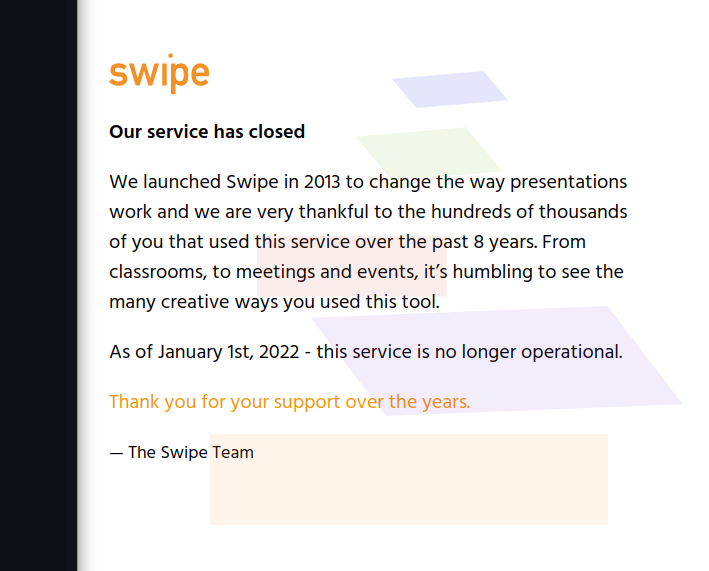
Swipe shut down https://www.swipe.to/
image

@ollej

ollej commented Oct 19, 2022

Copy link
Copy Markdown

May I recommend the tool Rusty Slider, available as a native application for Windows/Mac/Linux as well as on the web.
https://ollej.github.io/rusty-slider/

@anonymouscoolguy

Copy link
Copy Markdown

I have been working on a little side project: https://mdslides.app/

It is built using Reveal.js and Ace, and is a simple markdown presentation tool right in the browser.

@EmaSuriano

Copy link
Copy Markdown

Found this one today : https://sli.dev/

Shout out to this one! Very nice DX, good documentation and fully customizable 👏

@easyjobber

easyjobber commented Nov 12, 2022

Copy link
Copy Markdown

Thanks for this presentation and you are truly an inspiration 👏
https://gist.github.com/easyjobber

@haakonstorm

Copy link
Copy Markdown

Slideas unfortunately appear defunct now. :/

@rukshn

rukshn commented Jul 22, 2023

Copy link
Copy Markdown

Platon does not seem to be working anymore

@kitschpatrol

Copy link
Copy Markdown

iA Presenter has an opinionated take on the markdown → slides workflow.

It recently hit 1.0. Note that it's Mac only, commercial, and apparently not (yet) scriptable from the CLI.

@soaple

soaple commented Oct 7, 2023

Copy link
Copy Markdown

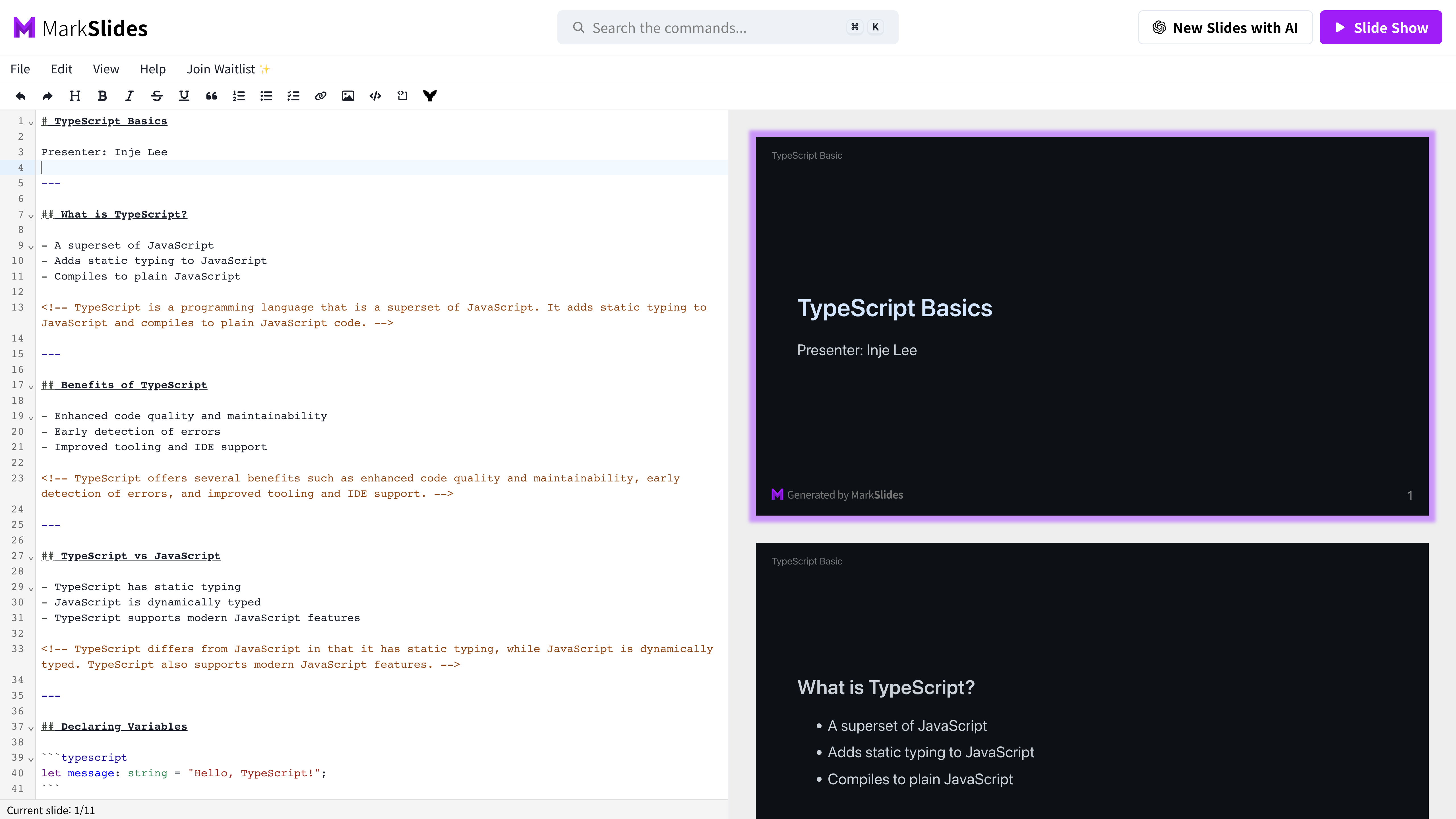
MarkSlides is a tool that allows you to create slides using Markdown.
It is created based on Marp, so any Marp syntax can be rendered to the slide.
In addition, it also supports Generating Slides using AI like ChatGPT.

스크린샷 2023-10-03 오후 10 24 56

@makp

makp commented May 26, 2024

Copy link
Copy Markdown

lookatme seems to be an interesting terminal-based markdown presentation tool.

@ak-git

ak-git commented Jun 24, 2024

Copy link
Copy Markdown

Found this one today : https://sli.dev/

Awesome

@rhult

rhult commented Jul 19, 2024

Copy link
Copy Markdown

Native macOS app: https://showdown.tinybird.se

@jerryjappinen

Copy link
Copy Markdown

Created this for the live notebook platform Observable: https://observablehq.com/@jerryjappinen/slides

@MartenBE

MartenBE commented Sep 30, 2024

Copy link
Copy Markdown

MkDocs but for slides based on Reveal.js: https://martenbe.github.io/mkslides/

@TheManFromEarth1

Copy link
Copy Markdown

05/2025: Still sli.dev, great features and very well maintained

@jonathanschaaij

Copy link
Copy Markdown

Quarto is also an awesome project to present markdown files (And do a lot more)

@smsmanagercz

Copy link
Copy Markdown

@formfs

formfs commented Nov 14, 2025

Copy link
Copy Markdown

Use a long time ago and still efficient :

sent : https://tools.suckless.org/sent/

@testifyprep

testifyprep commented Dec 9, 2025

Copy link
Copy Markdown

Thanks for keeping this list alive. Since a few of the hosted ones like are dead, I figured I'd share the one I've been building:

https://typedeck.io

it’s Markdown -> slides with a bunch of themes, layouts, PowerPoint and pdf export, etc. I’m still working on it, but thought it might fit the 'Hosted Services' category. I’d be grateful for feedback or feature requests!

@zenomt

zenomt commented Feb 7, 2026

Copy link
Copy Markdown

for CLI: https://github.com/zenomt/mdslides (sample presentation: https://zenomt.github.io/mdslides/mdslides.html )

it generates pure HTML+CSS presentations (no JavaScript). it's just a CSS stylesheet and an 8 line Awk script to replace slide delimiters with HTML to work with the stylesheet. bring your own (CommonMark) Markdown formatter (i like MD4C's md2html).

@d9k

d9k commented Feb 15, 2026

Copy link
Copy Markdown

Found this one today : https://sli.dev/

sli.dev is flexible and feature-reach but bloated anti-minimalist solution. It serves full-blown local Nuxt website.

Tried example https://github.com/loftkun/slidev-example.

node_modules occupies 400 MB.

  • @iconfify: 128MB
    • noto.json: 24MB, emojione-v1.json: 22MB...
  • monaco-editor: 83MB
  • pdf-lib: 22MB
  • . . . . .

export to pdf uses PlayWright with chromium browser to render! This approach is bloated and slow.

Couldn't configure proxy for external assets download during render: the solution didn't work for me.

@d9k

d9k commented Feb 15, 2026

Copy link
Copy Markdown

On the other hand https://github.com/yhatt/marp-cli-example:

  • Just do npm i and edit PITCHME.md.

  • node_modules: only 130MB

    • mathjax-full: 43MB
    • chromium-bidi: 14MB
    • puppeteer-core: 12MB
    • . . . . .
  • VSCode preview plugin!

  • Build to PDF is much faster, no errors with proxy (for proxy just install proxychains, configure it and prefix command with it: proxychains npm run pdf)

  "scripts": {
    "pdf": "marp --no-stdin PITCHME.md -o public/presentation.pdf",
  • If you want to fit long text just write scope CSS rule: <style scoped>section { font-size: 20px; }</style> inside the markdown slide: marp-team/marp-core#128 (comment)

  • Disable slides transition effects with transition: false in marp.config.mjs.

Sign up for free to join this conversation on GitHub. Already have an account? Sign in to comment