Media uploaded by Argos
media-unavailable.png
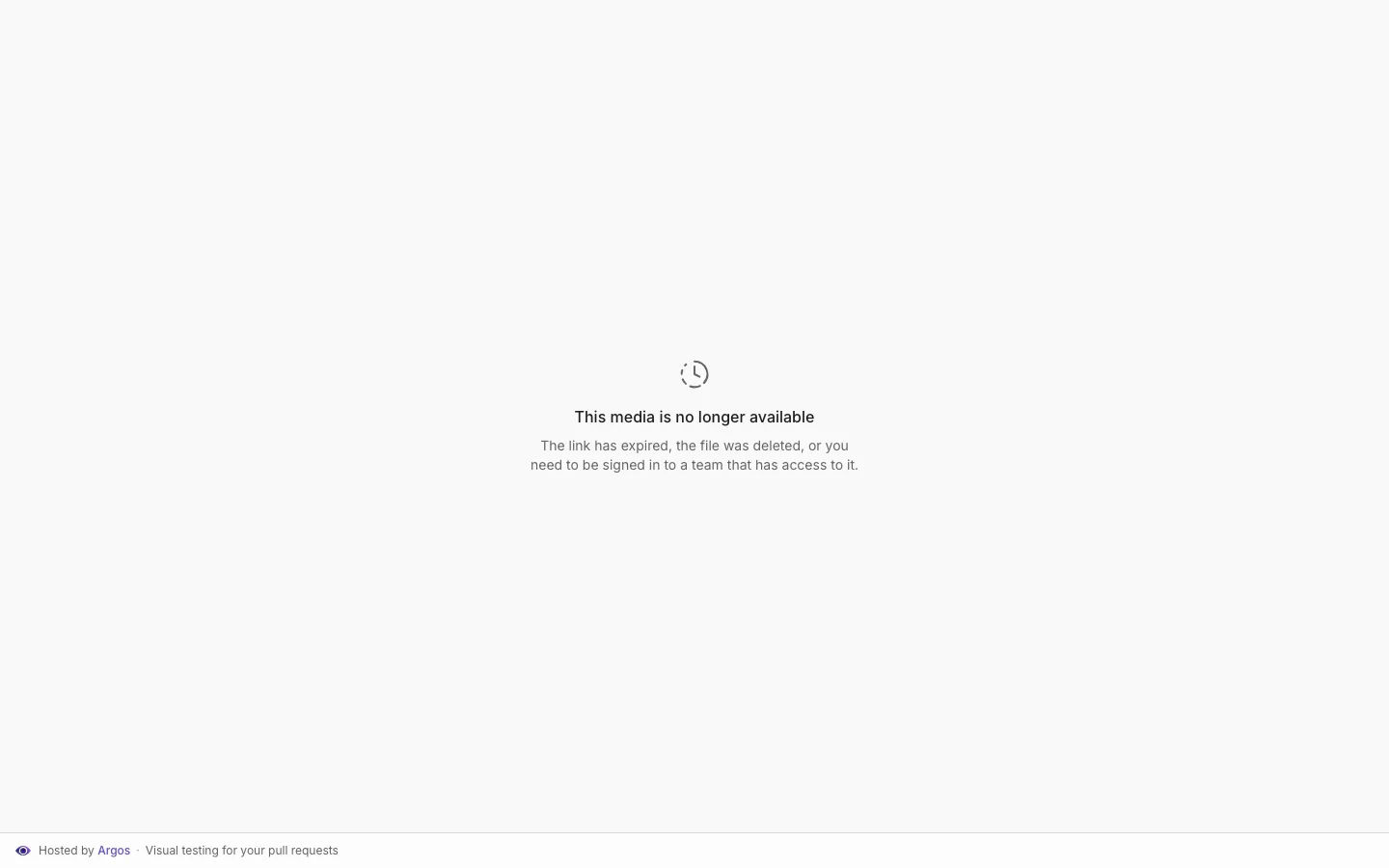
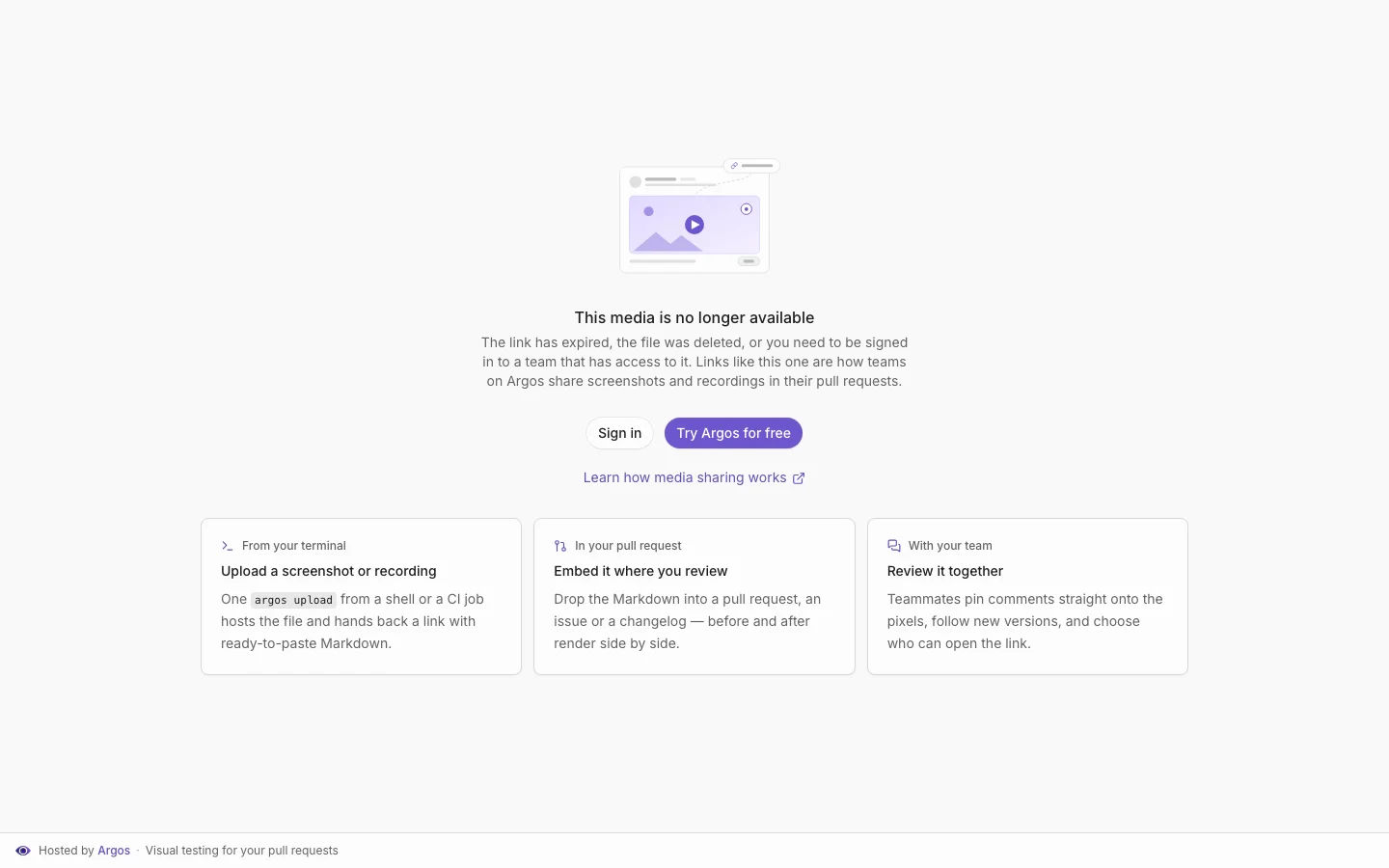
The share-link dead end, before and after: from a bare error card to a sign-in path, a signup CTA, and the three-step feature pitch.
| Before | After |
|---|---|
 |
 |


Media uploaded by Argos
media-unavailable.png
The share-link dead end, before and after: from a bare error card to a sign-in path, a signup CTA, and the three-step feature pitch.
| Before | After |
|---|---|
|
|
Step-by-step guide to send screenshots to Argos without installing any GitHub App, from your CI.
This guide covers uploading images your tests already produced, not capturing them.
ARGOS_TOKEN:
| // file: cypress/support/e2e.js | |
| import "@argos-ci/cypress/support"; | |
| const resolutions = ["iphone-6", "ipad-2", [1024, 768]]; | |
| Cypress.Commands.add("argosScreenshotForResolutions", (name, options = {}) => { | |
| // Save the initial viewport size | |
| const initialViewportWidth = Cypress.config("viewportWidth"); | |
| const initialViewportHeight = Cypress.config("viewportHeight"); |
| // Load OpenAI API key from script properties | |
| const openaiApiKey = "YOUR_API_KEY"; | |
| // Load Google Sheet data | |
| const sheet = | |
| SpreadsheetApp.getActiveSpreadsheet().getActiveSheet() || | |
| SpreadsheetApp.getActiveSpreadsheet().getSheets()[0]; | |
| const data = sheet.getDataRange().getValues(); | |
| // Fetch response from OpenAI's completion API |