
Created
July 14, 2022 17:51
-
-
Save jthomasmock/ee14af9441ab89f802a9bfa2f50af289 to your computer and use it in GitHub Desktop.
This file contains hidden or bidirectional Unicode text that may be interpreted or compiled differently than what appears below. To review, open the file in an editor that reveals hidden Unicode characters.
Learn more about bidirectional Unicode characters
| --- | |
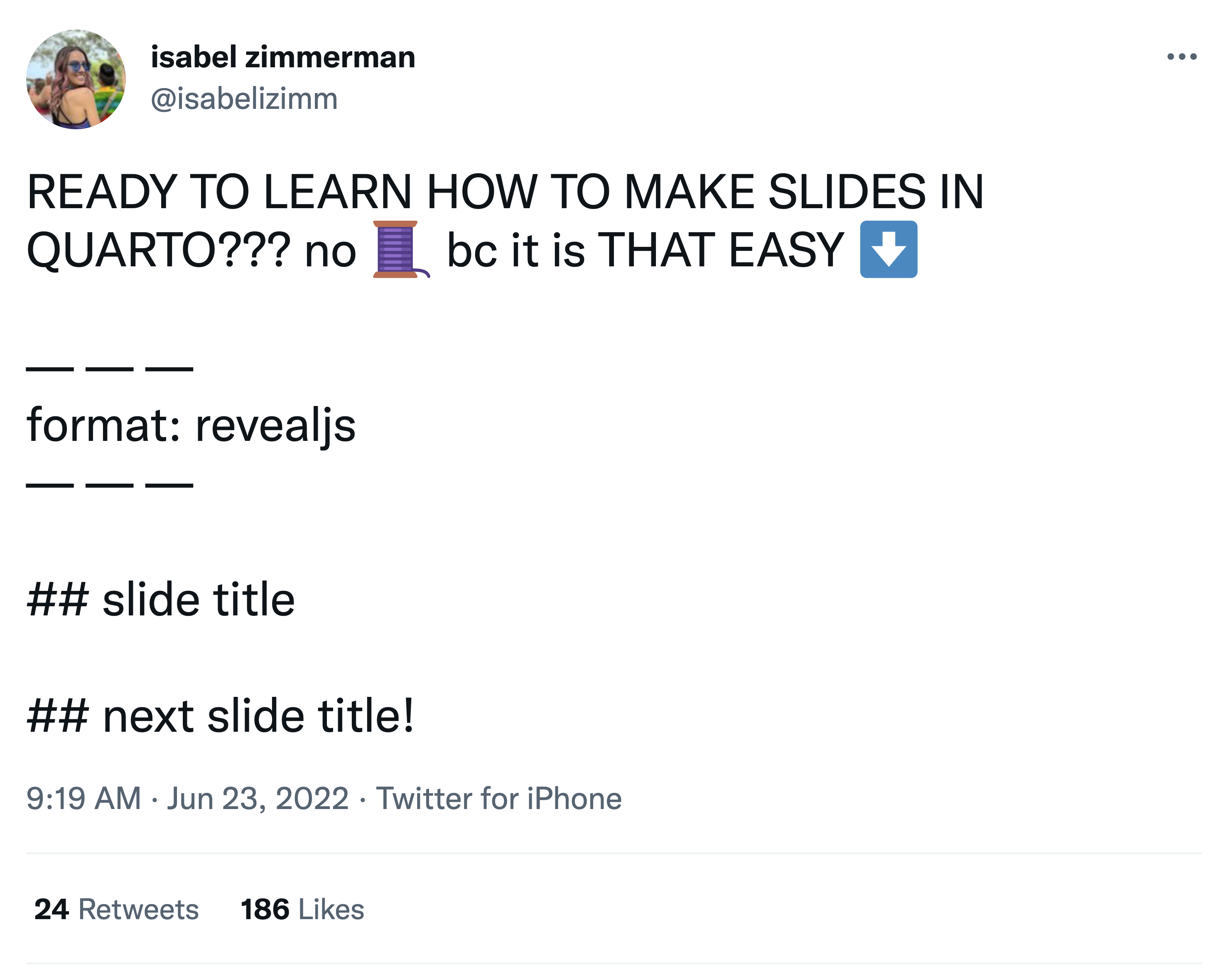
| format: | |
| revealjs: | |
| slide-number: c/t | |
| width: 1920 | |
| height: 1080 | |
| logo: "https://www.rstudio.com/wp-content/uploads/2018/10/RStudio-Logo-Flat.png" | |
| footer: "[Get started with Quarto](https://rstudio-conf-2022.github.io/get-started-quarto/)" | |
| theme: simple | |
| echo: true | |
| editor: source | |
| --- | |
| # Presentations {background-color="#4f6952"} | |
| <h2>Making Slides with Code</h2> | |
| <h3>Tom Mock \| 2022-07-25</h3> | |
| ## Quarto presentation formats | |
| - `revealjs` - essentially the replacement for `xaringan`, but with Pandoc-native syntax | |
| - `beamer` for LaTex slides | |
| - Powerpoint for when you *have* to collaborate via Office | |
| ## {background-image="images/quarto-slides.png" background-position="center" background-size="auto 50%"} | |
| . . . | |
| {fig-align="center"} | |
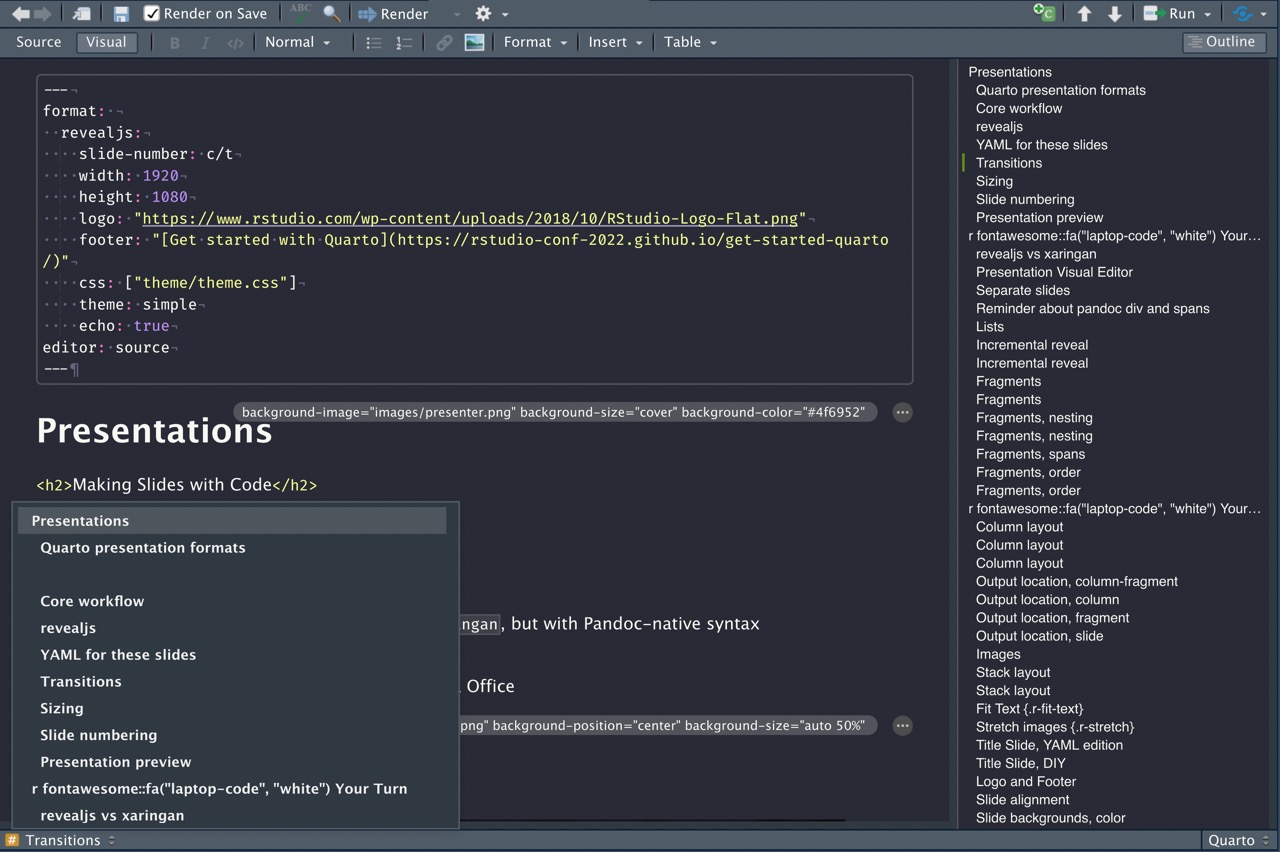
| ## Presentation Visual Editor | |
| Unlike `xaringan`, Quarto + `revealjs` can be edited with the RStudio Visual Editor! | |
|  |

jthomasmock
commented
Jul 14, 2022
Author
Sign up for free
to join this conversation on GitHub.
Already have an account?
Sign in to comment