You signed in with another tab or window. Reload to refresh your session.You signed out in another tab or window. Reload to refresh your session.You switched accounts on another tab or window. Reload to refresh your session.Dismiss alert
When the directory structure of your Node.js application (not library!) has some depth, you end up with a lot of annoying relative paths in your require calls like:
Instructions on how to fix npm if you've installed Node through Homebrew on Mac OS X or Linuxbrew
OBSOLETE
This entire guide is based on an old version of Homebrew/Node and no longer applies. It was only ever intended to fix a specific error message which has since been fixed. I've kept it here for historical purposes, but it should no longer be used. Homebrew maintainers have fixed things and the options mentioned don't exist and won't work.
I still believe it is better to manually install npm separately since having a generic package manager maintain another package manager is a bad idea, but the instructions below don't explain how to do that.
Fixing npm On Mac OS X for Homebrew Users
Installing node through Homebrew can cause problems with npm for globally installed packages. To fix it quickly, use the solution below. An explanation is also included at the end of this document.
This file contains hidden or bidirectional Unicode text that may be interpreted or compiled differently than what appears below. To review, open the file in an editor that reveals hidden Unicode characters.
Learn more about bidirectional Unicode characters
How to use terminal on Windows and don’t go crazy…
How to use terminal on Windows without going crazy…
Windows is really horrible system for developers and especially for devops. It doesn’t even have a usable terminal and shell, so working with command line is really pain in the ass. If you really don’t want to switch to any usable system (OS X, Linux, BSD…), then this guide should help you to setup somewhat reasonable environment – usable terminal, proper shell, ssh client, git and Sublime Text as a default editor for shell.
This file contains hidden or bidirectional Unicode text that may be interpreted or compiled differently than what appears below. To review, open the file in an editor that reveals hidden Unicode characters.
Learn more about bidirectional Unicode characters
I no longer mantain this list. There are lots of other very comprehensive JavaScript link lists out there. Please see those, instead (Google "awesome JavaScript" for a start).
Exporting (iCloud) Keychain and Safari credentials to a CSV file
Exporting (iCloud) Keychain and Safari credentials to a CSV file
Update (October 2021)
Exporting password + one-time code data from iCloud Keychain is now officially supported in macOS Monterey and Safari 15 (for Monterey, Big Sur, and Catalina). You can access it in the Password Manager’s “gear” icon (System Preferences > Passwords on Monterey, and Safari > Passwords everywhere else), or via the File > Export > Passwords... menu item). You shouldn't need to hack up your own exporter anymore.
Original, Obsolete Content (2014)
After my dad died, I wanted to be able to have access any of his online accounts going forward. My dad was a Safari user and used iCloud Keychain to sync his credentials across his devices. I don’t want to have to keep an OS X user account around just to access his accounts, so I wanted to export his credentials to a portable file.
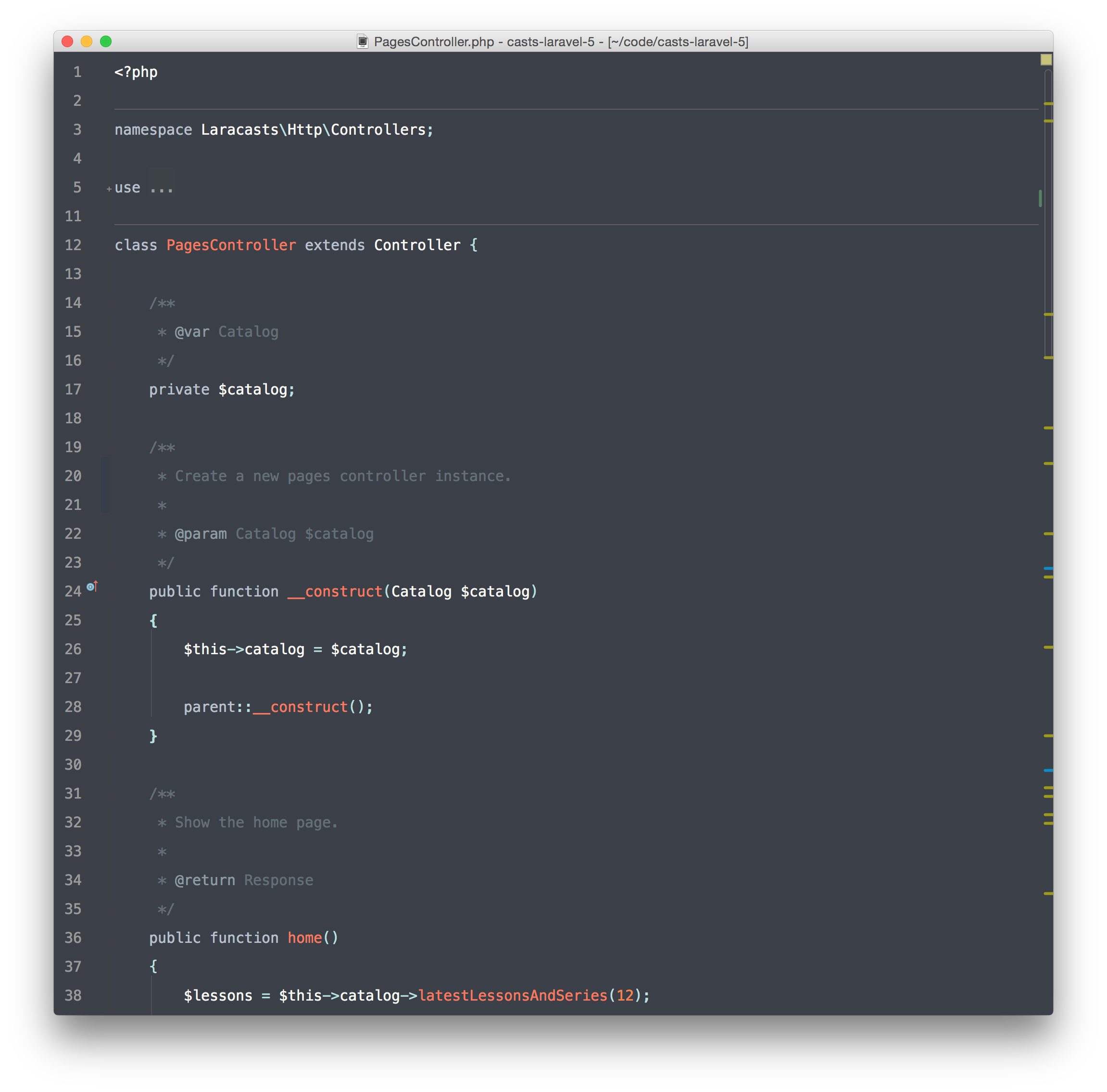
This is a slightly modified version of the great LaracastsPHPStorm theme.
I've added some styles for Verions Control (add, modified, deleted line...) and fixed some missing things like warnings.
I fell in love with CoffeeScript a couple of years ago. Javascript has always seemed something of an interesting curiosity to me and I was happy to see the meteoric rise of Node.js, but coming from a background of Python I really preferred a cleaner syntax.
In any fast moving community it is inevitable that things will change, and so today we see a big shift toward ES6, the new version of Javascript. It incorporates a handful of the nicer features from CoffeeScript and is usable today through tools like Babel. Here are some of my thoughts and issues on moving away from CoffeeScript in favor of ES6.
While reading I suggest keeping open a tab to Babel's learning ES6 page. The examples there are great.
Punctuation
Holy punctuation, Batman! Say goodbye to your whitespace and hello to parenthesis, curly braces, and semicolons again. Even with the advanced ES6 syntax you'll find yourself writing a lot more punctuatio
This file contains hidden or bidirectional Unicode text that may be interpreted or compiled differently than what appears below. To review, open the file in an editor that reveals hidden Unicode characters.
Learn more about bidirectional Unicode characters