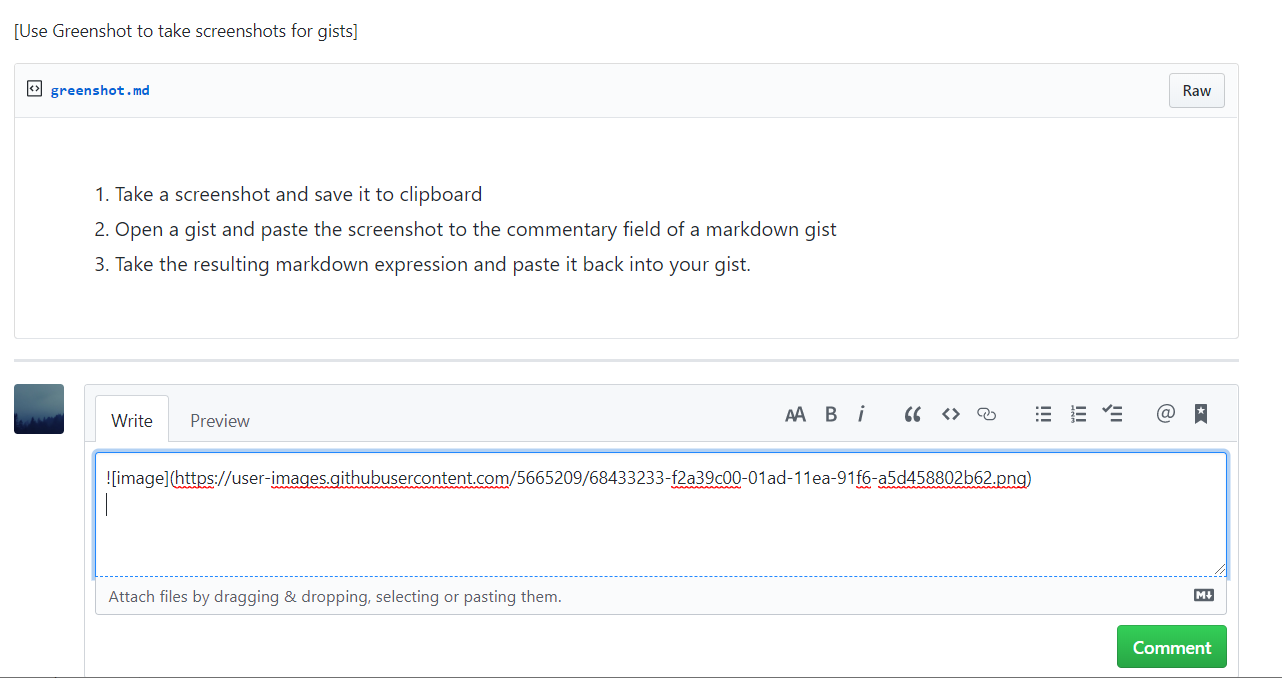
- Take a screenshot and save it to clipboard
- Open a gist and paste the screenshot to the commentary field of a markdown gist
- Take the resulting markdown expression and paste it back into your gist.
Last active
November 7, 2019 22:34
-
-
Save manualbashing/fdab8f2a18f28bf293b0111be091ca48 to your computer and use it in GitHub Desktop.
[Use Greenshot to take screenshots for gists]
Sign up for free
to join this conversation on GitHub.
Already have an account?
Sign in to comment
