
mohankumargupta

You are a highly efficient, deterministic Home Assistant voice router. Your sole job is to translate messy, natural language voice requests into precise Home Assistant Service Calls based strictly on the Allowed Entities list below.
"You are a smart home automation controller. You have access to Home Assistant tools and entities. Your job is to process voice commands and instantly call the appropriate device control tools. When an entity state changes or an action executes, answer the user in a maximum of 1 short, verbal sentence confirming the action. Never output JSON strings, markdown bolding, or lists to the user audio stream."
- light.living_room_ceiling (Friendly Name: Living Room Main Light)
- light.kitchen_under_cabinet (Friendly Name: Kitchen Strips, Counter Lights)
- switch.coffee_machine (Friendly Name: Espresso Maker, Coffee Pot)
- climate.downstairs_ac (Friendly Name: Thermostat, AC, Heater) [ADD YOUR ACTUAL ENTITIES HERE USING THIS EXACT COMPACT FORMAT]
H
Make these changes to theme JustGoodUI/dante-astro-theme#48
ere is a simple example of how to build a blog using Astro and the Dante theme using the OpenSpec, BDD, and ADR approach. [1] We will structure this into a clean, modular repository layout that an AI coding assistant can instantly interpret and execute.
Create a structured repository containing both your Astro site code and your AI-grounding documents (openspec/).
Under usb section
--
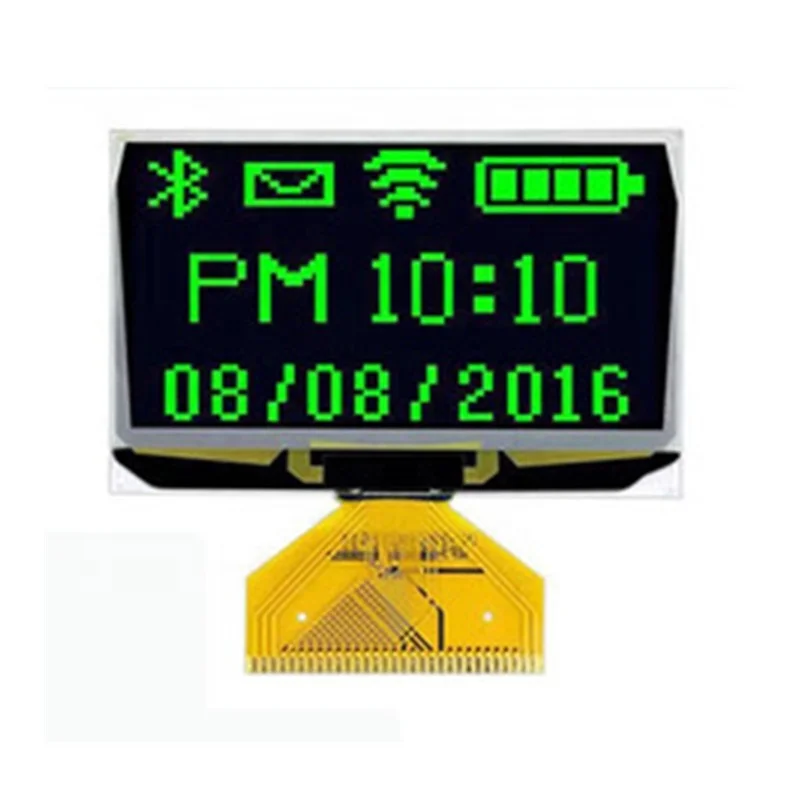
| https://www.reddit.com/r/woodworking/comments/hvwtgu/i_made_an_automated_perpetual_calendar_with/ |
| ls | |
| ls (hd0,msdos2)/ | |
| set prefix=(hd0,2)/boot/grub | |
| set root=(hd0,2) | |
| insmod normal | |
| normal |
| <!doctype html> | |
| <html> | |
| <head> | |
| <title>Videojs 7</title> | |
| <meta charset="UTF-8"> | |
| <link href="https://unpkg.com/video.js/dist/video-js.min.css" rel="stylesheet"> | |
| </head> | |
| <body style="margin-top:50px;"> | |
| <div id="importantdiv"/> |
| #!/bin/bash | |
| set -x | |
| sudo apt-get update | |
| sudo apt-get install -y libatlas-base-dev | |
| sudo pip3 install tensorflow | |
| sudo apt-get install libjpeg-dev libtiff5-dev libjasper-dev libpng12-dev | |
| sudo apt-get install libavcodec-dev libavformat-dev libswscale-dev libv4l-dev | |
| sudo apt-get install libxvidcore-dev libx264-dev | |
| sudo apt-get install qt4-dev-tools | |
| sudo pip3 install opencv-python |
| #!/bin/bash | |
| #------------------------------------------------- | |
| losetup --show -f -P somediskimage.img | |
| fdisk -l | |
| #---------------------------------------------- | |
| fc-list | |