Skip to content

Instantly share code, notes, and snippets.

View satyadeepk's full-sized avatar

Satyadeep satyadeepk

View GitHub Profile
@muralikg
muralikg / background.js
Last active July 29, 2024 14:29
puppeteer screen capture demo. Currently records 10 second video. Change the timeout in background.js with your own logic to stop the recording when necessary. Try with `node export.js`
/* global chrome, MediaRecorder, FileReader */
chrome.runtime.onConnect.addListener(port => {
let recorder = null
port.onMessage.addListener(msg => {
console.log(msg);
switch (msg.type) {
case 'REC_STOP':
console.log('Stopping recording')
if (!port.recorderPlaying || !recorder) {
@stellingsimon
stellingsimon / AuditingConnection.java
Last active September 9, 2023 08:50
Recording row-level auditing information from an application's user session context in a Postgres DB (9.5+)
package example.postgres.audit;
import org.slf4j.Logger;
import org.slf4j.LoggerFactory;
import java.sql.CallableStatement;
import java.sql.Connection;
import java.sql.PreparedStatement;
import java.sql.SQLException;
import java.sql.Savepoint;
@khanhtran3005
khanhtran3005 / pt-kill.md
Last active June 28, 2019 08:04
pt-kill example

pt-kill user must have SUPER PROCESS permission.

The following command intends to kill queries which have execute time greater than 30s and save terminated queries to database.

pt-kill --host=localhost --user=pt_kill_user --password=pt_kill_pass \
--busy-time=30 --interval=5s \
--log-dsn=h=localhost,D=pt_kill,t=kill_log,P=3306,u=root,p=root \
--kill --daemonize --ignore-user=backup
@NigelEarle
NigelEarle / Knex-Migrations-Seeding.md
Last active June 25, 2026 20:56
Migration and seeding instructions using Knex.js!

Migrations & Seeding

What are migrations??

Migrations are a way to make database changes or updates, like creating or dropping tables, as well as updating a table with new columns with constraints via generated scripts. We can build these scripts via the command line using knex command line tool.

To learn more about migrations, check out this article on the different types of database migrations!

Creating/Dropping Tables

@hmain
hmain / query_s3_access_logs_with_athena.sql
Created November 10, 2017 16:07
Query S3 Access Logs with AWS Athena
/* Create a database in Athena */
CREATE DATABASE s3_AccessLogsDB;
/*
Create a table within the Athena database
Replace s3://MY_S3_BUCKET/ with your S3 bucket
which has the access logs you want to query
*/
CREATE EXTERNAL TABLE IF NOT EXISTS s3_AccessLogs.Accesslogs(
BucketOwner string,
@a7madgamal
a7madgamal / dark.md
Last active October 4, 2026 20:34
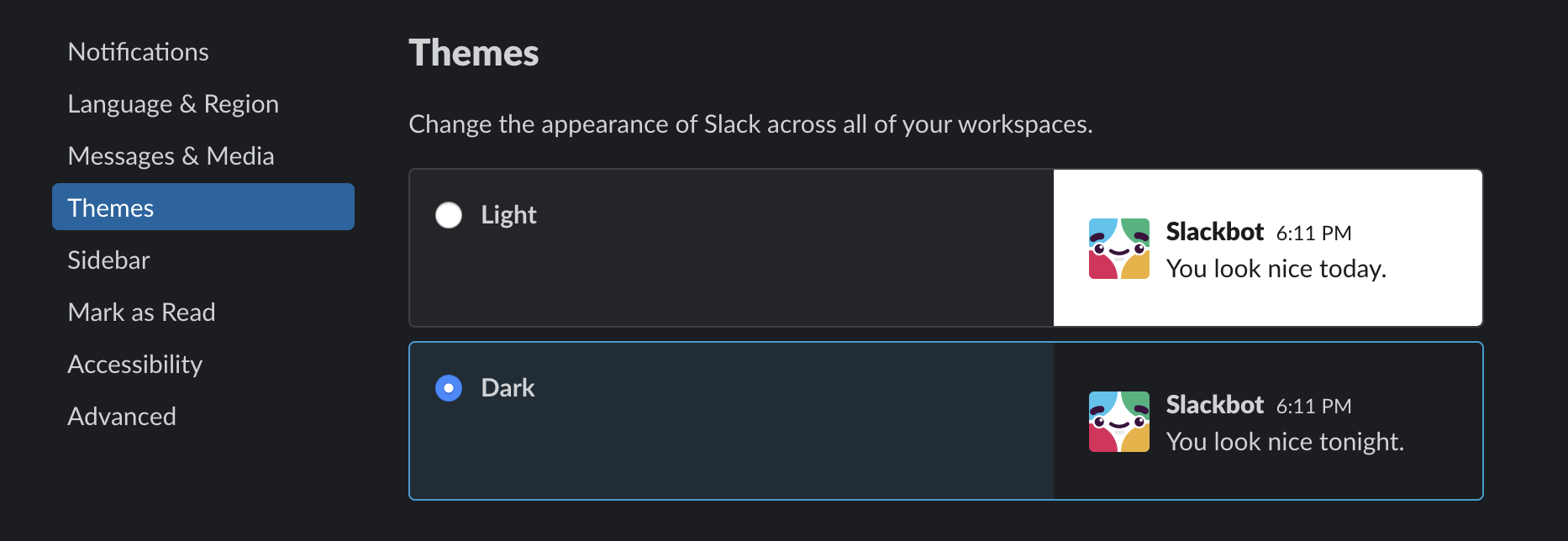
Dark mode for Slack on MacOS
@tdsymonds
tdsymonds / backbutton-closebootstrap-modal.js
Last active June 1, 2021 08:13 — forked from thedamon/backbutton close bootstrap modal
Cause back button to close Bootstrap modal windows
// For the below to work with the escape key
// I needed to add data-keyboard="false" to the modal
// in the HTML so that the standard bootstrap function
// doesn't fire, the below fires instead
$('div.modal').on('show.bs.modal', function() {
var modal = this;
var hash = modal.id;
window.location.hash = hash;
window.onhashchange = function() {
@caraboides
caraboides / backup-mongodb-to-s3.sh
Last active August 2, 2023 06:11
Simple script to backup MongoDB to S3, without waste diskspace for temp files. And a way to restore from the latest snapshot.
#!/bin/sh
set -e
HOST=localhost
DB=test-entd-products
COL=asimproducts
S3PATH="s3://mongodb-backups-test1-entd/$DB/$COL/"
S3BACKUP=$S3PATH`date +"%Y%m%d_%H%M%S"`.dump.gz
S3LATEST=$S3PATH"latest".dump.gz
/usr/bin/aws s3 mb $S3PATH
@justjanne
justjanne / Price Breakdown.md
Last active February 8, 2026 17:49 — forked from kylemanna/price.txt
Server Price Breakdown: DigitalOcean, Amazon AWS LightSail, Vultr, Linode, OVH, Hetzner, Scaleway/Online.net:

Server Price Breakdown: DigitalOcean, Amazon AWS LightSail, Vultr, Linode, OVH, Hetzner, Scaleway/Online.net:

Permalink: git.io/vps

$5/mo

Provider Type RAM Cores Storage Transfer Network Price
@charity
charity / init.sh
Created May 18, 2016 20:19
terraform environment init.sh
#!/bin/bash
# Usage: ./init.sh once to initialize remote storage for this environment.
# Subsequent tf actions in this environment don't require re-initialization,
# unless you have completely cleared your .terraform cache.
#
# terraform plan -var-file=./production.tfvars
# terraform apply -var-file=./production.tfvars
tf_env="production"