- Temporary Ignore a File:
To ignore a file temporarily, use:
git update-index --assume-unchanged <filename> - Revert Temporary Ignore:
To undo the ignore command and track the file again:
git update-index --no-assume-unchanged <filename>

Alien Y shaishab316

This file contains hidden or bidirectional Unicode text that may be interpreted or compiled differently than what appears below. To review, open the file in an editor that reveals hidden Unicode characters.
Learn more about bidirectional Unicode characters
| { | |
| "name": "Protect Main Branch", | |
| "target": "branch", | |
| "enforcement": "active", | |
| "conditions": { | |
| "ref_name": { | |
| "exclude": [], | |
| "include": ["~DEFAULT_BRANCH"] | |
| } |
shaishab316
/ git-tips-and-tricks.md
Last active
November 20, 2025 03:51
A collection of useful Git commands and techniques to streamline your workflow, improve productivity, and enhance version control practices. This guide covers advanced features, troubleshooting tips, and lesser-known Git commands to help you work more efficiently with repositories, branches, commits, and remotes. Whether you're a beginner or an …
shaishab316
/ deploy-cheatsheet.md
Last active
September 16, 2026 07:33
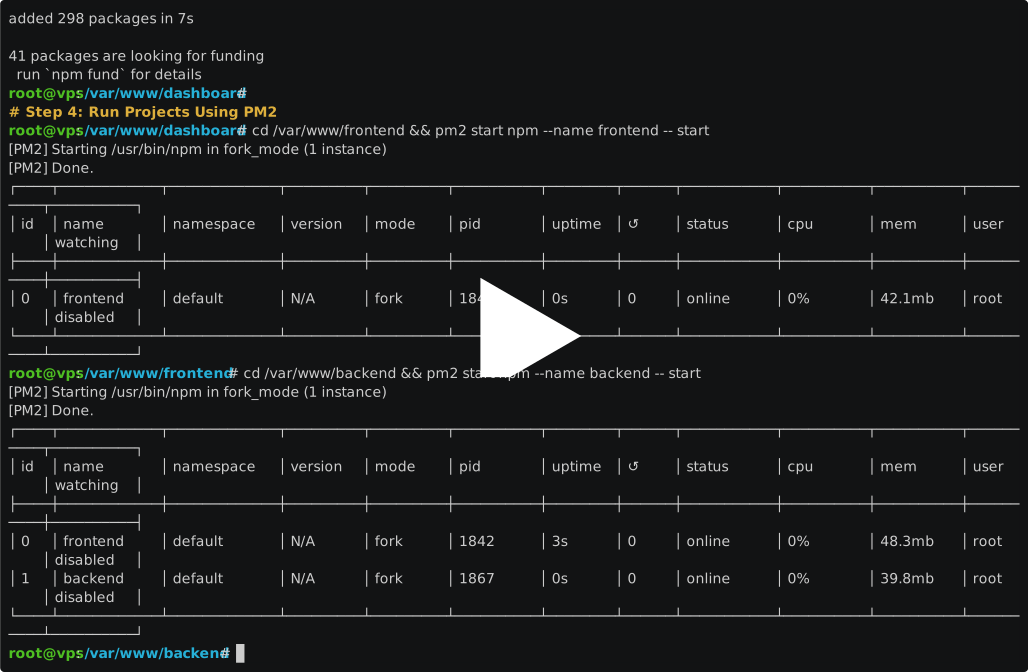
A step-by-step guide to deploy React frontend, Node.js backend, and Dashboard on a fresh VPS using NGINX reverse proxy, PM2 process manager, and free SSL via Certbot. Perfect for production-ready hosting with subdomains (api & dashboard) and automatic service startup.