-> see last version https://gist.github.com/signedav/ac2098552221a8d0b26ab3a225924cbc
First page on opening the wizard asks you to load the files you want to import:
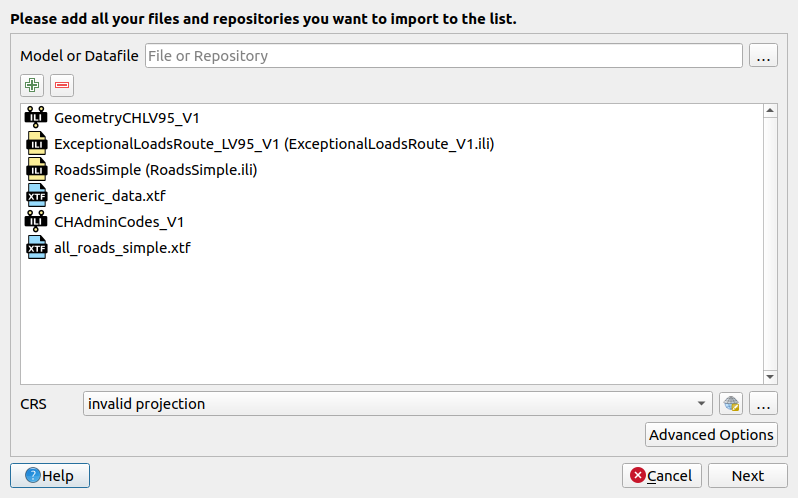
If no file has been selected the text is different: "You don't import anything. Select the existing database you want to generate your project from." If there are some imports, this dialog appears:
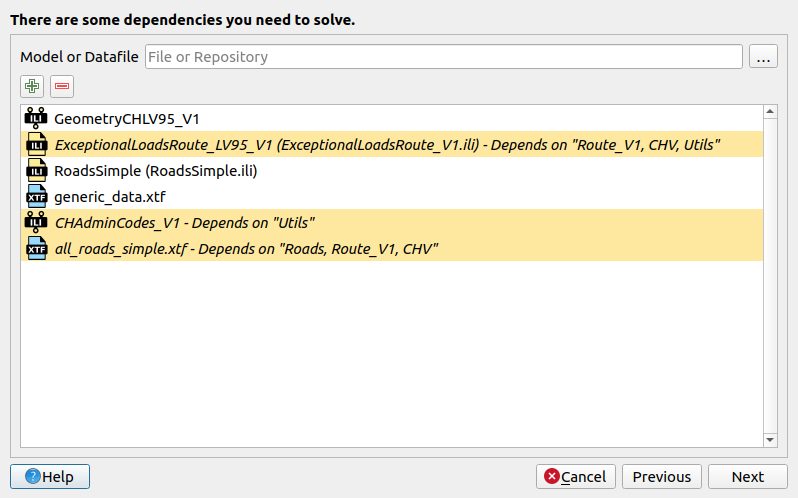
Maybe there have been some dependencies detected. A dialog similar to the first one appears. But without additional ili2db settings (Advanced Options). When selected another file it checks it according the selected database.
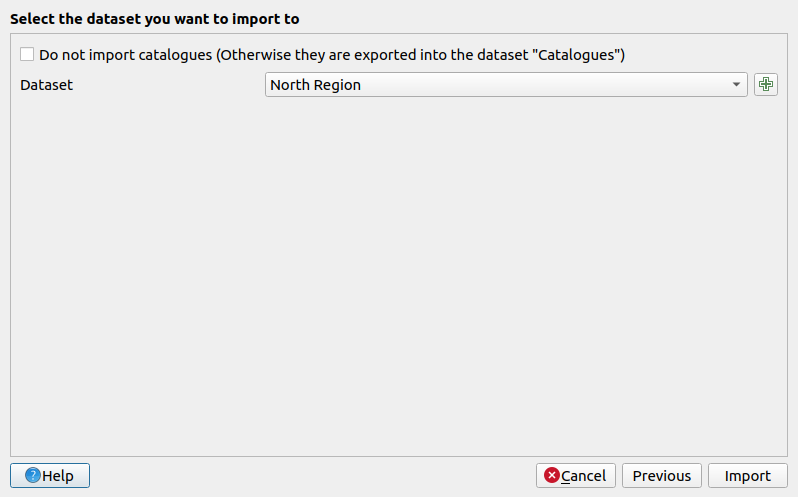
If a data import has been chosen, it opens the Dataset dialog to choose in what existing dataset you want to import or you can create a new one with "+".
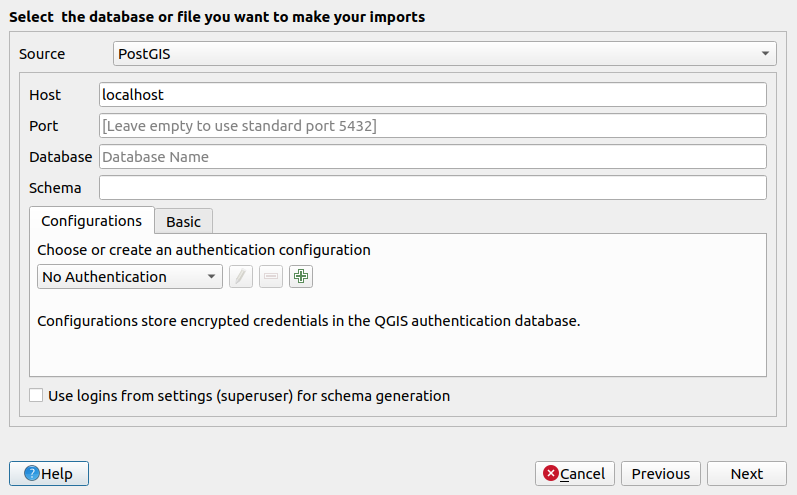
You can choose the database or file you want to export from
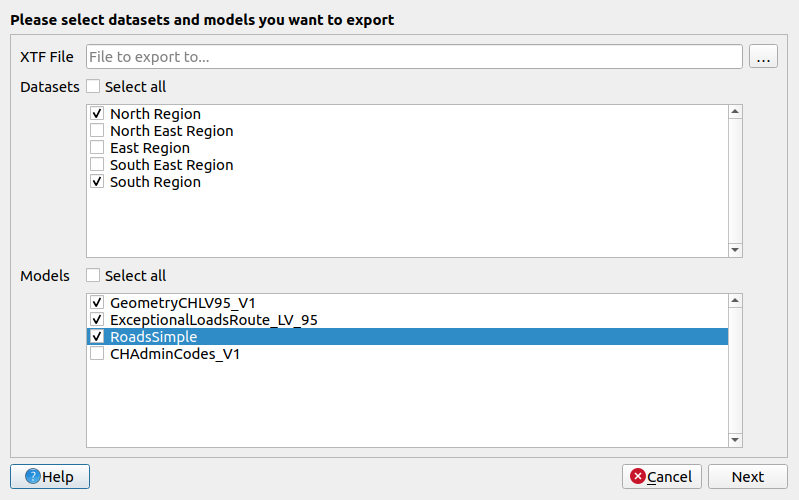
And you can choose the datasets and the models to export - the model list is updated according the selection in the dataset list.