
Created
September 24, 2020 10:20
-
-
Save vadviktor/c447733d6e885c4e0f6c5c9669be18b3 to your computer and use it in GitHub Desktop.
Create a decent but narrow shadow with Imagemagick
This file contains hidden or bidirectional Unicode text that may be interpreted or compiled differently than what appears below. To review, open the file in an editor that reveals hidden Unicode characters.
Learn more about bidirectional Unicode characters
| #!/bin/bash | |
| if [[ -f "${1}" ]]; then | |
| tmp="${1%.*}" | |
| convert "${1}" \( +clone -background gray -shadow 80x8+8+8 \) +swap -background white -layers merge +repage "${tmp}_drop-shadow.png" | |
| fi |


Author
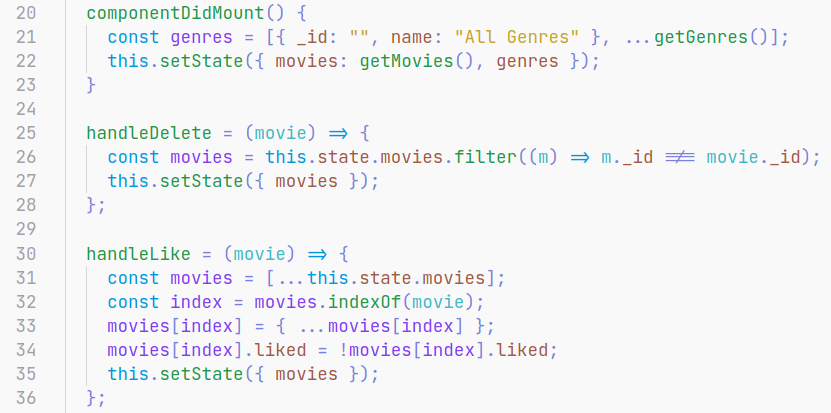
Original
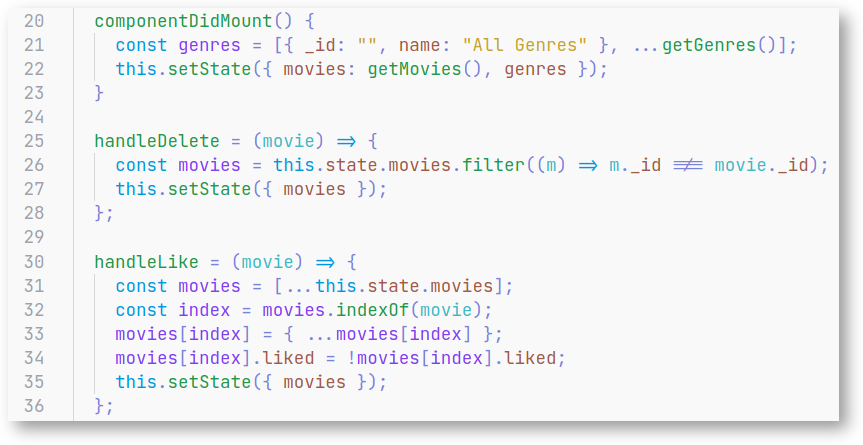
Applied shadow
Nice. Reminds me a shadow added on Mac when you make a screenshot of a selected window, example:
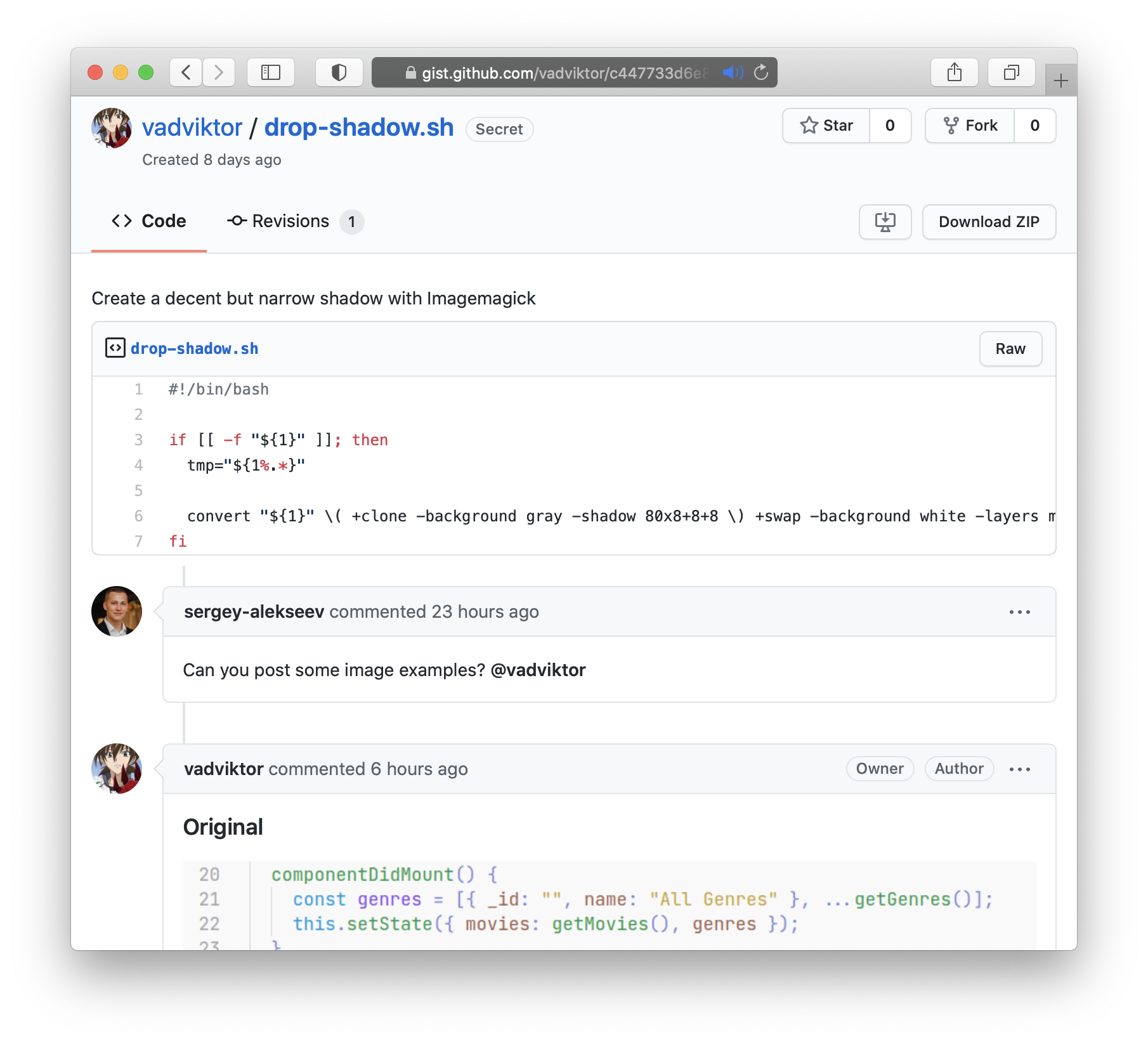
Author
Exactly, that was the base of my initial search which led me to https://apple.stackexchange.com/questions/384323/create-macos-style-screenshots-with-drop-shadow-using-imagemagick from where I adapted most of the code, but tweaked it to my taste 😄
Sign up for free
to join this conversation on GitHub.
Already have an account?
Sign in to comment
Can you post some image examples? @vadviktor