Skip to content

Instantly share code, notes, and snippets.

@wilmoore
Last active January 4, 2026 16:33
Show Gist options
  • Select an option

  • Save wilmoore/bbc5928afd105ffb49e97fcd8a31f4b8 to your computer and use it in GitHub Desktop.

Select an option

Save wilmoore/bbc5928afd105ffb49e97fcd8a31f4b8 to your computer and use it in GitHub Desktop.
.tmux.conf
##########
# key bindings
##########
bind-key -T copy-mode-vi 'v' send -X begin-selection
bind-key -T copy-mode-vi 'y' send -X copy-selection-and-cancel
# tab through panes
bind-key -r Tab select-pane -t :.+
# when creating new window, prompt for a name
bind-key c command-prompt -p "window name:" "new-window; rename-window '%%'"
# directional resize
bind-key -r -T prefix C-j resize-pane -D 1
bind-key -r -T prefix C-k resize-pane -U 1
bind-key -r -T prefix C-h resize-pane -L 1
bind-key -r -T prefix C-l resize-pane -R 1
##########
# title options
##########
set-option -g set-titles on
set-option -g set-titles-string "#S@#H (#W)"
##########
# pane options
##########
set-option -g pane-border-status top
set-option -g pane-active-border-style "bg=default fg=magenta"
##########
# window options
##########
set-window-option -g pane-border-format ' #{pane_current_path} '
set-window-option -g mode-keys vi
set-option -g status-bg magenta
set-option -g renumber-windows on
##########
# menu bar
##########
# globals
set -g status-bg black
set -g status-fg magenta
set -g status-justify centre
# left
set-option -g status-left-length 26
set-option -g status-left '#[fg=white][#[bg=black,fg=magenta]#W#[fg=white]]'
# right
set-option -g status-right-length 140
set -g status-right '#[fg=colour233,bg=colour15,bold] ⎇ #(cd #{pane_current_path}; git rev-parse --abbrev-ref HEAD) #[fg=colour233,bg=colour241,bold] %d/%m #[fg=colour233,bg=colour245,bold] %H:%M:%S '

Software Engineering :: Operating Systems :: Linux :: Terminal :: Multiplexer :: Software :: Tmux :: Configuration :: Example :: Wil Moore III

⪼ Made with 💜 by Polyglot.

assistant
example

minimal

:set -g mouse on
:set -g status-right '#(cd #{pane_current_path}; git rev-parse --abbrev-ref HEAD)'
:set -g mode-keys vi
research

Tutorials

Key Bindings

resize current pane
  • CTRL-B, j: resize pane 1 unit down
  • CTRL-B, k: resize pane 1 unit up
  • CTRL-B, h: resize pane 1 unit left
  • CTRL-B, l: resize pane 1 unit right
select pane
  • CTRL-B, <TAB>

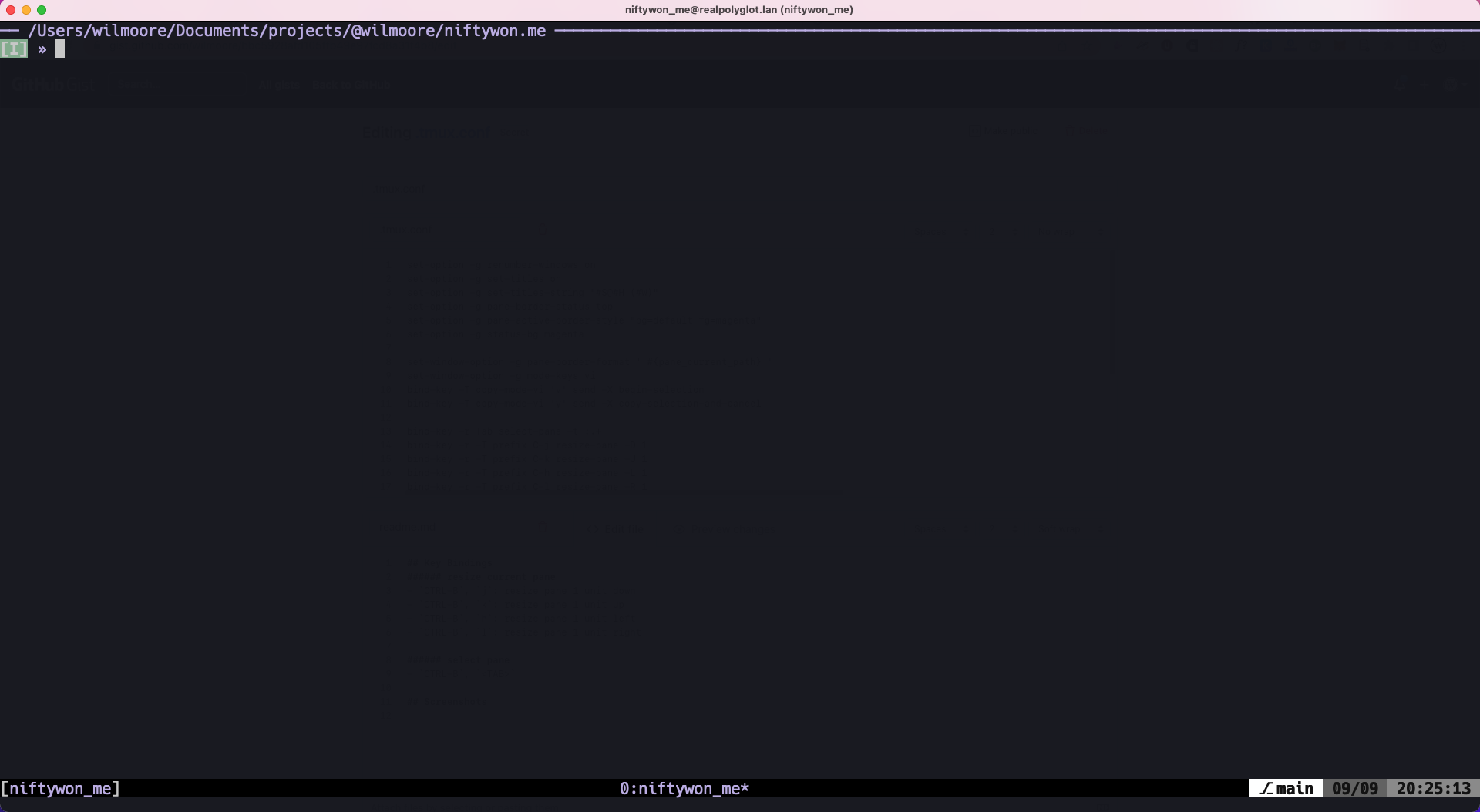
Screenshots

image

Sign up for free to join this conversation on GitHub. Already have an account? Sign in to comment