
Consider the following testcase:
<!DOCTYPE HTML>
<style>
body { font-size: 32pt; margin:0; }
</style>

<div style="color:blue">
<div style="position:absolute; top:calc(100% - 20px); border:1px solid">Hello</div>
  <div style="break-after:always">1</div>
  <div style="">2</div>
</div>
In Print Preview you would get something like:
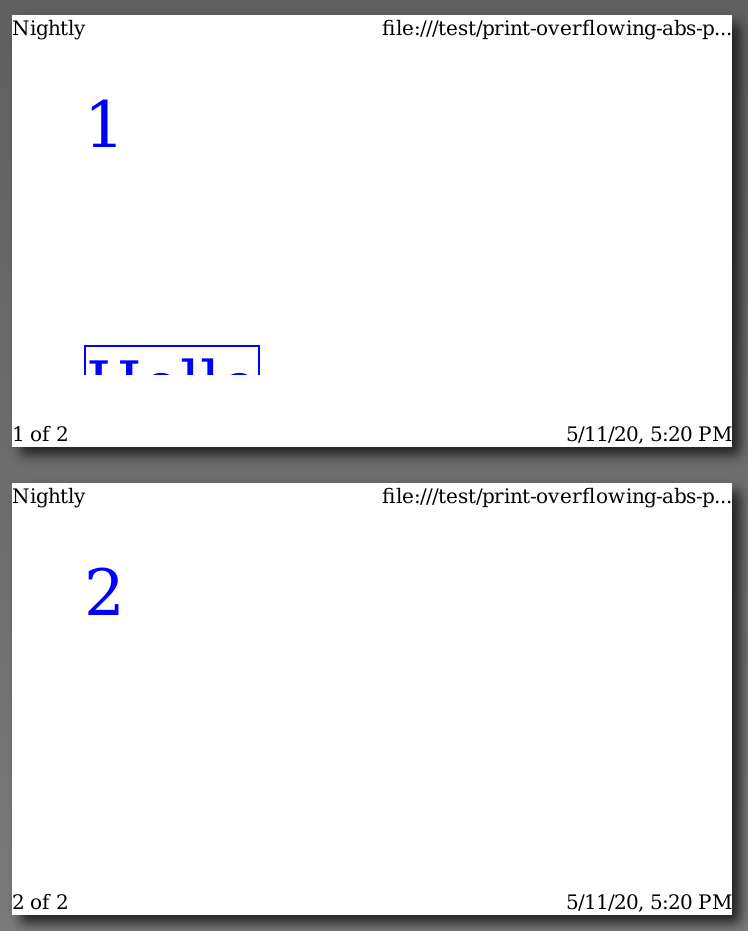
because of bug 267029.
I have an idea of how to fix bugs like this where we don't fragment a frame for some reason and it instead overflows the page content area and we clip it with "dataloss". This can be fixed in a general way by building a DisplayList for the frames on the first page with a clip area that corresponds to the second page (i.e. that starts exactly at the end edge of the first page and has the size of the second page) and include that in the DisplayList for the second page. Then you get the desired result:
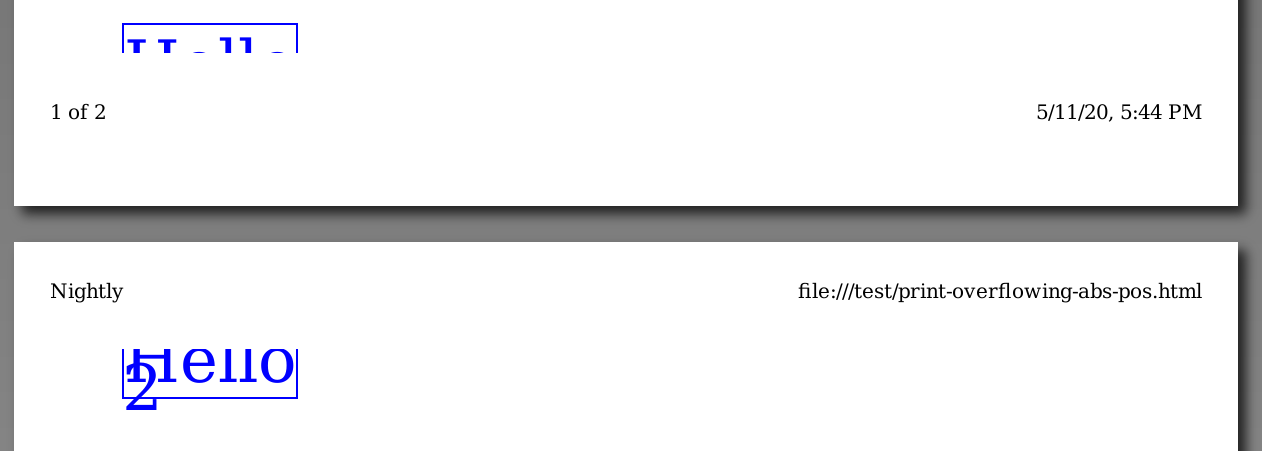
I hacked up a proof-of-concept for the above using the same technique as we use here: https://searchfox.org/mozilla-central/rev/446160560bf32ebf4cb7c4e25d7386ee22667255/layout/generic/nsPageFrame.cpp#515-543
My DisplayList-fu is weak though, so I'm hoping that someone on the Web Painting team can investigate this idea further...

BTW, this would also allow us to render scrollbars in print mode, compare for example:
when printed in Firefox and Chrome. We currently render such boxes as special non-scrollable blocks so that we can fragment them and avoid dataloss of their contents. (See NS_BLOCK_CLIP_PAGINATED_OVERFLOW and its uses.) But that also means we don't render scrollbars for most elements in print mode.