Linux guide for GODDESS OF VICTORY: NIKKE into launcher-specific paths.
| Path | Description | Guide |
|---|---|---|
| Bottles | launcher setup | Guide |
| Faugus | Launcher setup | Guide |


| // This is part of the function that finds the path for the previous games' saves for importing | |
| // ideally you should also cache the result if this is required more than once | |
| using namespace fs = std::filesystem; | |
| std::string path = ph3lib::os::commonFolder(ph3lib::os::CommonFolder::SavedGames) + "/Falcom/Kuro/"; | |
| if (fs::exists(path)) { | |
| return path; | |
| } | |
| // special handling for when running on the Steam Deck (or a Wine environment in general) |

A quick side exercise to see how little code one can get away with to put that RGB triangle on screen using D3D11 (without bending over backwards with trickery). This is a complete app in < 40 LOC (including the HLSL).

For more.. elaborate.. D3D11 reference code, see the original Minimal D3D11, Minimal D3D11 pt2 and Minimal D3D11 pt3

Expanding on Minimal D3D11 elaborations I, adding shadowmapping and incorporating various improvements and alternative approaches to the rendering setup, such as manual vertex fetching, samplerless texture lookup, null shader depth map rendering and procedurally generated texture and [instance data](https://gist.github.com/d7samurai/abab8a580d0298cb2f34a44eec41d
A spin-off from the mainline Minimal D3D11 series, adding two-lane instanced rendering. As before: An uncluttered Direct3D 11 setup & basic rendering primer / API familiarizer. Complete, runnable Windows application contained in a single function and laid out in a linear, step-by-step fashion. No modern C++ / OOP / obscuring cruft.
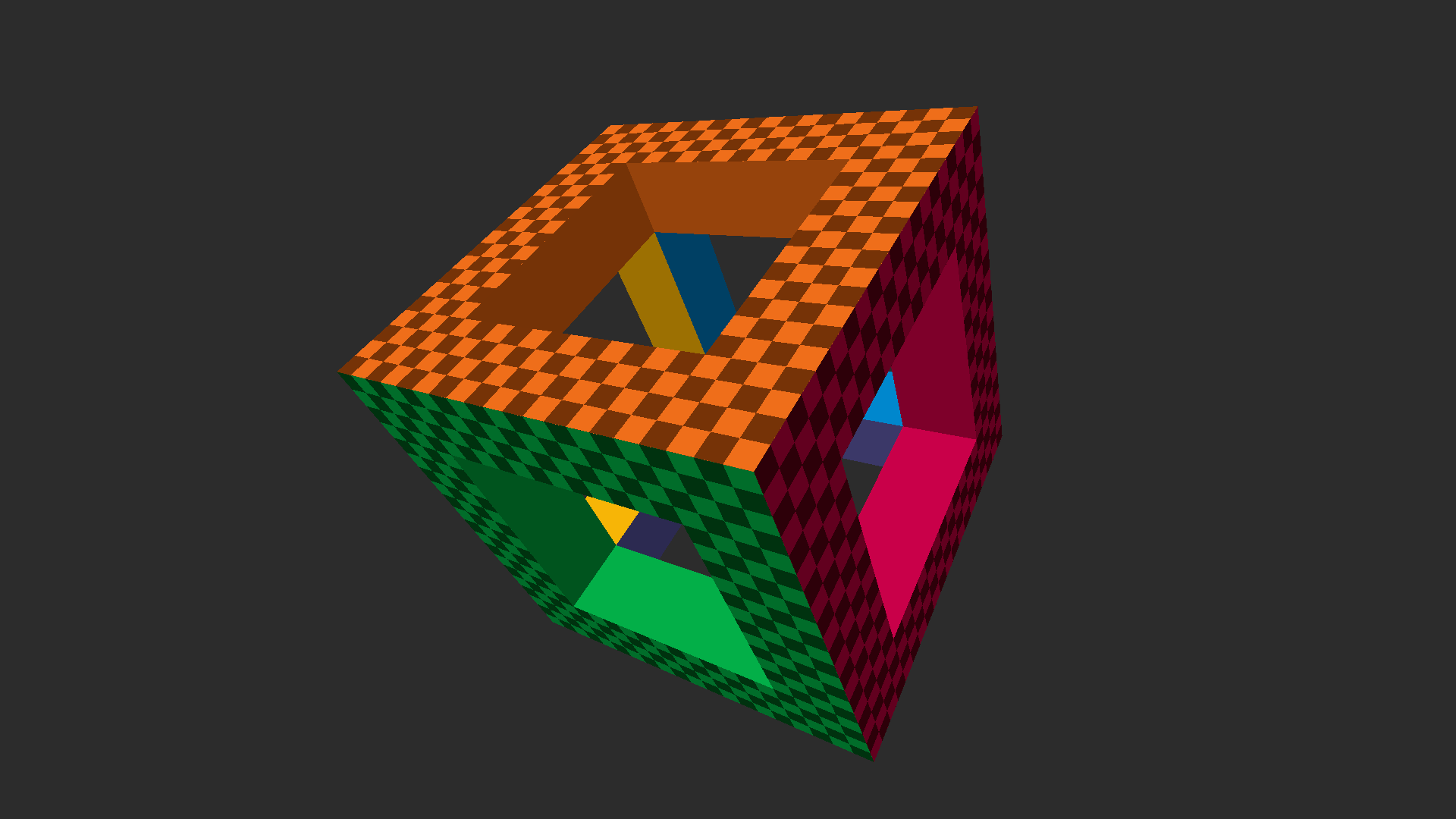
The main difference here is that the hollow cube itself is rendered using instancing (which saves a lot of vertices compared to the original, so geometry data is now small enough to be included in the source without being too much in the way), but also all trigonometry and matrix math is moved to the vertex shader, simplifying the main code (and not needing math.h).
In this case, each instance is mere

Nox, despite being the most feature-filled Android emulator, has a lot of negativity surrounding it due to their antics when it comes to making income off of their program. It is known for running repeated advertisments in the background, calling home and passing along system information (outside of your Android instance) as well as a vast amount of potentially sensitive data in an encrypted payload back to their multitude of servers. With the following preventitive measures, we can stop a majority of this happening as well as greatly improve the overall performance.
Download and Install a fresh copy of Nox. The latest version is fine (for now). If you already have it installed, that is fine too. No need to reinstall.
Enable Root Mode on Nox by clicking the gear icon and then checking the Root Startup box.
Install a new Launcher from the Play Store. ANYTHING but Nox's default. I suggest [Nova Launcher](https://play.google.com/s
Minimal D3D11 reference implementation: An uncluttered Direct3D 11 setup + basic rendering primer and API familiarizer. Complete, runnable Windows application contained in a single function and laid out in a linear, step-by-step fashion that should be easy to follow from the code alone. ~200 LOC. No modern C++ / OOP or (other) obscuring cruft. View on YouTube