Created
July 2, 2017 13:10
-
-
Save mertyildiran/e83fc3091b355280ada63534432adcea to your computer and use it in GitHub Desktop.
Transparent window with GTK
This file contains hidden or bidirectional Unicode text that may be interpreted or compiled differently than what appears below. To review, open the file in an editor that reveals hidden Unicode characters.
Learn more about bidirectional Unicode characters
| #include <gtk/gtk.h> | |
| #include <gdk/gdkscreen.h> | |
| #include <cairo.h> | |
| /* | |
| * This program shows you how to create semi-transparent windows, | |
| * without any of the historical screenshot hacks. It requires | |
| * a modern system, with a compositing manager. I use xcompmgr | |
| * and the nvidia drivers with RenderAccel, and it works well. | |
| * | |
| * I'll take you through each step as we go. Minimal GTK+ knowledge is | |
| * assumed. | |
| * | |
| * gcc alphademo.c -o alphademo $( pkg-config --cflags --libs gtk+-2.0 ) | |
| * | |
| * https://web.archive.org/web/20121027002505/http://plan99.net/~mike/files/alphademo.c | |
| */ | |
| static void screen_changed(GtkWidget *widget, GdkScreen *old_screen, gpointer user_data); | |
| static gboolean expose(GtkWidget *widget, GdkEventExpose *event, gpointer user_data); | |
| static void clicked(GtkWindow *win, GdkEventButton *event, gpointer user_data); | |
| int main(int argc, char **argv) | |
| { | |
| /* boilerplate initialization code */ | |
| gtk_init(&argc, &argv); | |
| GtkWidget *window = gtk_window_new(GTK_WINDOW_TOPLEVEL); | |
| gtk_window_set_title(GTK_WINDOW(window), "Alpha Demo"); | |
| g_signal_connect(G_OBJECT(window), "delete-event", gtk_main_quit, NULL); | |
| /* Tell GTK+ that we want to draw the windows background ourself. | |
| * If we don't do this then GTK+ will clear the window to the | |
| * opaque theme default color, which isn't what we want. | |
| */ | |
| gtk_widget_set_app_paintable(window, TRUE); | |
| /* We need to handle two events ourself: "expose-event" and "screen-changed". | |
| * | |
| * The X server sends us an expose event when the window becomes | |
| * visible on screen. It means we need to draw the contents. On a | |
| * composited desktop expose is normally only sent when the window | |
| * is put on the screen. On a non-composited desktop it can be | |
| * sent whenever the window is uncovered by another. | |
| * | |
| * The screen-changed event means the display to which we are | |
| * drawing changed. GTK+ supports migration of running | |
| * applications between X servers, which might not support the | |
| * same features, so we need to check each time. | |
| */ | |
| g_signal_connect(G_OBJECT(window), "expose-event", G_CALLBACK(expose), NULL); | |
| g_signal_connect(G_OBJECT(window), "screen-changed", G_CALLBACK(screen_changed), NULL); | |
| /* toggle title bar on click - we add the mask to tell X we are interested in this event */ | |
| gtk_window_set_decorated(GTK_WINDOW(window), FALSE); | |
| gtk_widget_add_events(window, GDK_BUTTON_PRESS_MASK); | |
| g_signal_connect(G_OBJECT(window), "button-press-event", G_CALLBACK(clicked), NULL); | |
| /* initialize for the current display */ | |
| screen_changed(window, NULL, NULL); | |
| /* Run the program */ | |
| gtk_widget_show_all(window); | |
| gtk_main(); | |
| return 0; | |
| } | |
| /* Only some X servers support alpha channels. Always have a fallback */ | |
| gboolean supports_alpha = FALSE; | |
| static void screen_changed(GtkWidget *widget, GdkScreen *old_screen, gpointer userdata) | |
| { | |
| /* To check if the display supports alpha channels, get the colormap */ | |
| GdkScreen *screen = gtk_widget_get_screen(widget); | |
| GdkColormap *colormap = gdk_screen_get_rgba_colormap(screen); | |
| if (!colormap) | |
| { | |
| printf("Your screen does not support alpha channels!\n"); | |
| colormap = gdk_screen_get_rgb_colormap(screen); | |
| supports_alpha = FALSE; | |
| } | |
| else | |
| { | |
| printf("Your screen supports alpha channels!\n"); | |
| supports_alpha = TRUE; | |
| } | |
| /* Now we have a colormap appropriate for the screen, use it */ | |
| gtk_widget_set_colormap(widget, colormap); | |
| } | |
| /* This is called when we need to draw the windows contents */ | |
| static gboolean expose(GtkWidget *widget, GdkEventExpose *event, gpointer userdata) | |
| { | |
| cairo_t *cr = gdk_cairo_create(widget->window); | |
| if (supports_alpha) | |
| cairo_set_source_rgba (cr, 1.0, 1.0, 1.0, 0.0); /* transparent */ | |
| else | |
| cairo_set_source_rgb (cr, 1.0, 1.0, 1.0); /* opaque white */ | |
| /* draw the background */ | |
| cairo_set_operator (cr, CAIRO_OPERATOR_SOURCE); | |
| cairo_paint (cr); | |
| /* draw a circle */ | |
| int width, height; | |
| gtk_window_get_size(GTK_WINDOW(widget), &width, &height); | |
| cairo_set_source_rgba(cr, 1, 0.2, 0.2, 0.6); | |
| cairo_arc(cr, width / 2, height / 2, (width < height ? width : height) / 2 - 8 , 0, 2 * 3.14); | |
| cairo_fill(cr); | |
| cairo_stroke(cr); | |
| cairo_destroy(cr); | |
| return FALSE; | |
| } | |
| static void clicked(GtkWindow *win, GdkEventButton *event, gpointer user_data) | |
| { | |
| /* toggle window manager frames */ | |
| gtk_window_set_decorated(win, !gtk_window_get_decorated(win)); | |
| } |


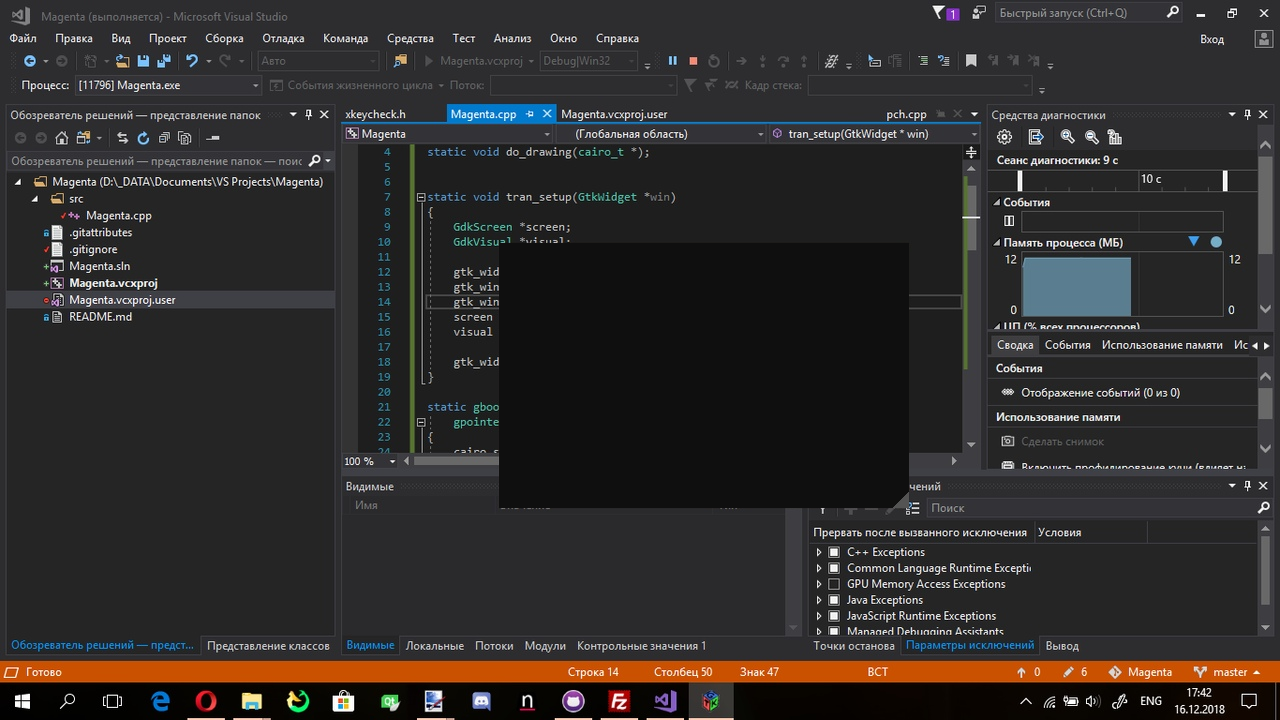
@FlightBlaze Oh .... can't work under Windows 10?? I think that Windows 10 need backend of GDI wrapper
Because Gtk3 hasn't feature with Windows's GDI. But I don't believe that QtWidget or wxWidgets has built GDI Wrapper.

Works only for GTK 3, does not work on GTK 4.
Sign up for free
to join this conversation on GitHub.
Already have an account?
Sign in to comment
It doesn't work on windows