You signed in with another tab or window. Reload to refresh your session.You signed out in another tab or window. Reload to refresh your session.You switched accounts on another tab or window. Reload to refresh your session.Dismiss alert
A (relatively) simple guide to create a Bootable MacOS installer USB on Windows
Create a Bootable MacOS installer USB on Windows
Note! Before proceeding, please make sure that you have a USB flash drive at least 8GB in size.
All data will be destroyed on this drive, so please back up your files.
Bookmarklet that lets you render a full HTML page with any included css and javascript that is currently copied to your clipboard. Also works for SVG code. Useful with ChatGPT Canvas
This file contains hidden or bidirectional Unicode text that may be interpreted or compiled differently than what appears below. To review, open the file in an editor that reveals hidden Unicode characters.
Learn more about bidirectional Unicode characters
javascript:(function(){try{navigator.clipboard.readText().then(function(t){if(t){var e=window.open("","_blank","width=800,height=600");e.document.open(),e.document.write(t),e.document.close()}else alert("Clipboard is empty. Please copy some text to the clipboard first.")}).catch(function(t){console.error("Failed to read clipboard contents: ",t),alert("An error occurred while trying to access the clipboard. Please ensure your browser allows clipboard access.")})}catch(t){console.error("An error occurred:",t),alert("An error occurred while trying to open the new window with the clipboard content.")}})();//bookmarklet_title: HTML Preview from Clipboard
This file contains hidden or bidirectional Unicode text that may be interpreted or compiled differently than what appears below. To review, open the file in an editor that reveals hidden Unicode characters.
Learn more about bidirectional Unicode characters
This file contains hidden or bidirectional Unicode text that may be interpreted or compiled differently than what appears below. To review, open the file in an editor that reveals hidden Unicode characters.
Learn more about bidirectional Unicode characters
This file contains hidden or bidirectional Unicode text that may be interpreted or compiled differently than what appears below. To review, open the file in an editor that reveals hidden Unicode characters.
Learn more about bidirectional Unicode characters
Color Console - a simple class to add color to .NET Console commands more easily.
This file contains hidden or bidirectional Unicode text that may be interpreted or compiled differently than what appears below. To review, open the file in an editor that reveals hidden Unicode characters.
Learn more about bidirectional Unicode characters
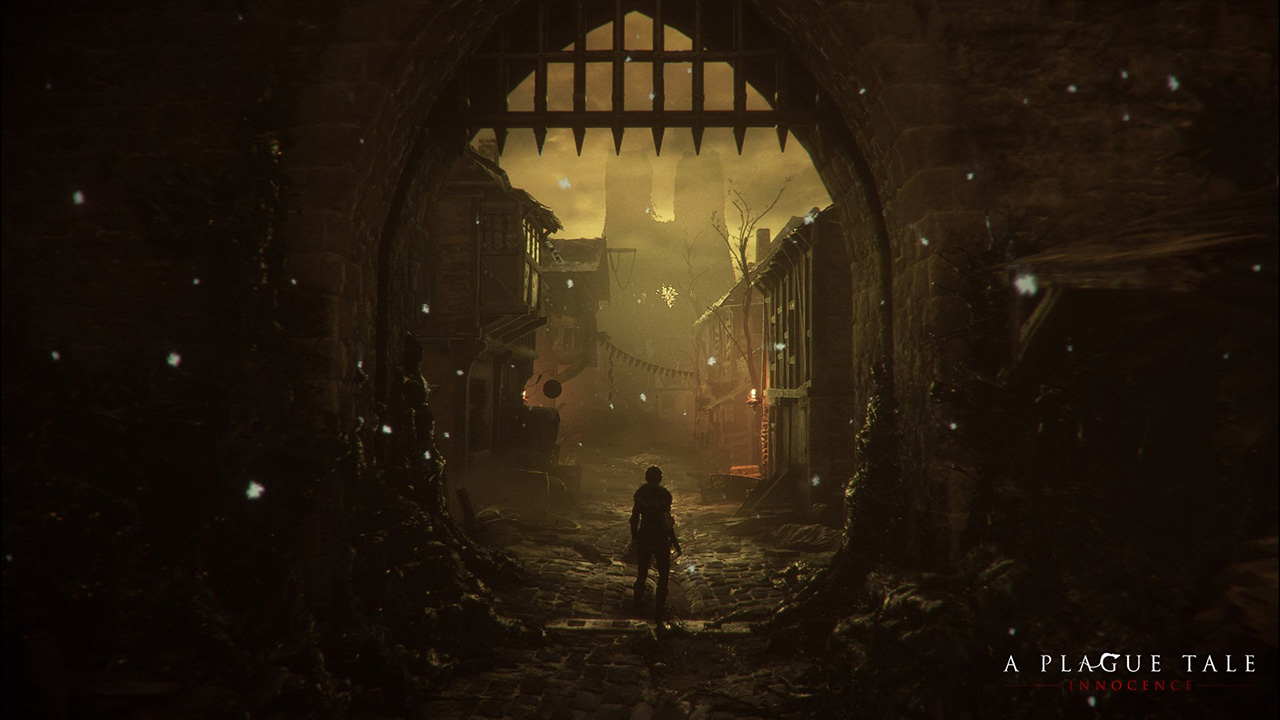
A couple of weeks ago I played (and finished) A Plague Tale, a game by Asobo Studio. I was really captivated by the game, not only by the beautiful graphics but also by the story and the locations in the game. I decided to investigate a bit about the game tech and I was surprised to see it was developed with a custom engine by a relatively small studio. I know there are some companies using custom engines but it's very difficult to find a detailed market study with that kind of information curated and updated. So this article.
Nowadays lots of companies choose engines like [Unreal](https: