| ↓ on → | CPU | OpenGL | OpenGLES | D3D9 | D3D11 | D3D12 | Vulkan | Metal |
|---|---|---|---|---|---|---|---|---|
| OpenGL | [llvmpipe][] | - | [gl4es][] | [TitaniumGL][] | [d3d12][] | [zink][] | ||
| OpenGLES | [llvmpipe][] [SwiftShader][slegacy] | [ANGLE][] | - | [ANGLE][] | [ANGLE][] | [d3d12][] [ANGLE][] | [zink][] [ANGLE][] | [ANGLE][] [MoltenGL][] |
| D3D9 | [SwiftShader][slegacy] | [wined3d][] | - | [D3D9on12][] | [DXVK][] | |||
| D3D11 | [WARP][] | [wined3d][] |

Alloth stkstoyanov


7h3w4lk3r
/ debug_print.c
Last active
January 23, 2025 14:51
Custom printf helper function using Win32 API instead of CRT function (printf)
This file contains hidden or bidirectional Unicode text that may be interpreted or compiled differently than what appears below. To review, open the file in an editor that reveals hidden Unicode characters.
Learn more about bidirectional Unicode characters
| #include <windows.h> // Include Windows API | |
| // Debug print toggle, comment this to disable debug print statements | |
| #define DEBUG_PRINT | |
| // Function to write a string to the console | |
| void write_to_console(const char* str, int length) { | |
| HANDLE hConsole = GetStdHandle(STD_OUTPUT_HANDLE); | |
| DWORD written; | |
| WriteConsoleA(hConsole, str, length, &written, NULL); |
mmozeiko
/ !README.md
Last active
June 24, 2026 17:31
Download MSVC compiler/linker & Windows SDK without installing full Visual Studio
This downloads standalone MSVC compiler, linker & other tools, also headers/libraries from Windows SDK into portable folder, without installing Visual Studio. Has bare minimum components - no UWP/Store/WindowsRT stuff, just files & tools for native desktop app development.
Run py.exe portable-msvc.py and it will download output into msvc folder. By default it will download latest available MSVC & Windows SDK from newest Visual Studio.
You can list available versions with py.exe portable-msvc.py --show-versions and then pass versions you want with --msvc-version and --sdk-version arguments.
To use cl.exe/link.exe first run setup_TARGET.bat - after that PATH/INCLUDE/LIB env variables will be updated to use all the tools as usual. You can also use clang-cl.exe with these includes & libraries.
To use clang-cl.exe without running setup.bat, pass extra /winsysroot msvc argument (msvc is folder name where output is stored).
mmozeiko
/ tls_client.c
Last active
June 16, 2026 18:36
simple example of TLS socket client using win32 schannel api
This file contains hidden or bidirectional Unicode text that may be interpreted or compiled differently than what appears below. To review, open the file in an editor that reveals hidden Unicode characters.
Learn more about bidirectional Unicode characters
| #define WIN32_LEAN_AND_MEAN | |
| #include <winsock2.h> | |
| #include <windows.h> | |
| #define SECURITY_WIN32 | |
| #include <security.h> | |
| #include <schannel.h> | |
| #include <shlwapi.h> | |
| #include <assert.h> | |
| #include <stdio.h> |
mmozeiko
/ win32_opengl.c
Last active
May 18, 2026 13:39
setting up and using modern OpenGL 4.5 core context on Windows
This file contains hidden or bidirectional Unicode text that may be interpreted or compiled differently than what appears below. To review, open the file in an editor that reveals hidden Unicode characters.
Learn more about bidirectional Unicode characters
| // example how to set up OpenGL core context on Windows | |
| // and use basic functionality of OpenGL 4.5 version | |
| // important extension functionality used here: | |
| // (4.3) KHR_debug: https://www.khronos.org/registry/OpenGL/extensions/KHR/KHR_debug.txt | |
| // (4.5) ARB_direct_state_access: https://www.khronos.org/registry/OpenGL/extensions/ARB/ARB_direct_state_access.txt | |
| // (4.1) ARB_separate_shader_objects: https://www.khronos.org/registry/OpenGL/extensions/ARB/ARB_separate_shader_objects.txt | |
| // (4.2) ARB_shading_language_420pack: https://www.khronos.org/registry/OpenGL/extensions/ARB/ARB_shading_language_420pack.txt | |
| // (4.3) ARB_explicit_uniform_location: https://www.khronos.org/registry/OpenGL/extensions/ARB/ARB_explicit_uniform_location.txt |
mmozeiko
/ d3d11_pixels.c
Last active
June 6, 2026 04:13
drawing pixels in software & showing them to window by uploading via D3D11
This file contains hidden or bidirectional Unicode text that may be interpreted or compiled differently than what appears below. To review, open the file in an editor that reveals hidden Unicode characters.
Learn more about bidirectional Unicode characters
| #define COBJMACROS | |
| #define NOMINMAX | |
| #define WIN32_LEAN_AND_MEAN | |
| #include <windows.h> | |
| #include <d3d11.h> | |
| #include <stdint.h> | |
| #include <string.h> | |
| #include <intrin.h> |

This file contains hidden or bidirectional Unicode text that may be interpreted or compiled differently than what appears below. To review, open the file in an editor that reveals hidden Unicode characters.
Learn more about bidirectional Unicode characters
| // NOTE Compile without fast math flags. | |
| /* | |
| This is free and unencumbered software released into the public domain. | |
| Anyone is free to copy, modify, publish, use, compile, sell, or | |
| distribute this software, either in source code form or as a compiled | |
| binary, for any purpose, commercial or non-commercial, and by any | |
| means. |
This file contains hidden or bidirectional Unicode text that may be interpreted or compiled differently than what appears below. To review, open the file in an editor that reveals hidden Unicode characters.
Learn more about bidirectional Unicode characters
| // generic A* pathfinding | |
| // | |
| // INTERFACE | |
| // | |
| // mandatory macros | |
| #ifndef ASTAR_POS_TYPE | |
| #error ASTAR_POS_TYPE should specify position type |

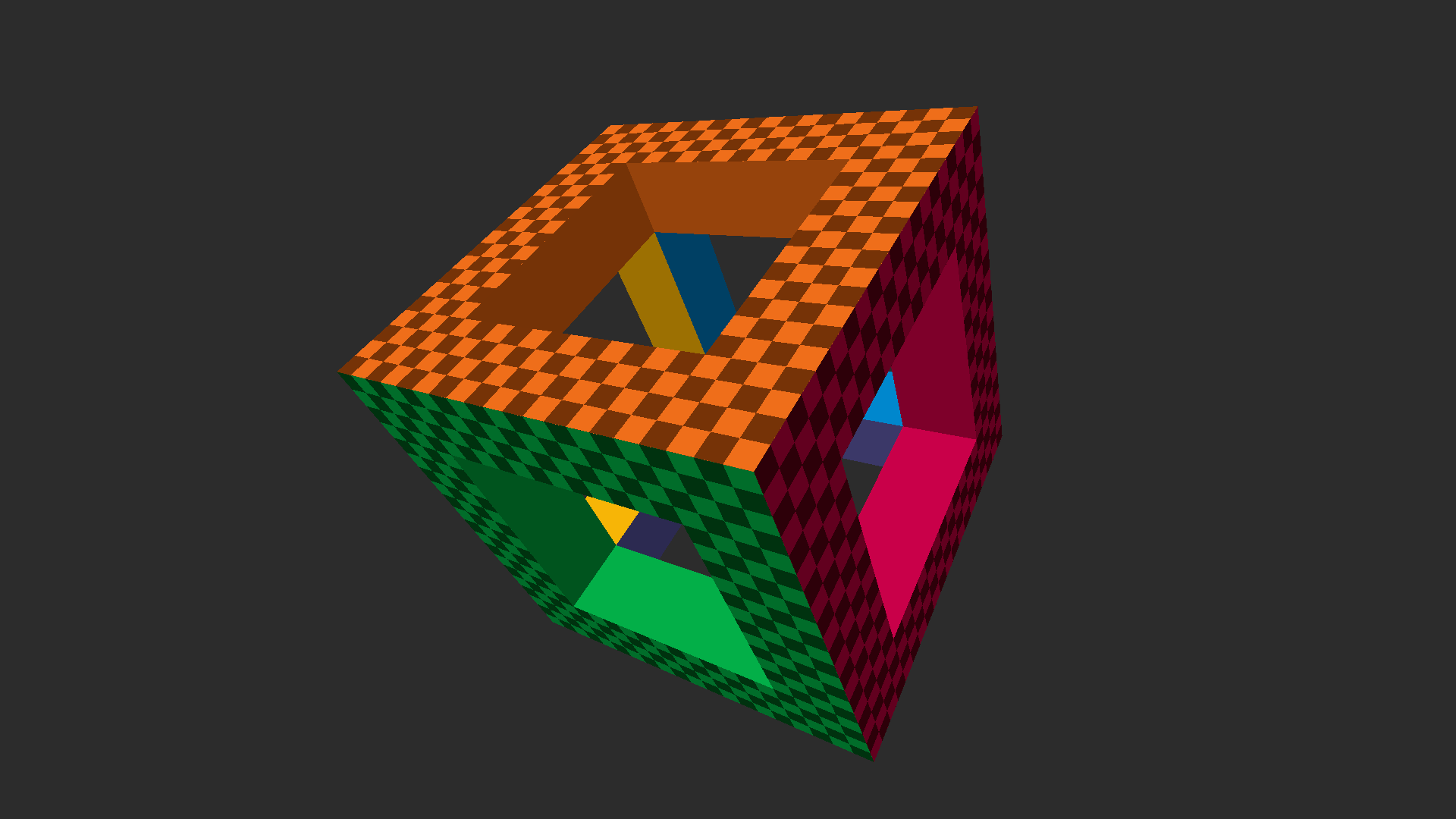
Minimal D3D11 reference implementation: An uncluttered Direct3D 11 setup + basic rendering primer and API familiarizer. Complete, runnable Windows application contained in a single function and laid out in a linear, step-by-step fashion that should be easy to follow from the code alone. ~200 LOC. No modern C++ / OOP or (other) obscuring cruft. View on YouTube

shafik
/ WhatIsStrictAliasingAndWhyDoWeCare.md
Last active
June 14, 2026 22:44
What is Strict Aliasing and Why do we Care?
What is strict aliasing? First we will describe what is aliasing and then we can learn what being strict about it means.
In C and C++ aliasing has to do with what expression types we are allowed to access stored values through. In both C and C++ the standard specifies which expression types are allowed to alias which types. The compiler and optimizer are allowed to assume we follow the aliasing rules strictly, hence the term strict aliasing rule. If we attempt to access a value using a type not allowed it is classified as undefined behavior(UB). Once we have undefined behavior all bets are off, the results of our program are no longer reliable.
Unfortunately with strict aliasing violations, we will often obtain the results we expect, leaving the possibility the a future version of a compiler with a new optimization will break code we th
NewerOlder